
The POS app for hospitality.
The Servire POS app brings ordering, billing and integrated card payments to iPhone, iPad and Android devices. Free is for setup and testing. Solo costs €39 and Pro €59 per location per month plus VAT; cloud TSE and exports are included from Solo, cash register registration from Pro. Max at €99 adds reservations, inventory and time tracking, among other features. Ordering, cash payments and receipt printing straight from the POS app on your local network keep working without internet. Card payments and device sync need a connection; TSE signatures are completed afterwards.
Start without payment details. Cancel monthly.
Take orders the way that suits you
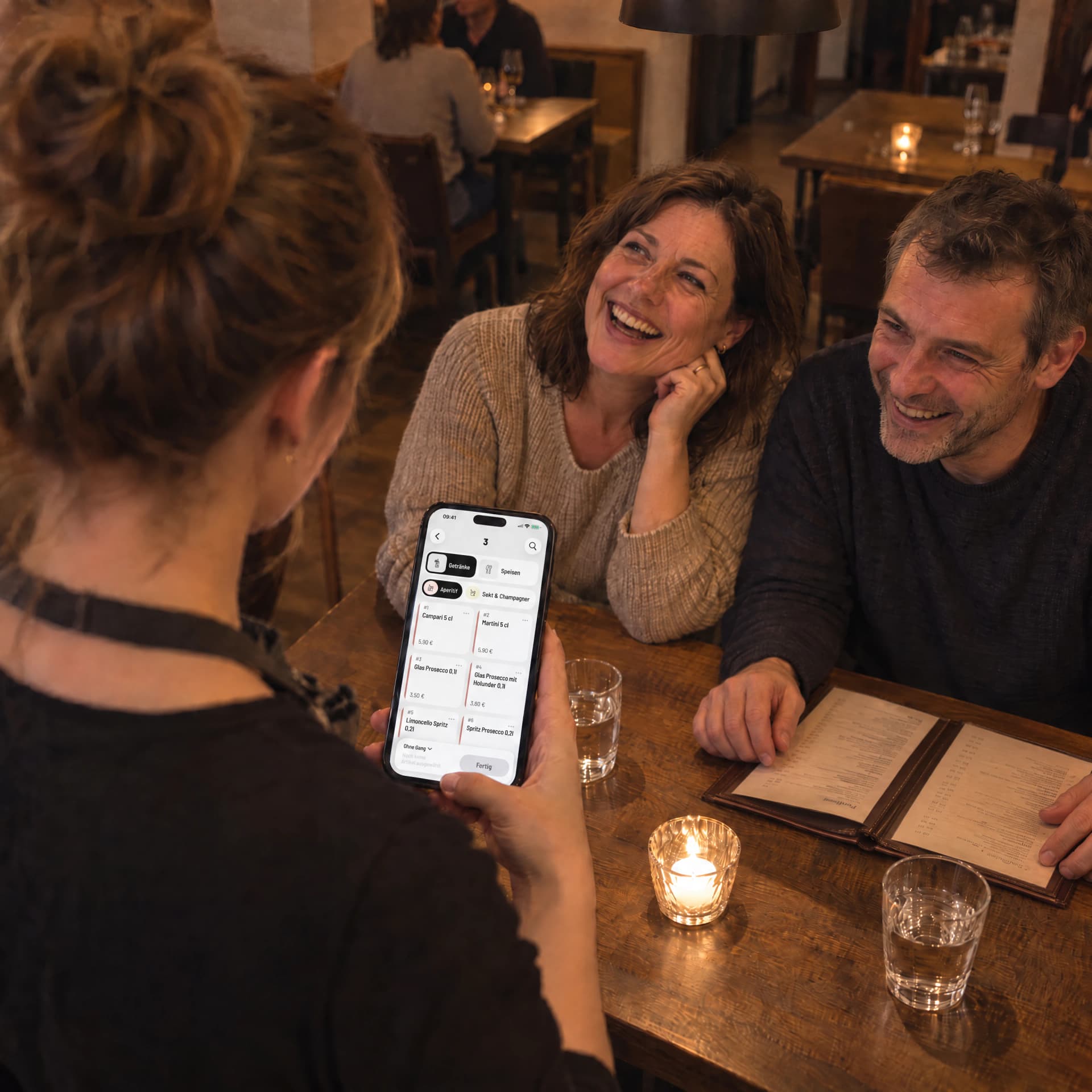
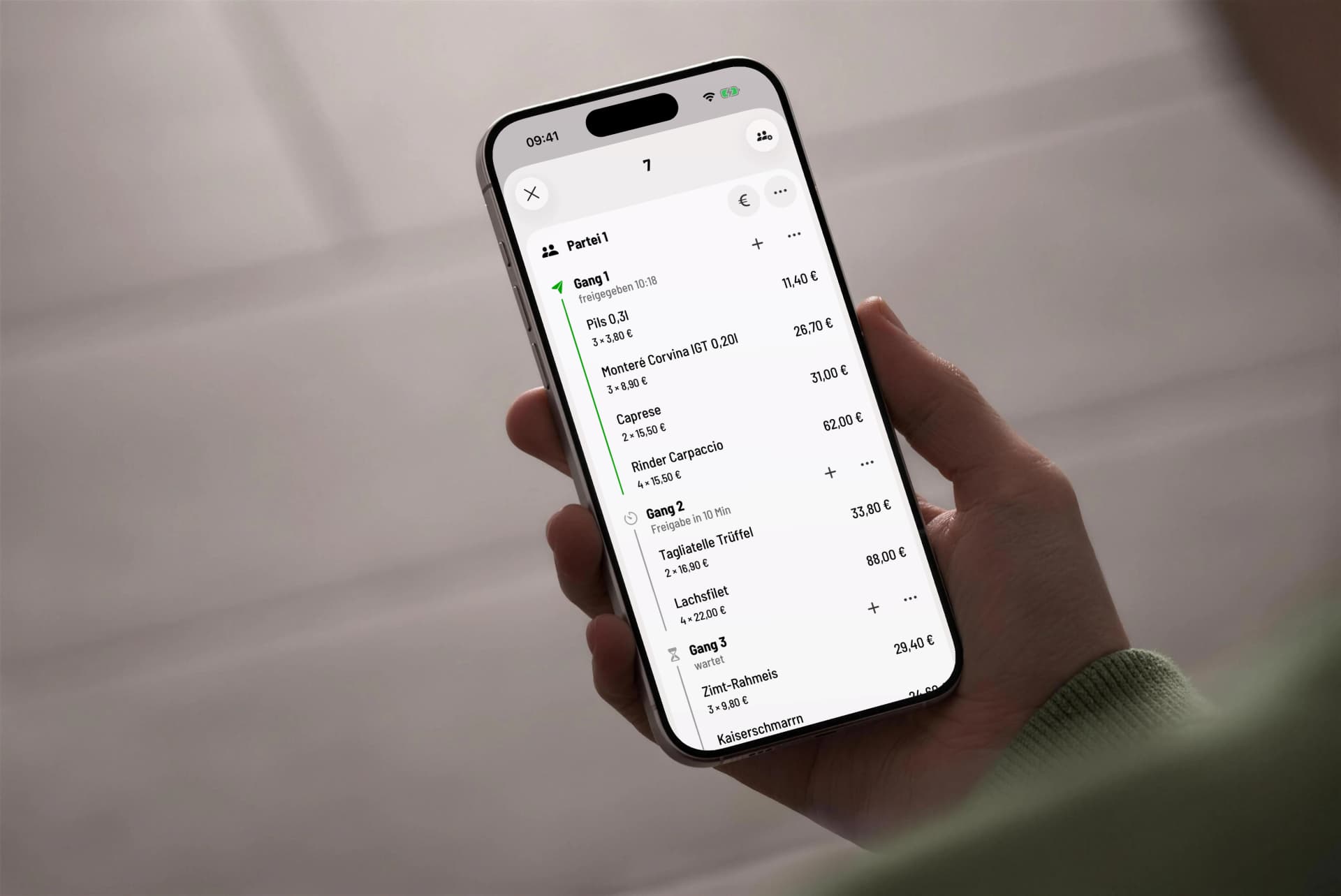
At the table or at the counter: your team takes orders quickly and accurately with the Servire POS app. Course management, floor plans and mobile ordering ensure smooth service.
Mobile Ordering
Take orders with iPhone, iPad or an Android device directly at the table.
Course Management
Control the sequence of courses manually or using timers for perfect kitchen timing.
Order Notes
Add individual notes and special requests to items.
Variants & Extras
Define sizes, extras and individual modifications for items.
Favorites
Quick access to frequently ordered items.
Transfer Orders
Move items between tables or orders.
Flexible billing, easy payments
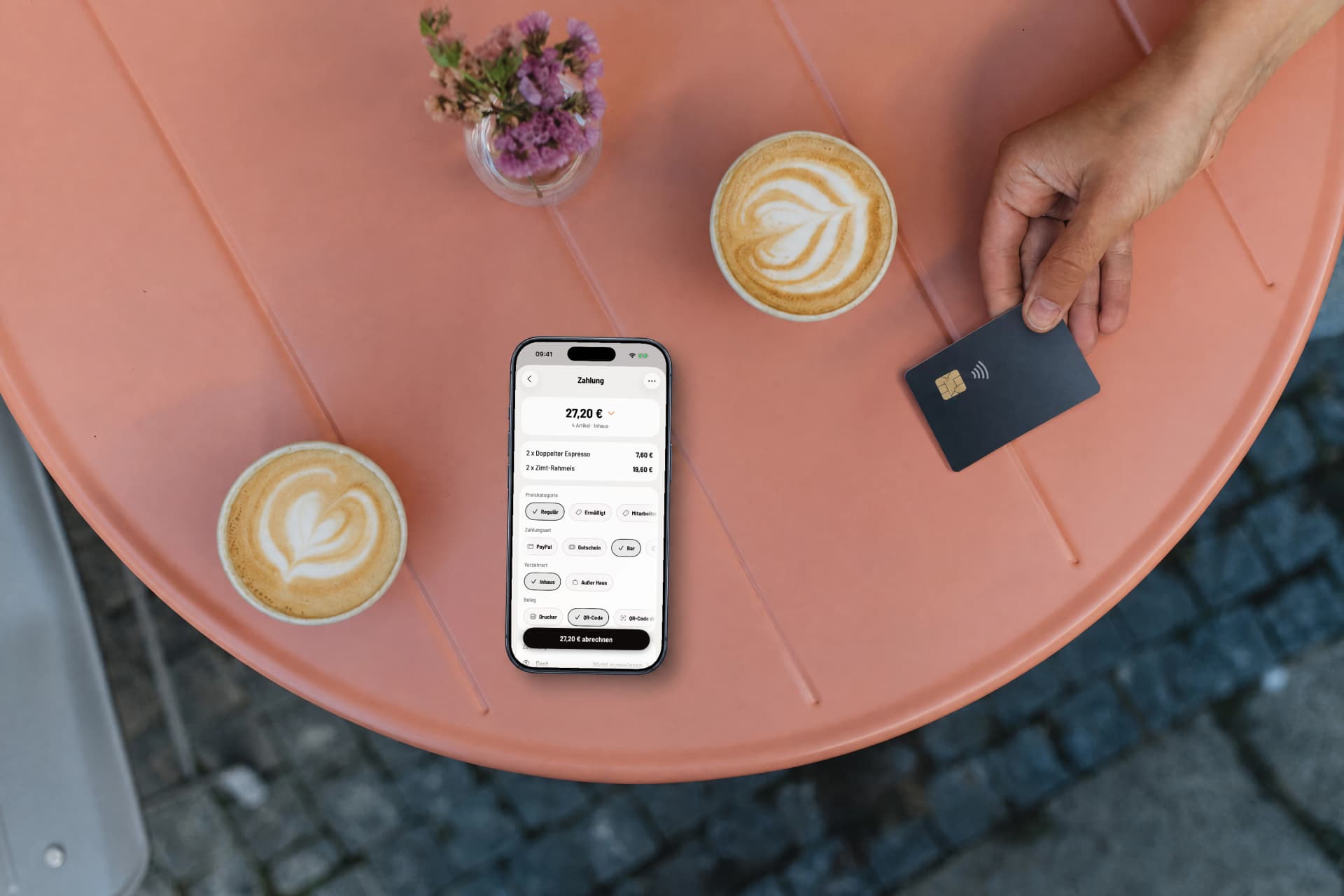
From card payments to vouchers: Servire supports all common payment methods and makes billing as simple as possible.
Flexible Billing
Split bills, merge or split guest groups, apply discounts and accept various payment methods.
Card Payments
Debit and credit cards, Apple Pay and Google Pay via SumUp or Stripe. Tap to Pay turns your iPhone into a terminal, and with Stripe your Android phone as well.
Tip Management
Add and split tips during payment. Tax treatment is configurable.
Vouchers & Discounts
Sell and redeem vouchers, apply percentage or fixed discounts to items or the entire bill.
Your menu, your rules
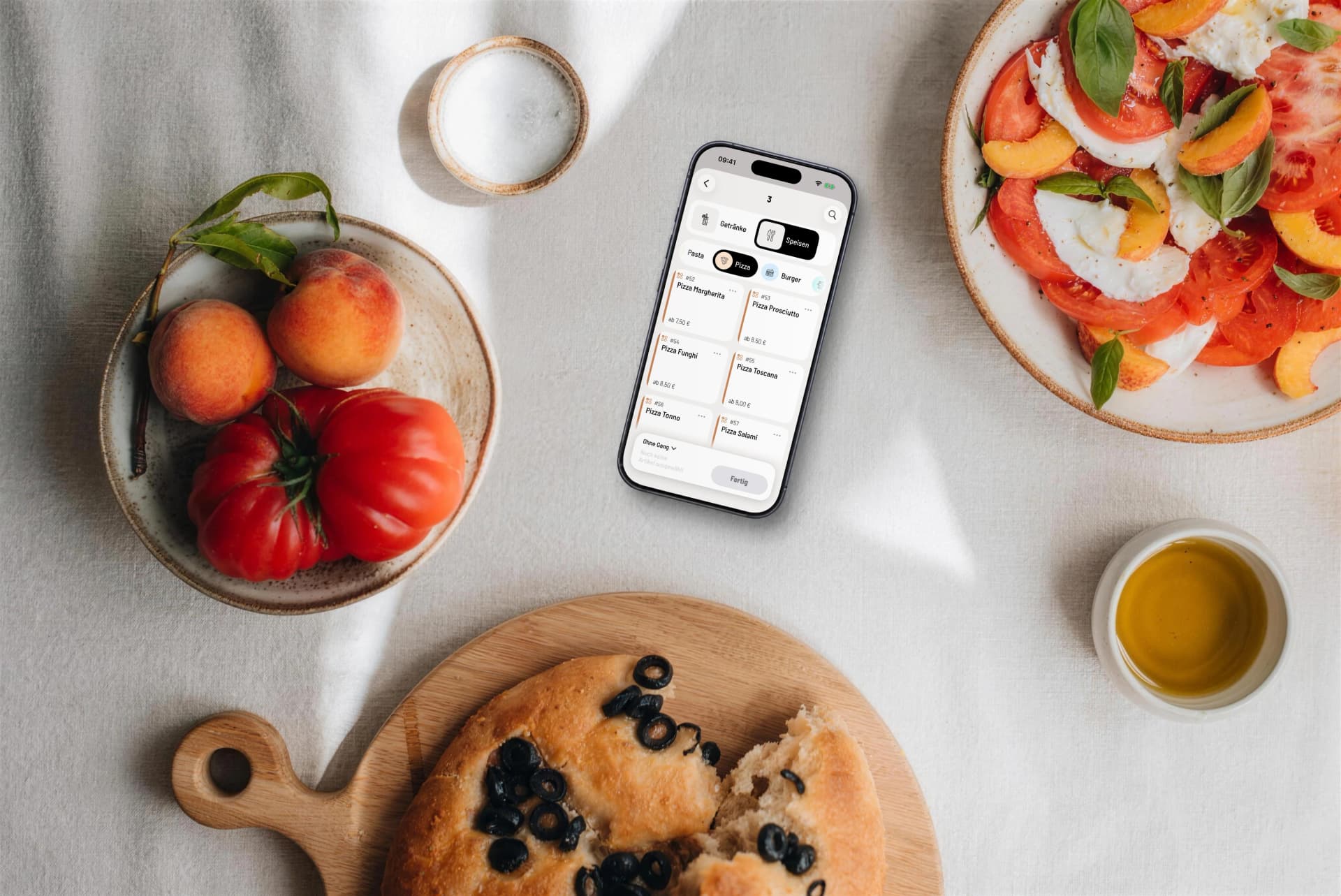
Items, variants, prices, allergens and availability: your team always sees the current menu in the app, complete with images, icons and favorites.
Item Search
Find items instantly by name or PLU code.
Allergens & Additives
Allergens and additives are displayed per item, for safe advice at the table.
Item Images
Photos right in the menu: your team recognizes every dish at a glance.
Sold Out Status
Mark items as sold out in real time: your team instantly sees what's available.
Price Categories
Lower price levels per item, for example for happy hour or lunch specials, selectable at checkout.
Scheduled menus
Show menus automatically only at certain times, for example a happy hour or breakfast menu that appears and disappears on its own.
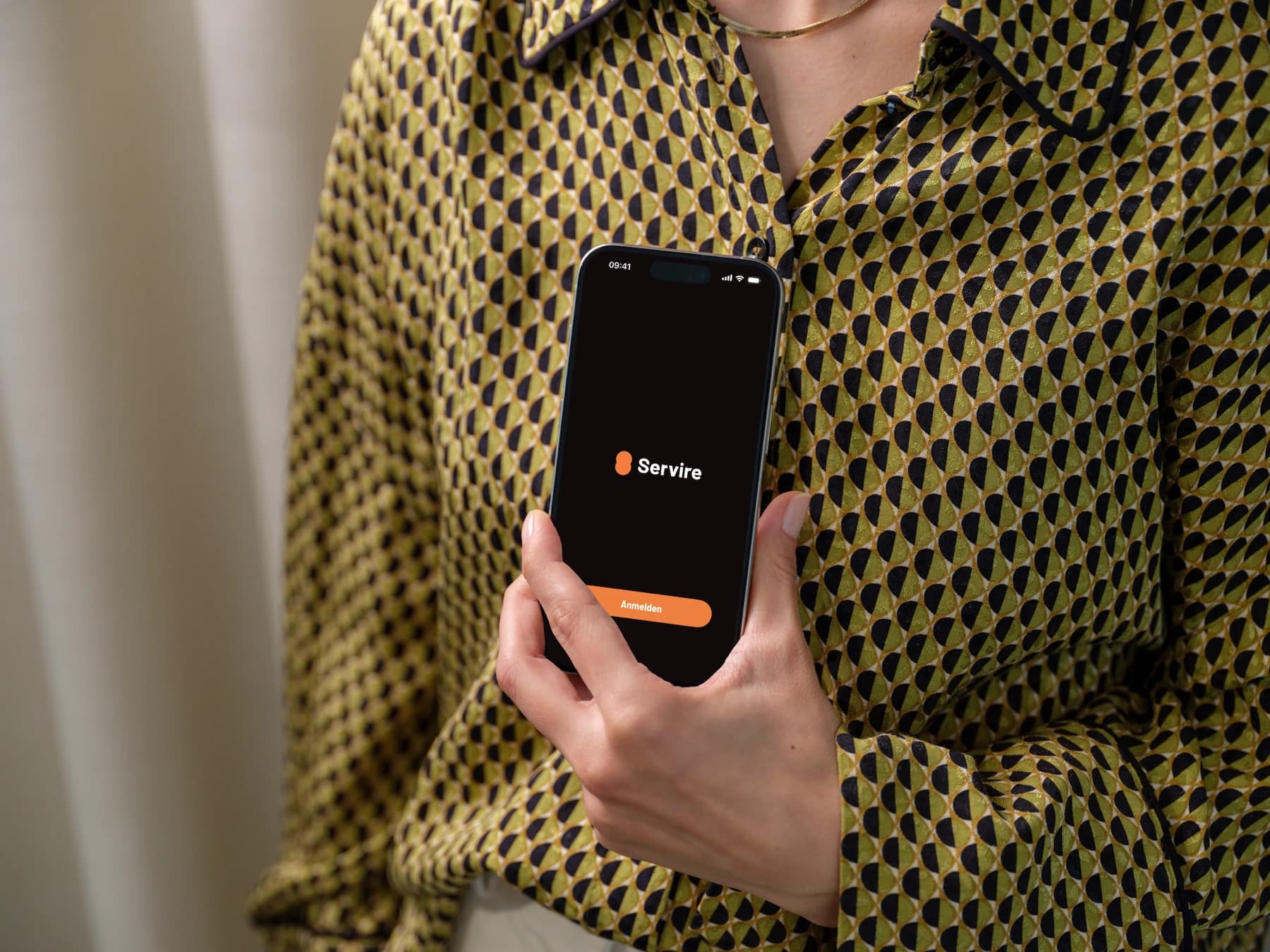
Manage your team
Manage access, permissions and shifts centrally. Every staff member has their own login, and you keep track of everything.
Staff Management
Manage your team with individual accounts and permissions per employee.
Shift Management
Open and close shifts, including cash count and Z-report.
User Permissions
You grant permissions individually per employee and location.
Server Wallets
Individual server wallets with opening balance, expected/actual comparison and settlement.
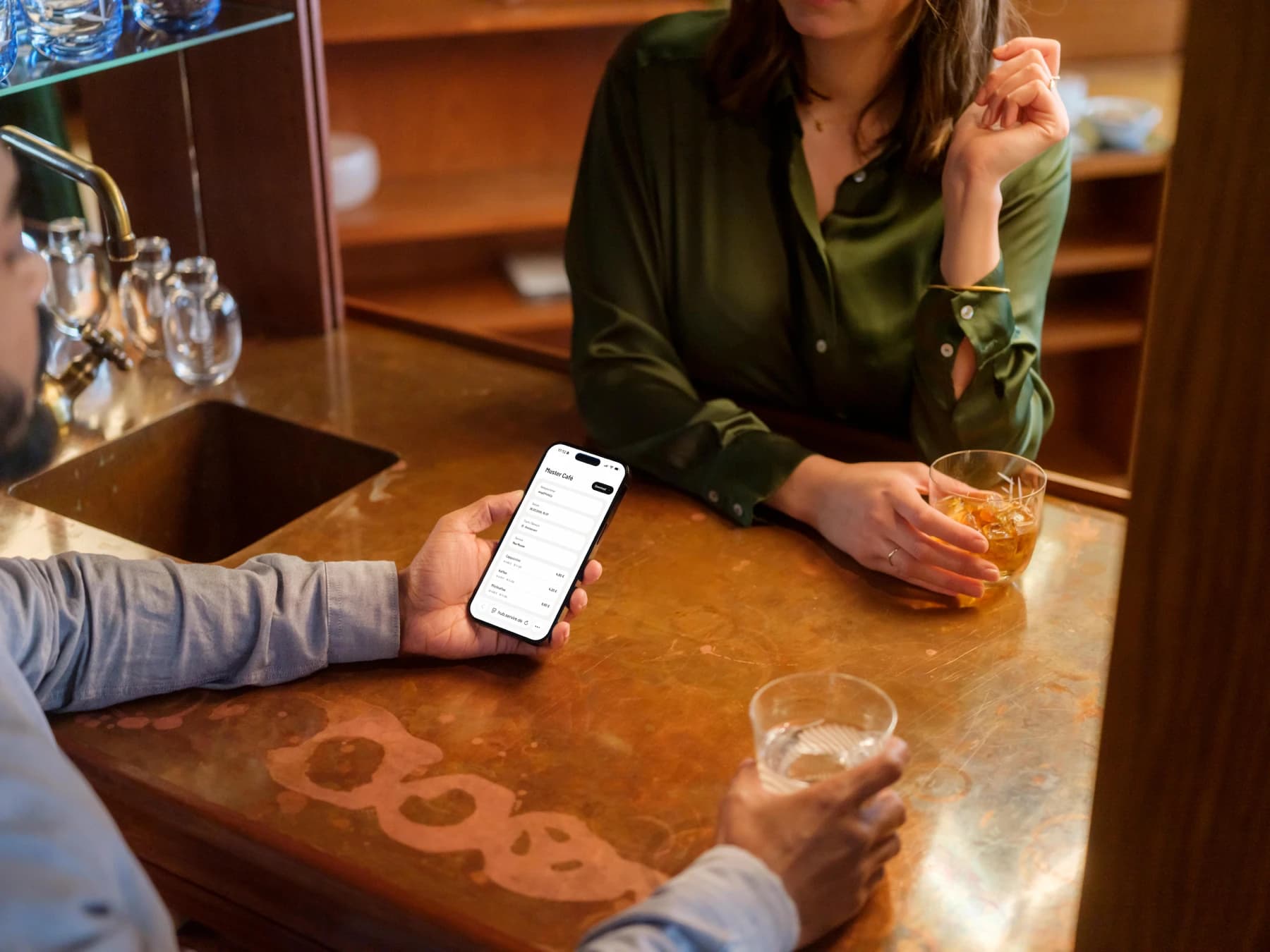
Reliable, fast, everywhere
Offline-capable, cloud-synchronized and, on Servire Pro and above, usable on any number of devices. Ordering and taking cash keep working without internet, the cloud catches up.
Offline Mode
If the internet drops, you keep selling: ordering, cash payments and printing straight from the POS app on your own network run on the device. Card payments and the kitchen display wait for the line, then the TSE signs the receipts retroactively.
Cloud Sync
All devices synchronize in fractions of a second, no manual reload needed.
Receipt Printing
Print receipts, invoices and kitchen orders on multiple printers. Configurable by item group.
Multi-Device
Use several register devices at once from Servire Pro. All devices sync in real time.
Kitchen Display
Paperless kitchen display for routing orders directly to kitchen and bar.
Ready for the tax office
From Servire Solo: certified cloud TSE, automatic signing and all mandatory exports. Servire provides the technology for it so you can focus on your business.
TSE/KassenSichV
Certified cloud TSE per KassenSichV, from Servire Solo. Every transaction is signed automatically.
Cash Register Registration
From Servire Pro, register your POS with the tax office in just a few steps, directly via Web desk.
DSFinV-K Export
The mandatory export standard for cash register inspections and audits.
Cash Count & Z-Report
Legally compliant cash reconciliation at the push of a button, including X and Z reports.
I'd been putting off the TSE for a long time. A friend told me it would be a huge hassle. It wasn't: Servire just handled it.
Luca Ferretti
Owner · Pizzeria Il Cortile · Frankfurt
Common questions about the POS App
Requirements
- iOS/iPadOS 17.6 or later
- iPhone XS, SE (2nd gen.) or later
- iPad 6th gen., iPad Air 3rd gen., iPad mini 5th gen. or later
- Android 9 or later with Google Play services, installed from Google Play
- Internet connection (offline-capable during brief outages)
- Optional receipt printer (Epson TM series recommended)
Try the POS app for free
Start for free, place orders right away. No setup hassle, no contract.