
Guest ordering for hospitality: guests order and pay themselves.
With Servire guest ordering (self-ordering) your guests place their own orders: at the table by QR code, for pickup through your order page, or at the order terminal (kiosk) on site. Payment runs online through your own Stripe or SumUp account, or at the terminal's card reader. Every order lands on the kitchen display and flows into the same Z report as everything else. With an active TSE it is signed under Section 146a AO; without an active TSE it is recorded unsigned, just like at the till. Guest ordering is part of the Servire Max plan at 99 € per month. When you register, your first location can try it free for 14 days, without a TSE during the trial.
Part of the Max plan at 99 € per month. When you register, your first location starts with 14 days of Max, without payment details.
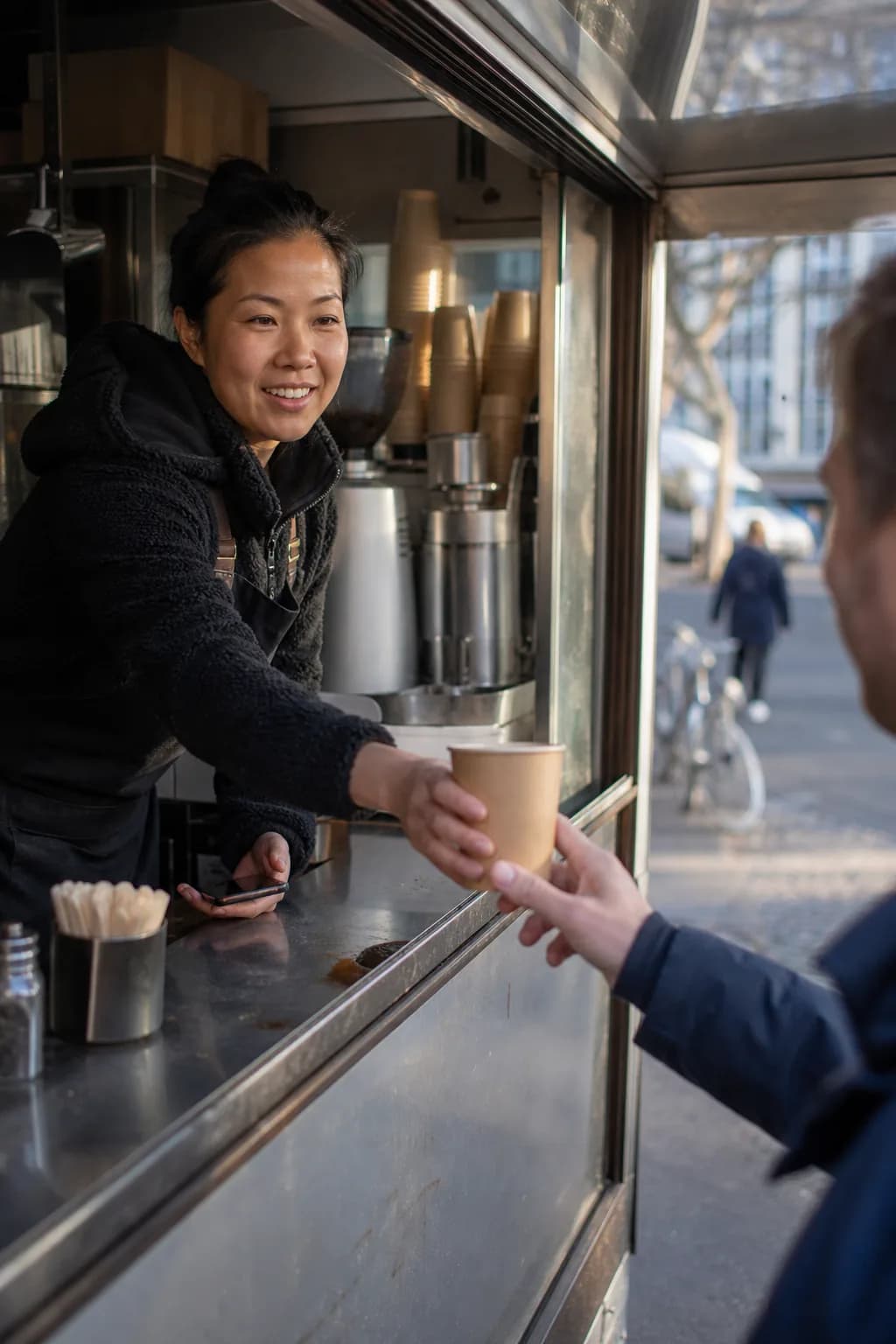
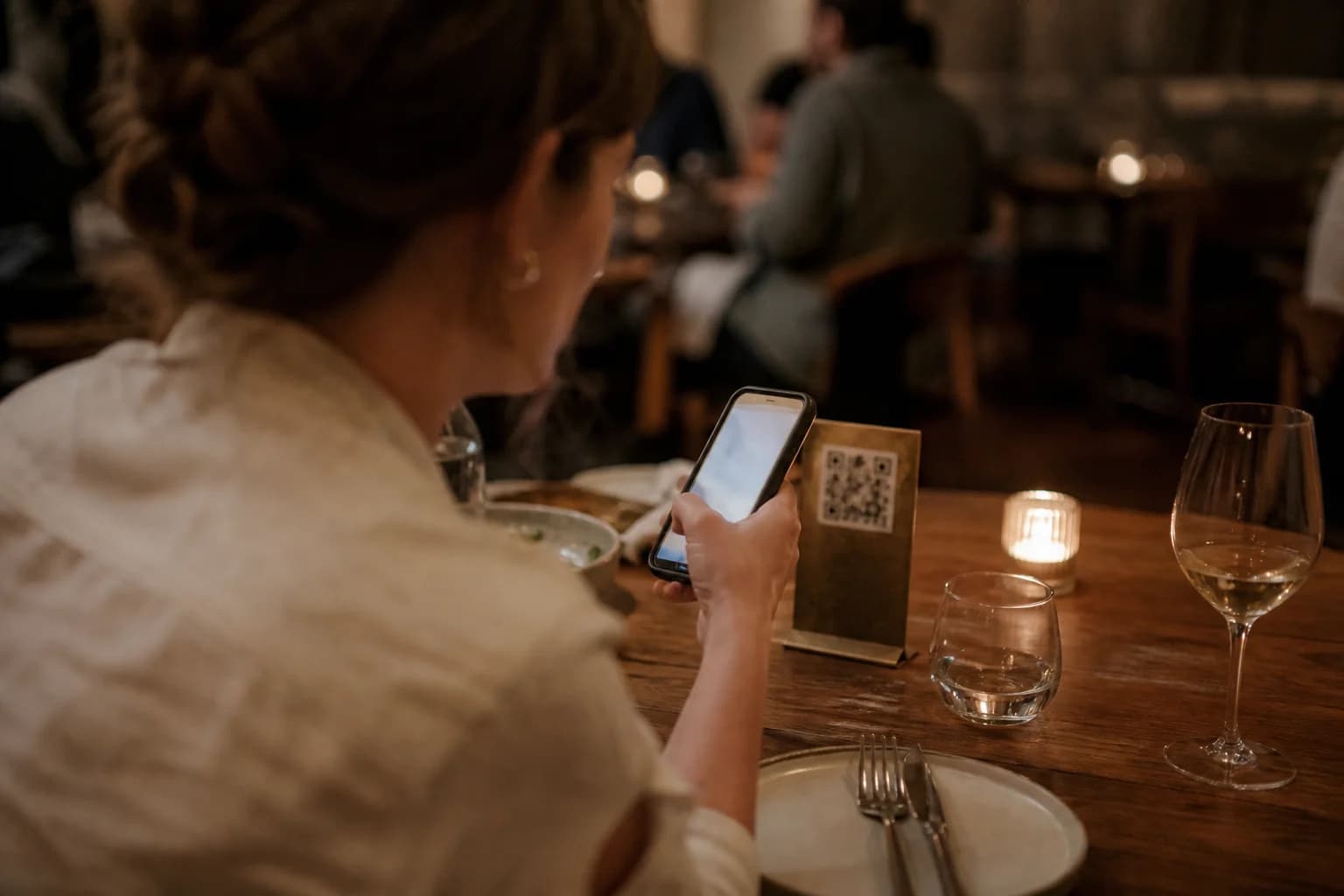
Guests order right at the table
The guest scans the code on the table, sees your current menu and places a binding order. It is assigned to the right table and reaches the kitchen at once.
One code per table
Every table gets its own code, so the order lands on the right table automatically
Your current menu
Photos, variants, extras, allergens and deposits come live from the till, and sold-out items disappear on their own
Paid up front
At the table it is always paid in advance, online through your own Stripe or SumUp account
Tips if you want them
You set the steps, the guest picks one while paying. Tips stay cleanly separate from revenue
Live status
After ordering the guest sees in five steps where their food currently stands
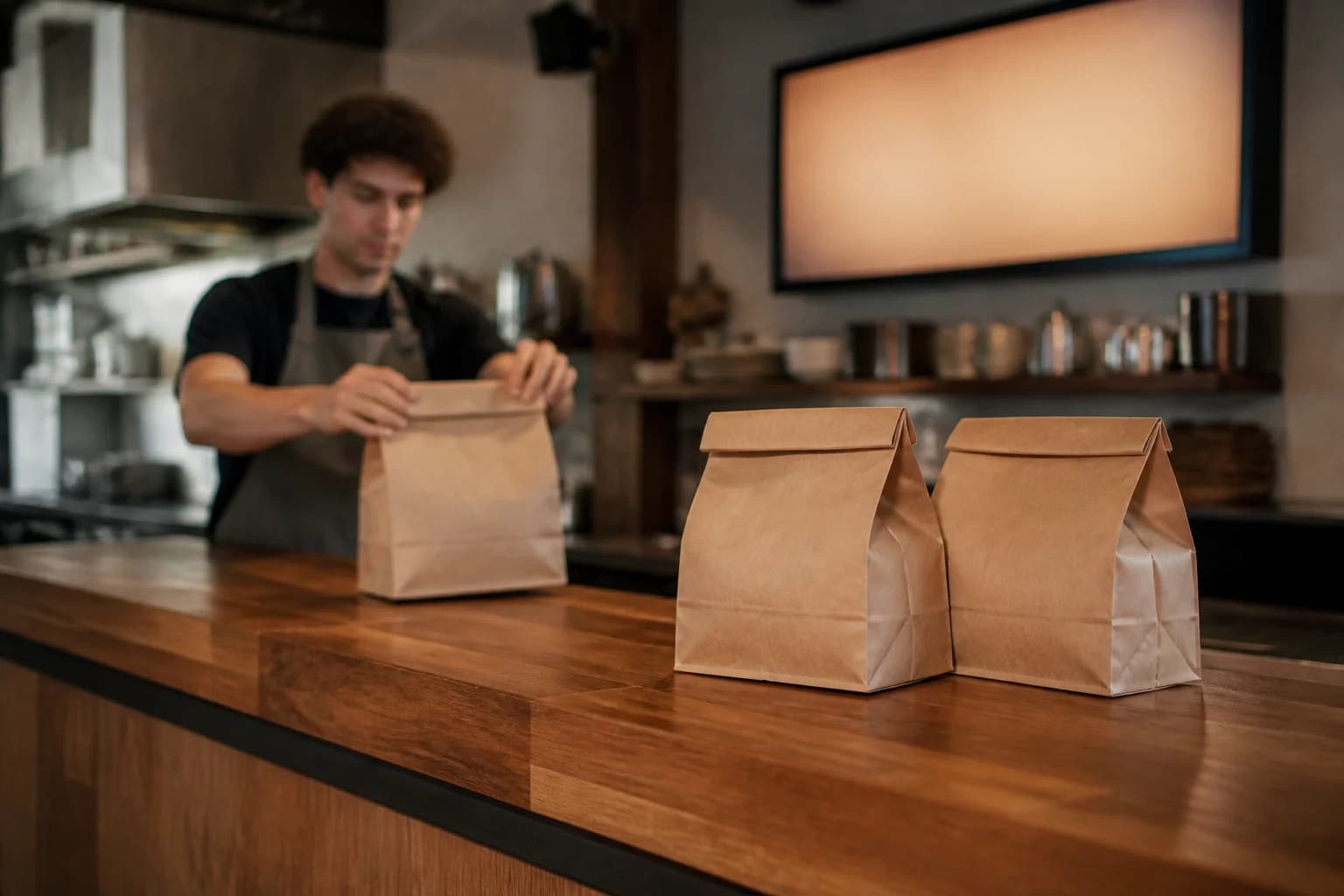
Order ahead and collect, without queueing
Guests open your order page, pick a collection time and pay online or on collection. The kitchen starts at the right moment.
Pay online or on collection
You decide whether guests pay in advance or only at the counter
Collection times at your pace
Lead time, time slots and a cut-off before closing are yours to set
Pickup number and code
Every order gets a sequential number and a six-character code for the handover
An email when it is ready
The guest gets a confirmation and a message as soon as the order is ready for collection
Accept manually or automatically
If you prefer, your team confirms every order manually, with a time estimate or a reason for declining
Not collected, handled for you
Orders you never accept are declined and refunded automatically, orders never collected are cancelled automatically
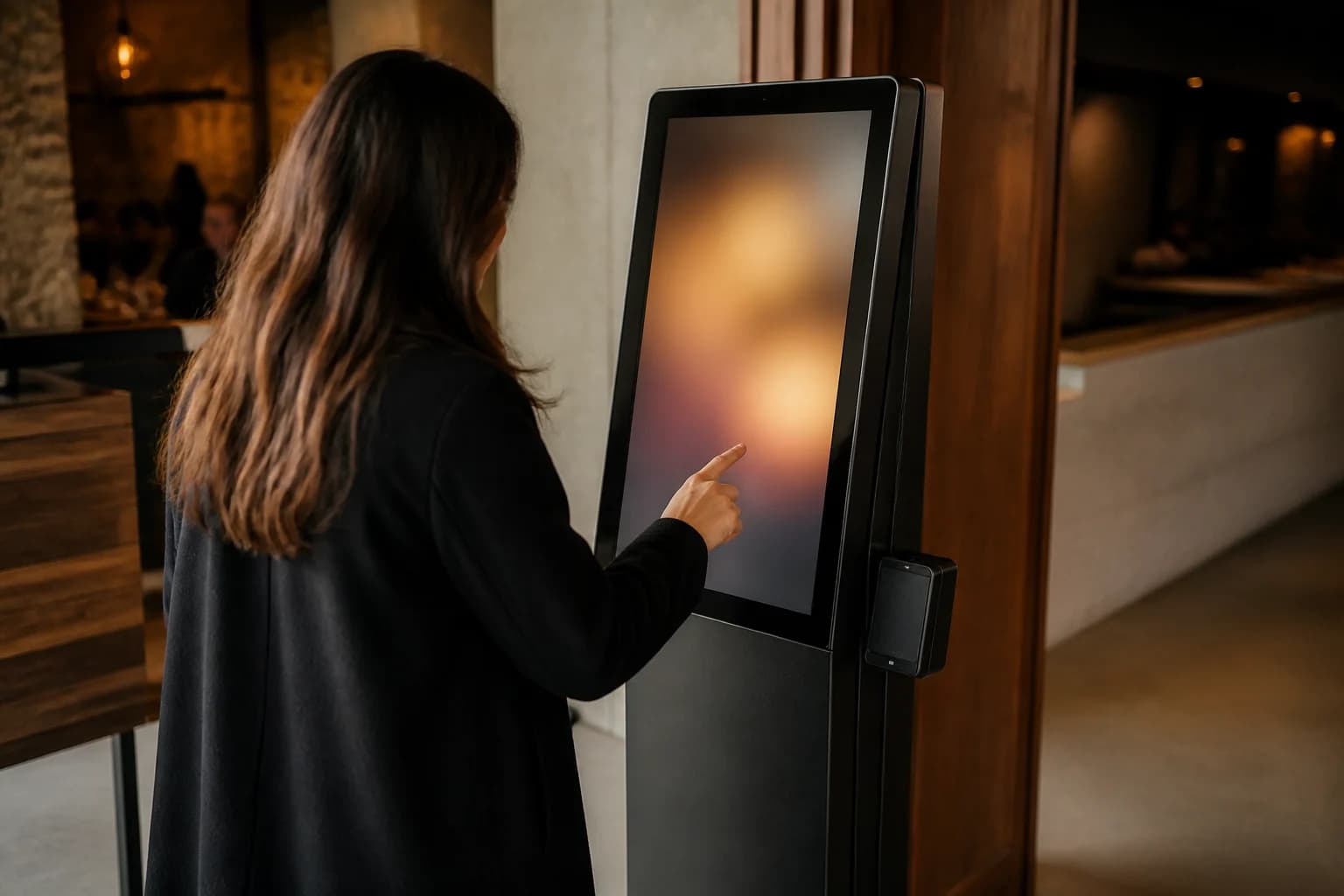
Self-service at the terminal on site
A touchscreen in the entrance where guests tap their own order and pay at the card reader. The software behind it is the Servire Hub, so you need no separate till device.
Runs on the Hub
In a current browser (Chrome or Edge 107+, Firefox 104+, Safari 16+) or as the Hub app for Windows, macOS, Linux and Android, on a touchscreen
Payment at the card reader
Guests pay at the card reader: Stripe Reader S700, S710 or WisePOS E, or SumUp Solo. Cash is not accepted at the terminal
Pickup number and ticket
After payment the terminal shows the pickup number, and the ticket runs through your existing printer
Loyalty card at the terminal
Guests scan their loyalty card with a handheld scanner or the camera and collect stamps as they go
12 languages
Guests pick their language right on the start screen
A start screen you shape
Your own image, your own text, and you choose whether items show a picture, a name, or both
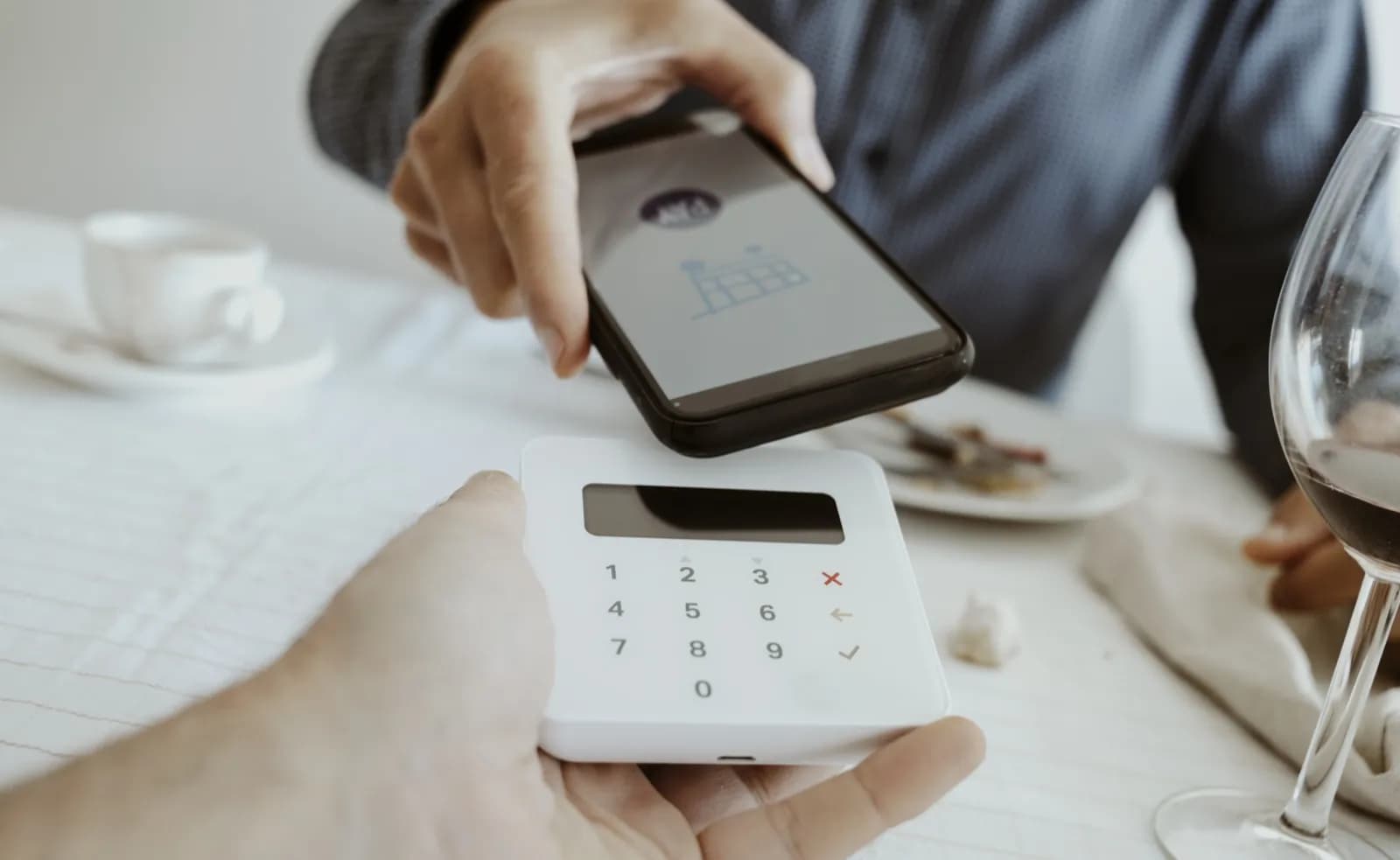
Your account, your payment methods
The money goes straight into your own Stripe or SumUp account. Which methods you offer is yours to decide, per venue.
Stripe or SumUp
Both providers are supported equally, and you link the account you already have
Card, Apple Pay, Google Pay
Plus further methods, as long as they are enabled in your Stripe or SumUp account
Separate prices for online
A price category lets you charge different prices online than in the venue
Deposits shown properly
Deposits run as their own line at zero percent and stay separate in reports and exports
Refunds from the Web desk
You refund in full or in part with a reason, and bank chargebacks are also recorded

Everything in the Web desk, no technician
Print QR codes, set times, pause orders, look at the numbers. All in the browser, without anyone having to come by.
QR codes as a PDF
For every table at once, sorted by area and ready to print
Reissue the codes
One click invalidates every old code, in case a table stand goes missing
Pause orders
When it gets too busy you switch intake off for a while without shutting everything down
Switch channels separately
Table ordering and pickup can be turned on and off independently
On your own website
The order flow and the menu can be embedded, and you decide which pages are allowed to do so. This requires your published Servire website
Reports & order list
Key figures for guest ordering and a filterable list of every order
Not a side system, but part of your till
Guest ordering is not an island: orders run automatically into the kitchen display and the ticket, are signed under Section 146a AO when a TSE is active and appear in the Z report and your statistics. Included in the Servire Max plan.
Straight to the kitchen
Every order appears automatically on the kitchen display and on the ticket, marked as a guest order
Signed with an active TSE
With an active TSE, Servire signs every order through a dedicated register client of the same TSE as your till. Without an active TSE it is recorded unsigned, just like at the till
One Z report for everything
Revenue from guest ordering flows into the same Z report, the same statistics and the same DATEV export
Only with an open shift
Orders are accepted only while a shift is running and a print hub or a printing till is ready
I spent 5 minutes showing my temp how to open a table. Half an hour later she was serving on her own, no manual, no training session.
Kathrin Weigel
Owner · Café am Gärtnerplatz · München
Common questions about guest ordering
Requirements
- Servire Max plan at 99 € per month
- Accepted data processing agreement (DPA) in the Web desk
- Published Servire website for table QR, pickup and embedding
- Your own Stripe or SumUp account for online payment
- For guests, a smartphone with a current browser: Chrome or Edge 111+, Firefox 112+, Safari 16.4+
- For the order terminal: a touchscreen running the Servire Hub and a card reader (Stripe S700, S710, WisePOS E or SumUp Solo), plus the cash register registration via Servire when a TSE is active
- An open shift in a POS app and a print hub or a printing till
Let your guests place their own orders
QR ordering at the table, pickup and an order terminal: guest ordering is part of the Max plan. When you register, your first location can try it free for 14 days.