
Ready in three steps
Sign up today, take payments tonight.
Create an account, snap your menu, ring up the first order. On the iPhone, iPad or Android device you already have.
4.6 on the App Store
with TSE from €39 a month per location · cancel any month
Sign up and your first venue gets 14 days of Max, no payment details needed. After that it carries on free on the Free plan.
Scan with your phone
The code opens the POS App in the App Store or on Google Play.

In short
Start in the browser or in the POS App; one Servire account works everywhere. Testing costs €0, live use with TSE from €39 a month per location.
From sign-up to the first receipt.
The same login works in the POS App, the Web desk and the Hub. Set up once, work everywhere.
Create your account
Email, password, name of your business. No payment details, and your first venue starts with 14 days of Max.
Set up your menu
Enter items by hand or photograph your menu; the AI creates items, prices and variants.
Take payments
Register a device, open a shift, record your first sale. For live operation you unlock the TSE with Solo.
4.6 on the App Store
with TSE from €39 a month per location · cancel any month
What you need.
Most of it is already there. You can add printers and card readers later.
A device for the register
iPhone or iPad with iOS/iPadOS 17.6 or later, or an Android device with Android 9 or later and Google Play services.
A browser for the back office
The Web desk runs in Chrome and Edge 107 or later, Firefox 104 or later and Safari 16 or later. It is included in every plan.
Optional: receipt printer
Epson, Star Micronics and other ESC/POS network receipt printers, Epson also via Bluetooth or USB depending on the model. Or the digital receipt by QR code.
Optional: take cards
Tap to Pay on the iPhone with SumUp or Stripe, on Android with Stripe, or a SumUp or Stripe card reader. girocard-only cards are not accepted.
The Hub: keep your kitchen, counter and guests informed.
Once your till is running, open the Hub in the browser or as an app. It needs no separate sign-up: you log in with your Servire account, and kitchen, counter and guests see what happens at the till.
Runs in the browser or as an app for Windows, macOS, Linux and Android
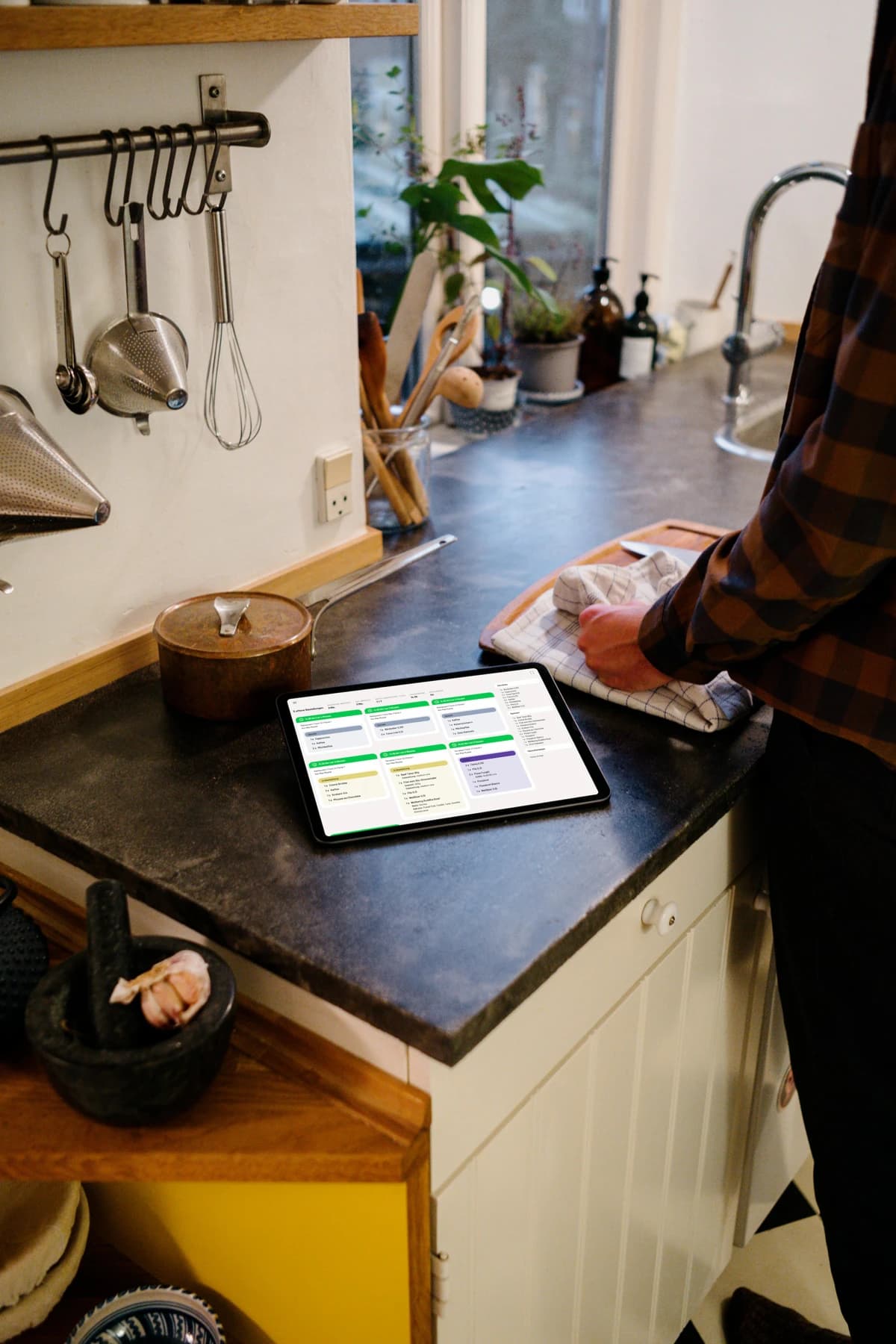
- Kitchen displayOrders appear in the kitchen the moment they are entered
- Customer displayGuests see their total live; plus the pickup display
- Digital menuOn a screen or tablet, always in sync with the till
- Print hubAll receipts run through one station
Prefer to choose?
Go straight to the store or sign up in the browser: every way leads to the same account.


Ready? Then get started.
Sign up, set up your menu, take payments. No payment details and no minimum term.
4.6 on the App Store
with TSE from €39 a month per location · cancel any month
Sign up and your first venue gets 14 days of Max, no payment details needed. After that it carries on free on the Free plan.