
The POS app in short videos
17 short video guides show you step by step how to use the Servire POS app on the iPad: from your first shift through ordering and checkout to closing the till. Each video takes about a minute and comes with a handbook article to read along.
The videos are narrated in German. Every video page has the steps in English.
Basics
Getting started: a full day at the till and quick checkout at the counter.
 1:43 min
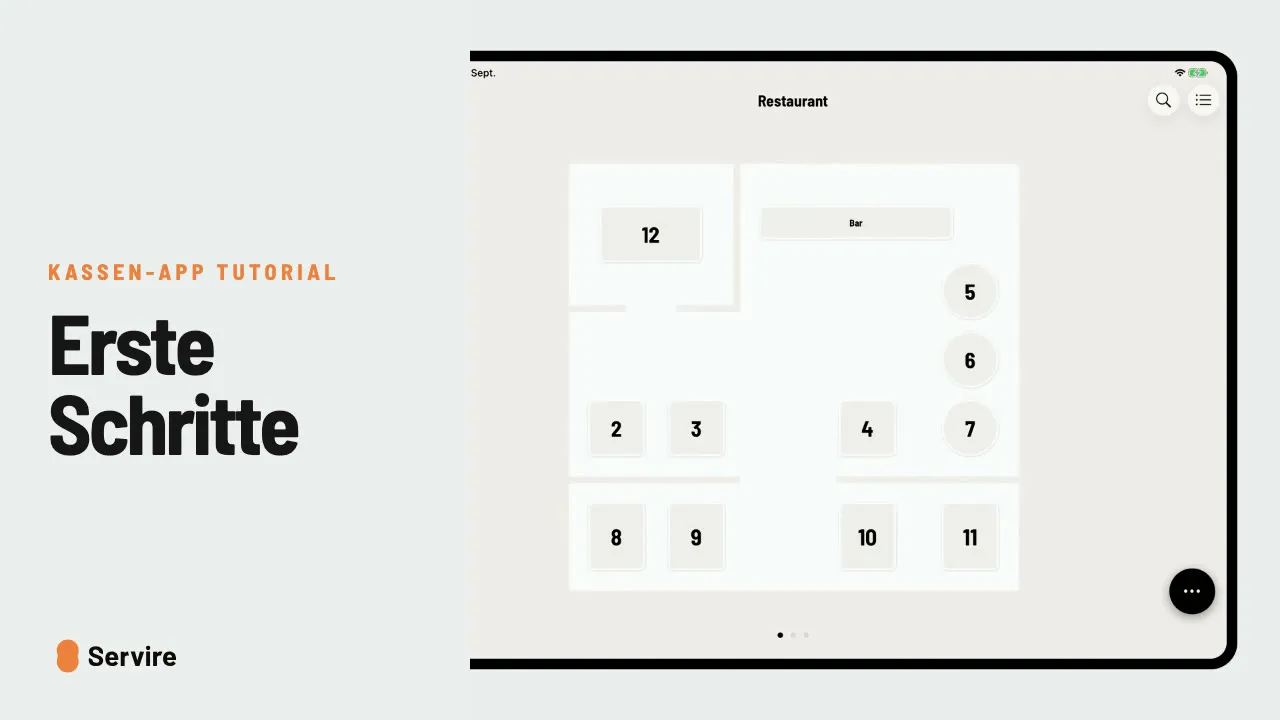
Getting started with the POS app
A full day at the till in under two minutes: start a shift, pick a table, take the order, check out and close the shift with the Z report.
 0:55 min
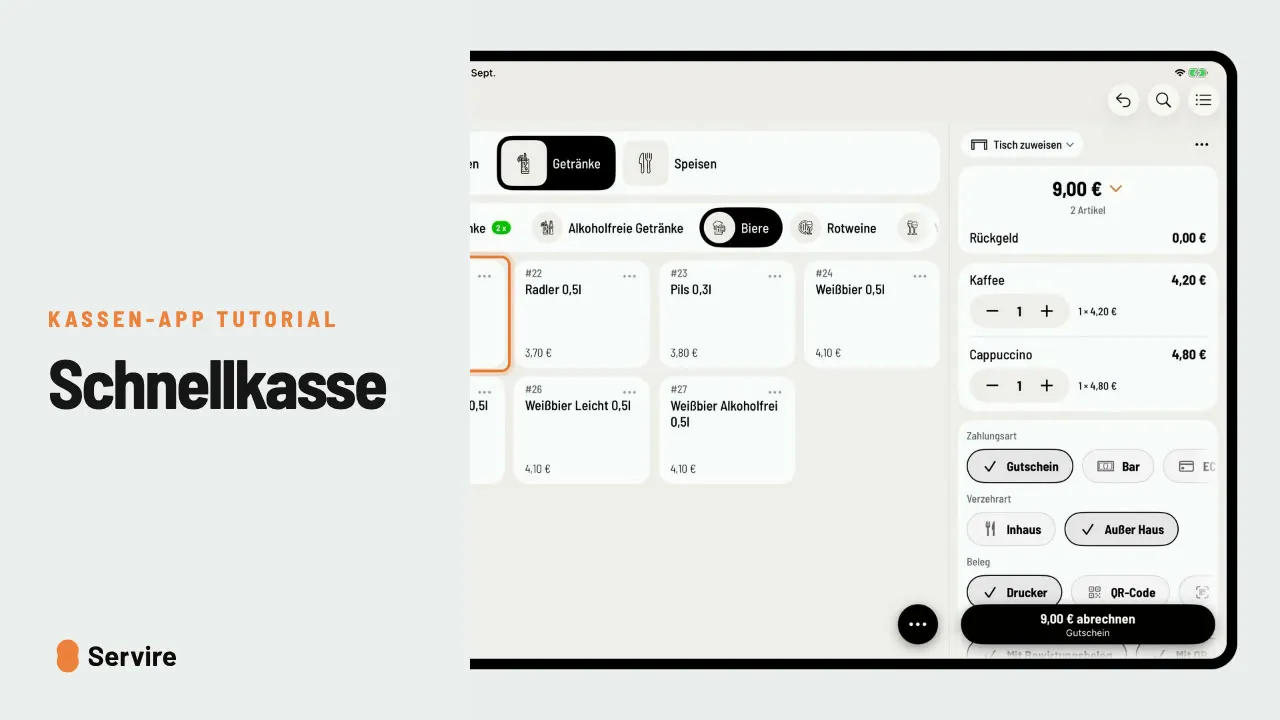
Quick checkout at the counter
Order and take payment without a table plan: tap items, adjust quantities, choose the payment method, done. Ideal for cafés, snack bars and bars.
Ordering
Extras and notes, courses and to-go orders.
 1:07 min
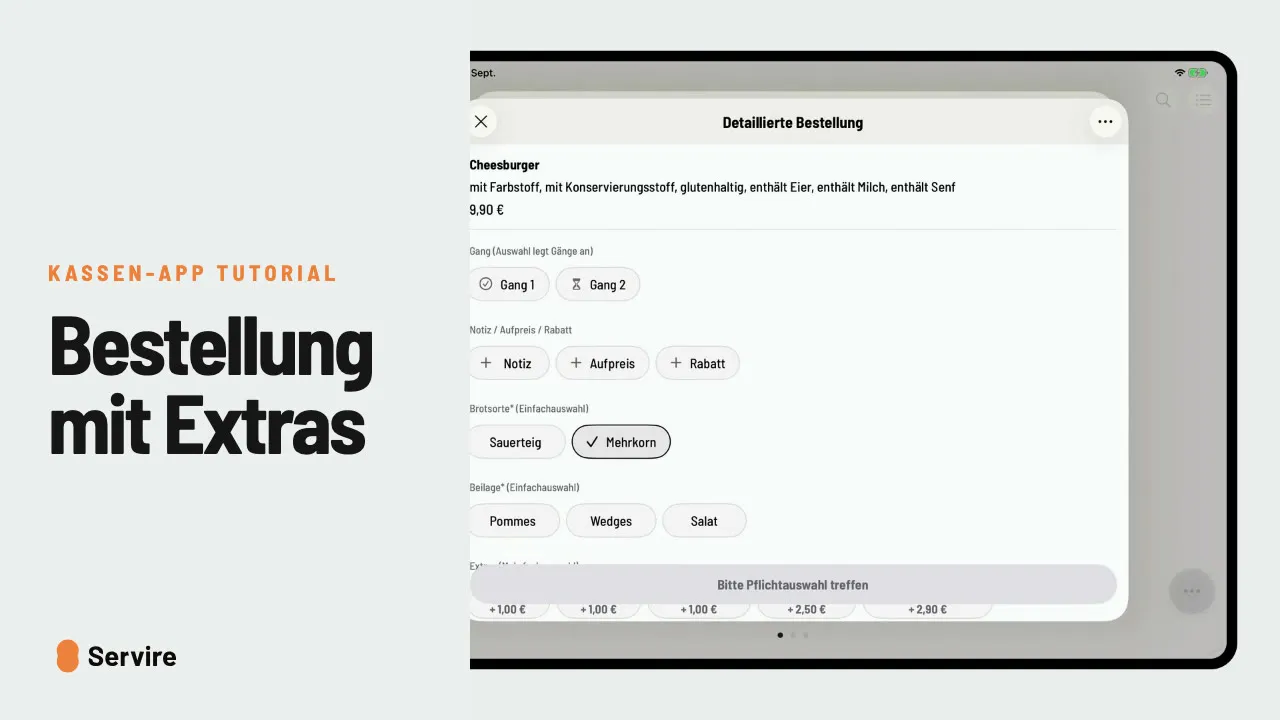
Orders with extras, notes and surcharges
How to take items with required options, add extras, write a note for the kitchen and charge a custom surcharge.
 1:02 min
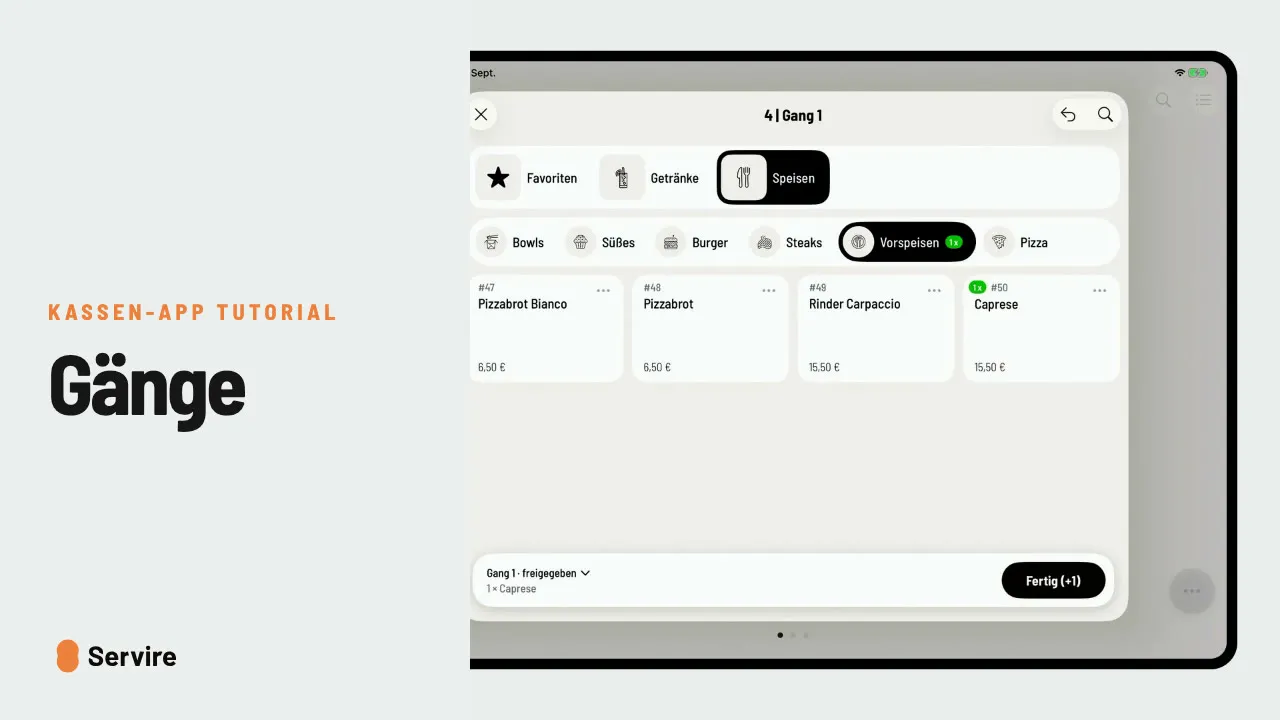
Manage and call courses
Starter right away, main course on call: with courses you decide when the kitchen prepares what.
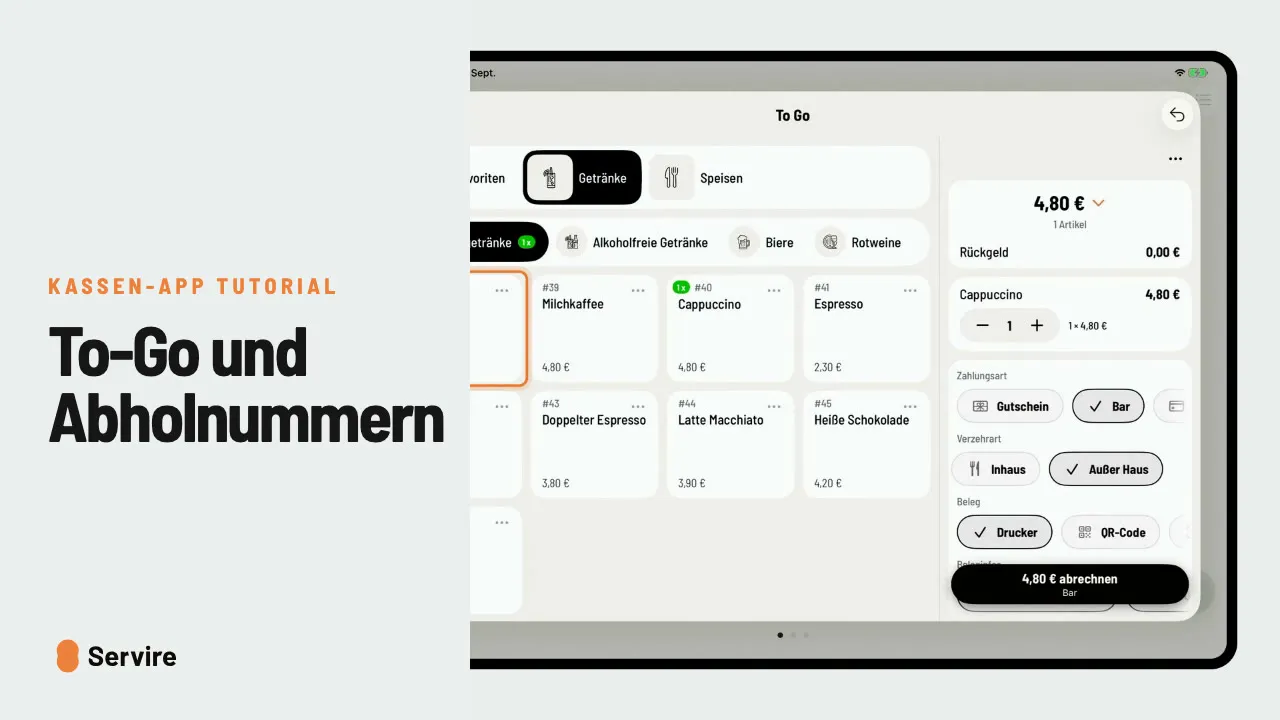 0:58 min
To-go orders with pickup numbers
Check out to-go orders without a table: if pickup numbers are switched on in the Web desk, the order gets a pickup number and you call the guest as soon as it is ready.
Checkout
Split bills, tips, discounts, vouchers, tabs and cancellations.
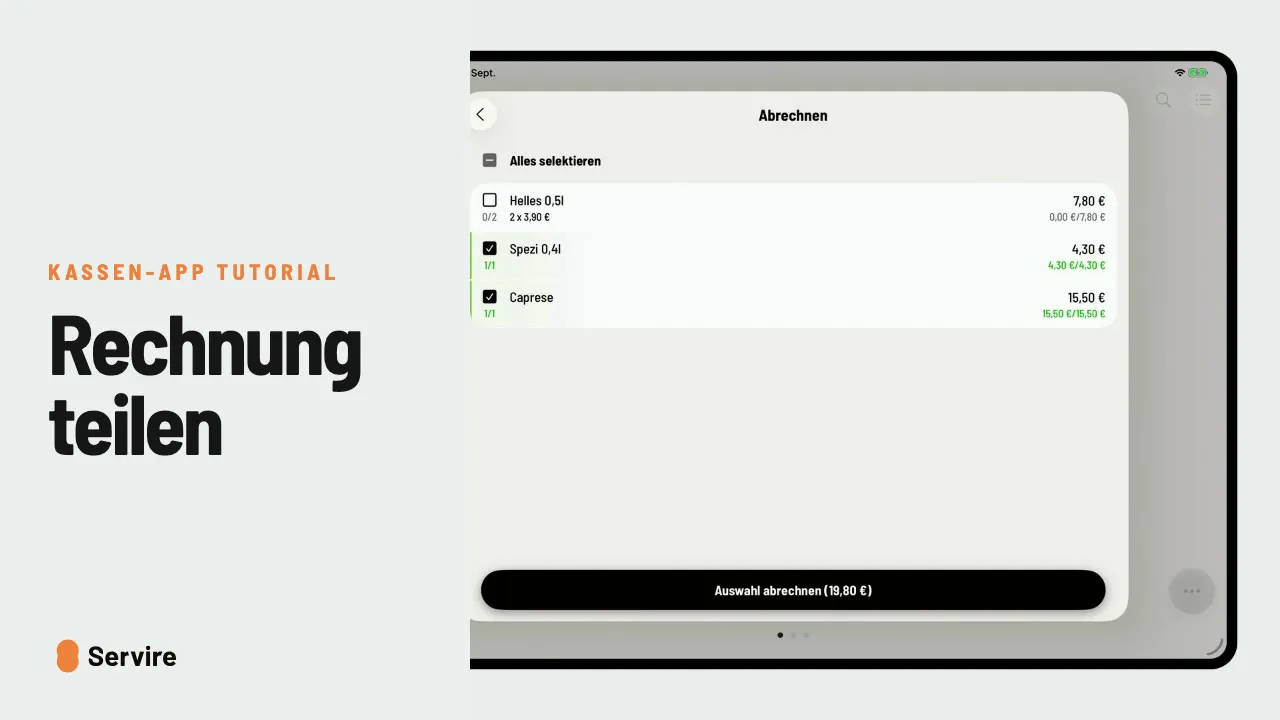 0:56 min
Split the bill and pay separately
Check out only one guest's items and pay the rest with another payment method, for example cash and card.
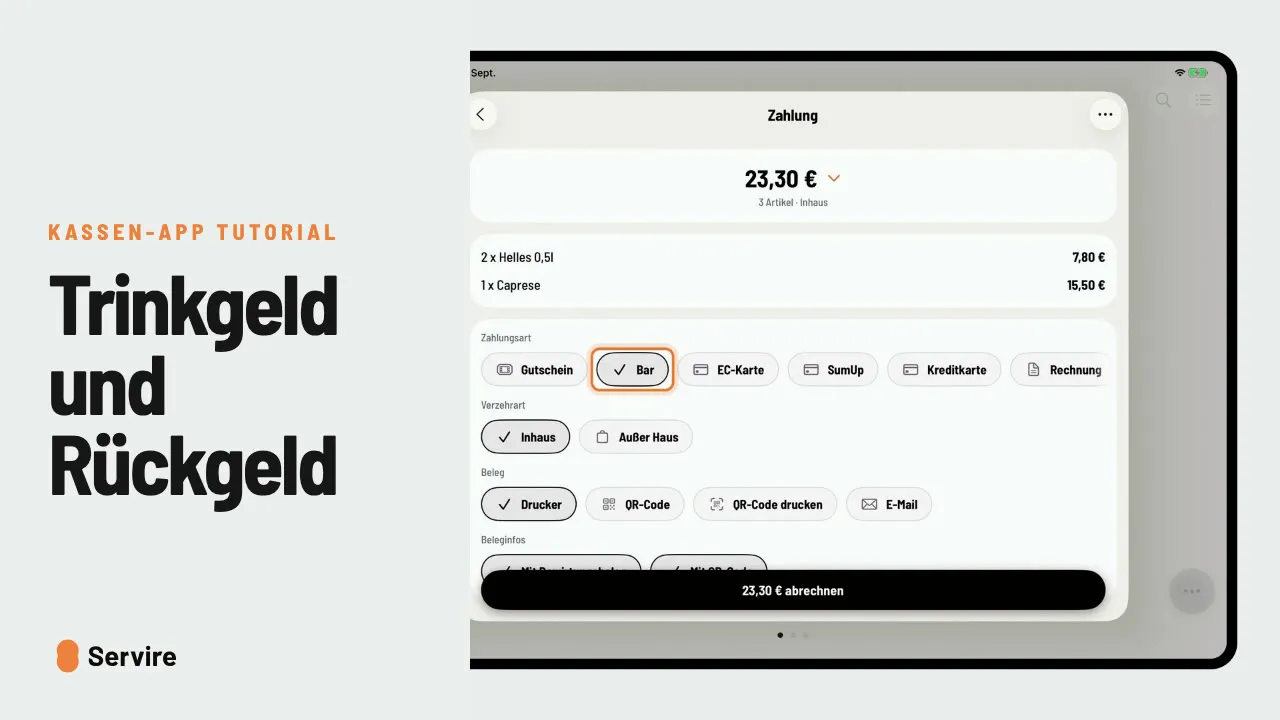 1:00 min
Record tips and change
The guest rounds up and pays with a large note: enter the tip and the POS shows you the change.
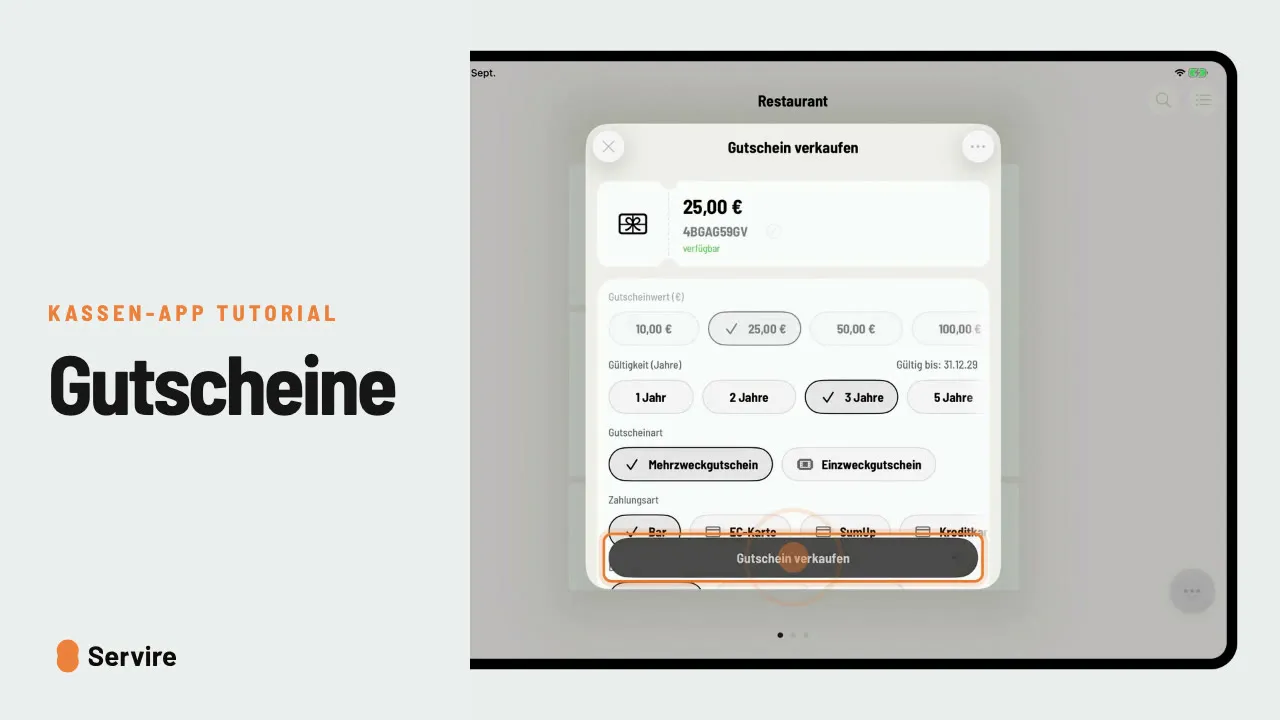 1:02 min
Sell and redeem vouchers
Sell and print a voucher at the POS, then redeem it later at checkout. Any remaining balance is kept for the next visit.
 1:02 min
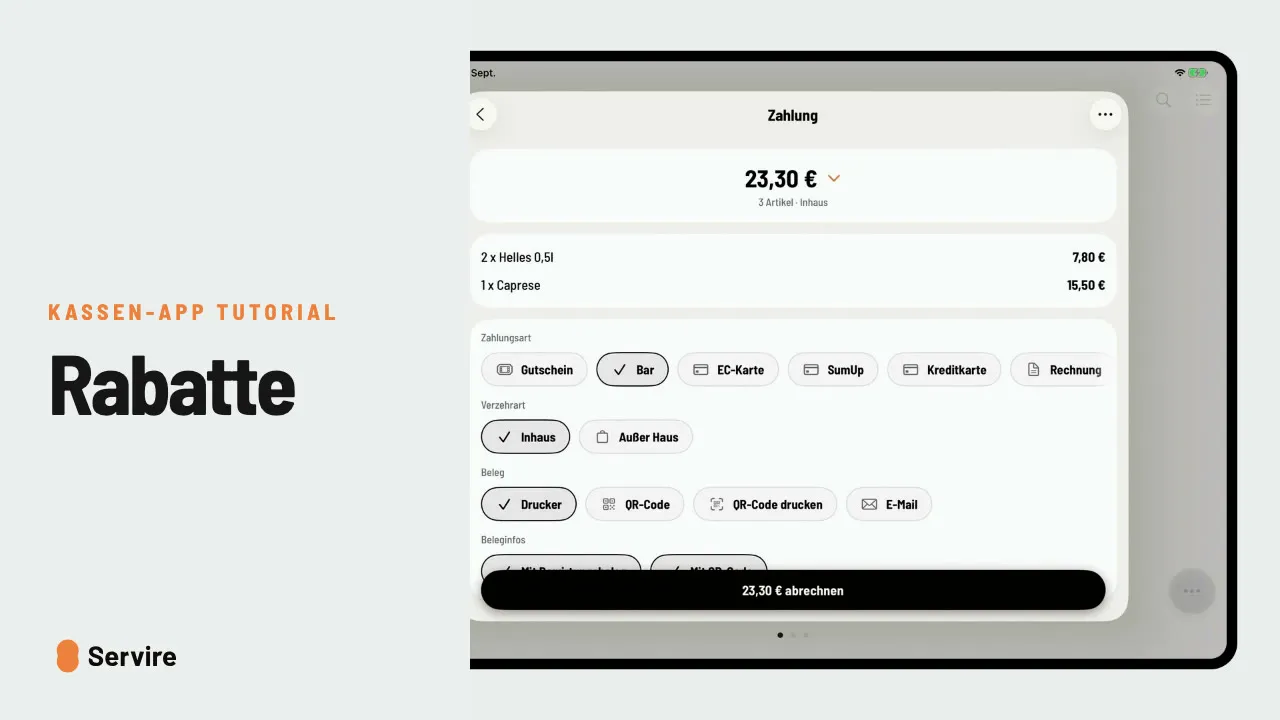
Give discounts
Apply a fixed discount or a custom reduction to the whole bill, or both together.
 0:52 min
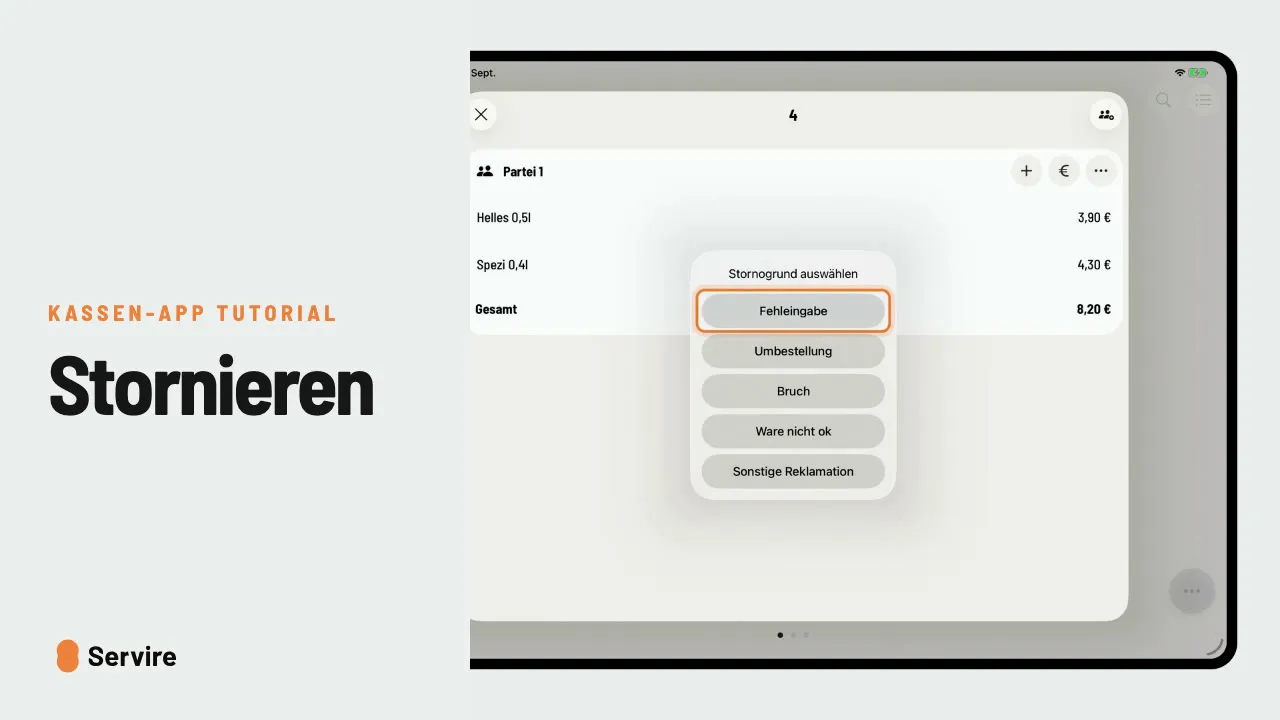
Cancel items before and after payment
Cancel an item before the table pays and create a cancellation invoice for a receipt that has already been paid.
 0:56 min
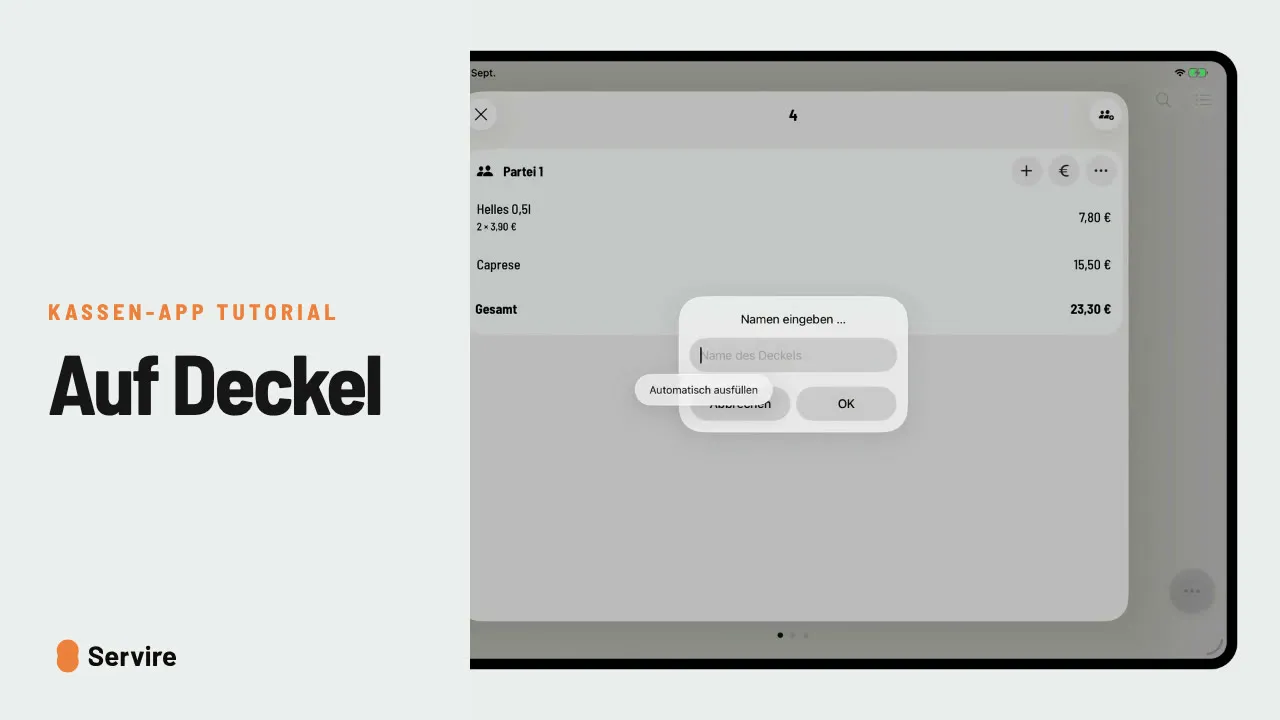
Put it on a tab
Regulars pay later: put the table on a named tab and settle it later from the order list.
Tables and guests
Reservations, walk-ins and parties at the table.
 1:01 min
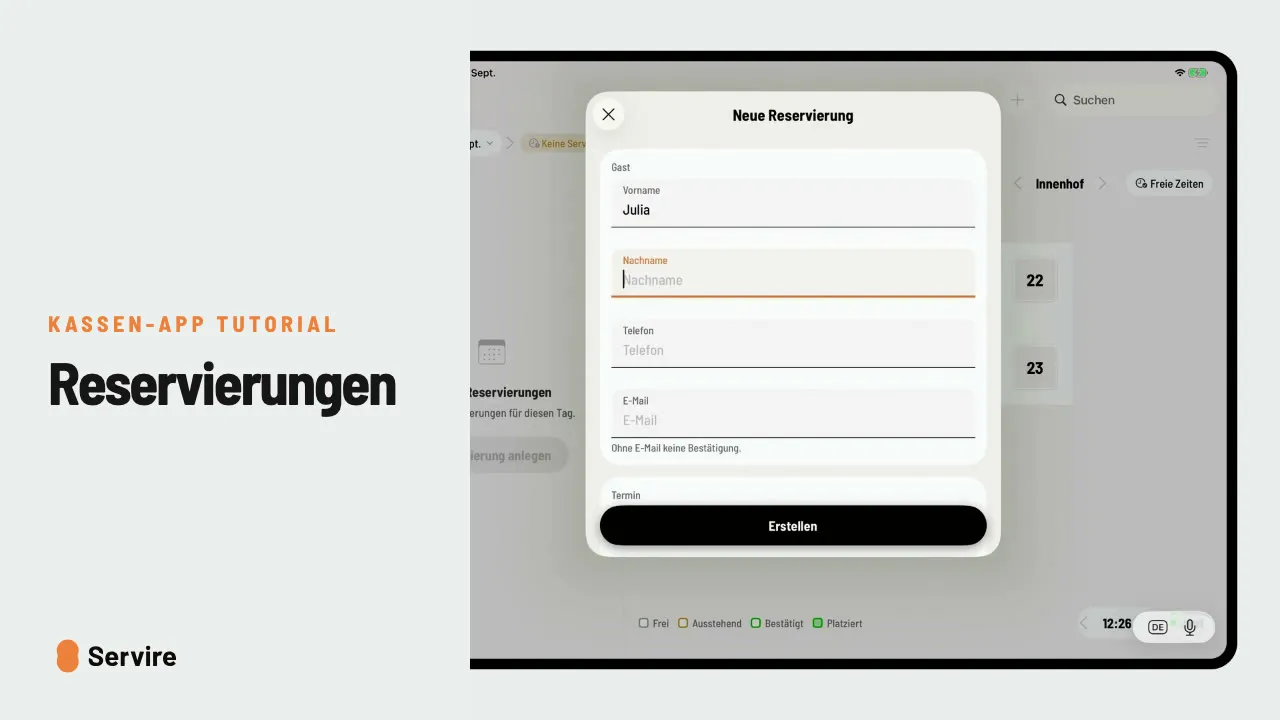
Create reservations at the POS
Enter reservations right at the POS and seat guests without a booking as walk-ins. Reservations are part of the Max plan.
 1:05 min
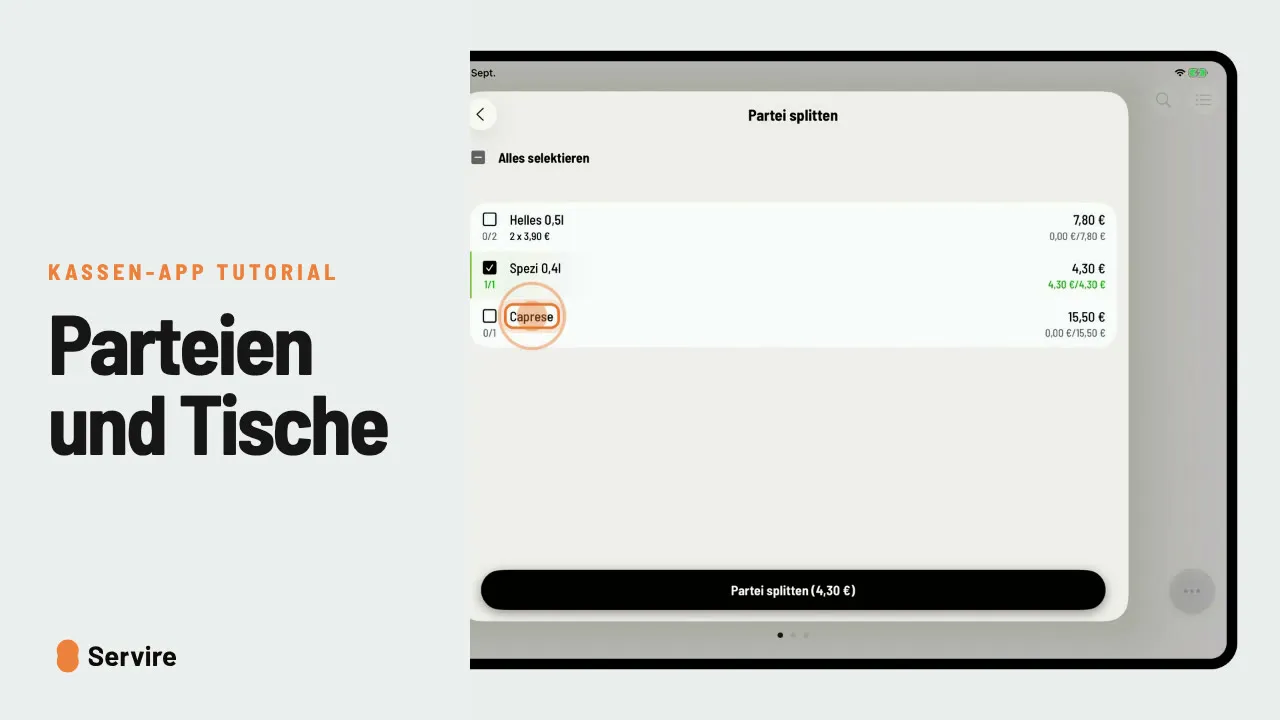
Split parties, merge them and move tables
Separate bills at one table, merged again, or moved to another table: how to manage parties in the POS app.
Shift and till
Time tracking, cash book, server wallet and closing the till.
 0:44 min
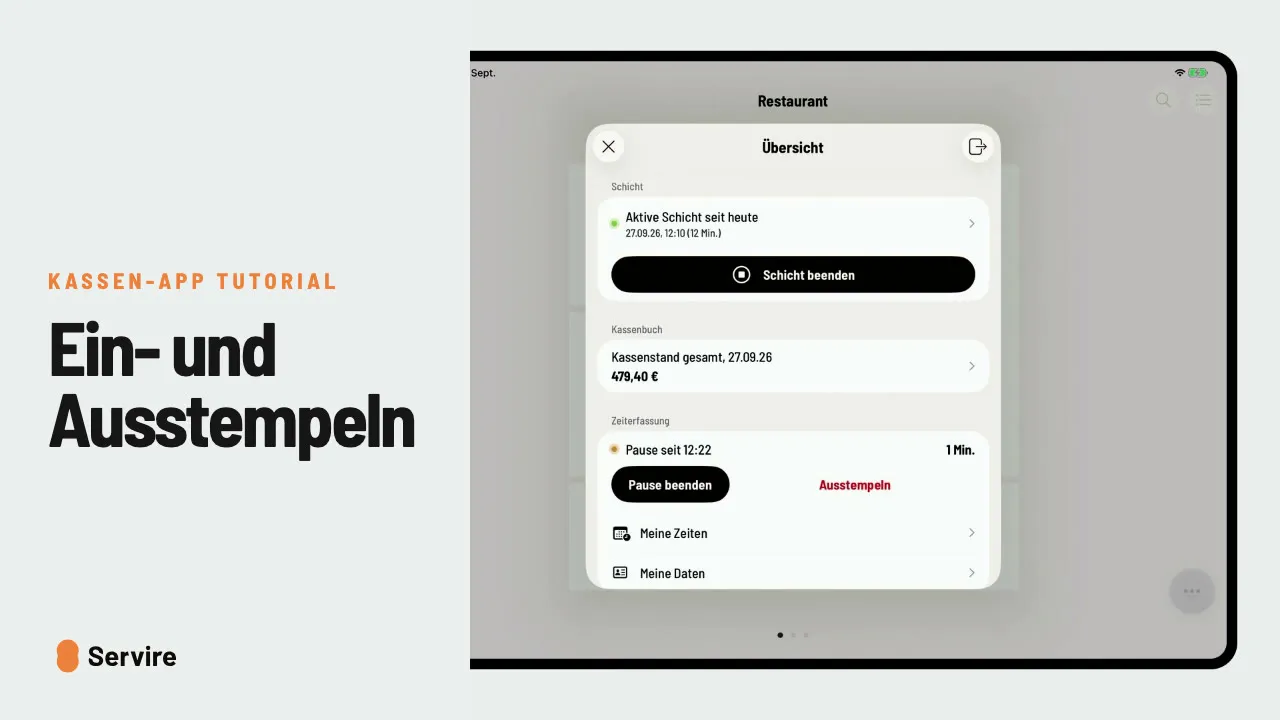
Clock in and out at the POS
Track working time right at the POS: clock in, start and end breaks, clock out. Time tracking is part of the Max plan.
 0:48 min
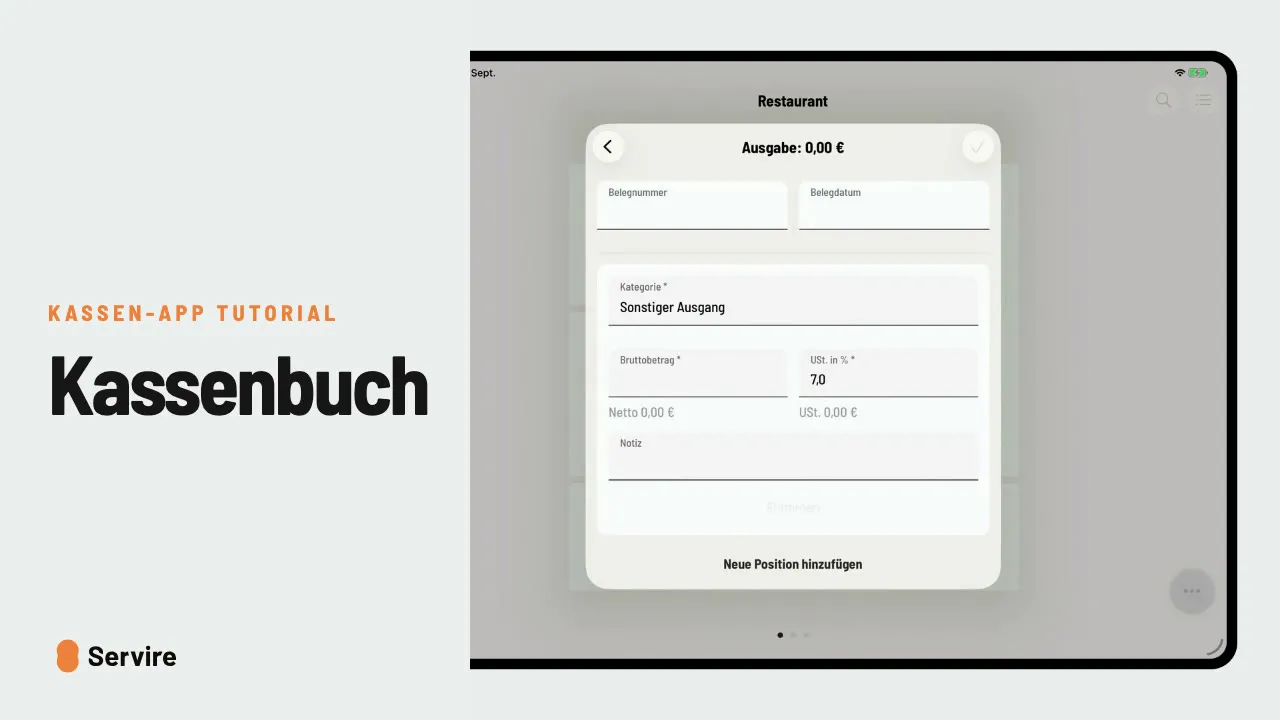
Cash book: record expenses
Paid for something in cash from the till? It belongs in the cash book. How to record an expense with category, amount and note.
 0:48 min
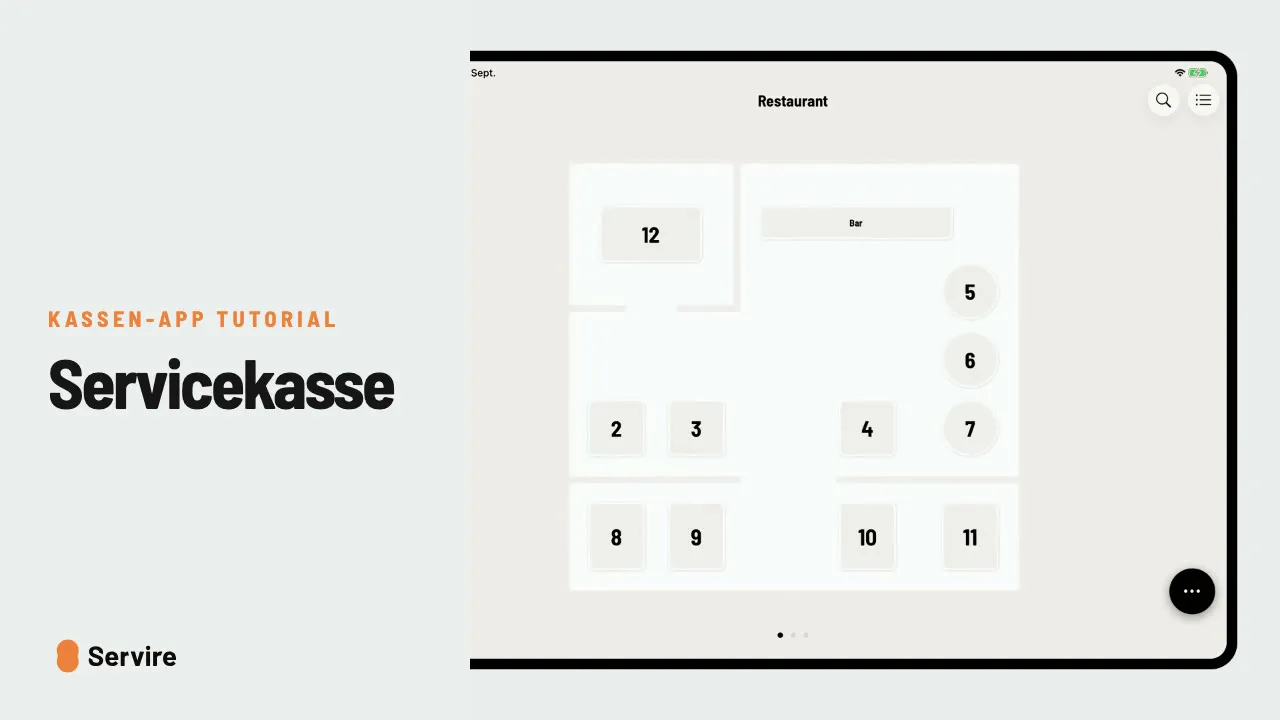
Server wallet: opening float and settlement
Each server settles their own cash: start with change as the opening float and enter the counted amount at the end.
 0:57 min
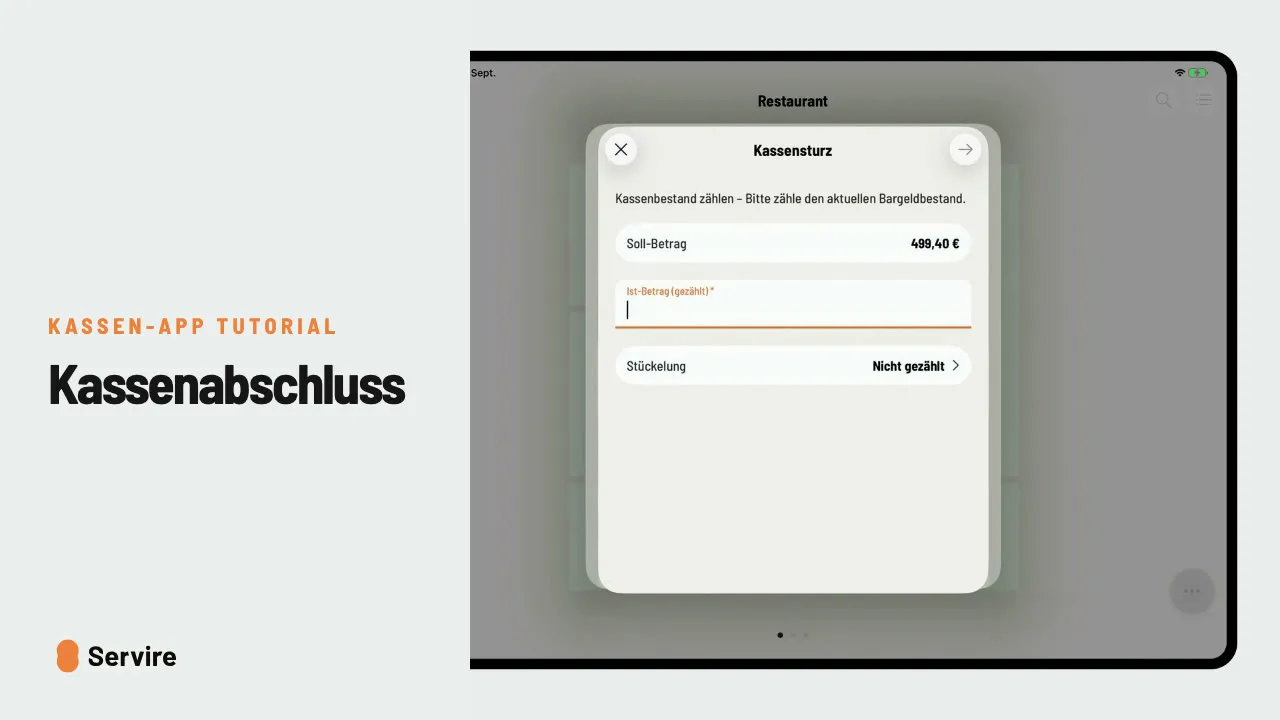
Closing the till at the end of the shift
Cash count, cash removal and shift summary: how to close the shift. The POS creates the Z report by itself.
Still have questions?
Our support team is happy to help. Send us an email.