
Kitchen display, customer display & print hub for hospitality.
The Servire Hub brings a kitchen display, customer display, pickup display, digital menu, print hub and digital receipts to your hospitality business. Orders appear on the kitchen display in real time, guests at the counter see their total in real time, and if you like, every receipt runs through one central print station. The Hub runs in the browser or as an app for Windows, macOS, Linux and Android.
Runs in the browser, no installation required.
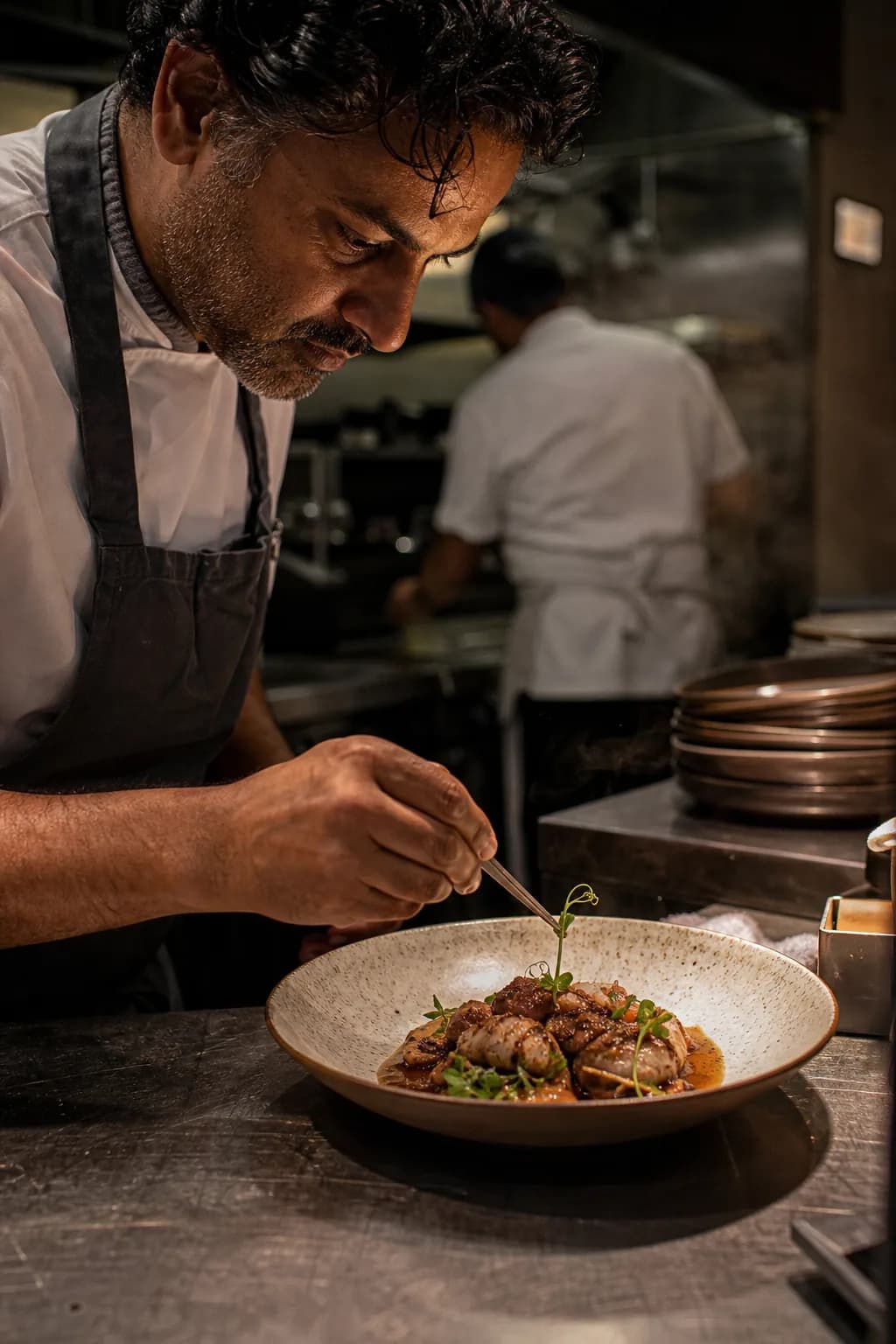
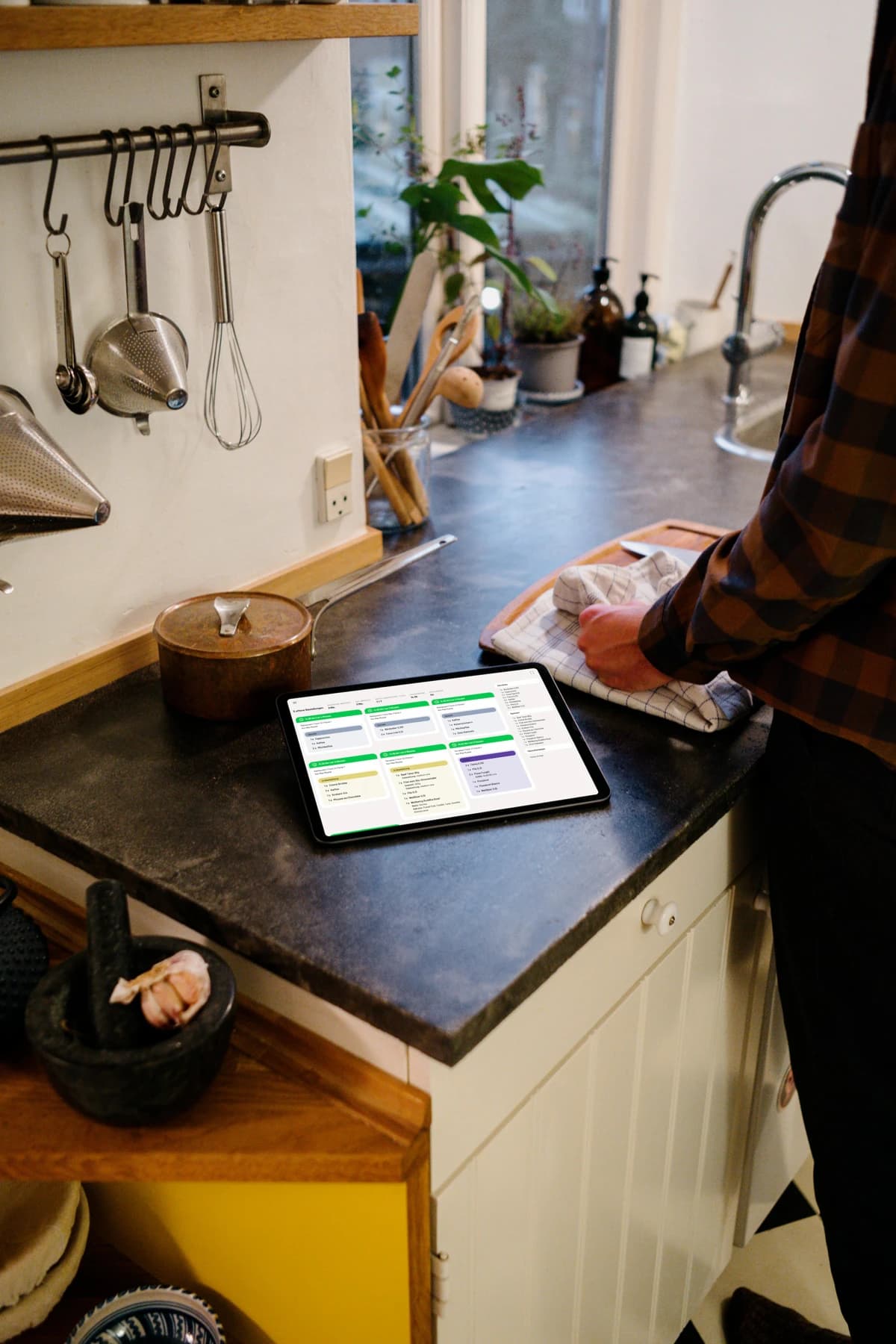
Your kitchen, always in the picture
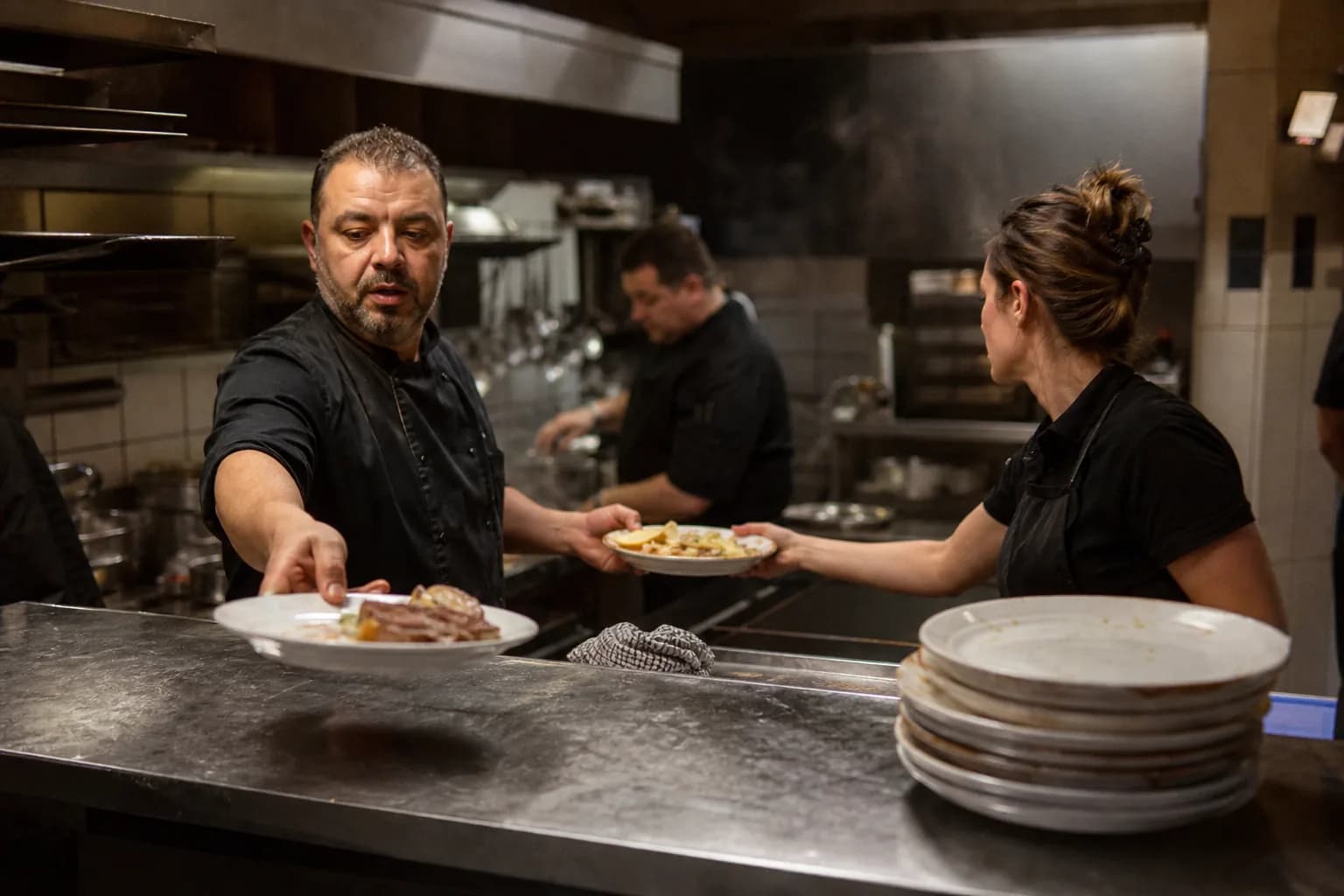
No more lost tickets. The kitchen display shows all incoming orders in real-time with wait time display, course management and completion notifications.
Real-Time Orders
New orders appear instantly on the monitor, no printer needed
Color-Coded Priorities
Green, yellow, red: configurable time thresholds show instantly what's urgent
Item Group Filter
The kitchen sees food, the bar sees drinks: each station sees only what is relevant
Course Management
Courses clearly separated, perfect timing for every dish
Recipes on Screen
Recipe instructions accessible right at the dish, ideal for new staff
Completion Alert
One tap marks dishes as ready. The pickup display immediately shows serving staff what is ready to serve
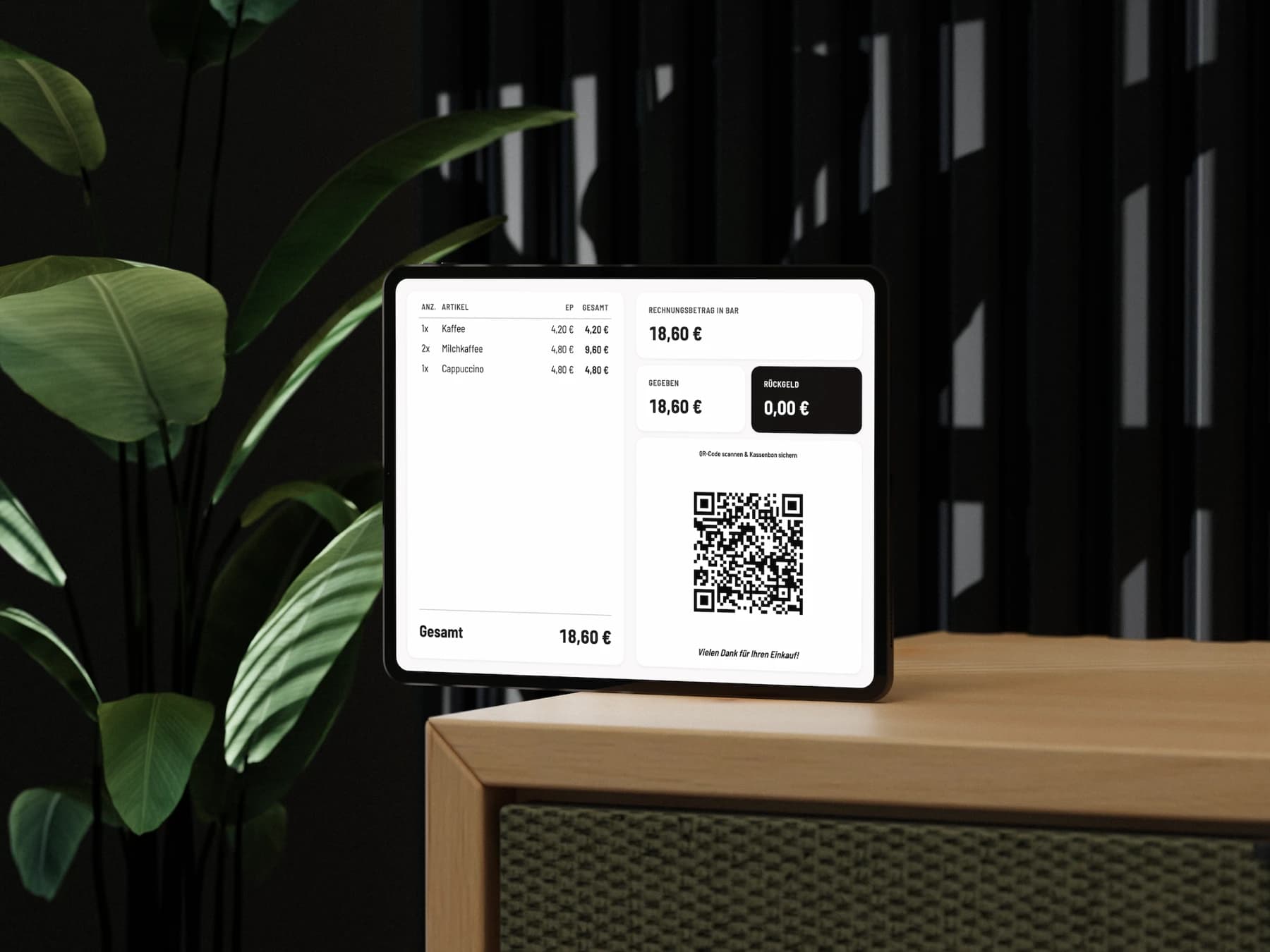
Transparency at the counter
Show your guests in real-time what's being ordered and what it costs. Builds trust and reduces questions.
Live Order View
Items, prices and discounts appear in real-time: full transparency for the guest
Digital Receipt via QR Code
After payment the guest scans the QR code and instantly has the receipt on their phone
Cash Details
For cash payments the display shows the amount tendered and the change due
Placeholder Image & Branding
Custom image with text overlay on standby: the display works for you between orders too
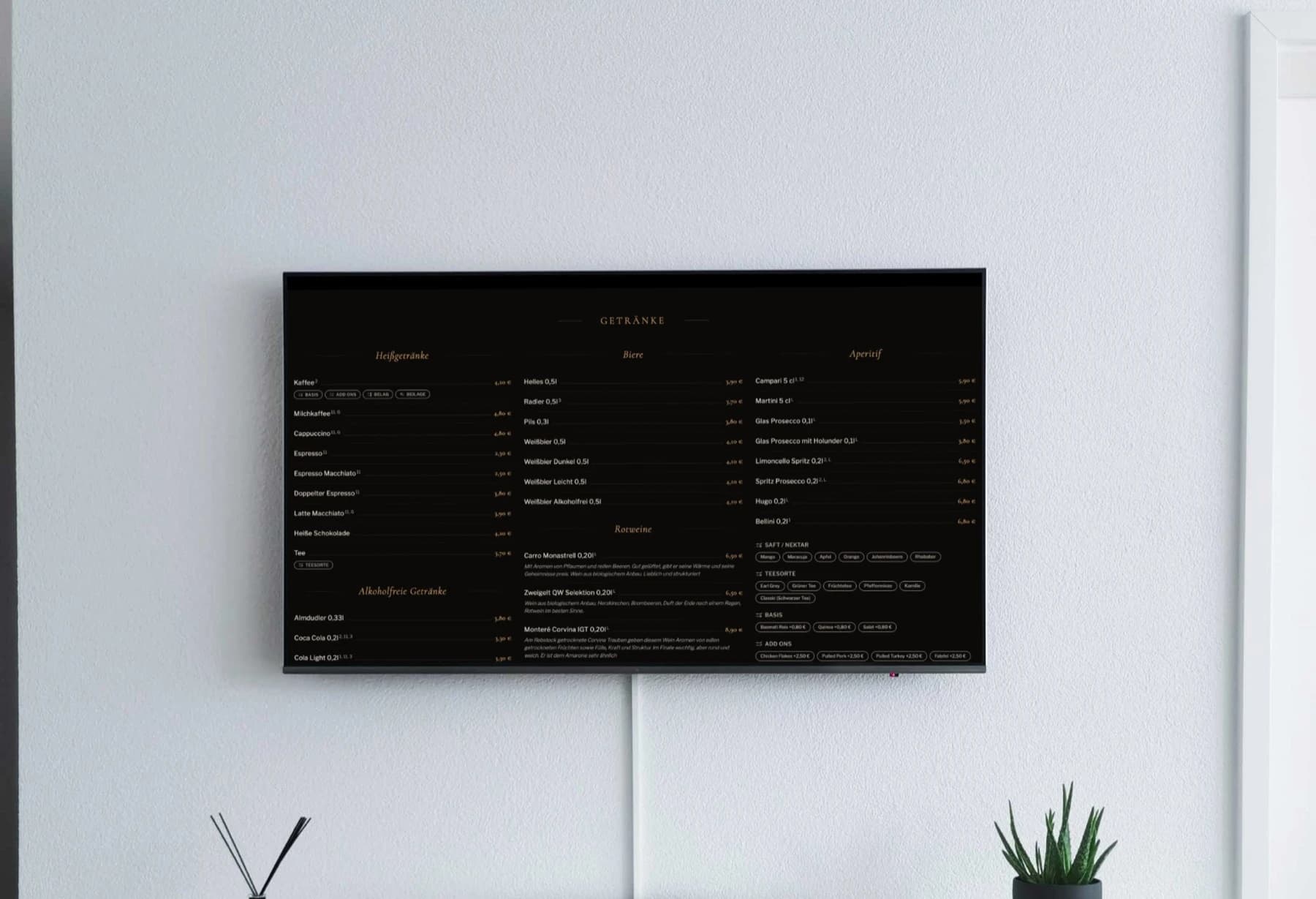
Your menu on the big screen
Present your menu on a tablet or on a screen or TV connected to a computer, mini PC or Raspberry Pi. Automatically synced with your POS app, changes are instantly visible.
6 Design Themes
From fine dining to beer garden: choose the design that fits your venue
Auto-Scroll & Slideshow
The menu scrolls automatically or cycles as a slideshow between categories
Auto Sync
Prices, items and sold-out status pulled directly from the POS, no duplicate updates
Item Photos & Descriptions
Photos, detail texts and variants bring the menu to life
Allergens & Additives
Labels are automatically displayed as badges
Board Mode for Large Screens
The board mode is built for large screens: maximum readability from a distance
Printing, central and reliable
The Print Hub turns a computer or tablet into a central print station. All receipt print jobs are routed through one device instead of each POS device printing independently. In the browser it prints to Epson network printers while the tab stays open. The Hub app also prints to ESC/POS network printers from other makers, such as Star or Bixolon.
Central Receipt Printing
All receipts run through one station, stable without device-printer pairing
Print Queue
Receipts are managed in a queue, no receipt gets lost
Multiple Printers & Status
Kitchen, bar, counter: each printer only gets relevant receipts. Real-time status for all printers.
No Shared Network Required
Register devices can connect via cellular, the Print Hub on Wi-Fi handles printing. No network constraints for the POS app.
Digital receipts per Section 146a AO, paperless
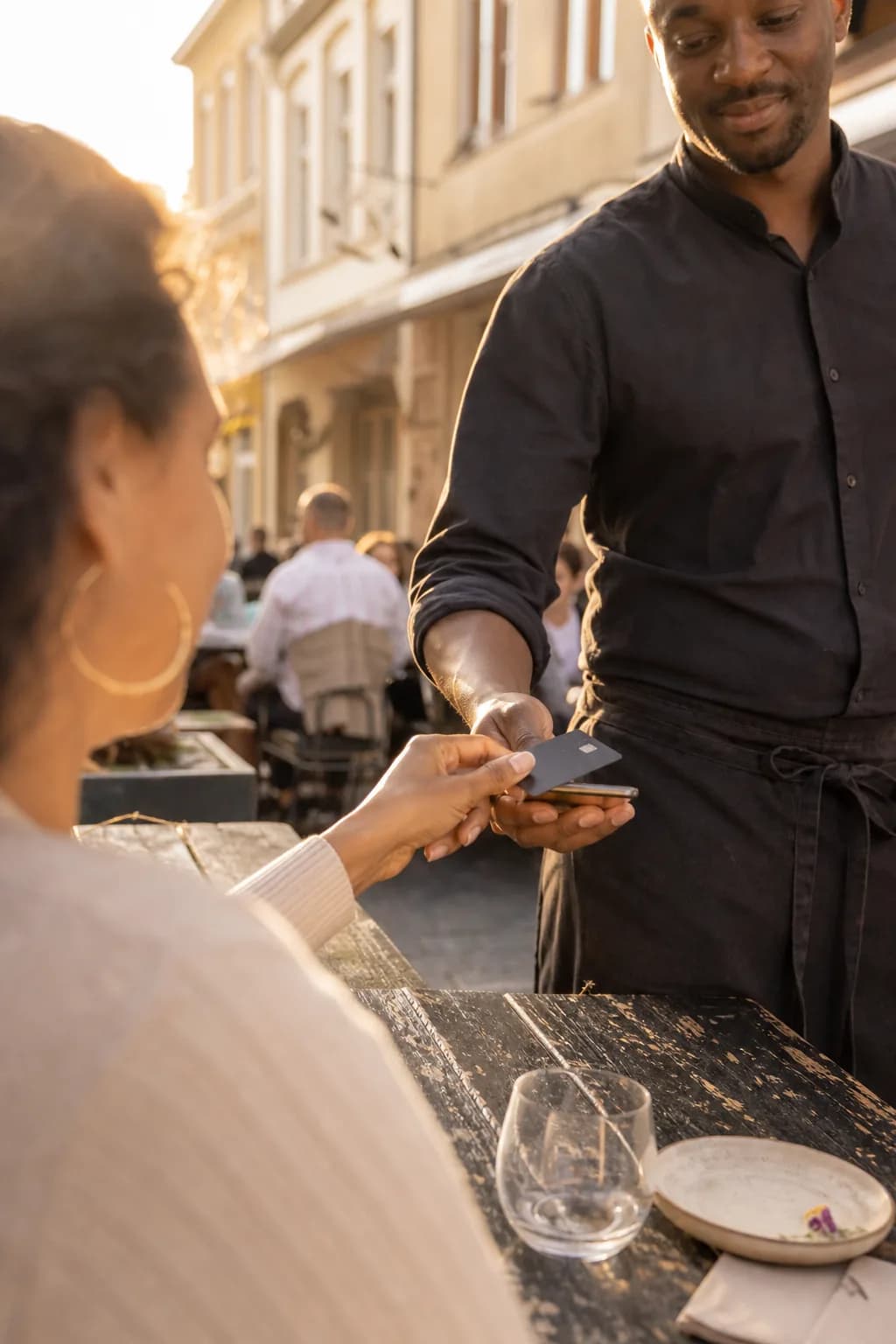
Guests access their receipt via QR code on the printed receipt. Saves paper and fulfils the German receipt obligation (Section 146a AO).
QR Code on Receipt
If you like, the printed receipt carries a QR code to the digital receipt
Accessible Online
View receipt in browser, no app download needed
Business Meal Receipt
From Servire Solo, guests add business meal details directly on the digital receipt
Edit Invoice Data
From Servire Solo, add company name and address afterwards for the invoice
In the browser or as an app
Use the Hub directly in your browser or download the app for Windows, macOS, Linux and Android.
In the Browser
Ready instantly: just open the URL, no download needed
Windows, macOS, Linux & Android
Free Hub app for all-day use: macOS, Windows, Linux (including Raspberry Pi) and Android as an APK. There is no iOS version
Install as an App
Install as a Progressive Web App (PWA), one click directly from the browser
A TV as your screen
Show your menu on a TV connected to a computer, mini PC or Raspberry Pi: behind the counter, at the entrance or in the waiting area
We have three outlets in the hotel: restaurant, bar, terrace. I used to spend ages in the evening pulling the numbers together. Now I see everything at a glance and the DATEV export goes straight to accounting.
Nikos Stavridis
F&B Manager · Hotel Sonnklar · Garmisch
Frequently Asked Questions about Hub
Requirements
- Browser (Chrome or Edge 107+, Firefox 104+, Safari 16+) or Hub app (Windows, macOS, Linux, Android)
- Internet connection
- Available in every plan, with a watermark on Free; order terminal with Servire Max
Try Hub now
Use kitchen display, customer display and digital menu right away: directly in the browser or as the Hub app for Windows, macOS, Linux and Android.