
For restaurants
Full house, short walks.
Ordered at the table, straight to the kitchen, and table 12 splits the bill.
4.6 on the App Store
with TSE from €39 a month per location · cancel any month

In short
Servire is the restaurant POS for iPhone, iPad and Android: order at the table, manage courses, split bills. With TSE from €39 a month, from €59 with unlimited devices.
Sound familiar?
Four moments from everyday service, and how Servire makes them easier.
“Write a note, walk to the register, type it in.”
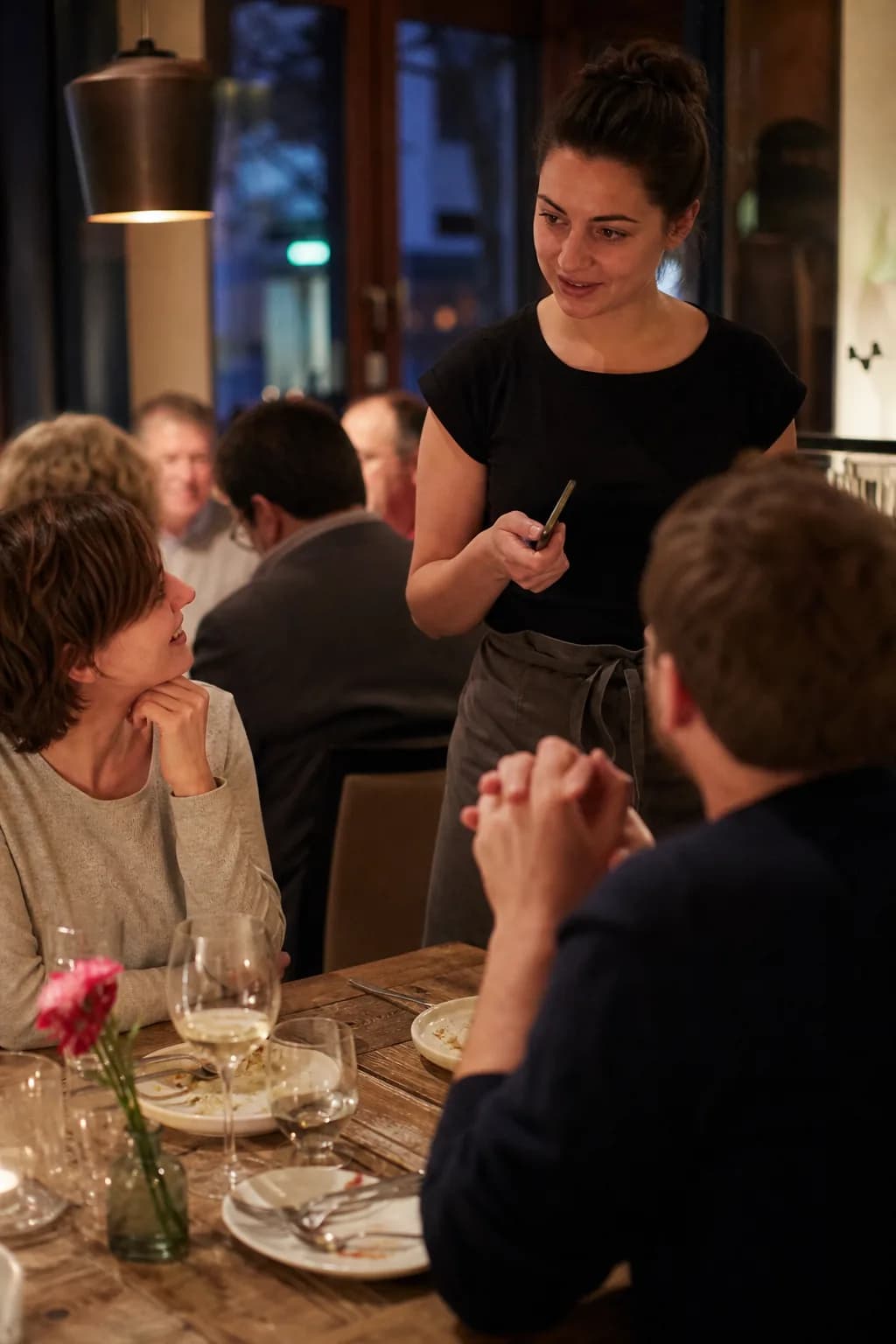
Ordered at the table, straight to the kitchen
Tap the table, pick dishes, send: the ticket is in the kitchen while you are at the next table.
- Floor plan that matches your dining room
- Kitchen display filtered by station
- The display runs in the browser or as the Hub app
“The main course arrives before the starters are cleared.”
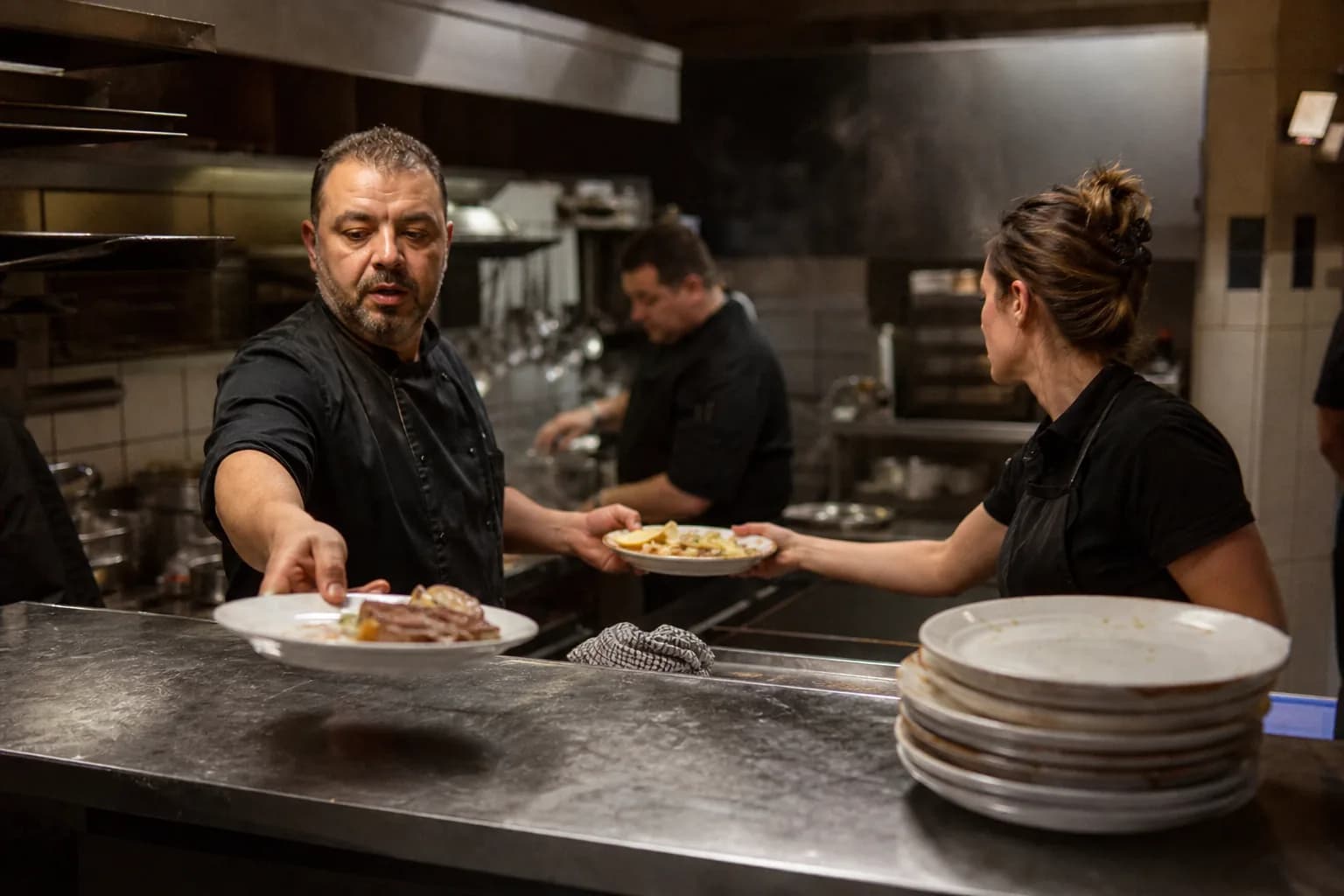
The kitchen knows when course 2 is due
Order everything at once and release the courses when the table is ready. The kitchen sees what is waiting and what can go out.
- Set courses while ringing up
- Release course 2 on demand
- Or release it on a timer
“Together or separately?”
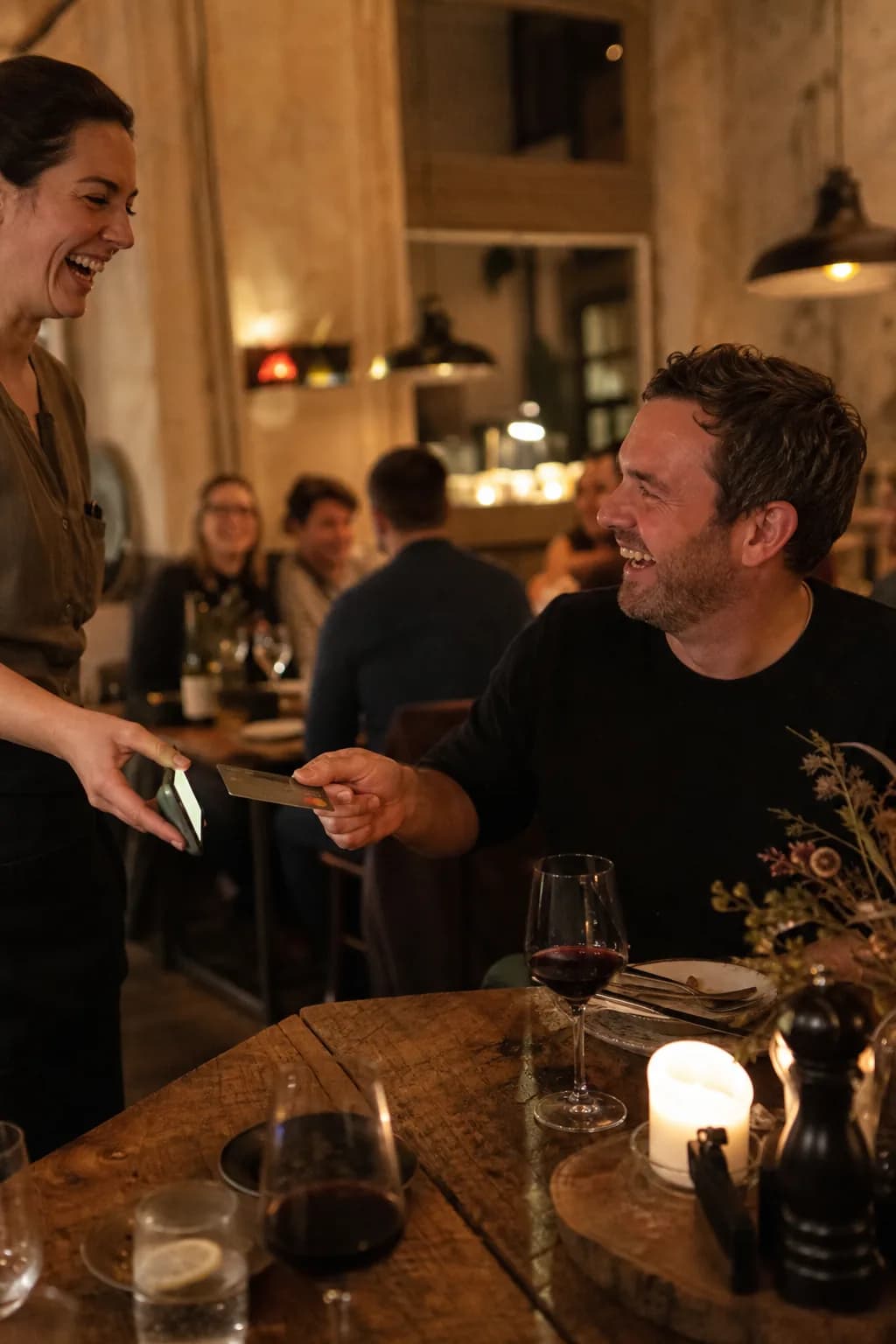
Split bills without a calculator
Tap the items, take payment, next guest. With Tap to Pay the guest holds their card right against the iPhone.
- Split the bill by item
- Split or merge parties at a table
- Tap to Pay on iPhone, and on Android with Stripe
“Every extra device costs more.”
Every team member with their own device
With Pro, any number of devices ring up at once, no charge per device. Everyone has their own login.
- Unlimited devices from Pro
- Own permissions per employee
- Tips per server

Sign up today, take payments tonight.
Account, menu and floor plan are ready in under an hour. No technician, no appointment.
Create an account
In the POS App or in your browser. No payment details, and your first venue gets 14 days of Max.
Snap your menu
Upload a photo or PDF and the AI creates items, prices and variants. You check and adjust.
Ring up the first order
Start a shift, ring up, take payment. For live operation you unlock the TSE with Solo, right in the Web desk.
4.6 on the App Store
with TSE from €39 a month per location · cancel any month
What does it cost you?
One price per location and month plus VAT, cancel any month, no setup fee.
Serving with several devices at once? Pro fits. Everything through one register? Solo is enough.
Solo
€39a month
One active register device per shift. TSE, DSFinV-K and DATEV export included.
Pro
€59a month
As many devices as you like at the same time. Plus tax office registration via Servire.
To try it out and set it up there is Free for €0. For real service you need a TSE, from €39 with Solo.
Servire Max for €99 a month adds reservations, guest management and shift planning. Reservations
4.6 on the App Store
with TSE from €39 a month per location · cancel any month
I used to run to the kitchen myself when things got mixed up. Now the courses come out when they should: the chefs are more relaxed, and so am I.
Jürgen Haas(name changed)
Managing Director · Gasthof Schwabenstüble · Stuttgart
Also included
No module prices: you pay for the plan, not for each feature.
Guests follow along
The customer display shows items and total. Or turn your phone sideways and the guest taps their own tip.
Business meal receipt included
Business meal receipt to fill in on the printed receipt; from Solo, guests enter the details themselves on the digital receipt.
Allergens on the item
Allergens and additives are stored with each dish so your team can look them up when asked.
Vouchers
Sell and redeem vouchers at the register; the remaining value stays on the voucher.
Keeps running when the network drops
Without internet you ring up, take cash and print on your local network. Cards, kitchen display and device sync need internet.
Reservations with Max
On the Max plan: a reservation book with table assignment, and guests book online via a link.
Questions restaurants ask
What restaurant owners want to know before switching.
Yes. You create the table plan yourself in the Web desk under Table Plans, without a technician or support. Create several areas such as terrace, indoors or private room, drag the tables into place and give each table a name and capacity. You can also adjust the room shape using the corner points. Saved changes appear immediately on all POS devices.
There are two ways:
- Settle individual items: When settling, tick only the items one guest pays for and tap Settle selected items. The rest stays open.
- Split party: Tap … in the party header, then Split party. The selected items move to a new party at the same table, which you settle separately.
With To another table you can also move items to a different table. Each partial bill gets its own receipt, with a TSE signature from Solo upward. Splitting parties
In the POS app, you split an order into courses while taking it, for example starter, main course and dessert. The kitchen receives the whole order right away. Each later course is marked "Wait for release" on the receipt and "Don't prepare yet" on the kitchen monitor. This lets the kitchen prepare in advance.
When the table is ready, tap Can be served on the course. The kitchen then gets a separate receipt "Course 2 from table 5 can be served", and the kitchen monitor shows Prepare now. With Timed release, this also happens automatically after a few minutes.
The kitchen monitor shows your kitchen team all open orders on one screen. It is part of Servire Hub and runs in the browser or as an app on Windows, macOS, Linux and Android. Waiting orders turn yellow and then red depending on how long they have been waiting; you set the thresholds yourself. With a tap, the team sets the status, for example In Progress or Ready to serve. The kitchen monitor needs an internet connection.
Yes, directly on the kitchen monitor. Press and hold the item on a ticket and tap Mark as sold out, or toggle the dish at the top of the list via Sold out. Guests will then be unable to order it until 5 AM, whether online or at the ordering terminal, and the POS system will show it as sold out. The kitchen does not need a special staff permission for this.
Try it on a quiet evening.
Create an account, snap your menu, set up your floor plan. Your current system can keep running in the meantime.
4.6 on the App Store
with TSE from €39 a month per location · cancel any month
When you sign up, your first venue gets 14 days of Max, no payment details needed. After that it carries on with Free; for live use you need the TSE, included from Solo.