
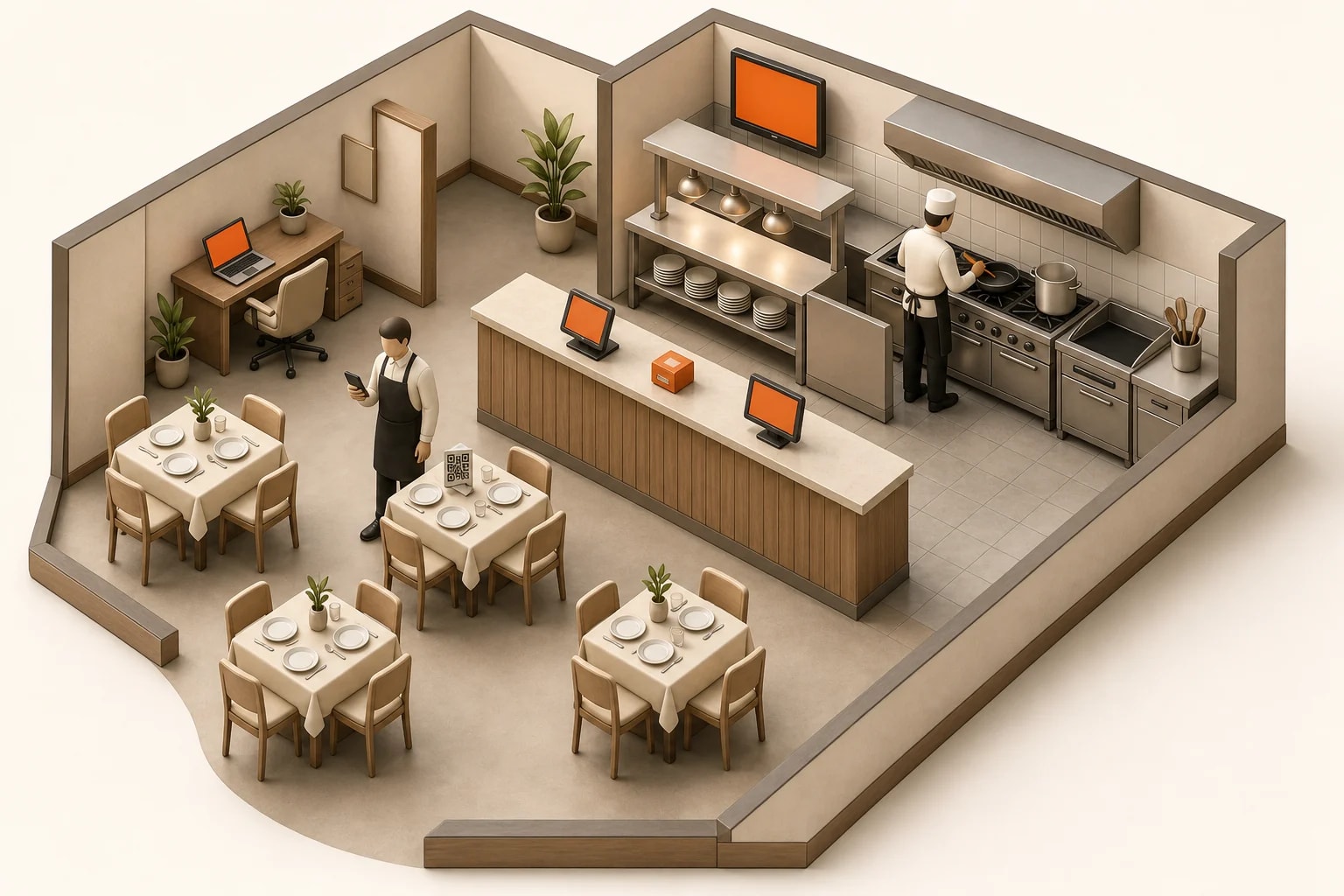
Where Servire sits in your venue.
Servire is built from six parts: the POS app on iPhone, iPad and Android, the Hub for kitchen display and customer display, the receipt printers, the Web desk as your office in the browser, guest ordering (Max), and the cloud TSE for the tax office (from Solo). This page shows in three floor plans where each part sits. From 0 € per month, fully tax compliant from 39 €.
No payment details. Cancel monthly.
Six parts, one system.
Pick the venue closest to yours and tap the dots. Below, every part is listed once more.
Guests are seated, staff move between table, bar and kitchen. Ordering and payment happen in different places.
The numbered dots on the graphic open a short explanation.
The parts
Take orders and cash payments on iPhone, iPad and Android, even without internet.
Kitchen display, customer display and pickup display, in the browser or in the Hub app.
Tickets for the kitchen, the bar and the guest, straight from the POS app or through the print centre in the Hub.
Your office in the browser: menu, numbers, cash book, DATEV.
Guests place their own orders, by QR code or at the order terminal.
In the Max plan at 99 € per month.
From Servire Solo, signs every transaction for the tax office, with no device on site.
Start with what you need today.
The POS app is the beginning, everything else joins when you need it. Max features come with a plan change within the same subscription.