
Web desk: the dashboard for your hospitality business.
The Servire Web desk is the browser dashboard of your POS system: maintain menus, manage staff and permissions, analyze revenue and create DATEV exports for your accountant. It runs in current browsers and is included in every Servire plan, even the free plan at €0.
Included in every plan, even the free one.

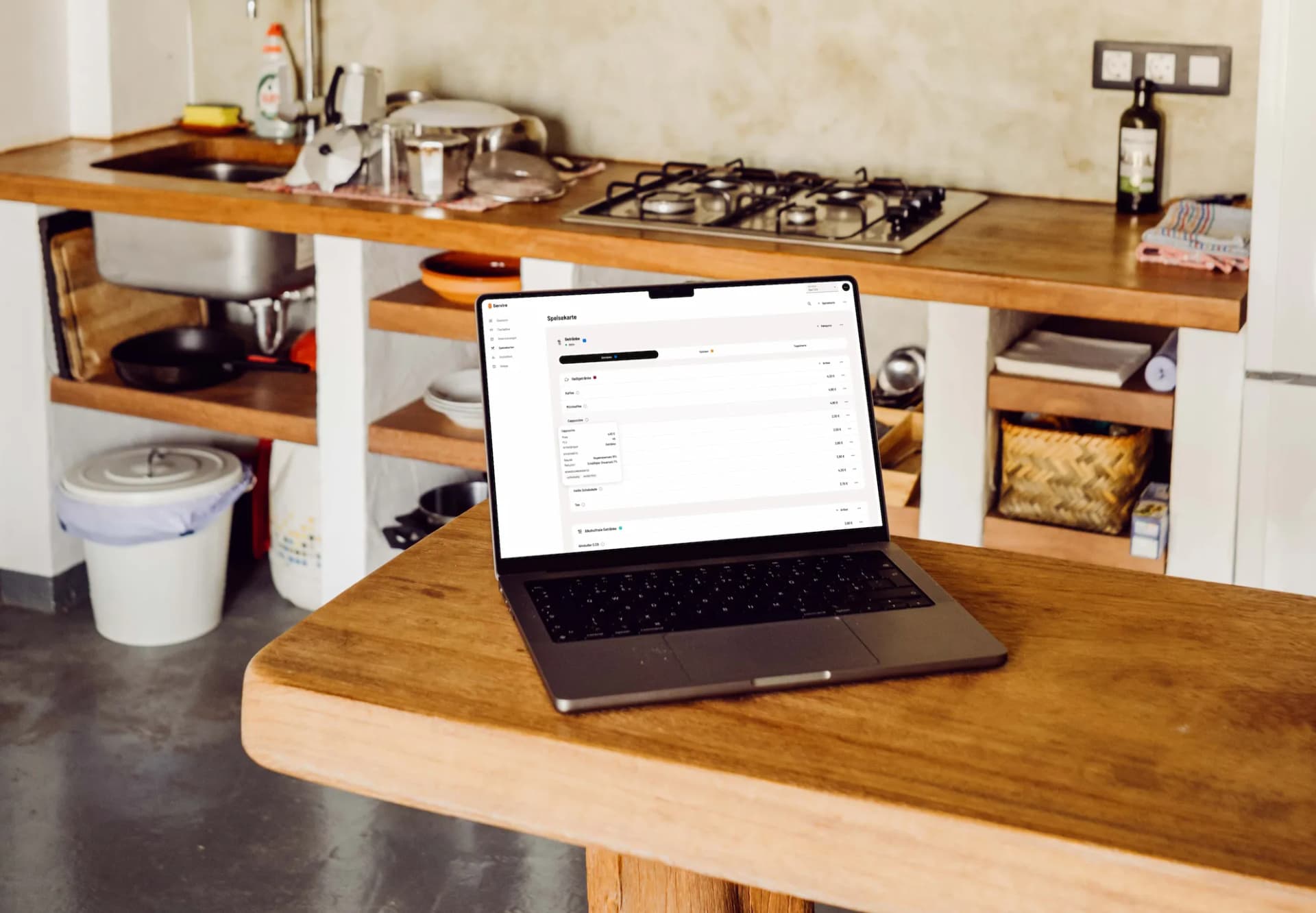
Your menu, ready in under 5 minutes
No dealer, no waiting. Create and manage your entire menu with just a few clicks. The intuitive editor supports categories, variants, extras, recipes and even AI-powered menu import.
Intuitive Management
Sort and organize categories and items yourself, no technical skills needed
Variants & Extras
Define sizes, sides and extras with individual pricing
AI Import
Upload an existing menu as a photo or PDF: the AI recognizes categories, items and prices, you review and import
Import & Export
Import existing menus from files or create backups
Item Images
Upload photos for each item and display them in the app
Recipe Editor
Manage recipes with images, tables and rich text directly in the editor
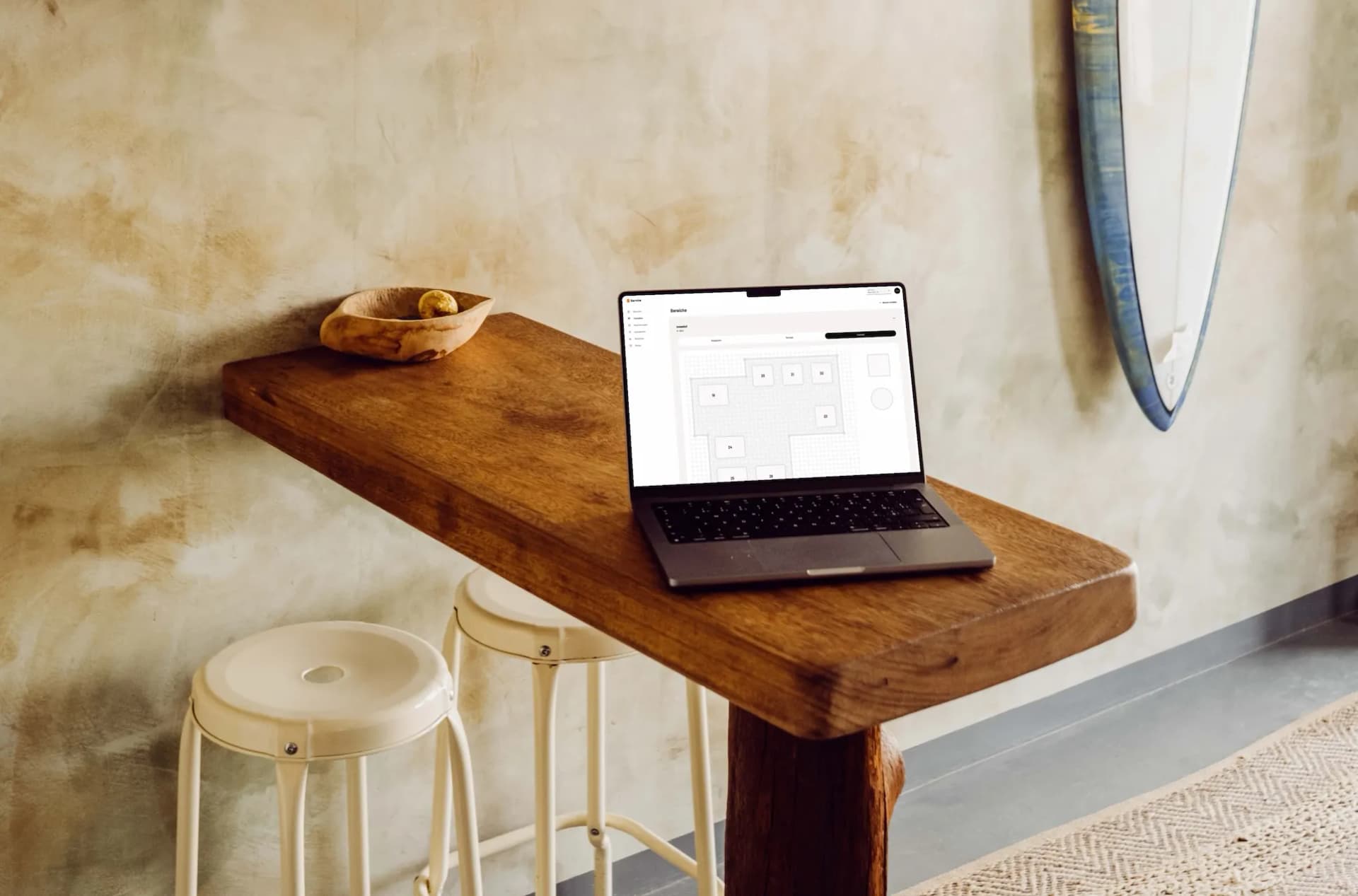
Your venue, digitally mapped
Recreate your venue exactly as it is: floor plans, tables and zones: fully customizable and instantly synced with the POS app.
Custom Floor Plans
Dining room, terrace, bar: recreate any layout and room arrangement freely
Freely Configurable Tables
Set name, size and position of each table individually
Real-Time Sync
Changes to your floor plan are instantly synced to all devices
Table Colors
Assign colors to tables, e.g. for responsibilities or categories
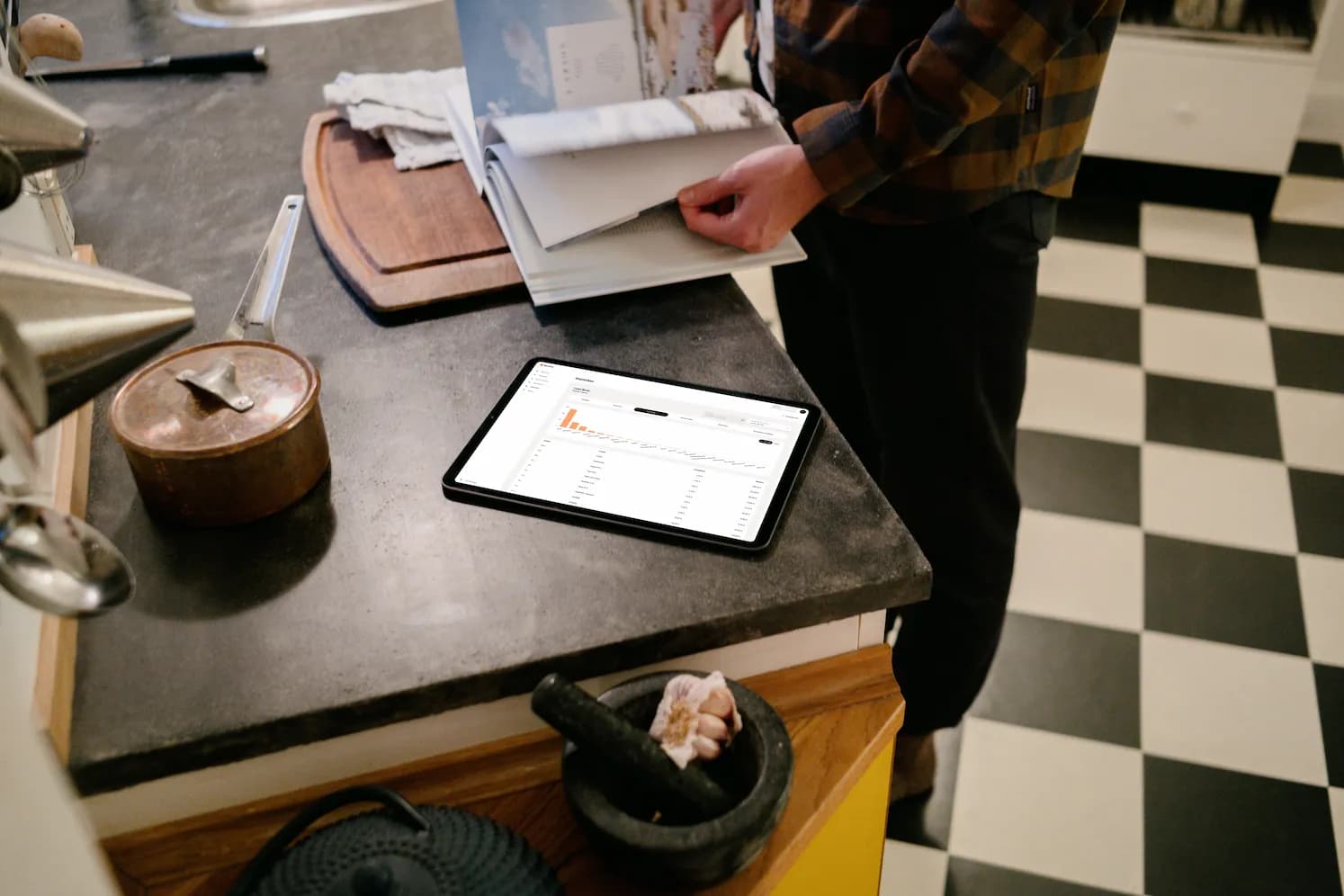
Data-driven decisions, starting now
Stop flying blind. Various analyses provide the metrics you need. Filter by time period, compare shifts and identify your top sellers.
Revenue Analysis
Daily, weekly and monthly revenue over time
Top Seller Ranking
Best-selling items and categories at a glance
Staff Statistics
Settlements, revenue, average ticket and tips per employee
Area Analysis
Which area and table generates the most revenue?
Voucher Tracking
Analyze redeemed vouchers and discounts
Shift Analysis
View and compare past shifts and download their Z reports
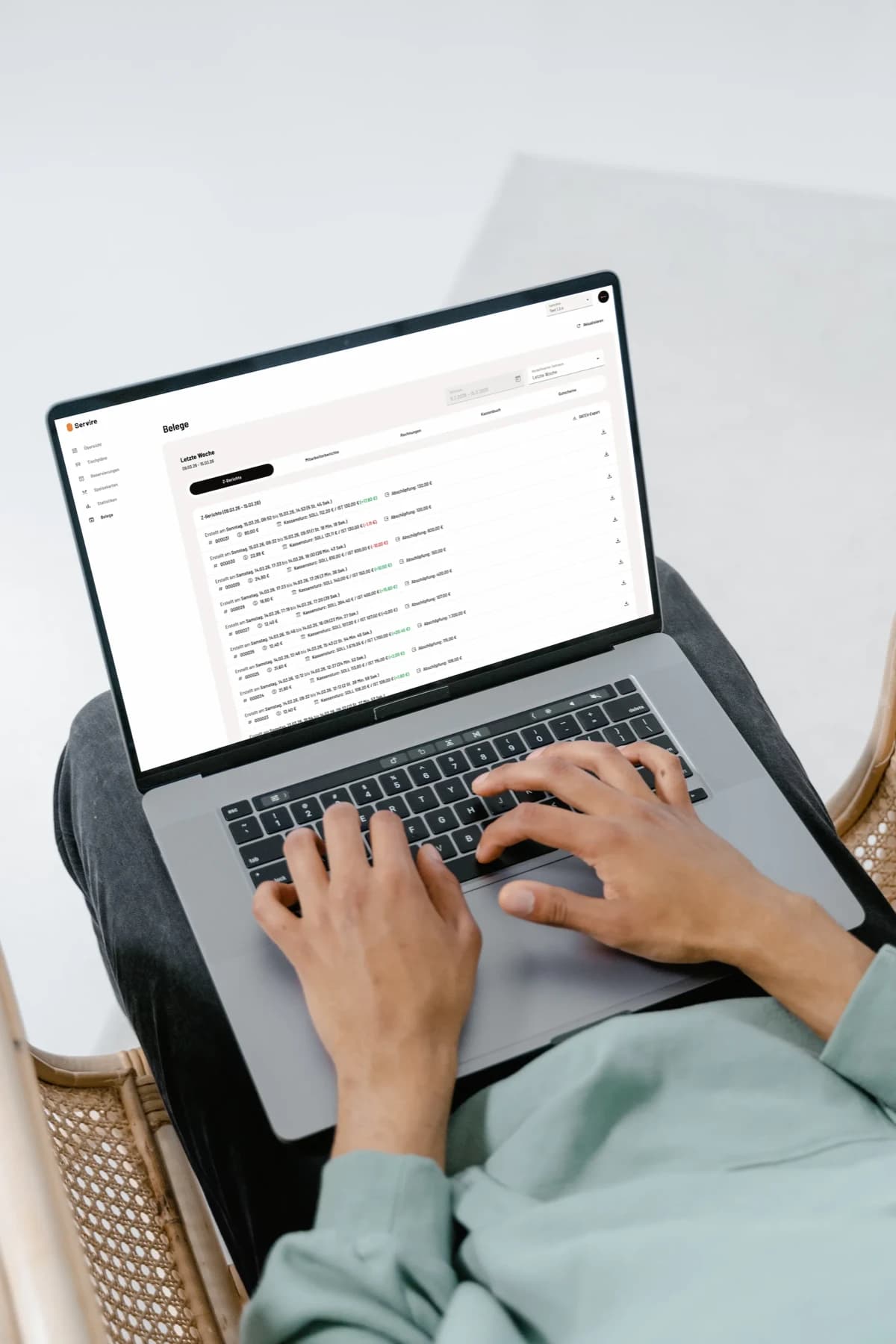
Everything documented properly
Invoices, Z-reports and accounting exports: all accounting-relevant documents archived and accessible.
Invoice Archive
All invoices searchable with PDF download
Shift Reports
Detailed reports per shift and employee
Cash Book
Complete digital cash book for the tax office
Voucher Management
Track issued and redeemed vouchers

Fully configurable
From account details to invoice settings to individual employee permissions: configure Servire exactly to your business needs.
Account & Location
Manage logo, address, opening hours and billing details
Staff & Permissions
Connect staff with the venue PIN and grant permissions individually
Accounting & Tax Office
Manage DATEV export (from Solo) and cash register registration with the tax office (from Pro)
TSE
Set up and monitor the technical security system (TSE, from Solo)
Your accountant will love you
No more manual cash books, no more paperwork chaos at tax time. From Servire Solo you get tax-compliant data at the push of a button: DATEV posting records, cash book exports and KassenSichV reports, all without manual work.
DATEV Posting Records
Export revenue as DATEV-compliant posting records
Cash Book Export
Digital cash book for financial accounting
Flexible Account Assignment
Customize ledger accounts to match your chart of accounts
KassenSichV Reports
Access KassenSichV reports anytime for cash register inspections and audits
We have three outlets in the hotel: restaurant, bar, terrace. I used to spend ages in the evening pulling the numbers together. Now I see everything at a glance and the DATEV export goes straight to accounting.
Nikos Stavridis
F&B Manager · Hotel Sonnklar · Garmisch
Frequently Asked Questions about Web desk
Requirements
- Current browser: Chrome or Edge 107+, Firefox 104+, Safari 16+
- Internet connection
Start today, for free
Create menus, analyze revenue, generate DATEV exports: right in your browser. Sign up for free and get started straight away.