
For bars & clubs
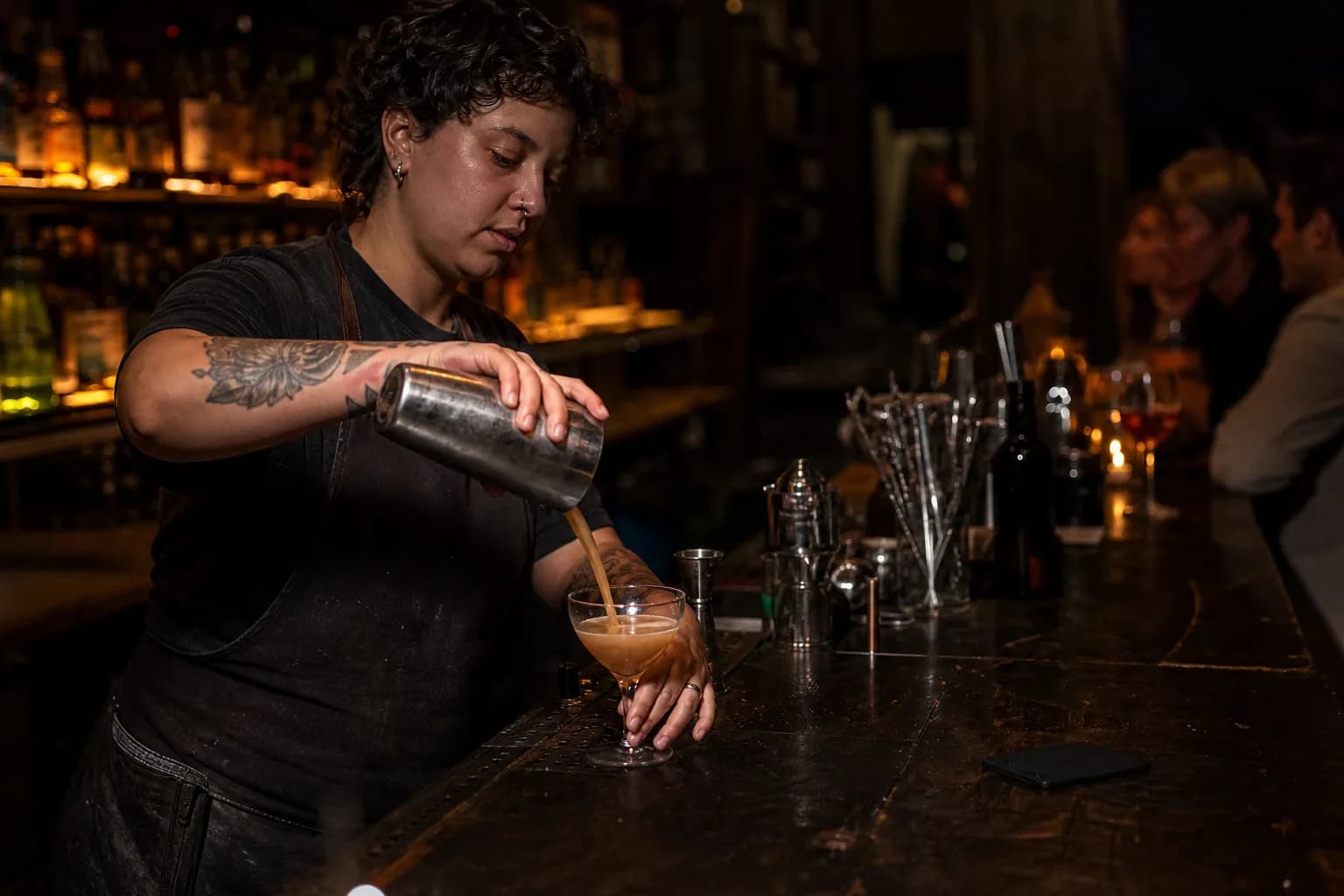
Three rows deep at the bar? No problem.
Tap drinks from your favourites, take payment, next. Open tabs run on the guest’s name, and the group pays however it likes.
4.6 on the App Store
with TSE from €39 a month per location · cancel any month
In short
Servire is the bar POS for iPhone, iPad and Android: favourites, open tabs on a name, split bills, tips per server. With TSE from €39 a month, from €59 with unlimited devices.
Sound familiar?
Four moments from everyday service, and how Servire makes them easier.
“By the time I find the beer, the next guest is annoyed.”
Bestsellers on top
Drinks as large tiles, and you pin your bestsellers as favourites. Two beers, a soda, cash, done.
- Set your own favourites
- Quantity with plus and minus
- Cash, card or voucher

“Put it on my tab, I'll pay later.”
The tab runs under the guest's name
Keep the bill open under the guest's name. If the guest pays another day, put it on account and collect later from the order list.
- Open party with a name
- Put on account for later
- Settle in cash or by card

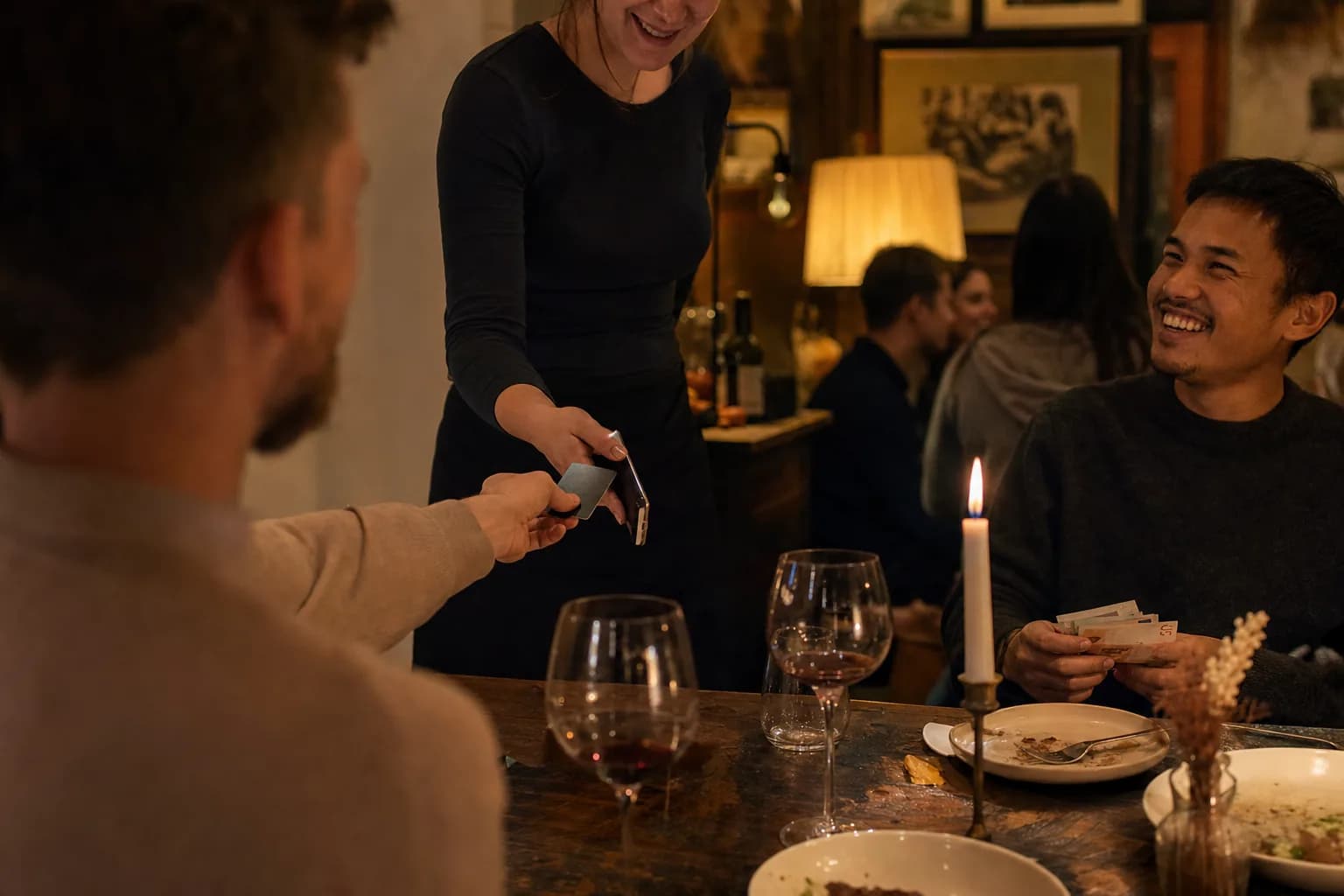
“We pay separately, but we split the round.”
Groups pay however they like
Split parties at a table, merge them or move them to another table. Each party pays its share.
- Split parties
- Merge parties
- Move to another table
“Who actually got how much in tips?”
Tips assigned fairly
Tips count for the server who took payment, cash or card. The Z report lists them per person.
- Tips in cash or by card
- Per server in the Z report
- Payout at shift end configurable

Sign up today, take payments tonight.
Account, menu and floor plan are ready in under an hour. No technician, no appointment.
Create an account
In the POS App or in your browser. No payment details, and your first venue gets 14 days of Max.
Snap your menu
Upload a photo or PDF and the AI creates items, prices and variants. You check and adjust.
Ring up the first order
Start a shift, ring up, take payment. For live operation you unlock the TSE with Solo, right in the Web desk.
4.6 on the App Store
with TSE from €39 a month per location · cancel any month
What does it cost you?
One price per location and month plus VAT, cancel any month, no setup fee.
One register behind the bar: Solo. Several stations or table service: Pro.
Solo
€39a month
One active register device per shift. TSE, DSFinV-K and DATEV export included.
Pro
€59a month
As many devices as you like at the same time. Plus tax office registration via Servire.
To try it out and set it up there is Free for €0. For real service you need a TSE, from €39 with Solo.
With Servire Max for €99 a month you plan shifts, track working hours and keep an eye on your stock. Shift plan & time tracking
4.6 on the App Store
with TSE from €39 a month per location · cancel any month
Friday night, packed bar: someone always wants to split or transfer. That used to interrupt the flow every time. Now it gets done on the side.
Elif Demir(name changed)
Operations Manager · Bar Nachtfalter · Berlin
Also included
No module prices: you pay for the plan, not for each feature.
Keeps running when the network drops
Without internet you ring up, take cash and print on your local network. Cards, kitchen display and device sync need internet.
Deposits included
Deposits are stored with the item; you book returns individually or credit them at payment.
Guests follow along
The customer display shows items and total. Or turn your phone sideways and the guest taps their own tip.
Vouchers
Sell and redeem vouchers at the register; the remaining value stays on the voucher.
Own logins
Every server signs in with their own login and the permissions you set.
Numbers at a glance
Revenue and top drinks in the Web desk, from Solo with time analysis and forecast.
Questions bars ask
What bar and club owners want to know before they start.
For a bar with several registers, or a counter plus mobile ordering, Servire Pro is the right plan: €59 net per month per location, with TSE, unlimited POS devices and the cash register notification to the tax office via the Web desk.
If you work with just one register, Servire Solo for €39 net is enough: the same POS features and the same TSE, but one active POS device per shift. You then file the cash register notification yourself via ELSTER.
No setup fee, no minimum term, cancel monthly.
Yes, with price categories. In the Web desk, create a category such as "Happy Hour" under Settings → POS → Price categories and switch on Enable price categories. Enter the lower price on the item.
Your team selects the category at the POS when settling. Items with a happy hour price become cheaper by the difference, which appears as a discount on the receipt. All other items cost the regular price.
The price category does not switch by time of day. You can, however, show a menu on a schedule: create a separate happy hour menu with the cheaper items and switch on Time-controlled display there, for example from 5 pm to 7 pm. Instructions: Changing the price category at checkout.
You manage the tab as a Party with a name. At the table, such as "Bar", every guest gets their own party; you set the name via … → Name party (with guest management Name / guest). You send every round to their party. You can move items, merge parties, or split them. When the guest leaves, you check them out.
If a regular or a company pays later, you tap the On account tile on the payment screen. The POS system issues the receipt immediately, the table is freed up, and the amount is listed in the Order list under On account until the bill is settled. For this you need the permission "May settle orders".
Guides: Name or guest of a party, On account and Settle open bills.
Try it before your next busy weekend.
Create an account, snap your drinks menu, ring up the first round. No payment details and no minimum term.
4.6 on the App Store
with TSE from €39 a month per location · cancel any month
When you sign up, your first venue gets 14 days of Max, no payment details needed. After that it carries on with Free; for live use you need the TSE, included from Solo.