
For food trucks, snack bars & kiosks
Queue at the window? Served in no time.
Tap, pay, print the pickup number. On the iPhone, iPad or Android device that is already in the truck.
4.6 on the App Store
with TSE from €39 a month per location · cancel any month
In short
Servire is the mobile POS for food trucks, snack bars and kiosks: quick checkout, pickup numbers, deposits, cards on the phone. With TSE from €39 a month, from €59 with unlimited devices.
Sound familiar?
Four moments from everyday service, and how Servire makes them easier.
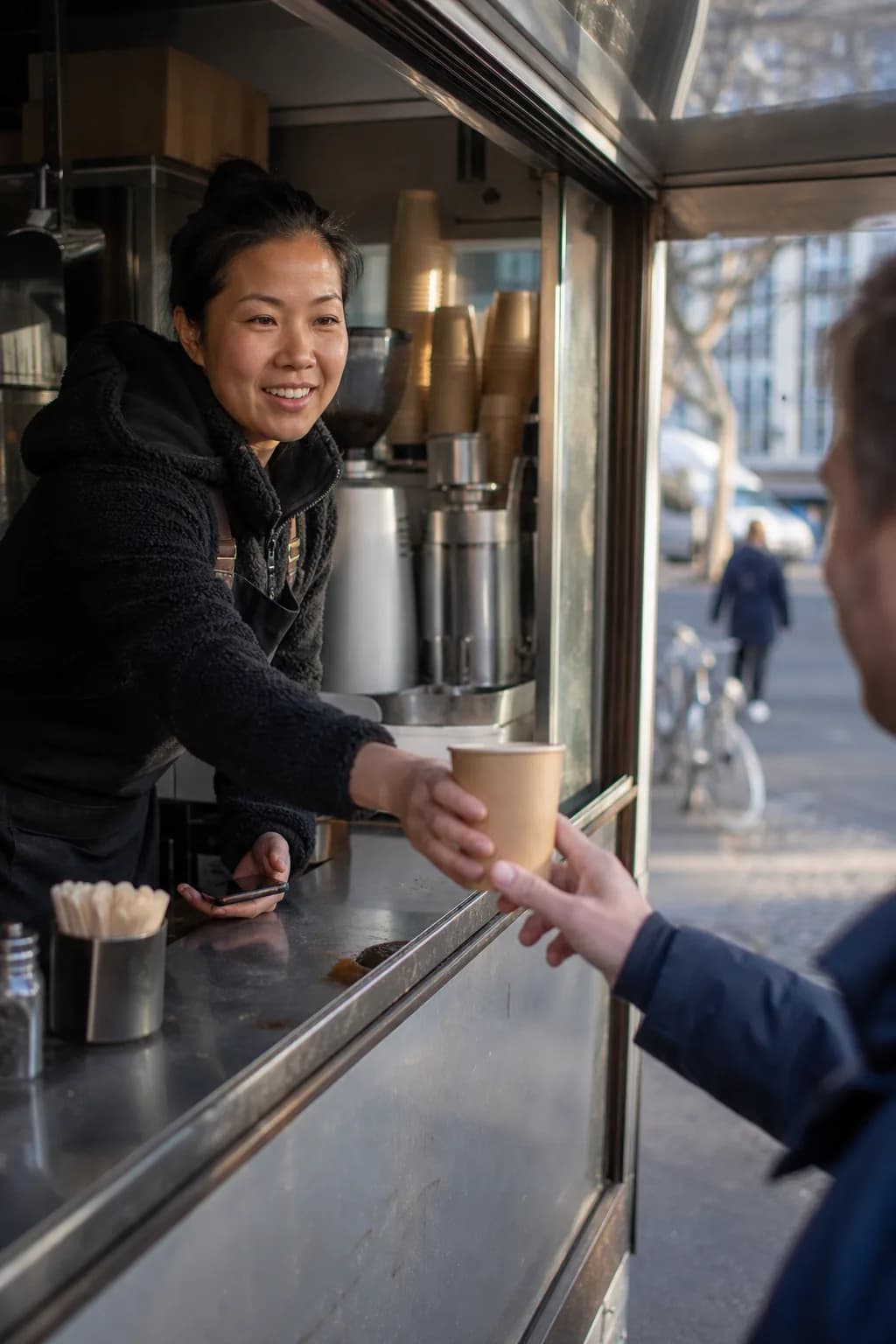
“At lunchtime twenty people stand in front of the window.”
Paid fast, number called
Tap the tiles, choose the payment method, settle. The pickup number is on the receipt and, if you like, on the pickup display.
- Favourites for the bestsellers
- Pickup numbers from 1 to 999
- Pickup display with sound
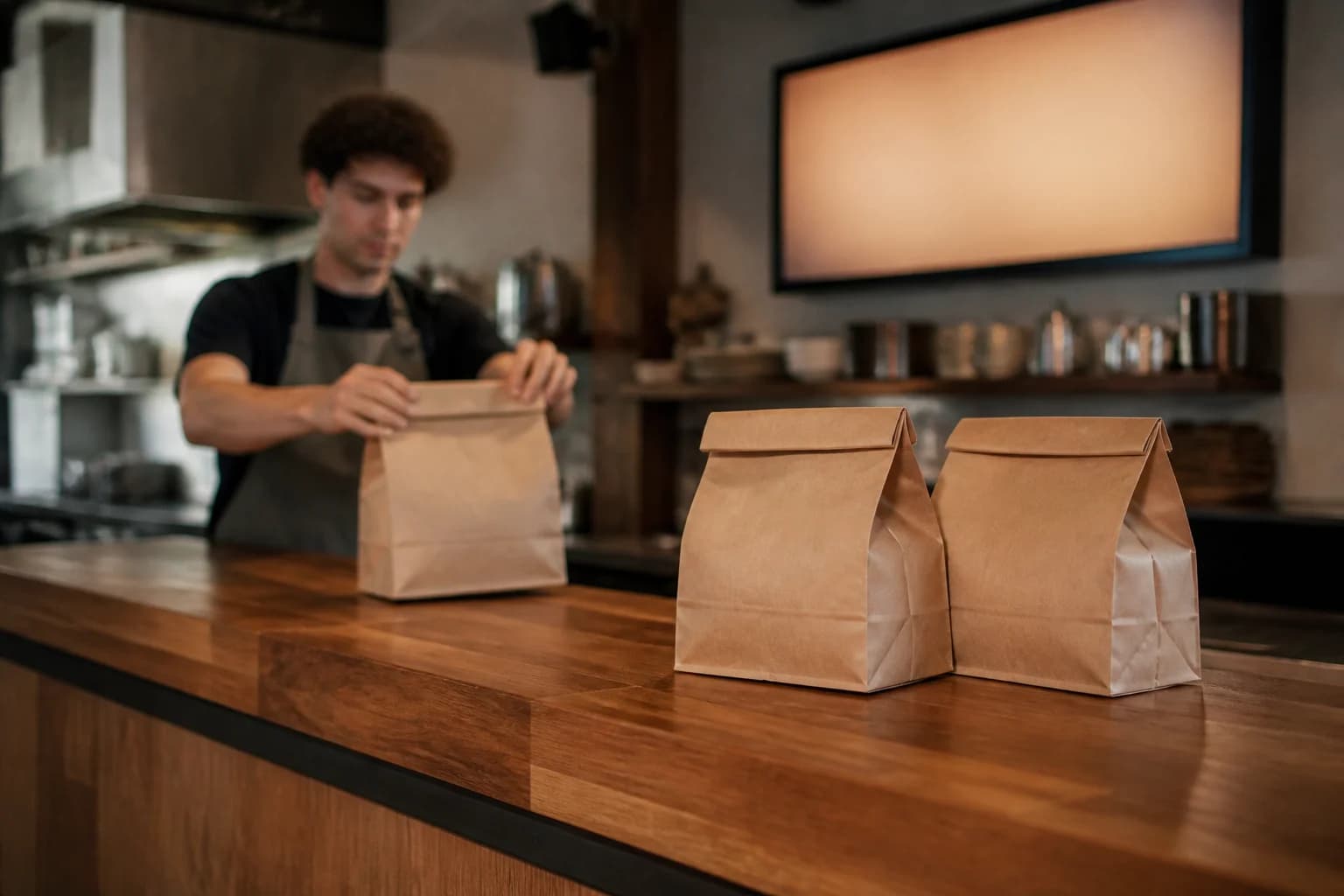
“There is no stable network at the fairground.”
No network? Keep selling.
Without internet you ring up, take cash and keep printing. Cards and pickup numbers need internet; the receipt notes the missing TSE signature.
- Ring up and take cash without internet
- Epson printers also via Bluetooth or USB
- Receipt notes missing TSE signature
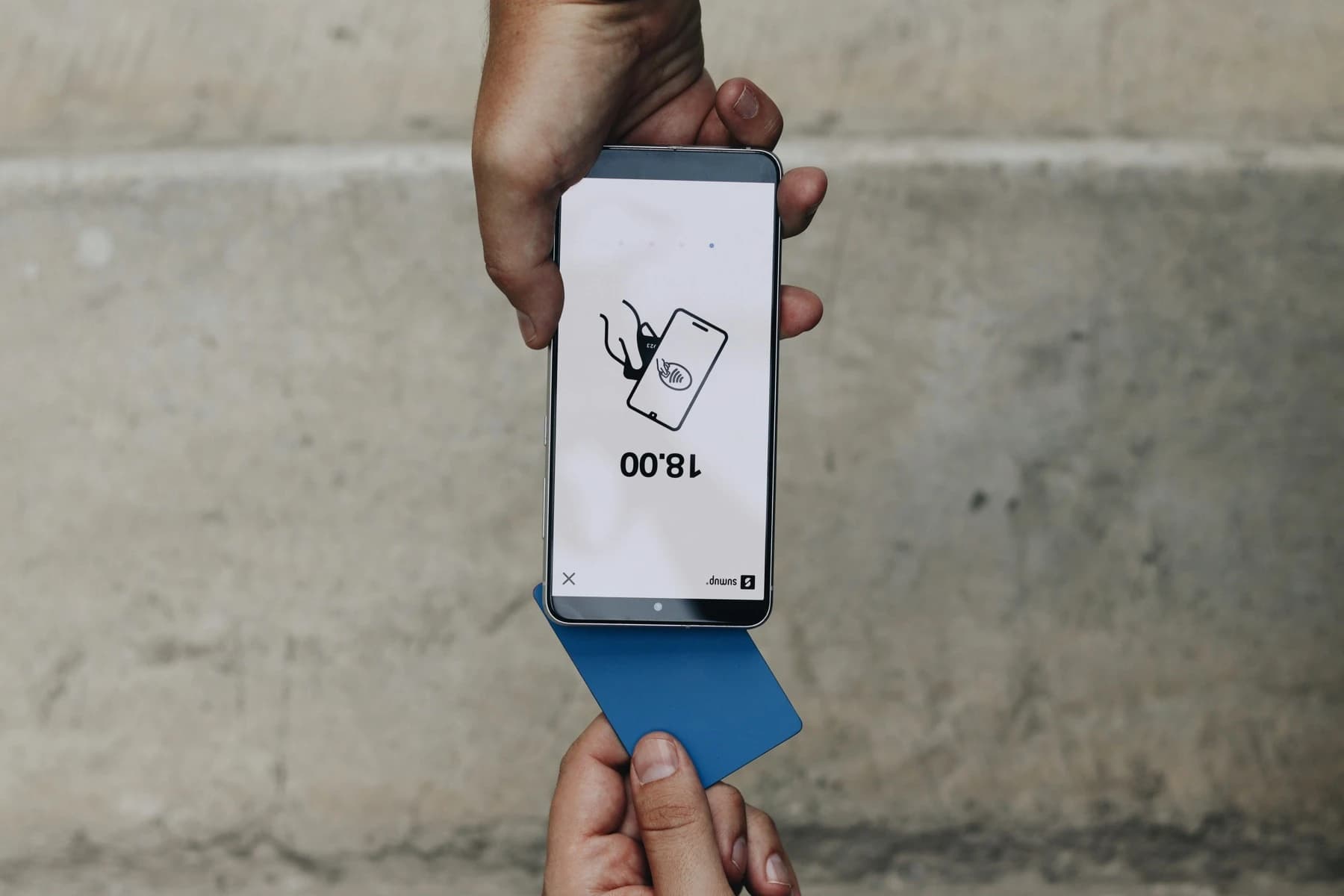
“A card terminal costs extra.”
Cards right on the iPhone
Tap to Pay turns your iPhone into a card terminal, with SumUp or Stripe. A card reader works too.
- Tap to Pay on the iPhone with SumUp or Stripe
- On Android with Stripe
- No transaction fee from Servire
“Counting deposit bottles after closing.”
The register handles deposits
Deposits are stored with the item and added at the sale. You book returns individually or credit them at payment.
- Deposit stored with the item
- Returns individually or at payment
- Everything in the Z report
Sign up today, take payments tonight.
Account, menu and floor plan are ready in under an hour. No technician, no appointment.
Create an account
In the POS App or in your browser. No payment details, and your first venue gets 14 days of Max.
Snap your menu
Upload a photo or PDF and the AI creates items, prices and variants. You check and adjust.
Ring up the first order
Start a shift, ring up, take payment. For live operation you unlock the TSE with Solo, right in the Web desk.
4.6 on the App Store
with TSE from €39 a month per location · cancel any month
What does it cost you?
One price per location and month plus VAT, cancel any month, no setup fee.
One truck, one register: Solo for €39. To try it out you start for free.
Solo
€39a month
One active register device per shift. TSE, DSFinV-K and DATEV export included.
Pro
€59a month
As many devices as you like at the same time. Plus tax office registration via Servire.
To try it out and set it up there is Free for €0. For real service you need a TSE, from €39 with Solo.
With Servire Max for €99 a month you get a website with your menu where guests pre-order for pickup. Website
4.6 on the App Store
with TSE from €39 a month per location · cancel any month
At the weekly market, the signal drops out now and then. That used to be a problem every time. Now we simply keep ringing up, and as soon as the connection is back, everything syncs.
Anh Nguyen(name changed)
Founder · Anh's Kitchen · Hamburg
Also included
No module prices: you pay for the plan, not for each feature.
Eat in or to go
Choose the order type with one tap, right in quick checkout.
Guests follow along
The customer display shows items and total. Or turn your phone sideways and the guest taps their own tip.
Paper receipt or QR code
Receipt printer via LAN or Wi-Fi, Epson also via Bluetooth or USB. Or the digital receipt by QR code.
Allergens on the item
Allergens and additives are stored with each item so you can look them up when asked.
Vouchers
Sell and redeem vouchers at the register; the remaining value stays on the voucher.
Off-season costs nothing
After the season you switch to Free and pay nothing. Menu and reports stay, next season you set up a new TSE.
Questions food trucks and snack bars ask
What mobile operators want to know before they start.
It doesn't: the fiskaly cloud TSE does not sign on your POS device but needs an internet connection. Ringing up and cash payments still work offline, card payments do not. As long as the connection is missing, the receipt says "Created without TSE signature". Servire logs the outage under Settings → TSE → TSE outages, where you also enter your Measures.
Shift start and shift close need internet. So only end a shift once the device is back online.
Notes from the TSE provider · Manual: TSE outage
You need an iPhone, iPad or Android device and a compact receipt printer: an Epson mobile printer such as the TM-P20 or TM-P80 via Bluetooth, or a network printer on mobile Wi-Fi, which can then also come from other manufacturers with ESC/POS. A Sunmi terminal with a built-in printer doesn't need a separate receipt printer.
For card payments, add a card reader or use Tap to Pay on the iPhone (SumUp or Stripe) or on Android (Stripe). Both need internet.
Only with internet. Card payments require a connection for authorization, regardless of whether you use a card terminal or Tap to Pay. Without a network, you can only accept cash payments.
At festivals, a mobile hotspot or a dedicated LTE router for your POS device and card terminal helps.
In the Web desk, you create your deposit items under Menus → ⋯ → Edit deposit items (e.g. a €0.25 bottle deposit) and attach them to the matching items in the item dialog. The POS app adds the deposit automatically when ordering and shows it separately on the receipt.
There are two ways to take empties back: Deposit return via the Action button in the POS app (payout without an order) or Deduct deposit at payment when the guest orders something at the same time. Both are recorded in the cashbook and the Z report.
Instructions: Setting up deposits and Deposit return.
Quickly, if the part-time staff only get the permissions they need. First, they connect their own Servire account to your venue once via Venue PIN and then start with the Served by template: They may open and close the shift, take orders, process payments, open the cash drawer, and mark items as sold out. May cancel, May grant discounts and surcharges, and Edit menu are turned off. As the owner, you grant more permissions in the Web desk under Employees → Edit employee. They can add frequent items to their own Favorites in the POS app themselves, because favorites belong to the individual account.
PLU codes are short numbers for your items, for example 101 for Coke and 102 for Fanta. You enter them in the Web desk in the item's PLU field, with a maximum of 10 characters. In the POS app, type the number into the Text / PLU search field above the menu, and the item appears immediately. On tiles without an image, the PLU is also shown as “#101”.
Try it before your next market day.
Create an account, snap your menu, ring up the first sale. No payment details and no minimum term.
4.6 on the App Store
with TSE from €39 a month per location · cancel any month
When you sign up, your first venue gets 14 days of Max, no payment details needed. After that it carries on with Free; for live use you need the TSE, included from Solo.