
Fixed prices, no module puzzle.
Servire Pro costs €59 a month per location, with as many devices as you like, updates and support. Max for €99 adds your whole business. No charge per feature, no setup fee.
The POS system for hospitality
Servire turns your iPhone, iPad or Android device into a till and runs your business around it. No setup fee.
4.6 on the App Store
with TSE from €39 a month per location · cancel any month

In short
At its core, Servire is a POS system for hospitality, on iPhone, iPad and Android, and it runs your whole business around it. With TSE from €39 a month per location; Servire Max for €99 adds reservations, guests, inventory, shift planning, a website and online vouchers.
What Servire is, how you get started and why operators switch.

The film scenes are AI-generated. Spoken in German, with English subtitles.
Six moments from an ordinary service, from 4:00 pm to 11:40 pm.
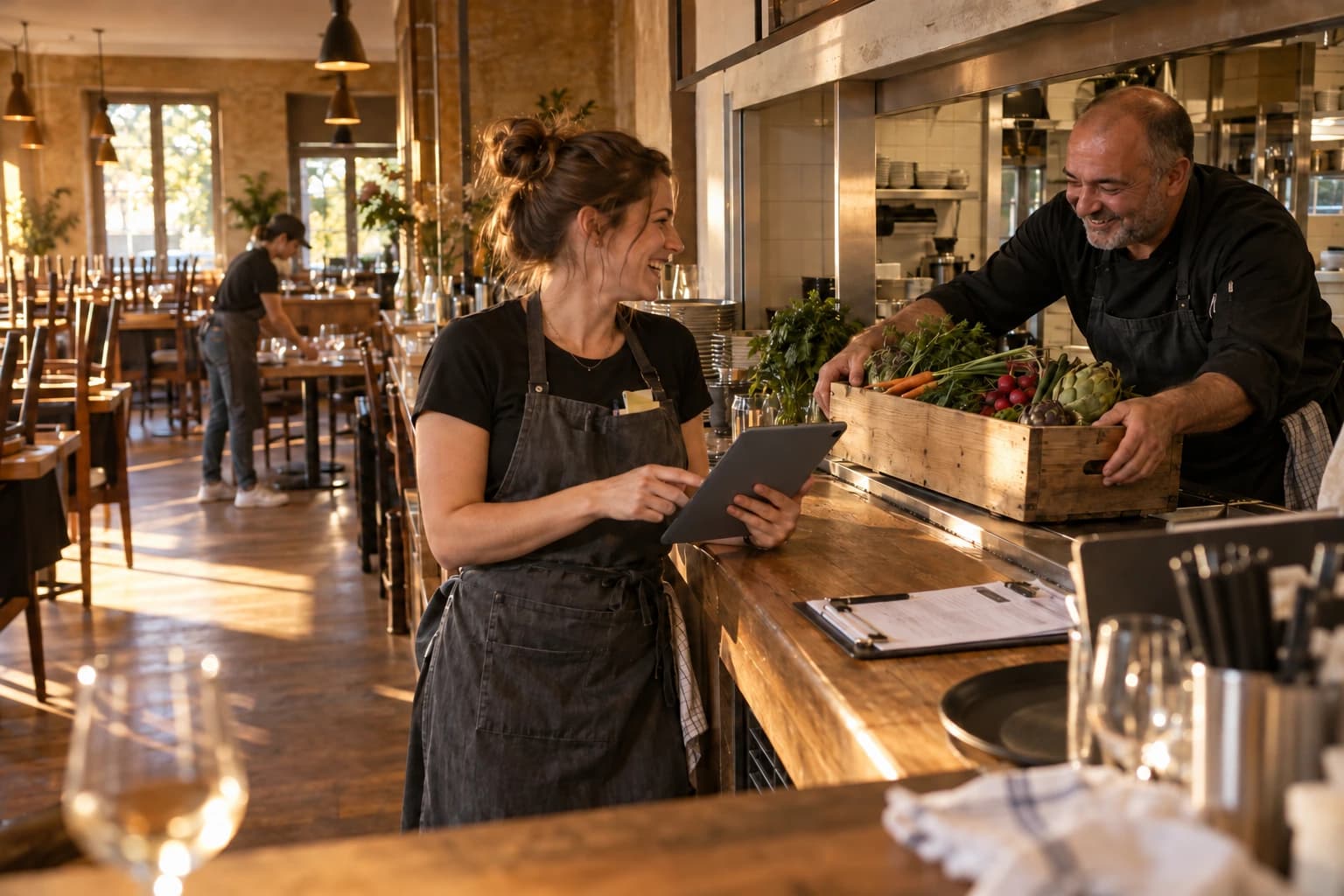
The reorder suggestion for your stock is ready, and the shift plan has gone out. Reservations, pickup orders and voucher purchases come in through your website. The team clocks in, and the evening can begin.
These features come with Servire Max.

Orders are taken at the table, as easily as on your own smartphone. Side, size, extras or “no onions” go on the kitchen ticket, and Servire sorts the courses along the way.
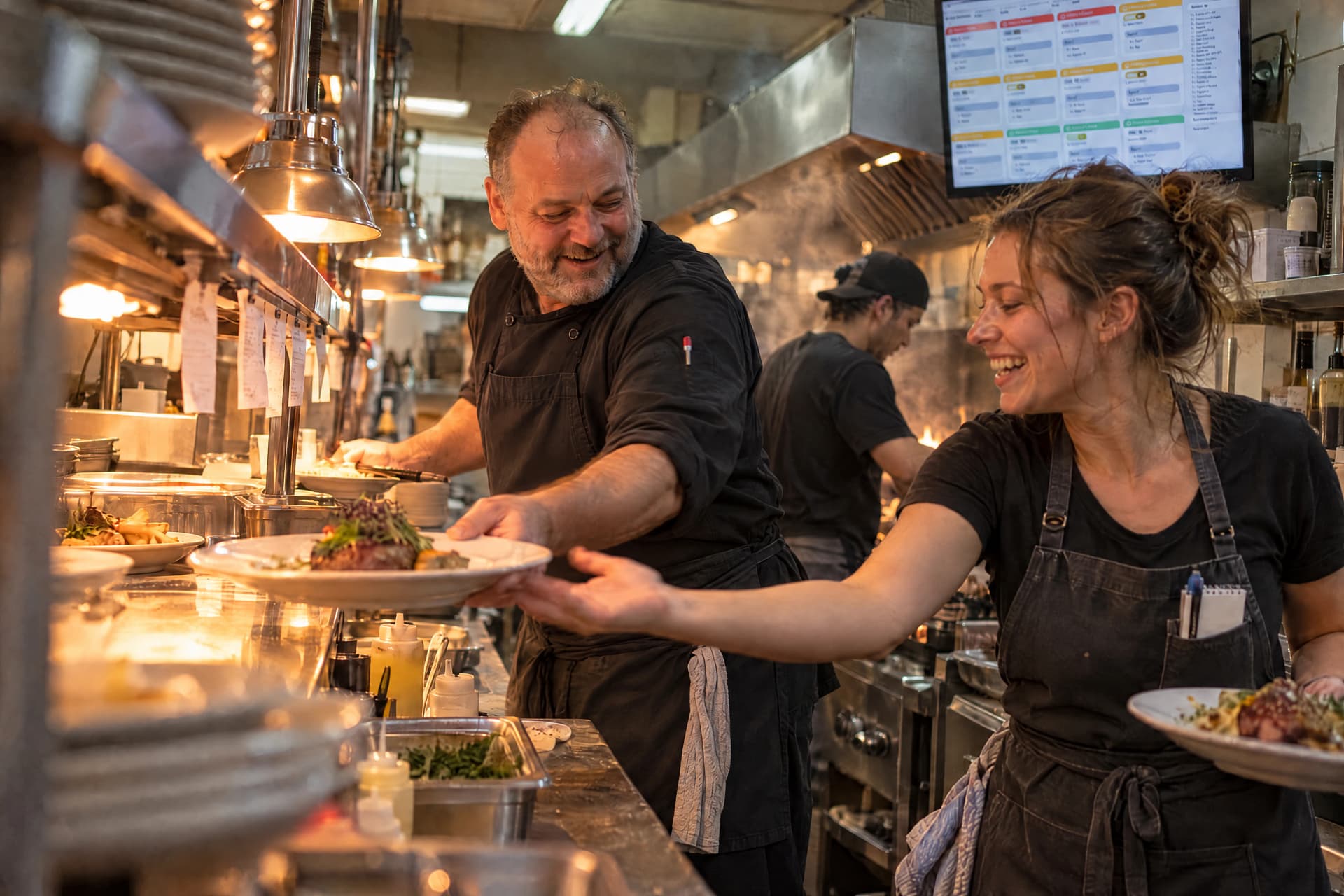
Every ticket appears on the kitchen display, sorted by course and time. You release course 2 when the table is ready. Whatever needs printing goes to the right printer.
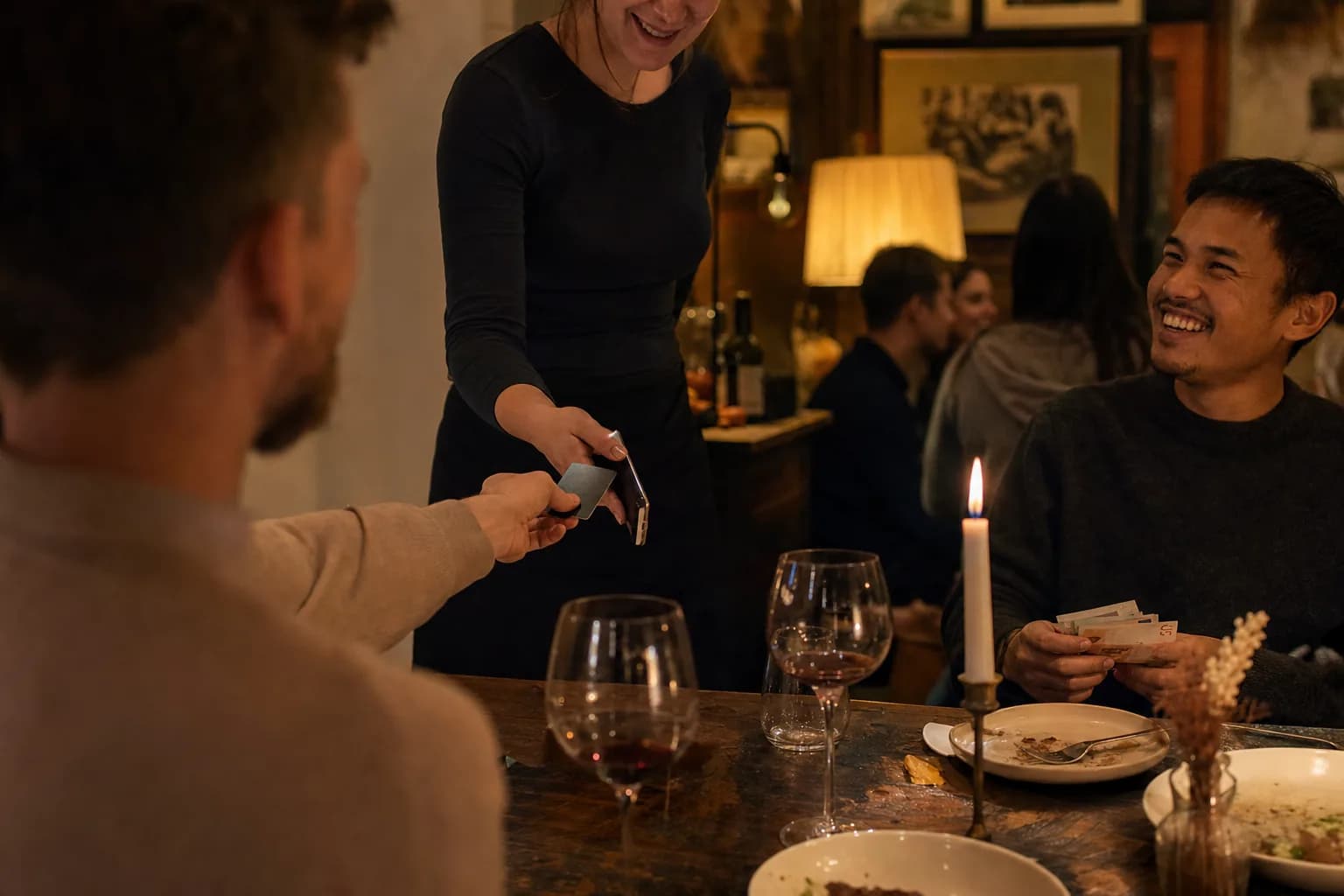
Four guests, three cards, one paying cash. Select items, settle, next guest. Tap to Pay right on the iPhone, receipt via QR code to the guest's phone.

In the middle of service the line goes down. Ordering, cash payments and receipt printing keep running on your own network; card payments, the kitchen display and device sync wait for the connection. The receipt notes the missing TSE signature.

The Z report is done before the chairs are up. Revenue, tips, shifts: all in the Web desk, with the digital cash book included.
Account, menu and floor plan are ready in under an hour. No technician, no appointment.
In the POS App or in your browser. No payment details, and your first venue gets 14 days of Max.
Upload a photo or PDF and the AI creates items, prices and variants. You check and adjust.
Start a shift, ring up, take payment. For live operation you unlock the TSE with Solo, right in the Web desk.
4.6 on the App Store
with TSE from €39 a month per location · cancel any month
The trial evening: how to test before your first real service
The POS app at the table, the Web desk in your browser, the Hub for kitchen and displays. All on devices you already have.
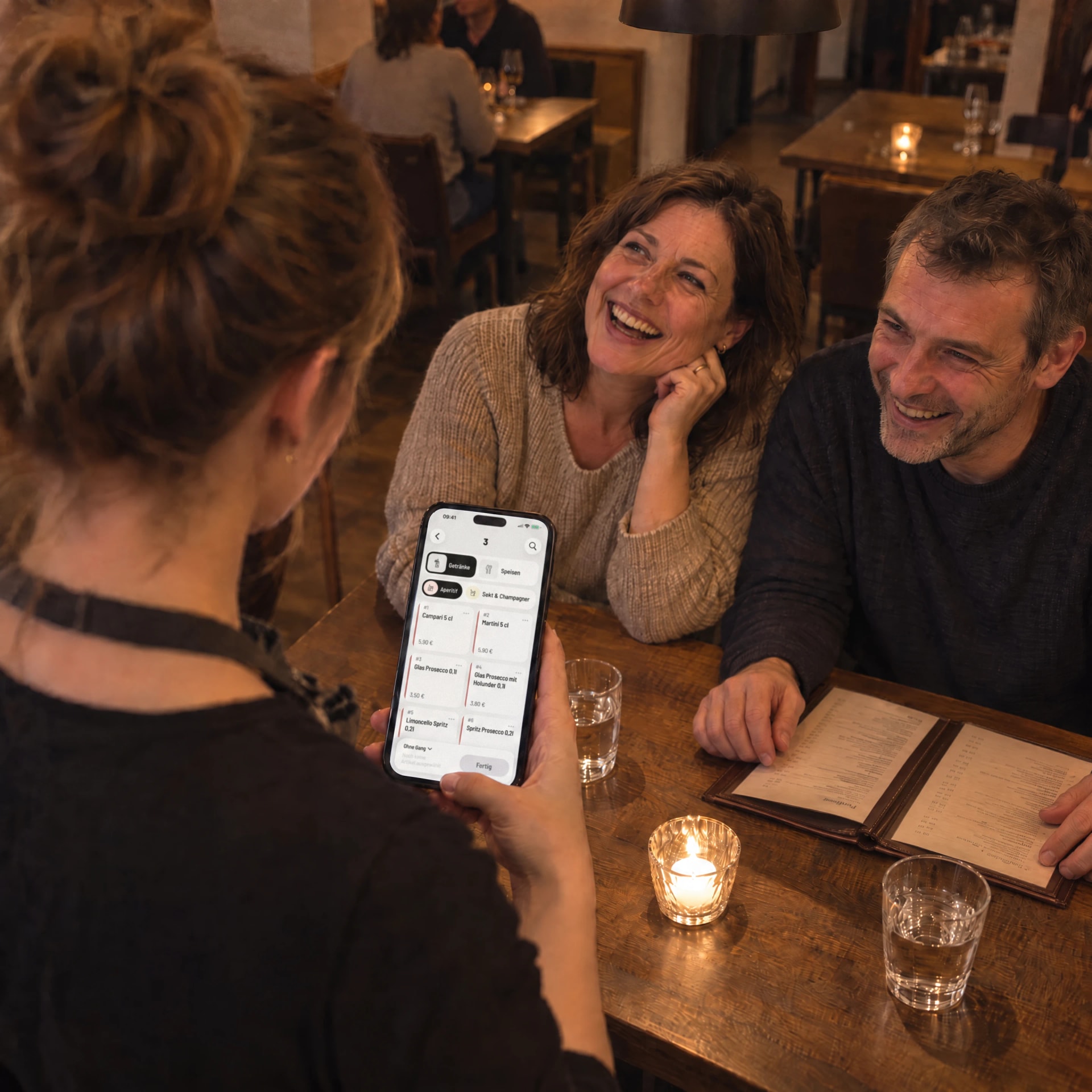 POS appTake orders, split bills and get paid right at the table.iPhone · iPad · Android
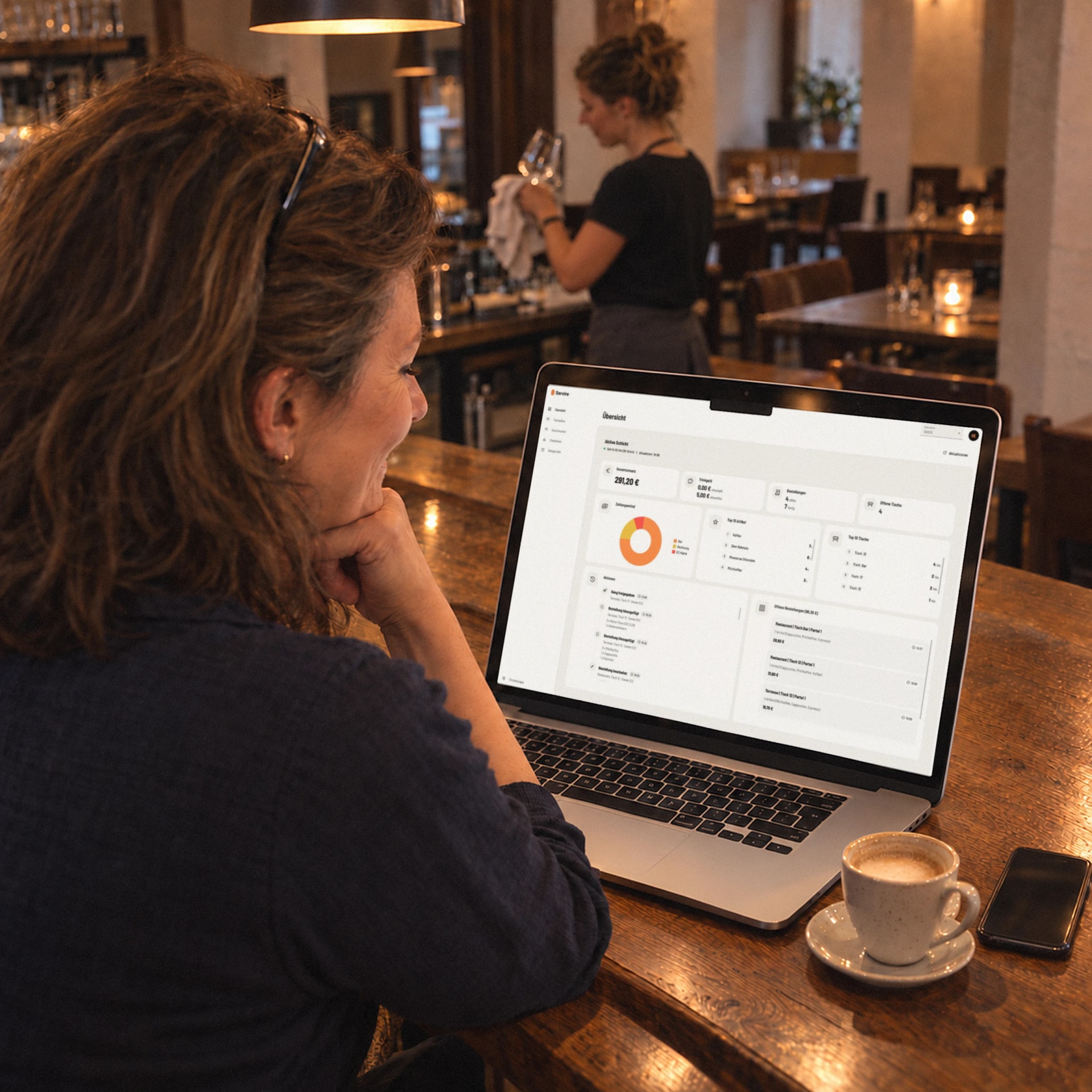 Web deskMenu, team and figures at a glance, from the office or the bar.In the browser on a laptop or PC
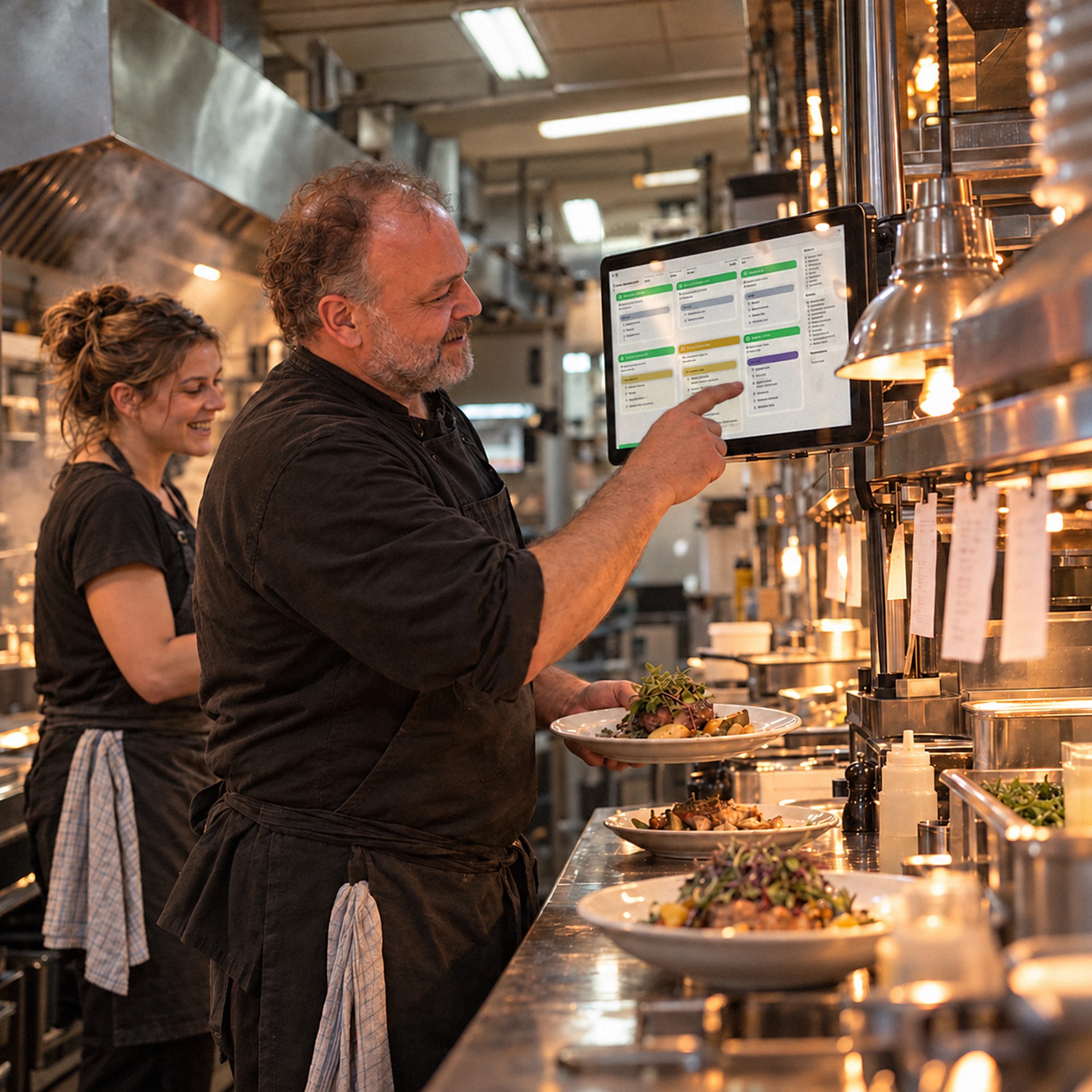 HubOrders appear on the kitchen display the moment they are placed.Kitchen display · Customer display · Print hub
Four reasons operators switch. We earn nothing from hardware or your card sales, so the choice stays yours.
Servire Pro costs €59 a month per location, with as many devices as you like, updates and support. Max for €99 adds your whole business. No charge per feature, no setup fee.
Cancel any month. Choose your printer freely; cards run through SumUp or Stripe, with Tap to Pay on the iPhone and on Android with Stripe. We take no cut of your card sales.
Built natively for iPhone, iPad and Android, as easy as your own phone and in twelve languages. Ringing up, cash payments and receipt printing straight from the app keep working without internet.
Certified cloud TSE, DSFinV-K and DATEV export from Solo, a digital cash book and the Z report at the touch of a button. From Pro you file the tax office registration directly through Servire. All in the price.
One price per plan, no asterisks. Servire Pro includes TSE, exports, the tax office registration and all updates, under €2 a day net.
Tax compliant for your whole team, tax office registration included.
I showed my temp how to open a table. Half an hour later she was serving on her own, without a single paper note.
Kathrin Weigel(name changed)
Owner · Café am Gärtnerplatz · München
Restaurant, café, bar or food truck: this is what Servire looks like in your day-to-day.
 RestaurantsOrders at the table, courses, split bills
 Bars & ClubsFast bar sales, open tabs, split bills
 Cafés & BistrosFast at the counter, relaxed at the table
 Food truck, snack bar & kioskFast checkout, even without a stable network
 EventsSeveral stalls, helpers, one settlementBeer gardensLarge outdoor areas, deposits, patchy network
The most important questions at a glance
Free costs €0 and is for setting up and testing, without TSE. Solo costs €39, Pro €59 and Max €99 a month per location plus VAT, cancel any month. When you sign up, your first venue gets 14 days of Max, no payment details needed.
Yes, from Solo. The certified cloud TSE from fiskaly signs every transaction, as the KassenSichV requires. DSFinV-K and DATEV export come with Solo, the tax office registration under § 146a AO with Pro.
For the essentials, yes. Ordering, splitting, voiding open items, cash payments and printing from the POS app keep working offline. Cards, kitchen display, shift changes and device sync need a connection; the receipt notes the missing TSE signature.
An iPhone or iPad with iOS/iPadOS 17.6 or later, or an Android device with Android 9 or later and Google Play services (SUNMI terminals also work without). The Web desk and the Hub run in the browser, the Hub also as an app for Windows, macOS, Linux and Android. You can add a receipt printer and cash drawer later.
The same day. Account, menu and floor plan are ready in under an hour; you create the menu by hand or from a photo. You set up the TSE (from Solo) and the tax office registration (from Pro) yourself in the Web desk.
Yes. Since 2025, electronic POS systems in Germany must be reported to the tax office within one month of purchase. With Servire Pro you send the notification straight from the Web desk; with Solo you report via ELSTER.
Create an account, snap your menu, start ringing up.
4.6 on the App Store
with TSE from €39 a month per location · cancel any month
When you sign up, your first venue gets 14 days of Max, no payment details needed. After that it carries on with Free; for live use you need the TSE, included from Solo.