
Registration with the Servire
Here's how to create a free Servire account in Web desk and get started with your restaurant.
A Servire account is free and belongs to you personally. You can create it in the Web desk via your browser or directly in the POS app: Create an account in the POS app. Both methods lead to the same account, which you can use to log in everywhere.
14 days of Max free trial: When you create your first restaurant with a new account, it runs for 14 days on the Max plan, without any payment data. After that, it continues free of charge with Free, and your data is retained. The trial period is available once per account: Plans and trial period.
Register at the Web desk
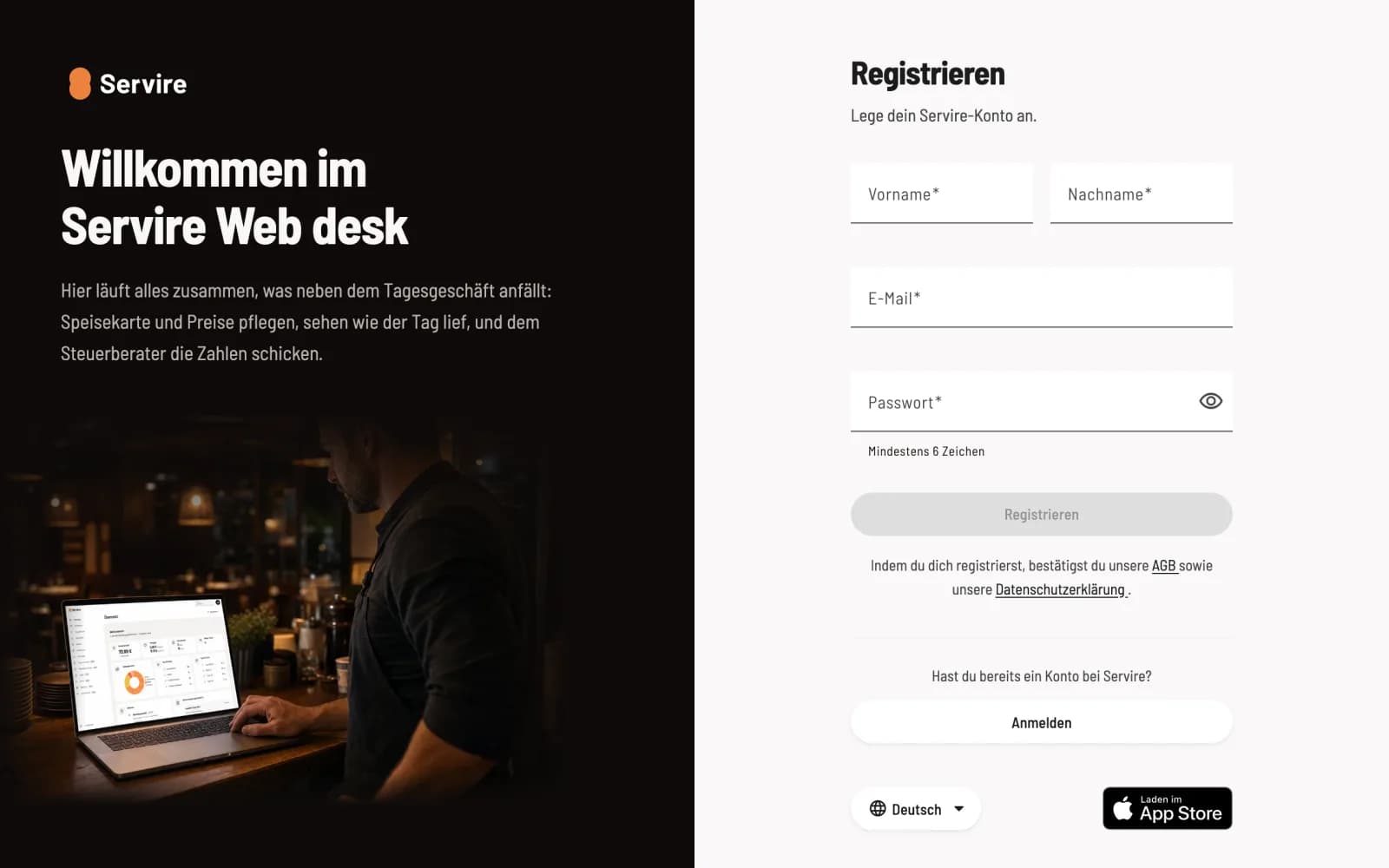
Step 1 of 2
fill out the form
Open desk.servire.de and under Are you new to Servire? click on Register. Enter your First Name, Last Name, Email and a Password with at least 6 characters. By clicking Register, you agree to the Terms and Conditions and Privacy Policy.
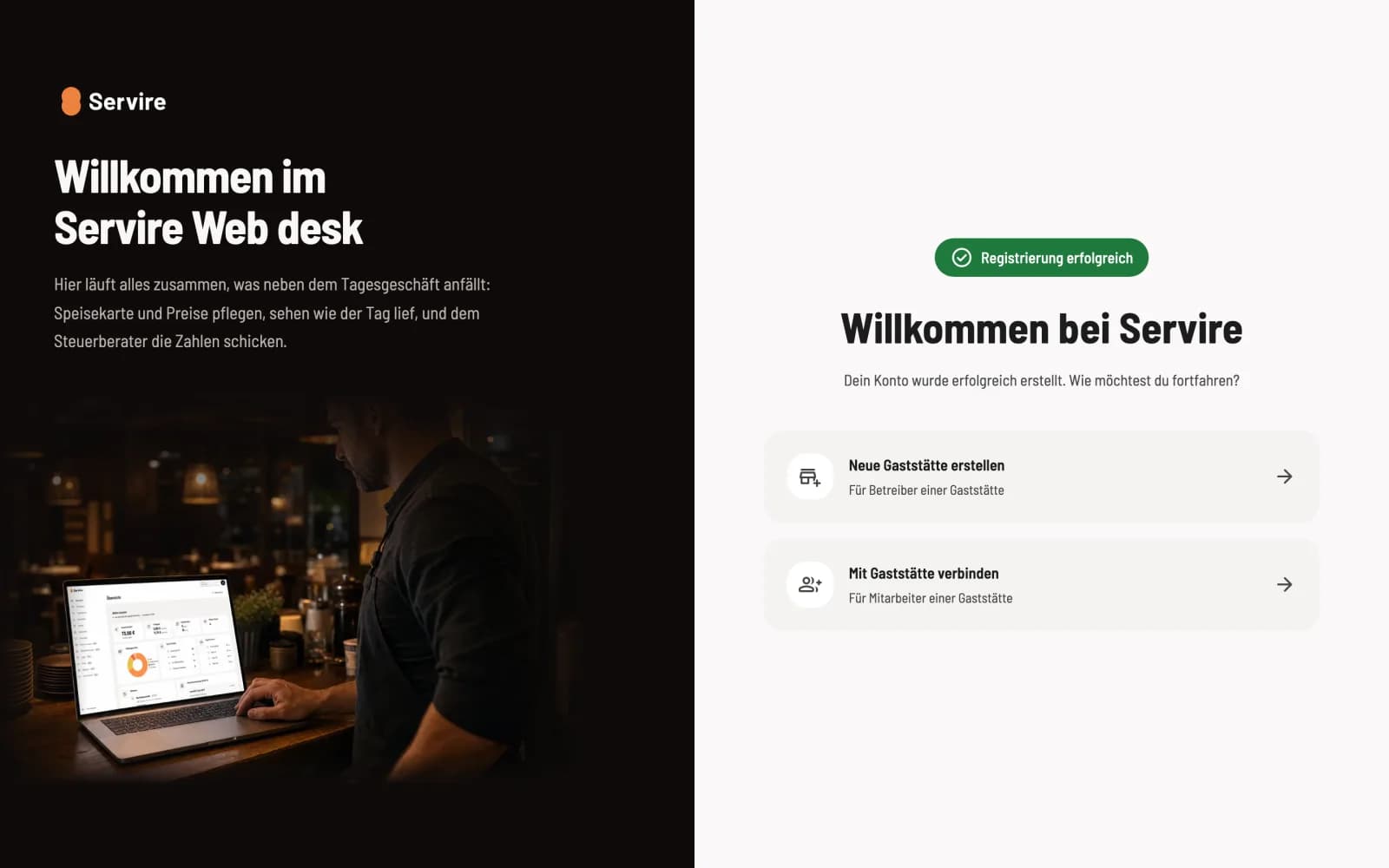
Step 2 of 2
Create or connect a restaurant
You are logged in immediately. As an owner, select Create new restaurant and give it a name: Create new restaurant. As an employee, select Connect to restaurant and enter your business PIN: Connect to a restaurant.
The Web desk then greets you with a short introduction: Welcome and setup wizard in the Web desk.
Choose an email address that you check regularly. This will be your login address, and the link will be sent there if you forget your password.