
Waiter app for iPhone, iPad and Android
Ordering system for hospitality.
Your team takes orders at the table on iPhone, iPad or Android, and the ticket is in the kitchen and at the bar right away. No special hardware, no separate radio network.
4.6 on the App Store
with TSE from €39 a month per location · cancel any month
In short
Servire is the ordering system for restaurants, cafés and bars: your team takes orders at the table on iPhone, iPad or Android, and the ticket goes straight to kitchen and bar. Try it and set it up free with Free; for live operation with TSE from €39 a month, with unlimited devices from €59.
Sound familiar?
Four moments from everyday service, and how Servire makes them easier.
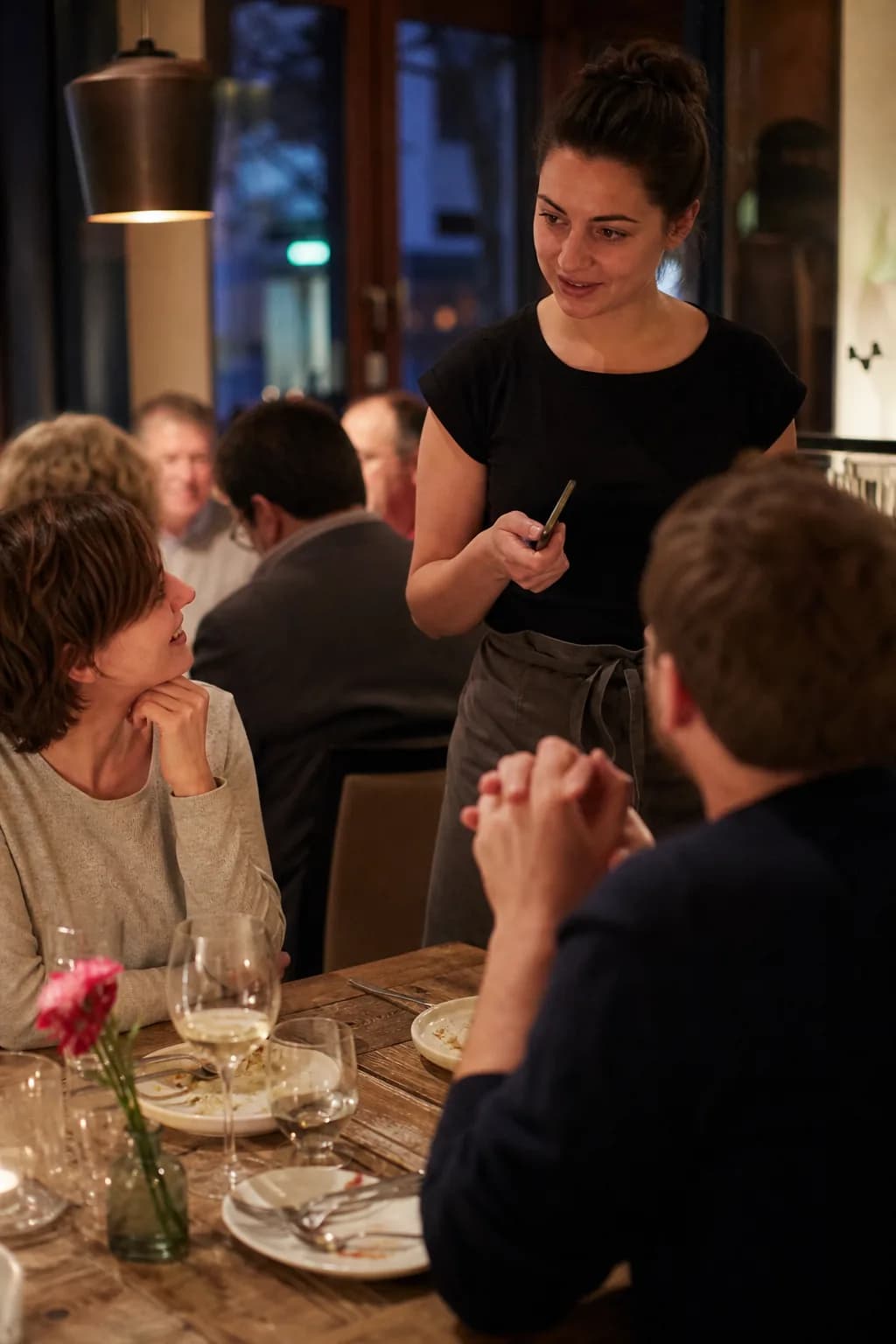
“Write it down, walk to the register, type it in.”
Ordered at the table, straight to kitchen and bar
Tap the table, pick dishes, send. Food goes to the kitchen, drinks to the bar, on a printer or the kitchen display.
- Receipt printer per item group
- Kitchen display filtered by station
- Notes and special requests on the item
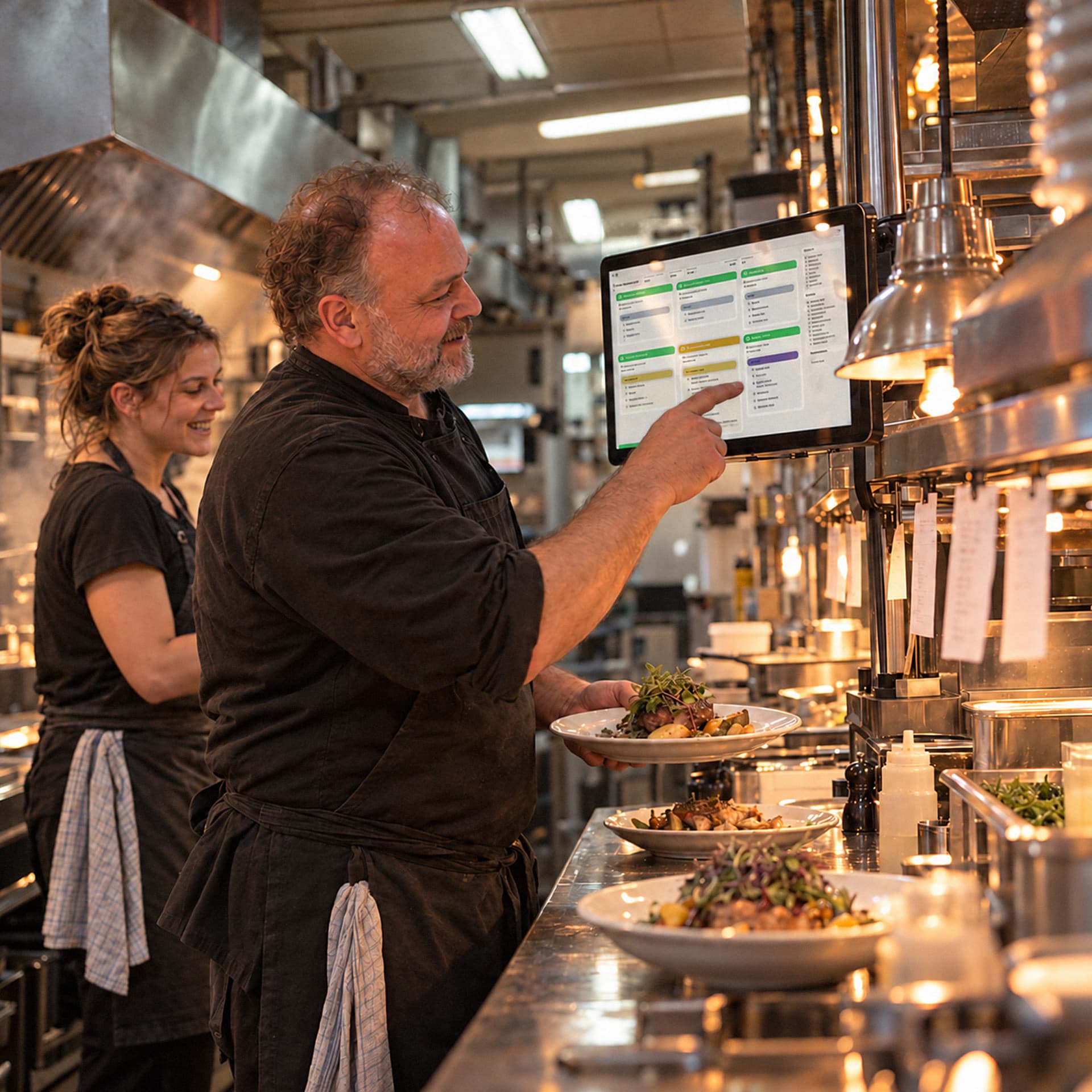
“The main course arrives while the starters are still on the table.”
Course 2 comes when the table is ready
Ring up everything at once and release the courses when it fits. On demand or on a timer, the kitchen sees what is waiting.
- Set courses while ringing up
- Release on demand or on a timer
- The kitchen sees what is waiting and what can go out
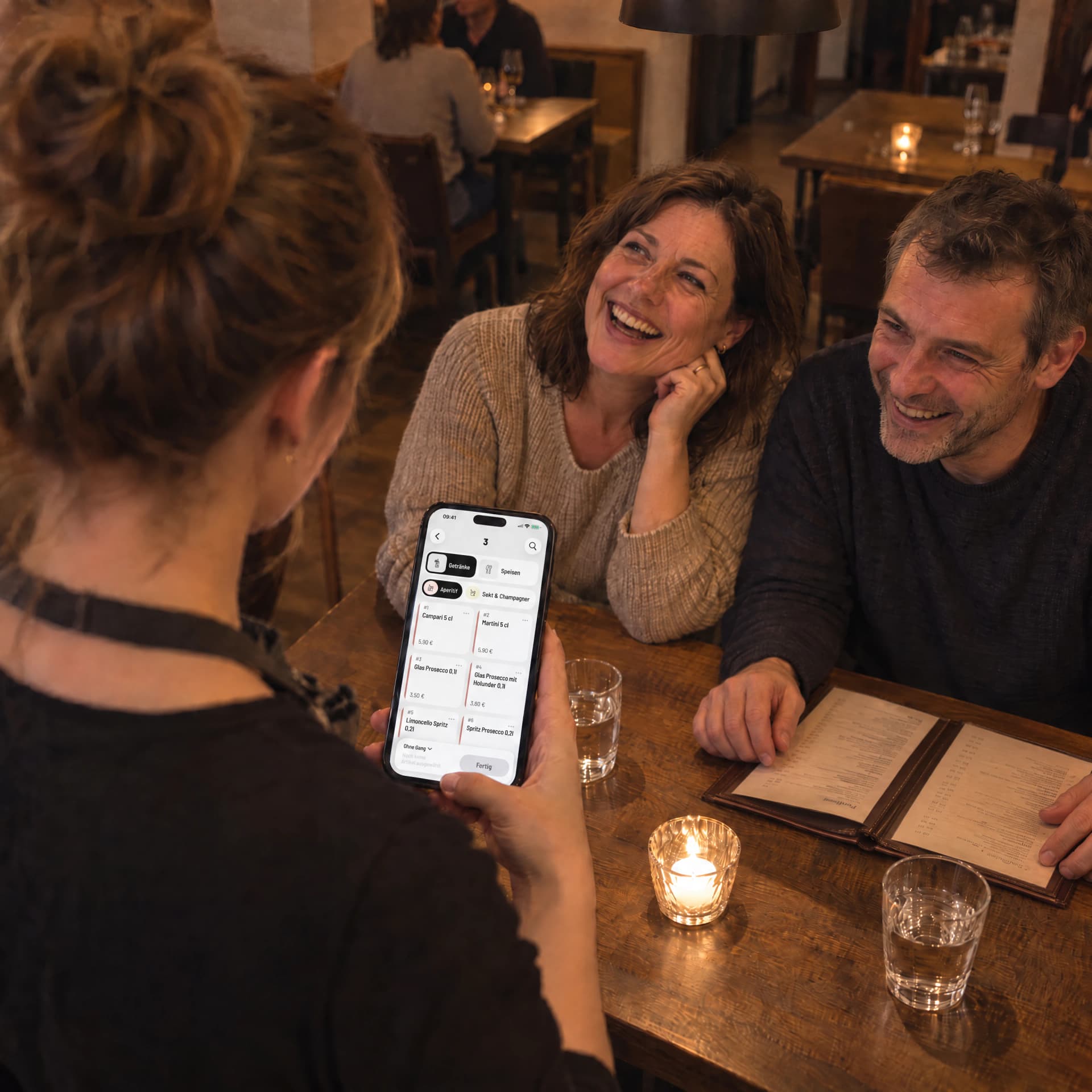
“Another handheld for the weekend help?”
A phone instead of special hardware
The POS app runs on iPhone, iPad and Android. You don't need a separate radio network, your Wi-Fi is enough.
- iPhone XS or later, Android 9 or later
- Unlimited devices from Pro, no charge per device
- Replacements from any electronics store
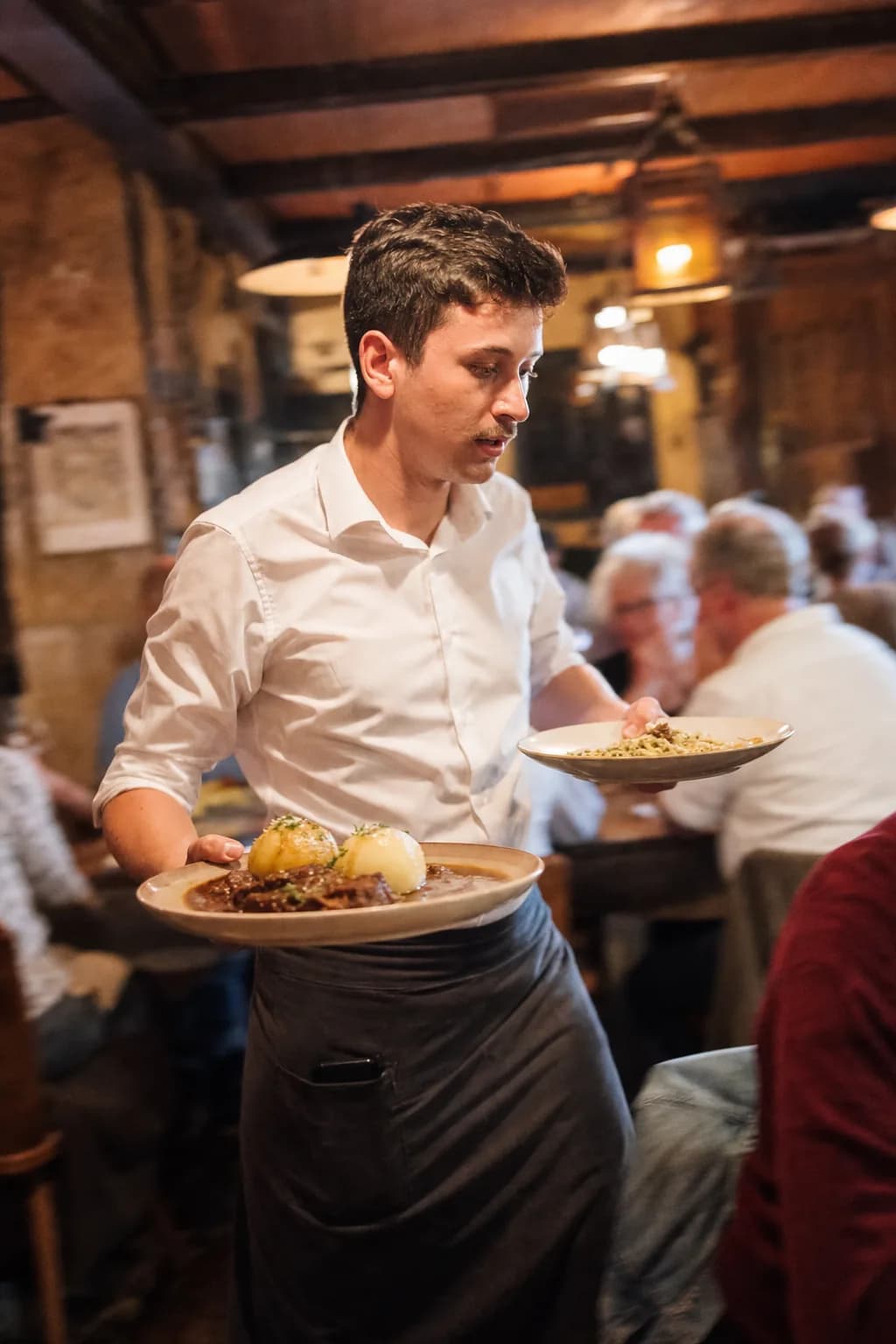
“Paying together? And table 4 is moving to the bar.”
Split and transfer, right at the table
Tap items and settle them separately, move items to another table. Payment happens on the same device.
- Split the bill by item
- Split or merge parties
- Tap to Pay on iPhone, with Stripe also Android
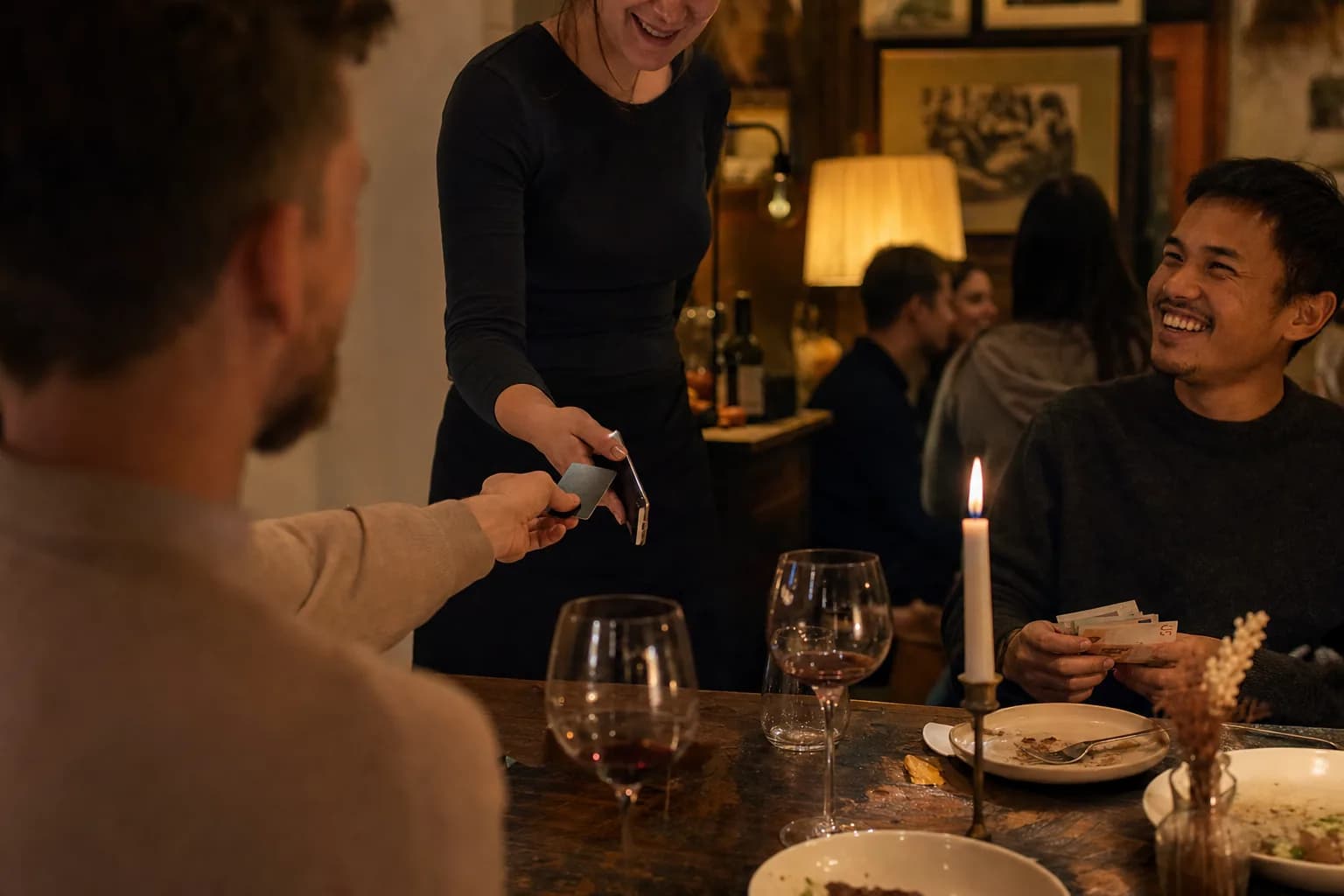
Sign up today, take payments tonight.
Account, menu and floor plan are ready in under an hour. No technician, no appointment.
Create an account
In the POS App or in your browser. No payment details, and your first venue gets 14 days of Max.
Snap your menu
Upload a photo or PDF and the AI creates items, prices and variants. You check and adjust.
Ring up the first order
Start a shift, ring up, take payment. For live operation you unlock the TSE with Solo, right in the Web desk.
4.6 on the App Store
with TSE from €39 a month per location · cancel any month
What does it cost you?
One price per location and month plus VAT, cancel any month, no setup fee.
Several servers taking orders at once? Pro fits. One device per shift? Solo is enough.
Solo
€39a month
One active register per shift. TSE, DSFinV-K and DATEV export included.
Pro
€59a month
As many devices as you like at the same time. Plus the tax office registration to the tax office.
To try it out and set it up there is Free for €0. For live trading you need a TSE, from €39 with Solo.
4.6 on the App Store
with TSE from €39 a month per location · cancel any month
I showed my temp how to open a table. Half an hour later she was serving on her own, without a single paper note.
Kathrin Weigel(name changed)
Owner · Café am Gärtnerplatz · München
Also included
No module prices: whatever your plan includes comes at no extra cost.
Twelve languages for your team
The POS app speaks twelve languages, from German to Turkish to Arabic. Switch on the start screen.
Kitchen display on every plan
The Hub turns a screen in the kitchen into a kitchen display, in the browser or as an app.
Keeps running when the network drops
Without internet you ring up, take cash and print on your local network. Cards, kitchen display and device sync need internet.
Everyone with their own login
Own login and permissions per server. Tips and server wallets are settled per person.
Floor plan that matches your dining room
Set up areas and tables the way they stand. Tables can be merged.
Guests ordering themselves? With Max
Guests order and pay via QR code at the table: that is guest ordering, included in the Max plan.
Questions about the ordering system
What restaurant owners want to know before switching to mobile ordering.
Let your team take orders at the table tomorrow.
Create an account, snap your menu, put the POS app on a phone. Your current system can keep running in the meantime.
4.6 on the App Store
with TSE from €39 a month per location · cancel any month
Sign up and your first venue gets 14 days of Max, no payment details needed. After that it carries on with Free, for trying out and setting up.