Playing loads YouTube (Google).Playing loads the video from YouTube and sends data to Google. Clicking allows external media. Privacy
Kitchen and bar with their own display
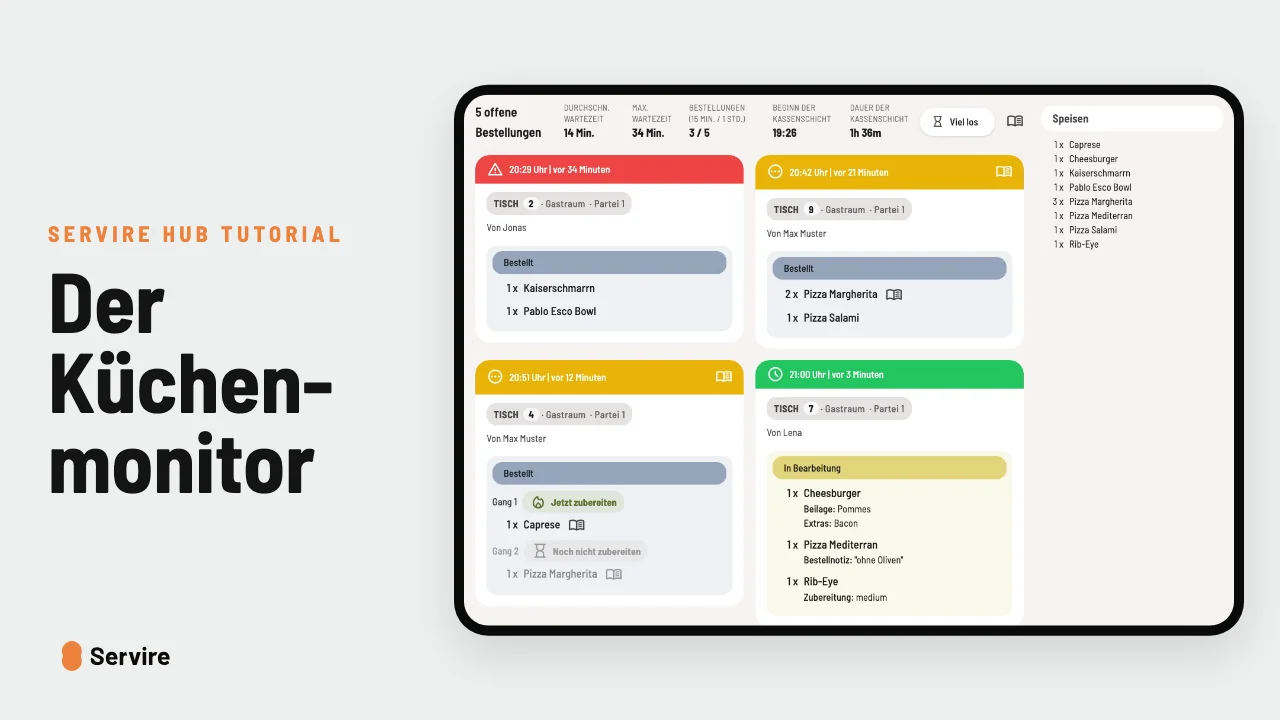
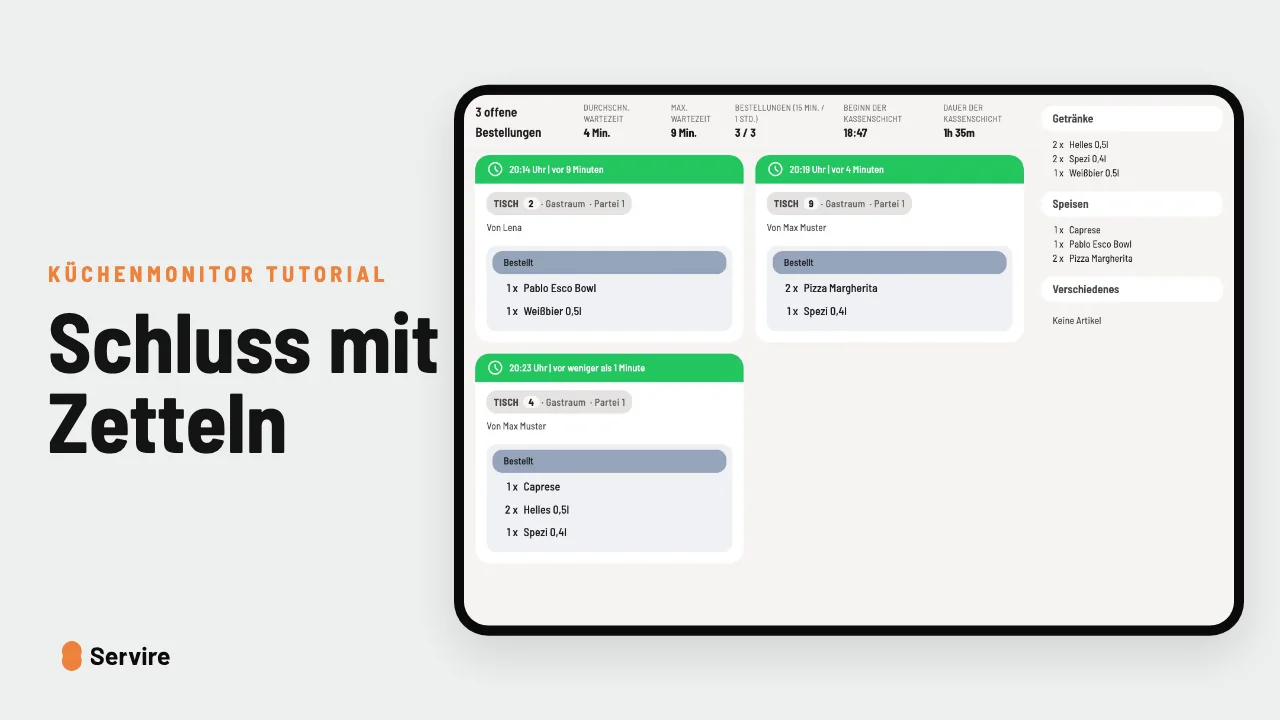
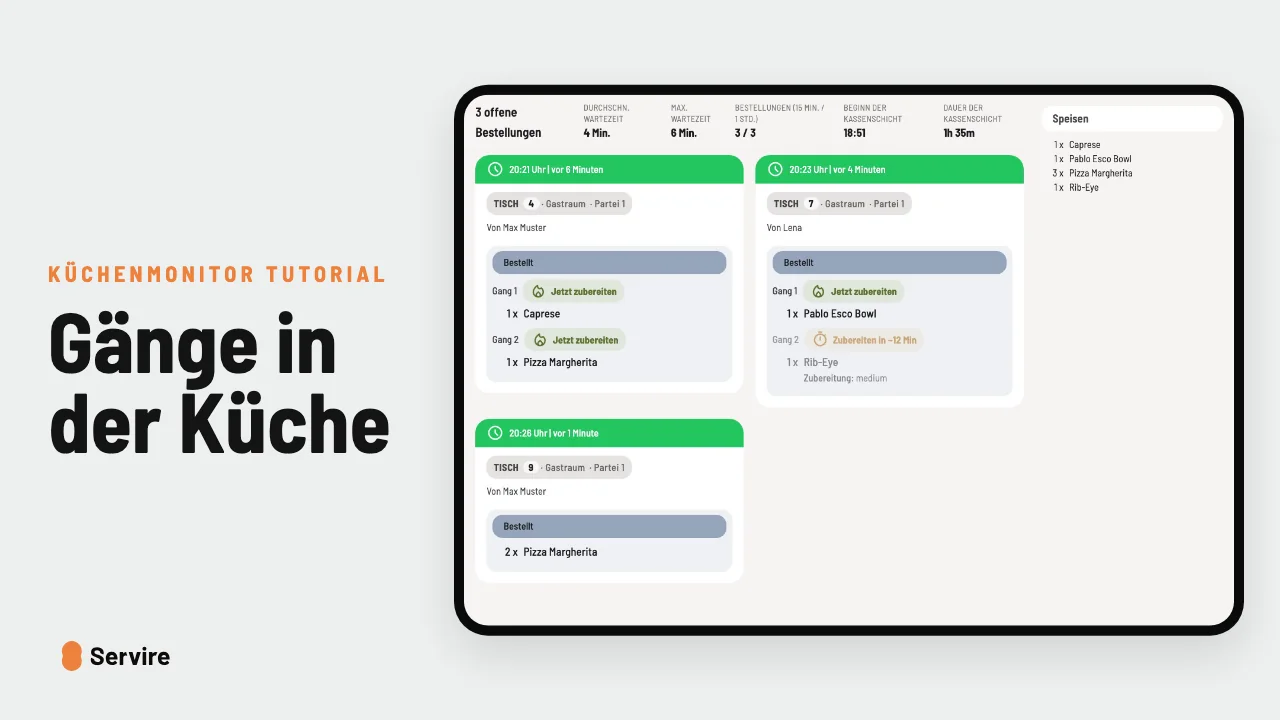
Two displays, and each one shows only its part of the order: the kitchen the food, the bar the drinks.
Step by step
- 01Set up two displays: one in the kitchen, one at the bar.
- 02On each device, choose under “Product groups” in the settings what it shows: the kitchen “Food”, the bar “Drinks”.
- 03If an order comes in with pizza and beer, the pizza lands in the kitchen and the beer at the bar.
Read along
The detailed guide with screenshots is in the handbook.
Transcript
The video is narrated in German, so the transcript is in German.
Der Koch muss keine Weißbiere sehen. Und die Bar keine Pizzen. Stell einfach zwei Monitore auf. Kommt eine Bestellung mit Pizza und Bier, landet die Pizza in der Küche und das Bier an der Bar. Das stellst du an jedem Gerät einzeln ein, in den Einstellungen unter „Artikelgruppen“. Die Küche nimmt die Speisen, die Bar die Getränke. Der Küchenmonitor ist in jedem Tarif von Servire dabei, auch im kostenlosen. Mehr auf servire.de.