Playing loads YouTube (Google).Playing loads the video from YouTube and sends data to Google. Clicking allows external media. Privacy
Orders to the kitchen without paper tickets
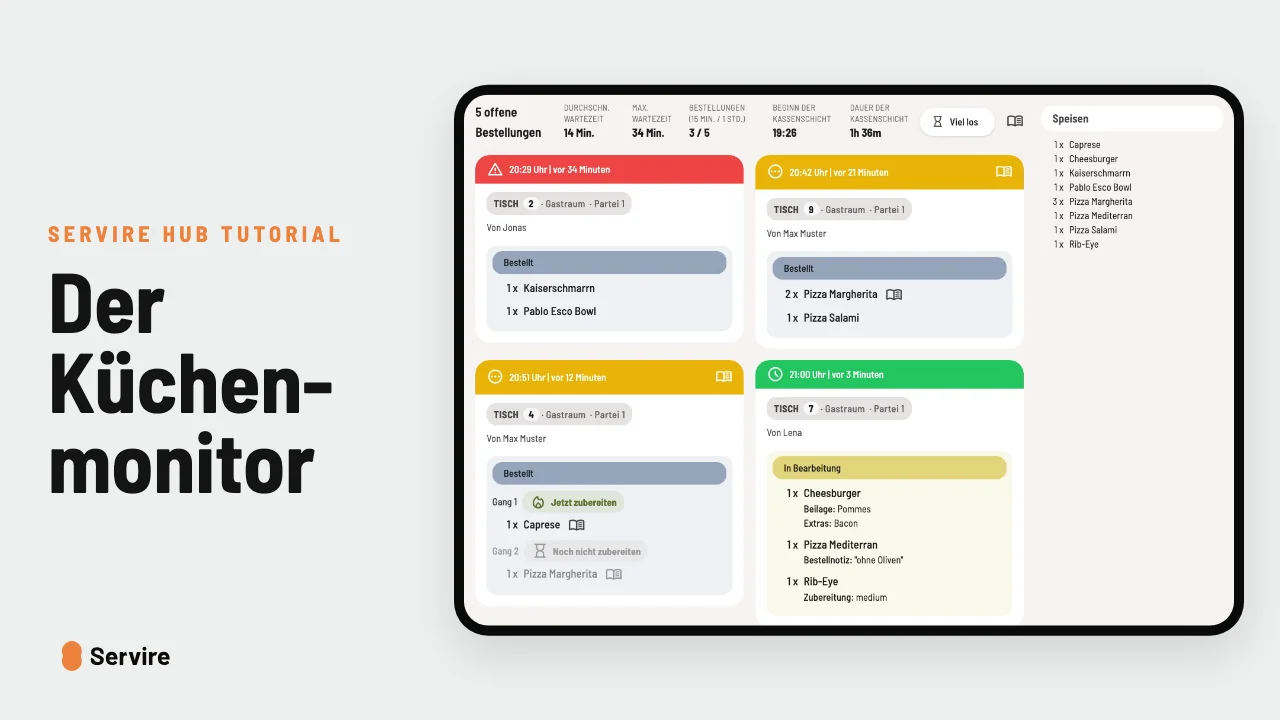
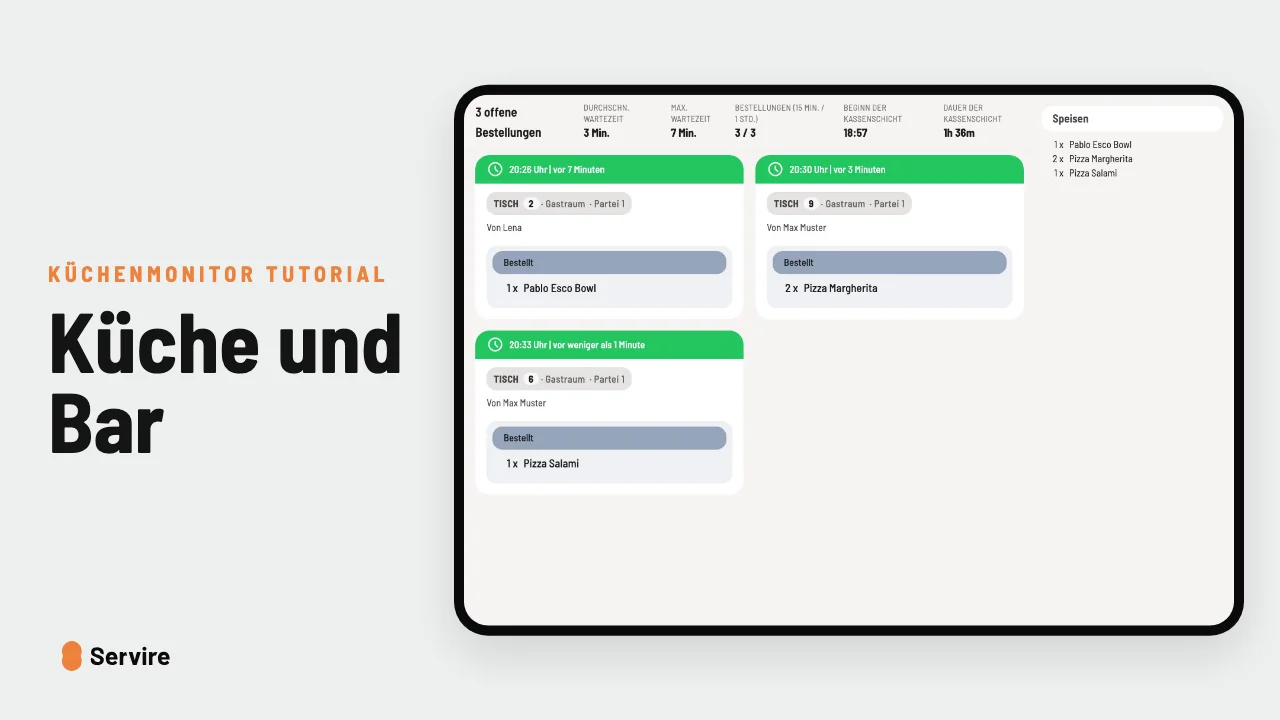
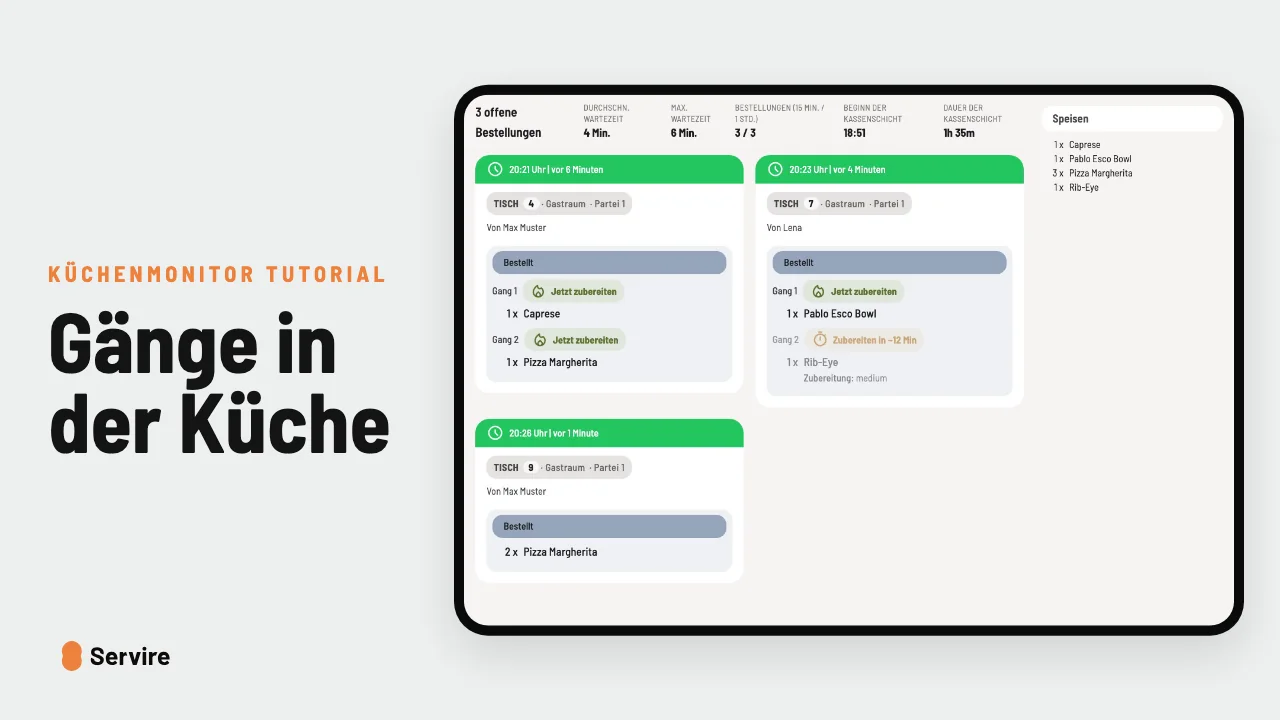
Sent at the till, instantly on the kitchen display. A double tap moves the dish one step forward.
Step by step
- 01Send: tap “Send” at the till. The order is on the kitchen display right away, with table, time and every item.
- 02Check off: when the food is ready, a double tap is enough. The ticket moves one step forward and disappears from the screen at the end.
Read along
The detailed guide with screenshots is in the handbook.
Transcript
The video is narrated in German, so the transcript is in German.
Wie kommt die Bestellung vom Gast in die Küche? Bei vielen noch auf einem Zettel. So geht's auch. Die Bedienung tippt auf „Absenden“, und in derselben Sekunde steht die Bestellung auf dem Küchenmonitor. Mit Tisch, Uhrzeit und allem, was bestellt wurde. Ist das Essen fertig, reicht ein Doppeltipp. Die Karte wandert weiter, und am Ende verschwindet sie vom Bildschirm. Der Küchenmonitor ist in jedem Tarif von Servire dabei, auch im kostenlosen. Mehr auf servire.de.