Playing loads YouTube (Google).Playing loads the video from YouTube and sends data to Google. Clicking allows external media. Privacy
Call pickup numbers from the kitchen display
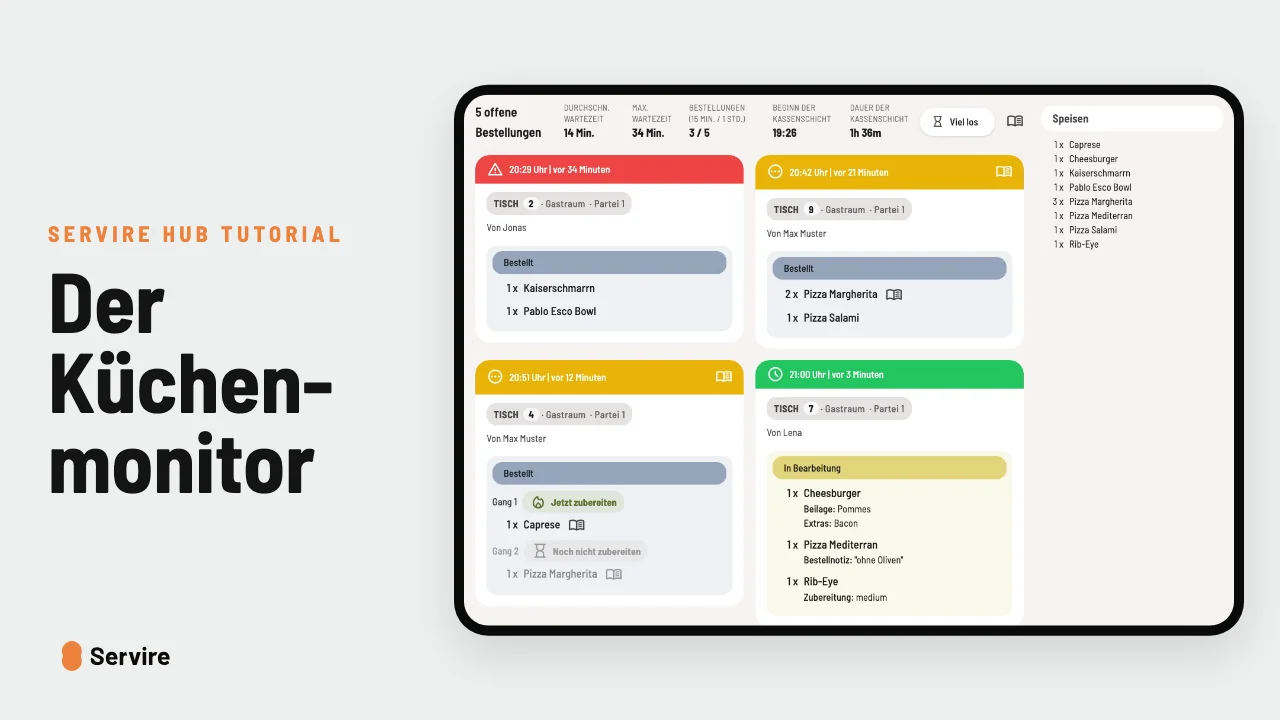
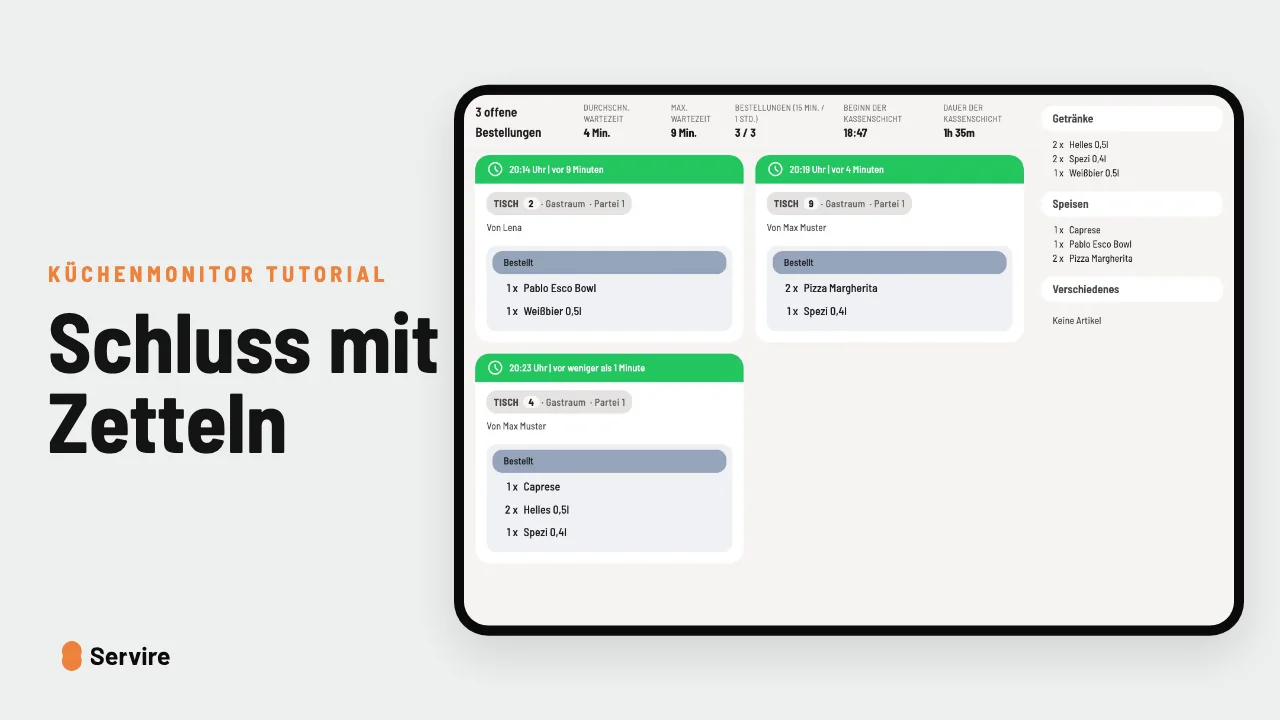
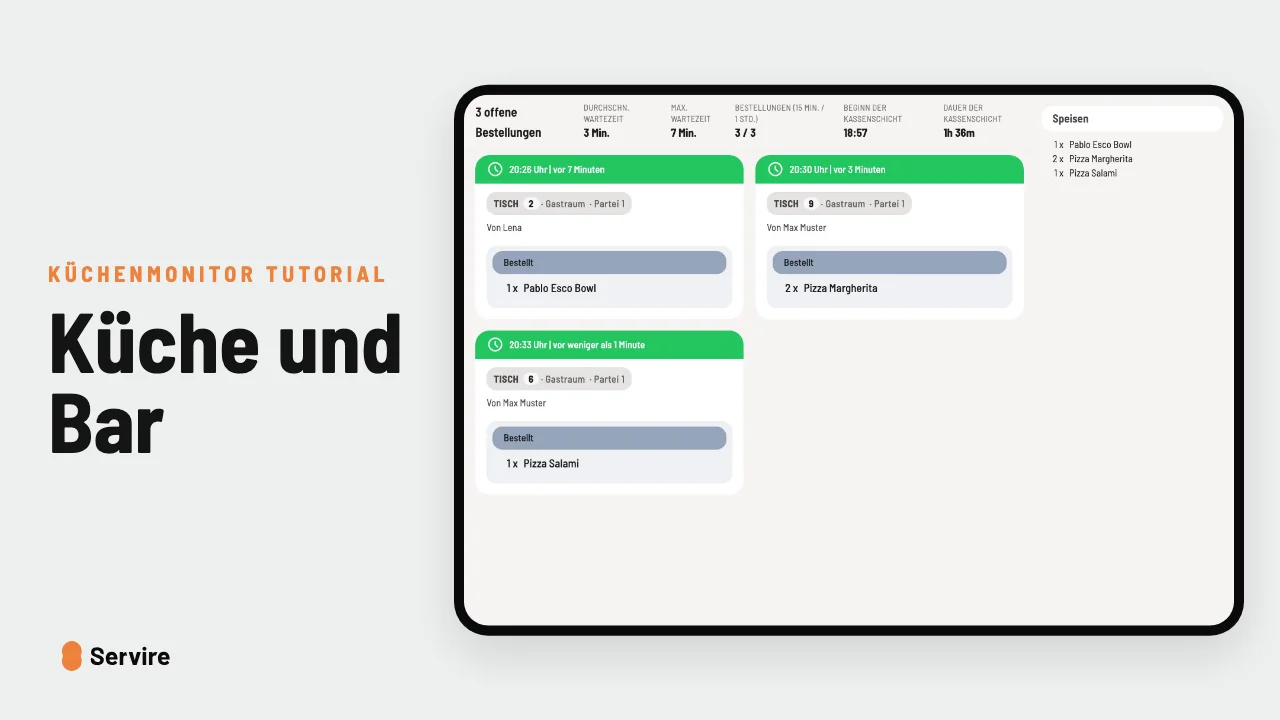
“Ready for pickup” on the kitchen display calls the guest on the pickup display, no shouting across the room.
Step by step
- 01Every order without a table gets a pickup number. On the pickup display it is listed under “Preparing”.
- 02When everything is ready, the kitchen sets “Ready for pickup”. The number turns green and a sound plays.
- 03If nobody comes, tap “Call again”. When the guest picks up, set “Collected” and the number disappears.
Read along
The detailed guide with screenshots is in the handbook.
Transcript
The video is narrated in German, so the transcript is in German.
Rufst du deine Gäste noch quer durch den Laden auf? Das geht leiser. Jede Bestellung von der Theke bekommt eine Nummer. Auf dem Abholdisplay sieht dein Gast: Meine wird gerade zubereitet. Ist alles fertig, setzt die Küche „Abholbereit“. Die 12 springt nach rechts, ein Ton erklingt, und der Gast kommt von selbst. Hat er es nicht gehört? Ein Tipp auf „erneut aufrufen“. Holt er ab, setzt du „Abgeholt“, und die Nummer verschwindet. Küchenmonitor und Abholdisplay sind in jedem Tarif von Servire dabei, auch im kostenlosen. Mehr auf servire.de.