Playing loads YouTube (Google).Playing loads the video from YouTube and sends data to Google. Clicking allows external media. Privacy
Mark dishes as sold out on the kitchen display
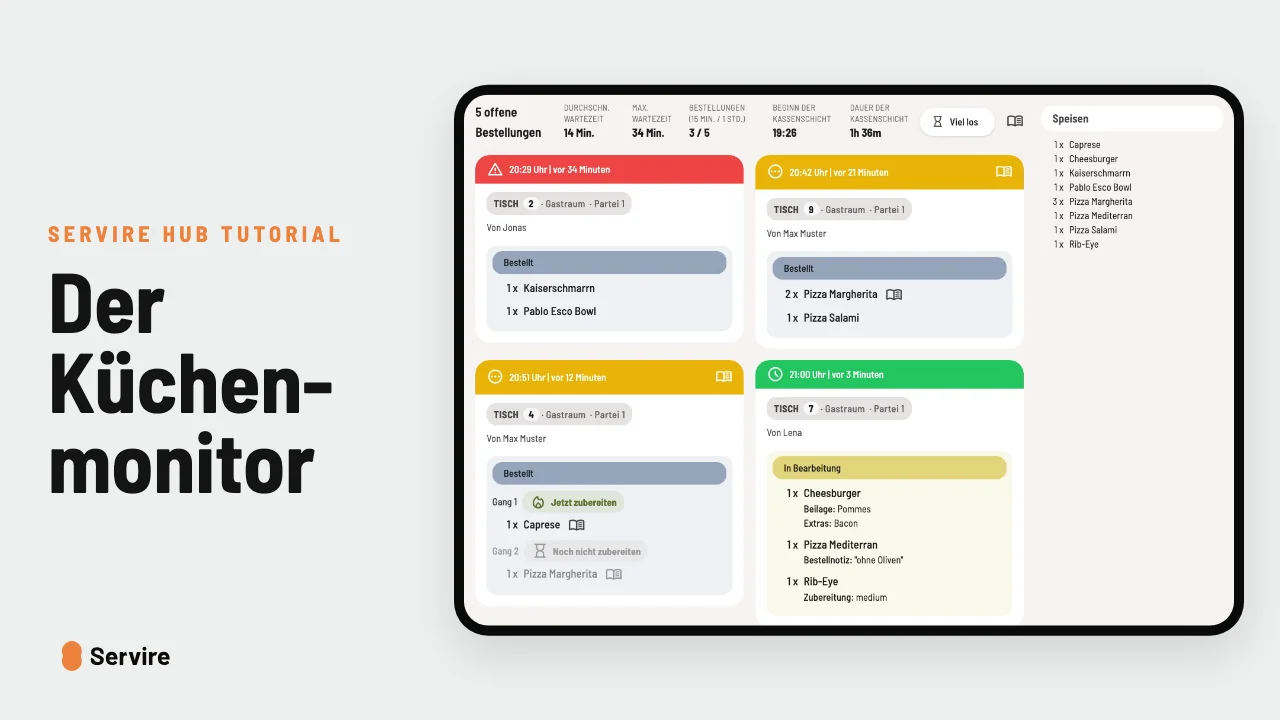
Press and hold a dish, and nobody can order it until closing time: not at the till, not online and not at the kiosk.
Step by step
- 01Press and hold the dish on the kitchen display and tap “Mark as sold out”.
- 02Until closing time it can no longer be ordered at the till, online or at the self-order kiosk.
- 03At the top under “Sold out” you see everything that is gone today. If more arrives, flip the switch back. The next day everything can be ordered again anyway.
Read along
The detailed guide with screenshots is in the handbook.
Transcript
The video is narrated in German, so the transcript is in German.
Der letzte Kaiserschmarrn ist raus, aber vorne wird er weiter bestellt? Das muss nicht sein. Halt das Gericht auf dem Küchenmonitor kurz gedrückt und tipp auf „Ausverkauft melden“. Bis Betriebsschluss kann es keiner mehr bestellen: nicht an der Kasse, nicht online und nicht am Terminal. Oben unter „Ausverkauft“ siehst du alles, was heute weg ist. Kommt doch noch Nachschub, legst du einfach den Schalter um. Und am nächsten Tag ist ohnehin alles wieder da. Der Küchenmonitor ist in jedem Tarif von Servire dabei, auch im kostenlosen. Mehr auf servire.de.