5 Tips for Choosing the Right POS System
What to look for when selecting a POS system for your hospitality business.
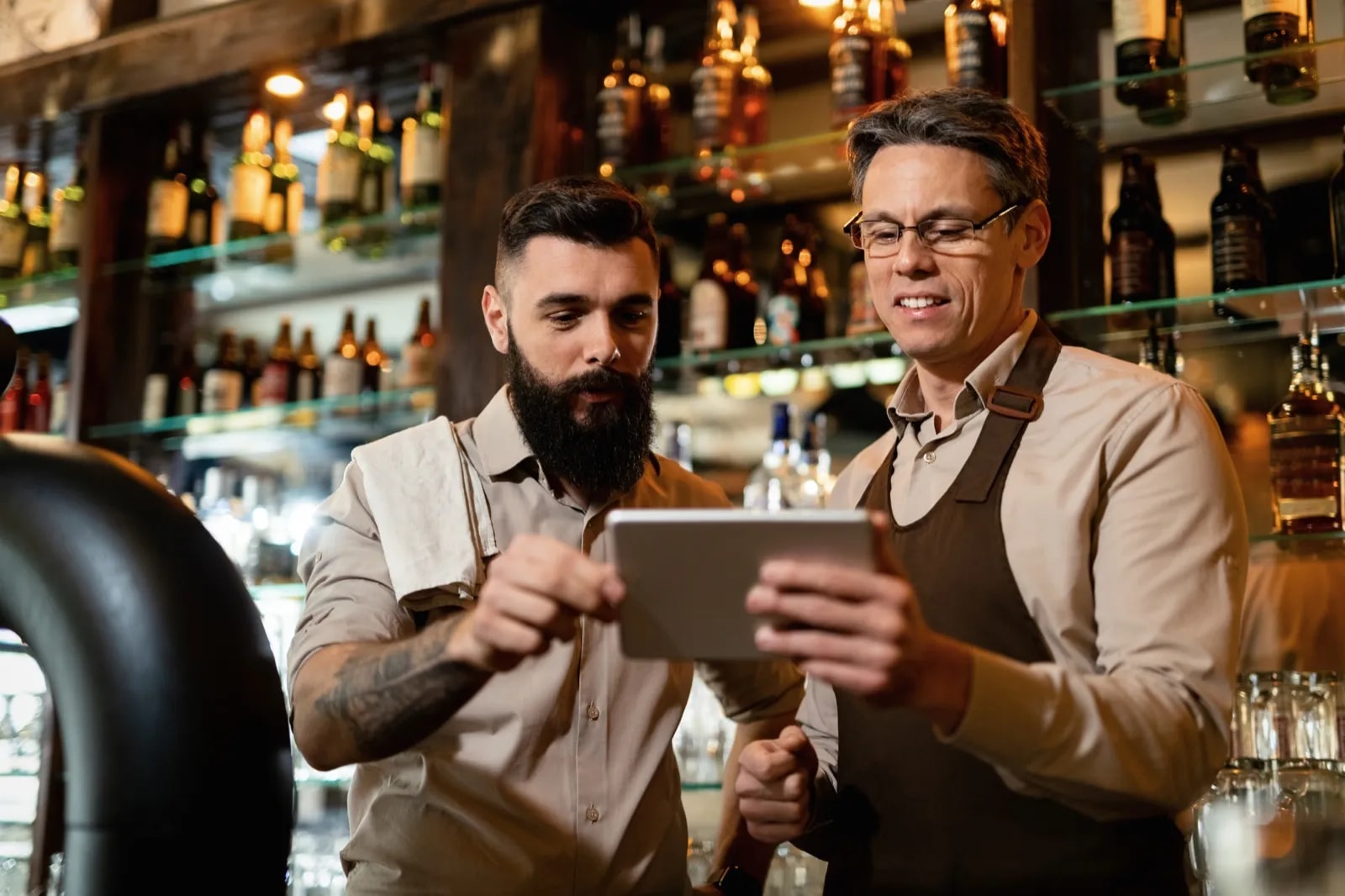
Buying a POS system sounds simple. And it is — if you know what matters. Buy blind and you pay for it: too complicated, not compliant with the tax office, or the Wi-Fi drops and nothing works anymore.
Five criteria we've learned from working with hundreds of restaurant and hospitality businesses.
1. Ease of use comes first
The best POS system is useless if your team doesn't understand it. In hospitality, every second counts — the till has to keep up, not slow you down.
Look for:
- Short onboarding time — new staff should be up and running in under 30 minutes
- Clear interface — large buttons, logical structure, no cluttered menus
- Touch-first — the system must be built for touchscreens, not retrofitted
- Fast operation — no more than 3 taps from opening to a completed order
POS systems on iPad, iPhone, Android tablets or smartphones are the standard in 2026. Same functionality as classic terminals, but cheaper and easier to handle.
Practical tip: Test the system with a staff member who has never seen it before. If they can take an order after 10 minutes, you're on the right track.
2. Tax office compliance is mandatory
The requirements from the Finanzamt (German tax office) have risen considerably in recent years. Since January 1, 2020, every electronic POS system needs a TSE (Technische Sicherheitseinrichtung — certified technical security device). The KassenSichV (German cash register security ordinance) requires every transaction to be signed and stored tamper-proof.
What your POS system must be able to do in 2026:
- Certified TSE — as hardware (USB/SD card) or a cloud solution
- DSFinV-K export — the standardized format for a Kassennachschau (unannounced cash register inspection)
- Gapless receipt numbering — no missing or duplicate numbers
- Receipt issuance — every guest must be able to receive a receipt (abolishing the receipt obligation is in the coalition agreement, but it remains in force until the law changes)
- Kassenmeldepflicht (cash register registration obligation) — since 2025, all POS systems must be reported electronically to the Finanzamt
- DATEV interface — so your tax advisor gets the data directly
Cut corners here and you risk fines of up to 25,000 euros and revenue estimates added on during a tax audit.
Important: A mandatory electronic cash register requirement (Registrierkassenpflicht) is set to come on January 1, 2028 for businesses with annual revenue above 100,000 euros; the cabinet adopted the draft law in September 2026. If you already have a compliant system now, there's nothing to stress about later.
3. It has to keep running without internet
Wi-Fi outages happen. Especially in older buildings, at events, or in basements. In 2026, the standard is cloud-first with an offline fallback: the system runs primarily via the cloud but stores everything locally when the connection drops. As soon as the network is back, it syncs automatically.
Ask the vendor:
- Can I keep taking orders and settling bills without internet?
- Is data stored locally and synced later?
- Does receipt printing work offline?
- What happens to my data during an outage?
A system that brings your operation to a standstill during an internet outage can be ruled out immediately.
4. Integrations and scalability
A POS system never stands alone. It has to work with everything else. In 2026, these integrations are standard:
- Card terminal — direct connection, no typing amounts in twice
- Kitchen display — digital order display instead of paper tickets
- Self-ordering — QR code ordering at the table is now part of the package
- Delivery platforms — Lieferando, Wolt, and Uber Eats fed directly into the POS system
- Reservation systems — synced with table management
- DATEV export — accounting entries sent automatically to your tax advisor
And when you grow? The system has to grow with you:
- Can additional register devices, printers, or terminals be added easily?
- Can you manage a second location with the same system?
- Can staff rights and roles be configured individually?
Watch out: Most vendors work with monthly subscriptions (roughly 19–150 euros/month). Many charge extra per device or location. Compare the total cost for your realistic setup, not just the base price.
5. Real-time statistics and reports
Your POS system collects data anyway. The question is whether you can actually do something with it.
This should be included:
- Real-time statistics — view revenue, top sellers, and trends anytime, including on mobile
- Z-report and cash count — legally compliant end-of-day closings at the push of a button
- DATEV export — accounting entries straight to your tax advisor
- Staff statistics — analyze revenue per employee
- Payment method breakdown — cash vs. card at a glance
- Digital cash book — deposits and withdrawals cleanly documented
Practical tip: Look at the reports before you buy. Some systems offer statistics, but only as cluttered tables. If you need Excel to make sense of them, the system is too complicated.
Since January 1, 2026, the uniform tax rate of 7% on food applies in German hospitality (dine-in and takeaway). A decent POS system implemented the change automatically. If yours didn't: switch.
And now?
Test. Don't just watch demos — try the system in real operation. Have a staff member work a shift with it. You'll quickly notice whether it fits.
With Servire, TSE, unlimited devices, and updates are included in the price. No hidden costs, cancellable monthly.
Last updated: March 2026. Legal requirements may change. For detailed tax questions: ask your tax advisor.