
POS device
iPhone, iPad or Android device with the POS app. At the counter usually a tablet on a stand.
RequiredA device you already own is enough.
Servire runs on iPhone, iPad and Android. Here is what you can add, as ready-made bundles, each available in one order on Amazon.
4.6 on the App Store
with TSE from €39 a month per location · cancel any month
In short
Servire needs no special hardware: an iPhone with Tap to Pay and the digital receipt are enough to start. A restaurant with a fixed POS, kitchen printer and cash drawer is fully equipped from around €800, Servire costs from €39 a month plus VAT with TSE.
The only must is one device with the POS app. Everything else comes when your business needs it.
iPhone, iPad or Android device with the POS app. At the counter usually a tablet on a stand.
RequiredA device you already own is enough.
One smartphone per server, so orders are taken right at the table.
Not needed if all orders are entered at the fixed POS.
Prints receipts for guests and opens the cash drawer.
Not needed without a cash drawer, if guests scan the digital receipt via QR code.
Connects to the receipt printer at the POS and opens by itself for cash payments.
Not needed if your team carries a server wallet.
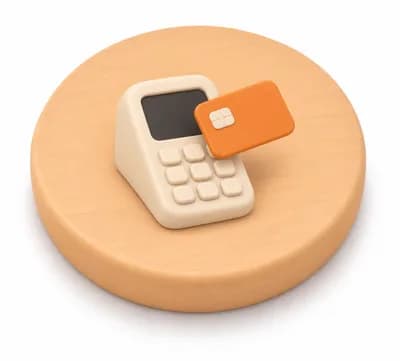
SumUp, Stripe or your bank's ZVT terminal.
Not needed with Tap to Pay on the iPhone, with Stripe also on Android.
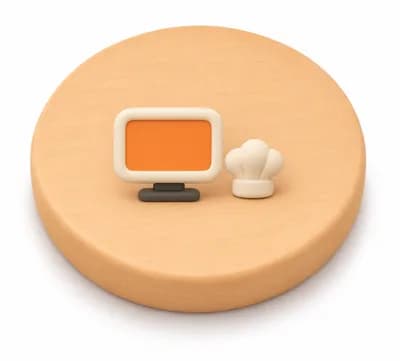
Orders from the POS arrive in the kitchen as a ticket or on a screen.
Not needed if food is prepared at the counter.
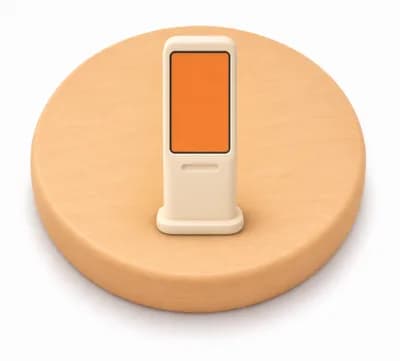
Guests order and pay on a screen themselves, with Servire Max.
Not needed without self-service.
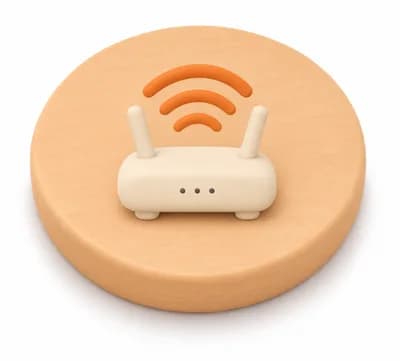
Printers connect to the router by cable, tablets and phones via Wi-Fi, also on the terrace.
Without internet you still take orders, accept cash and print on your own network.
Every bundle is available in full on Amazon, so you order everything at once. Three price tiers and an option with refurbished Apple devices.
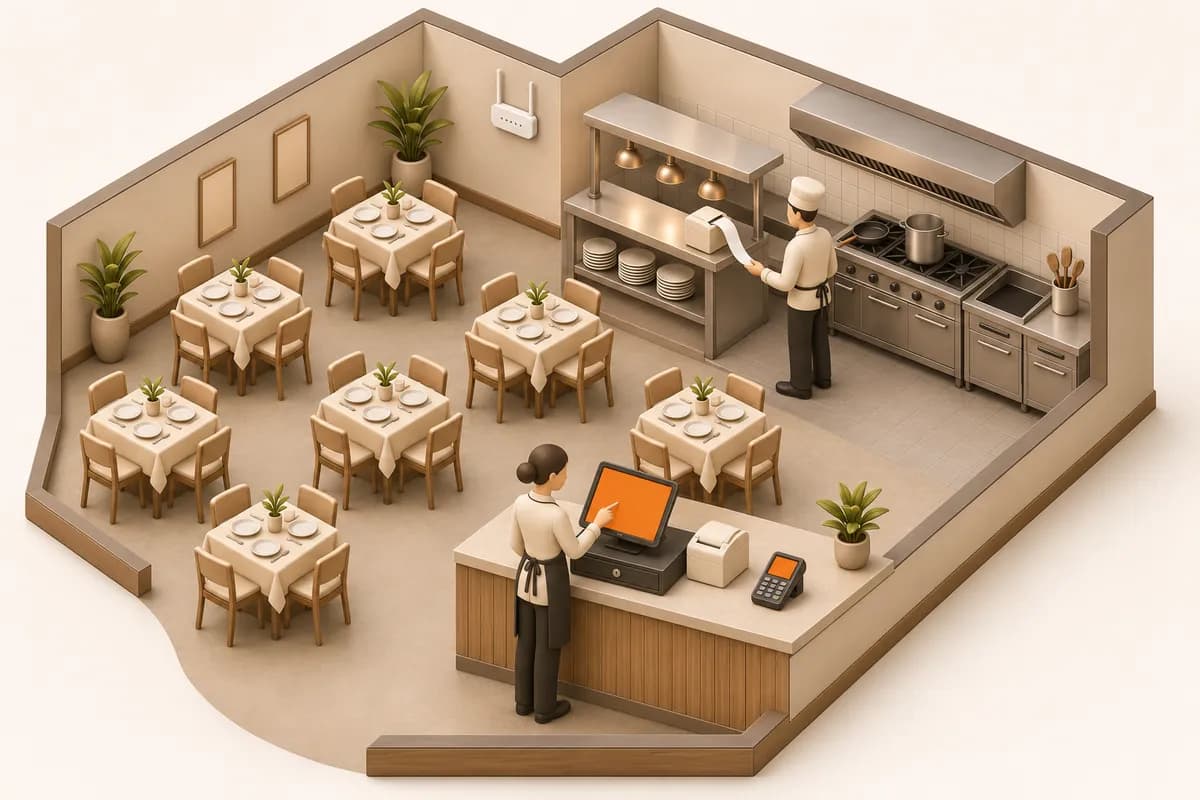
Restaurant with one fixed POS. Kitchen tickets arrive in the kitchen by themselves.
What the picture shows
Plus Servire Solo for €46.41 a month incl. VAT.
around€800incl. VAT
To start on a small budget.
8 items, all on Amazon
around€1,150incl. VAT
A new iPad and brand accessories that last for years.
8 items, all on Amazon
around€1,750incl. VAT
Fast devices and sturdy printers.
8 items, all on Amazon
around€850incl. VAT
Refurbished iPads and iPhones with warranty, for the price of Android devices. An iPad 9 instead of the Android tablet.
8 items, all on Amazon
Approximate prices on Amazon.de, as of November 2026. Shop prices change daily, so expect small differences. You can buy every device elsewhere too, the model names are listed. Servire sells no hardware and earns nothing from these links.
The order with the least waiting: while the devices are on their way, you already set up the POS.
Sign up and install the POS app on your iPhone, iPad or Android device. Nothing costs money up to here.
You need: a device you already own
How to sign upTake a photo of your menu, Servire creates items, prices and categories by itself. Then just check them.
You need: your menu as a photo or PDF
Import menus with AIChoose your setup above and order the bundle in one Amazon order. Leave out what you already have.
You need: your setup and price tier
Go to the bundlesPlug the printer into the router with a network cable and the cash drawer into the receipt printer. Add the printer in the POS app and print a test receipt.
You need: router, network cable, printer, cash drawer
Connect a receipt printerConnect your SumUp or Stripe account and pair the card reader. An existing ZVT terminal from your bank works too.
You need: an account with SumUp, Stripe or your bank
Connect a payment providerRun a few orders: ticket in the kitchen, receipt at the POS, cash drawer opens. You delete the practice data with one click before going live.
You need: some time with your team
Remove practice dataBook Solo or Pro and set up the TSE in the Web desk. It is included in the plan and needs no device of its own.
You need: your venue's address
Set up the TSEWithin one month of purchase. With Solo you register it yourself via Mein ELSTER, with Pro Servire submits the registration for you.
You need: tax number and business details
Register with the tax officeOpen a shift and take payments. Our team answers questions by email, chat or call-back.
You need: nothing else
ContactOlder iPads and iPhones are barely cheaper new than current models. Refurbished with warranty, they often cost half.
| Model | new from | refurbished from | Updates |
|---|---|---|---|
| iPad 9 (2021)Recommended | €320 | €190 | current |
| iPad 10 (2022) | €430 | €350 | current |
| iPad 8 (2020) | – | €120 | ending soon |
| iPhone SE (2022)Recommended | €310 | €120 | current |
| iPhone 13Recommended | €450 | €250 | current |
| iPhone 11 | – | €140 | ending soon |
Check battery health and warranty. Tablet stands only fit the matching size: the iPad 9 has 10.2 inches, newer iPads 11 inches.
Buy refurbished, for example at refurbed, Back Market or Apple.
Before you buy: the devices we recommend, the ones that also work, and what to look out for.
What restaurant owners ask us most before buying their first devices.
Only if you want a cash drawer or guests should get paper receipts, because the cash drawer connects to the receipt printer at the POS. Without a cash drawer you hand out receipts via QR code and the kitchen printer alone is enough.
Yes. You plug the cash drawer into the receipt printer at the POS with its RJ11 or RJ12 cable. For cash payments the POS app opens it through the printer. Nothing connects to the iPad itself.
One network cable per printer, from the printer to the router. It does not come with the printers; the Epson TM-T20III, for example, only includes the power supply and power cable. That is why the bundles list it separately. The cash drawer usually comes with its cable to the printer, tablet, phones and card reader connect wirelessly.
No. Servire uses the certified cloud TSE from fiskaly, included from Solo, as is the DATEV export. You only buy the devices.
Solo is enough as long as one POS device works at a time, such as a fixed POS. Printers don't count as devices. If servers should take orders at the table, you need Pro. You can switch at any time, see the pricing page.
Yes, if it supports ZVT, and most terminals do. The POS then sends the amount to the terminal by itself. Alternatively, connect SumUp or Stripe.
A network cable with a fixed IP address is the most reliable. Bluetooth usually connects only one device and suits a food truck or a single POS.
If the printer sits close to the grill, fryer or heat lamp, choose an impact printer such as the Epson TM-U220, because thermal paper darkens in heat. Away from the heat, a thermal printer such as the TM-T20III is fine, or use a kitchen display.
Yes, if it runs iPadOS 17.6 or later. For used devices we recommend the iPad 9 and the iPhone SE (2022) or newer, so updates keep coming for a few more years.
No, Apple only allows Tap to Pay on the iPhone. On the iPad you need a card reader such as SumUp Solo or a ZVT terminal. With Stripe you can also use Tap to Pay on Android smartphones.
So you can buy a whole bundle in one order. Servire sells no hardware and gets no money for any link. You can buy every device elsewhere too, and with Amazon Business your business gets invoices showing VAT.
Download the POS app, set up your menu, ring up the first receipt. Add a printer and card reader when you need them.
4.6 on the App Store
with TSE from €39 a month per location · cancel any month
When you sign up, your first venue gets 14 days of Max, no payment details needed. After that it carries on with Free; for live use you need the TSE, included from Solo.