Playing loads the video from YouTube and sends data to Google. Clicking allows external media. Privacy
Getting started with the POS app
A full day at the till in under two minutes: start a shift, pick a table, take the order, check out and close the shift with the Z report.
Step by step
- 01In the overview, tap “Start shift”. From now on, every order is booked to this shift.
- 02In the table plan, tap the table where your guest is sitting.
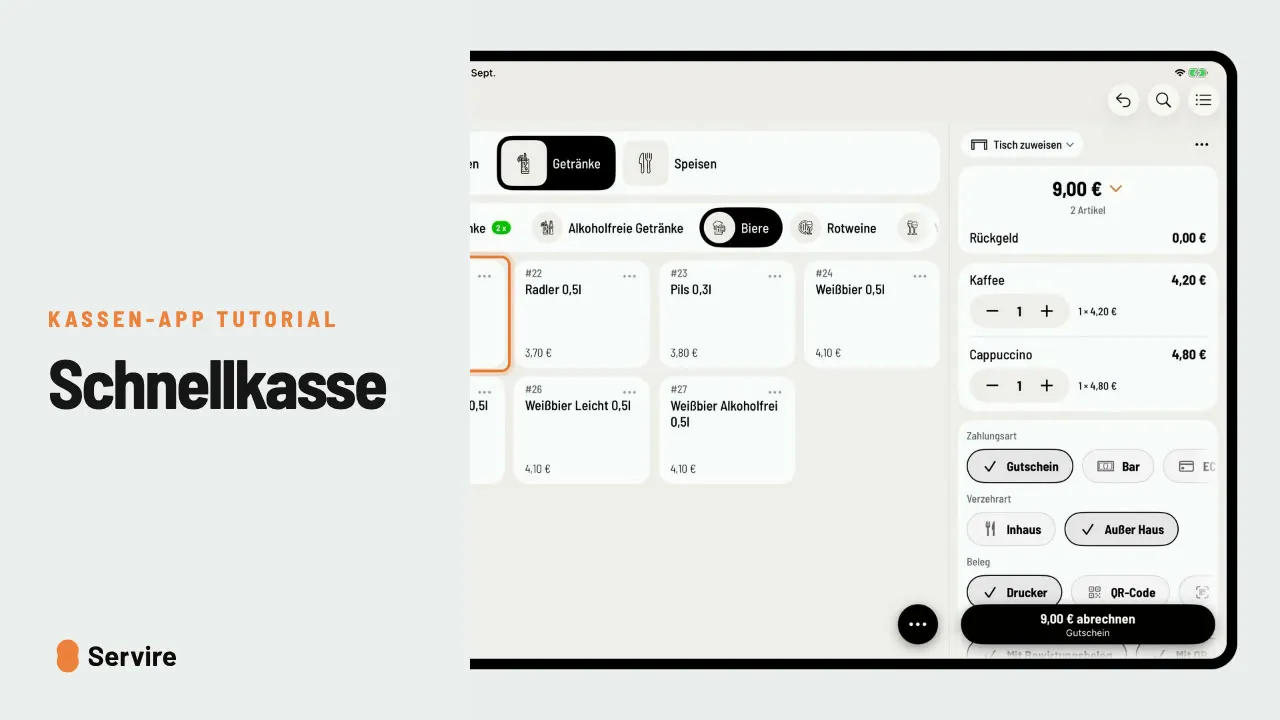
- 03Choose the menu and category at the top, then tap what your guest orders.
- 04“Done” shows the complete order. “Send new order” sends it to the kitchen and bar.
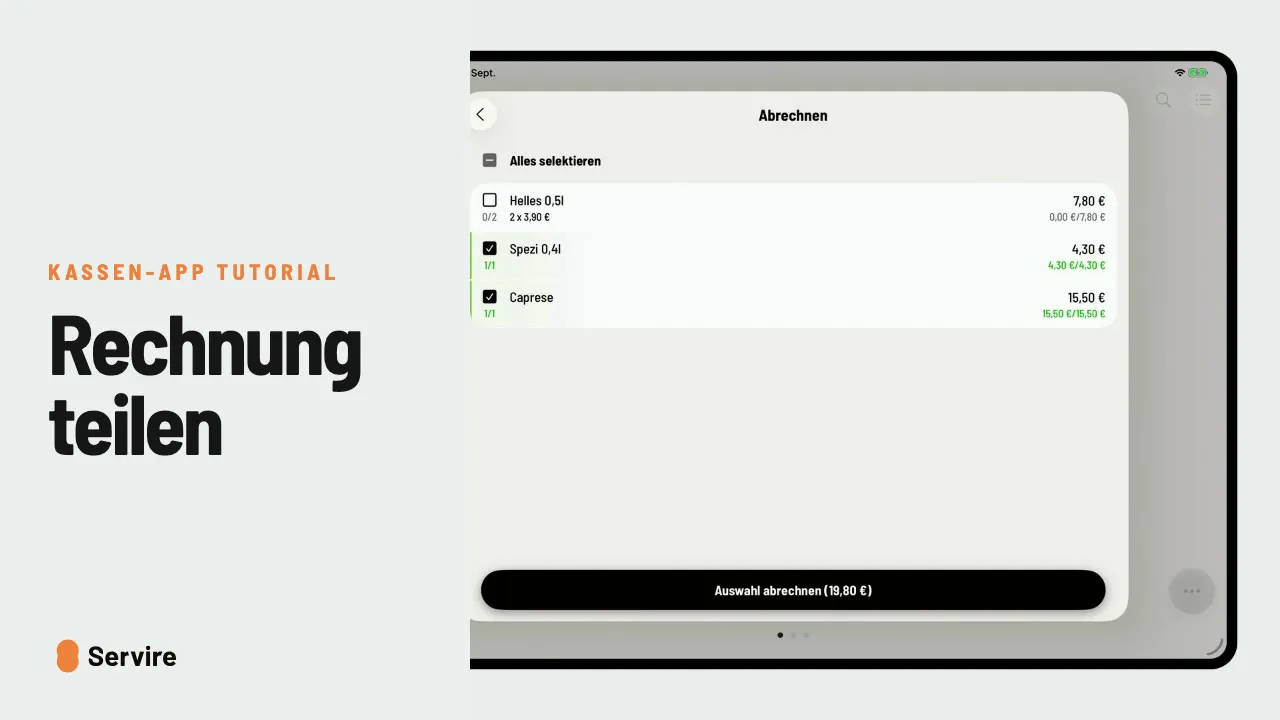
- 05Open the table, tap the checkout icon, select all items and tap “Check out selection”.
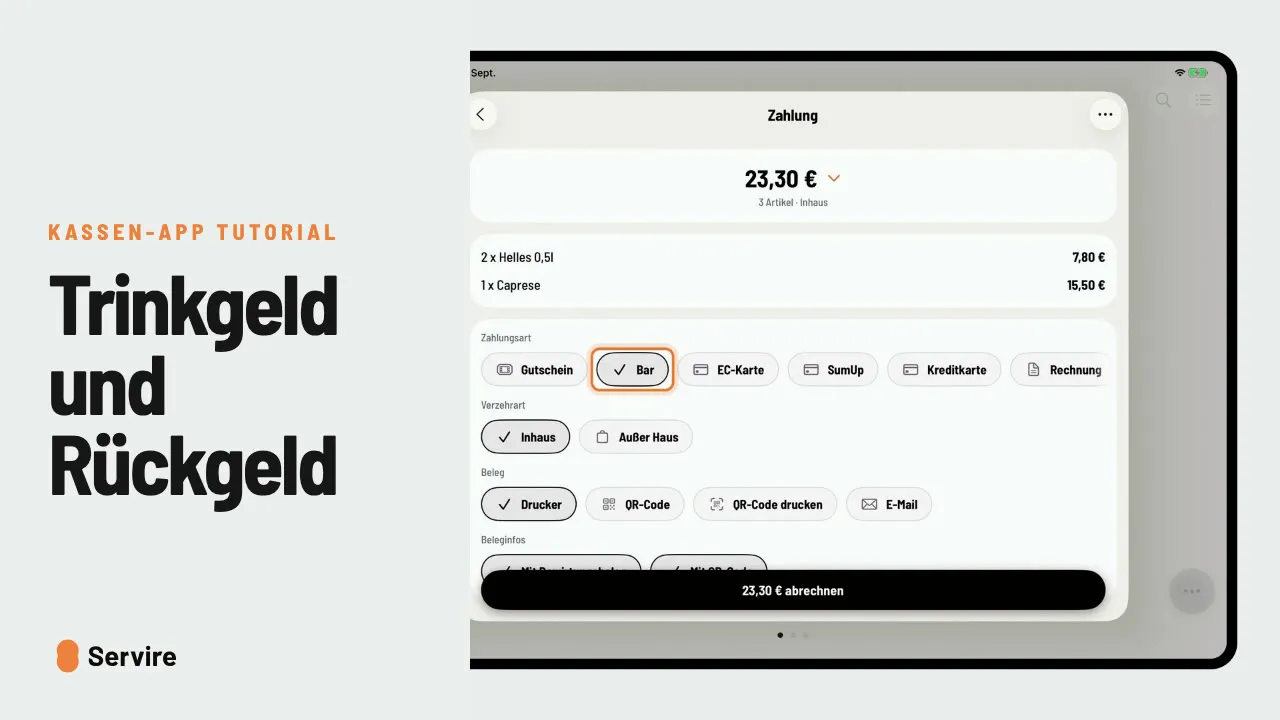
- 06Choose the payment method, for example “Cash”, then tap “check out”. The bill is paid.
- 07At the end of the day, end the shift in the overview. The POS creates the Z report by itself.
Read along
The detailed guide with screenshots is in the handbook.
Transcript
The video is narrated in German, so the transcript is in German.
Willkommen bei Servire! In diesem Video spielen wir einmal einen ganz normalen Tag an der Kasse durch: Schicht starten, bestellen, abrechnen, und am Ende die Schicht beenden. Alles fängt in der Übersicht an. Dort tippst du auf „Schicht starten“, und ab jetzt landet jede Bestellung in dieser Schicht. Jetzt siehst du deinen Tischplan. Tipp einfach auf den Tisch, an dem dein Gast sitzt. Oben wählst du die Karte und die Kategorie. Und dann tippst du einfach an, was dein Gast bestellt. Mit „Fertig“ siehst du die komplette Bestellung noch mal. Tipp auf „Absenden“, und Küche und Theke haben sie sofort auf dem Drucker. Will dein Gast zahlen, öffnest du wieder den Tisch und tippst auf das Abrechnen-Symbol. Dann alle Artikel auswählen und auf „Auswahl abrechnen“ tippen. Jetzt noch die Zahlungsart, zum Beispiel bar. Ein Tipp auf „Abrechnen“, und die Rechnung ist bezahlt. Und am Ende des Tages? Übersicht öffnen, Schicht beenden, fertig. Den Z-Bericht erstellt die Kasse ganz von selbst. Das war's auch schon! Noch mehr Anleitungen findest du im Handbuch auf servire.de.