Playing loads the video from YouTube and sends data to Google. Clicking allows external media. Privacy
Quick checkout at the counter
Order and take payment without a table plan: tap items, adjust quantities, choose the payment method, done. Ideal for cafés, snack bars and bars.
Step by step
- 01Choose the menu and category and tap the items. The receipt appears on the right straight away.
- 02Use “+” and “−” to change the quantity right on the receipt.
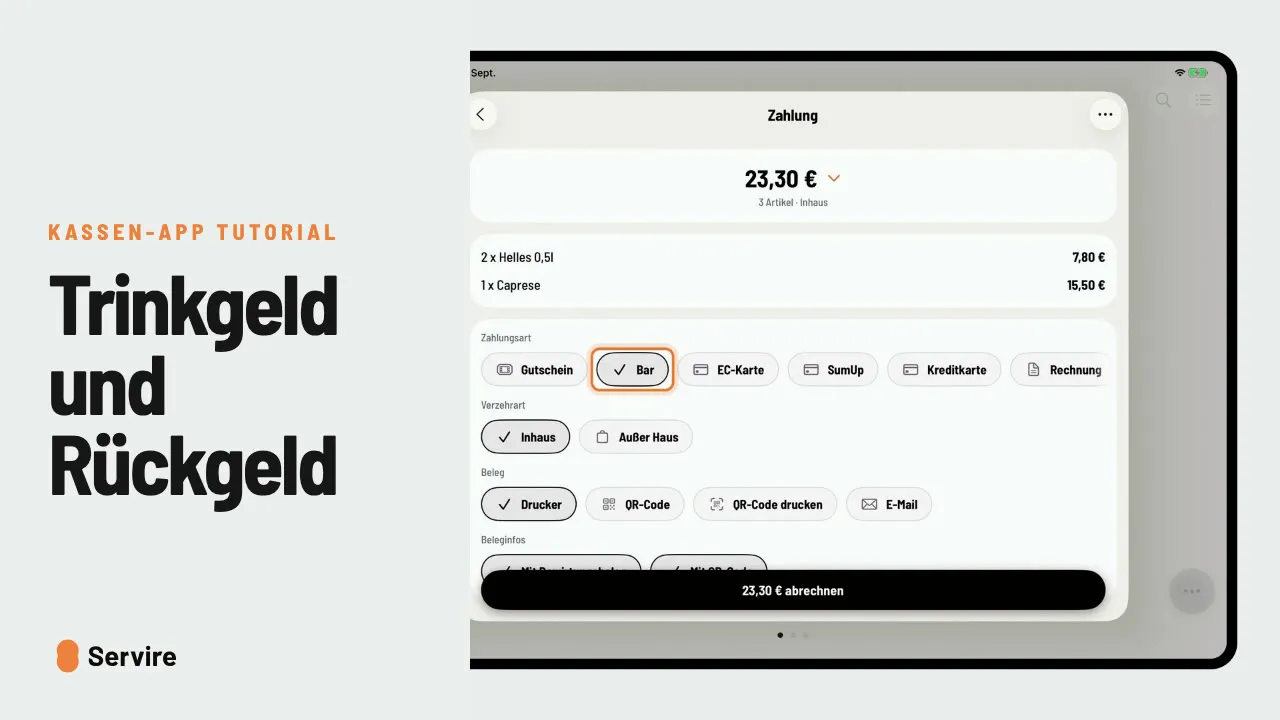
- 03Choose the payment method at the bottom of the receipt, for example “Cash”.
- 04One tap on “check out” and the receipt is booked.
Read along
The detailed guide with screenshots is in the handbook.
Transcript
The video is narrated in German, so the transcript is in German.
In der Schnellkasse gibt's keinen Tischplan. Du tippst an, änderst bei Bedarf die Menge und kassierst direkt. Oben wählst du Karte und Kategorie, dann tippst du die Artikel an. Rechts auf dem Bon siehst du sofort, was der Gast bekommt. Noch ein Kaffee? Tipp einfach auf Plus. Und mit Minus nimmst du einen wieder raus. Unten im Bon wählst du die Zahlungsart, hier bar. Ein Tipp auf „abrechnen“, und der Bon ist gebucht. Der nächste Gast kann kommen. Das war's auch schon! Noch mehr Anleitungen findest du im Handbuch auf servire.de.