Playing loads the video from YouTube and sends data to Google. Clicking allows external media. Privacy
Split the bill and pay separately
Check out only one guest's items and pay the rest with another payment method, for example cash and card.
Step by step
- 01Open the table, tap the checkout icon and select only the items this guest pays for.
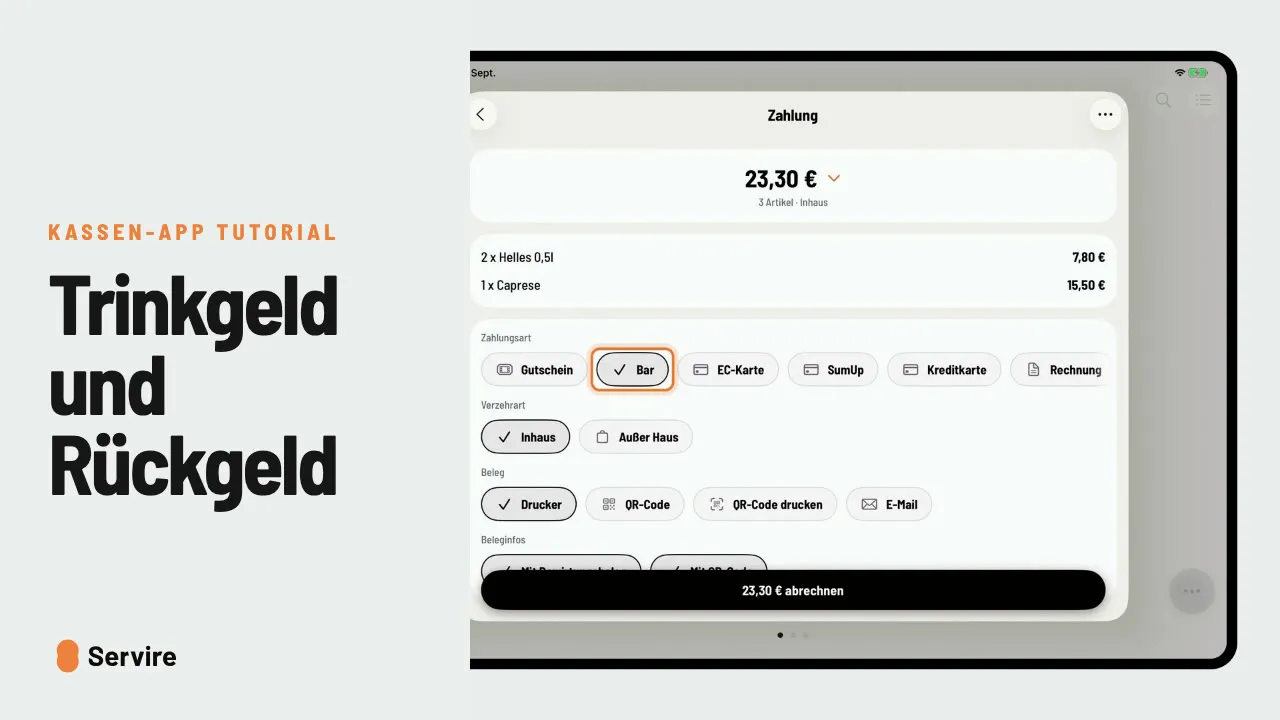
- 02“Check out selection”, choose the payment method, pay. The rest stays open.
- 03Back in the selection: “Select all” and pay the rest by card.
Read along
The detailed guide with screenshots is in the handbook.
Transcript
The video is narrated in German, so the transcript is in German.
Nicht jeder am Tisch zahlt zusammen. So rechnest du nur einen Teil ab, und den Rest mit einer anderen Zahlungsart. Öffne den Tisch und tippe auf das Abrechnen-Symbol. Dann wählst du nur die Artikel, die dieser Gast bezahlt. „Auswahl abrechnen“, Zahlungsart wählen, bezahlen. Der Rest bleibt einfach offen. Danach bist du wieder in der Auswahl. „Alles selektieren“, und der Rest geht zum Beispiel auf Karte. Das war's auch schon! Noch mehr Anleitungen findest du im Handbuch auf servire.de.