Playing loads the video from YouTube and sends data to Google. Clicking allows external media. Privacy
Manage and call courses
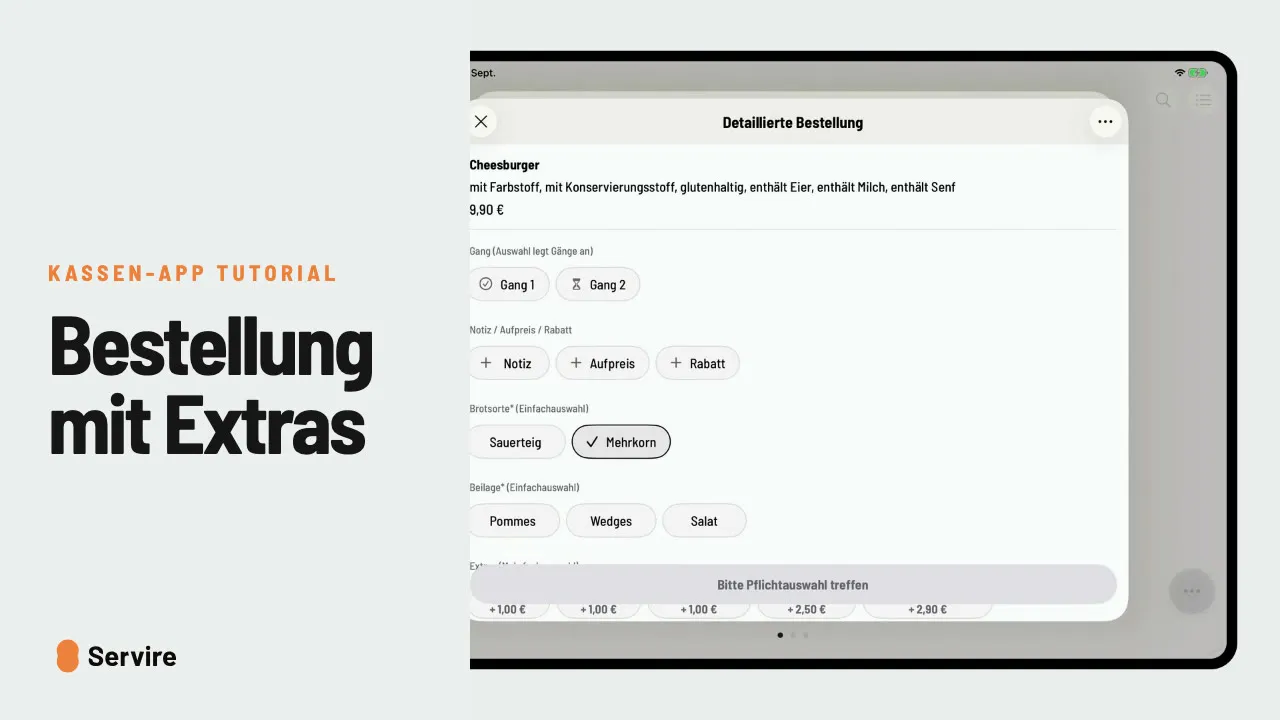
Starter right away, main course on call: with courses you decide when the kitchen prepares what.
Step by step
- 01At the bottom of the cart, choose “Course 1” and tap the starter.
- 02Choose “Course 2” and tap the main course.
- 03“Send”: course 1 goes to the kitchen straight away, course 2 waits.
- 04For course 2, tap the three dots, then “Ready to serve”. The kitchen gets the call.
Read along
The detailed guide with screenshots is in the handbook.
Transcript
The video is narrated in German, so the transcript is in German.
Erst die Vorspeise, der Hauptgang später? Mit Gängen bestimmst du, wann die Küche was zubereitet. Öffne den Tisch und tippe unten im Warenkorb auf „Ohne Gang“. Wähle Gang 1, und dann die Vorspeise. Jetzt Gang 2 wählen und den Hauptgang dazunehmen. Fertig und absenden. Gang 1 geht sofort in die Küche, Gang 2 wartet auf deinen Abruf. Ist die Vorspeise gegessen, öffnest du den Tisch und tippst bei Gang 2 auf „Kann serviert werden“. Die Küche legt los. Das war's auch schon! Noch mehr Anleitungen findest du im Handbuch auf servire.de.