Playing loads the video from YouTube and sends data to Google. Clicking allows external media. Privacy
To-go orders with pickup numbers
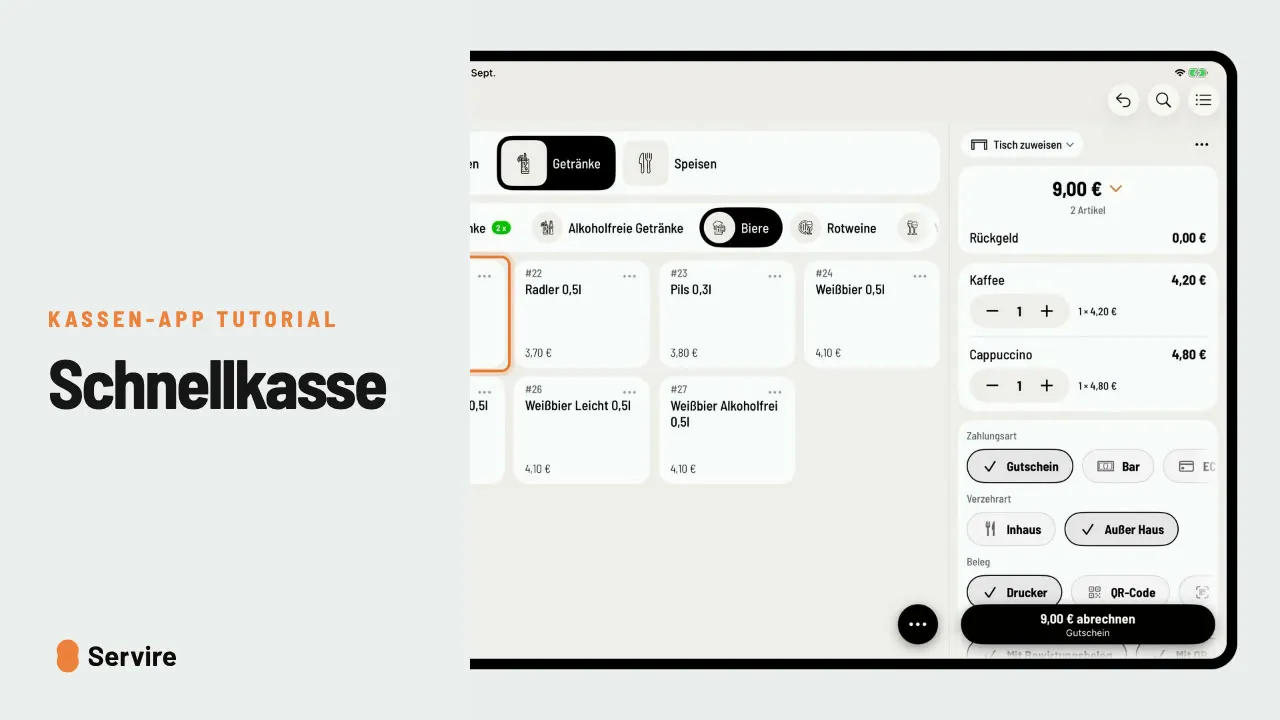
Check out to-go orders without a table: the order gets a pickup number automatically and you call the guest as soon as it is ready.
Step by step
- 01Tap the round button at the bottom right, then “To-go order”, and tap the items.
- 02Choose the payment method and check out. The order gets a “Pickup number”.
- 03In the “Order list”, press and hold the number; “Ready for pickup” calls the guest.
Read along
The detailed guide with screenshots is in the handbook.
Transcript
The video is narrated in German, so the transcript is in German.
Kaffee zum Mitnehmen? Mit der To-Go-Bestellung kassierst du ohne Tisch, und der Gast bekommt eine Abholnummer. Tippe auf den runden Knopf unten rechts und wähle „To-Go-Bestellung“. Die Artikel tippst du an wie am Tisch. Zahlungsart wählen, abrechnen, und die Bestellung bekommt automatisch eine Abholnummer. Ist alles fertig, findest du die Nummer oben rechts in der Liste. Lange drücken, „Abholbereit“, und der Gast wird aufgerufen. Das war's auch schon! Noch mehr Anleitungen findest du im Handbuch auf servire.de.