Playing loads the video from YouTube and sends data to Google. Clicking allows external media. Privacy
Closing the till at the end of the shift
Cash count, cash removal and shift summary: how to close the shift. The POS creates the Z report by itself.
Step by step
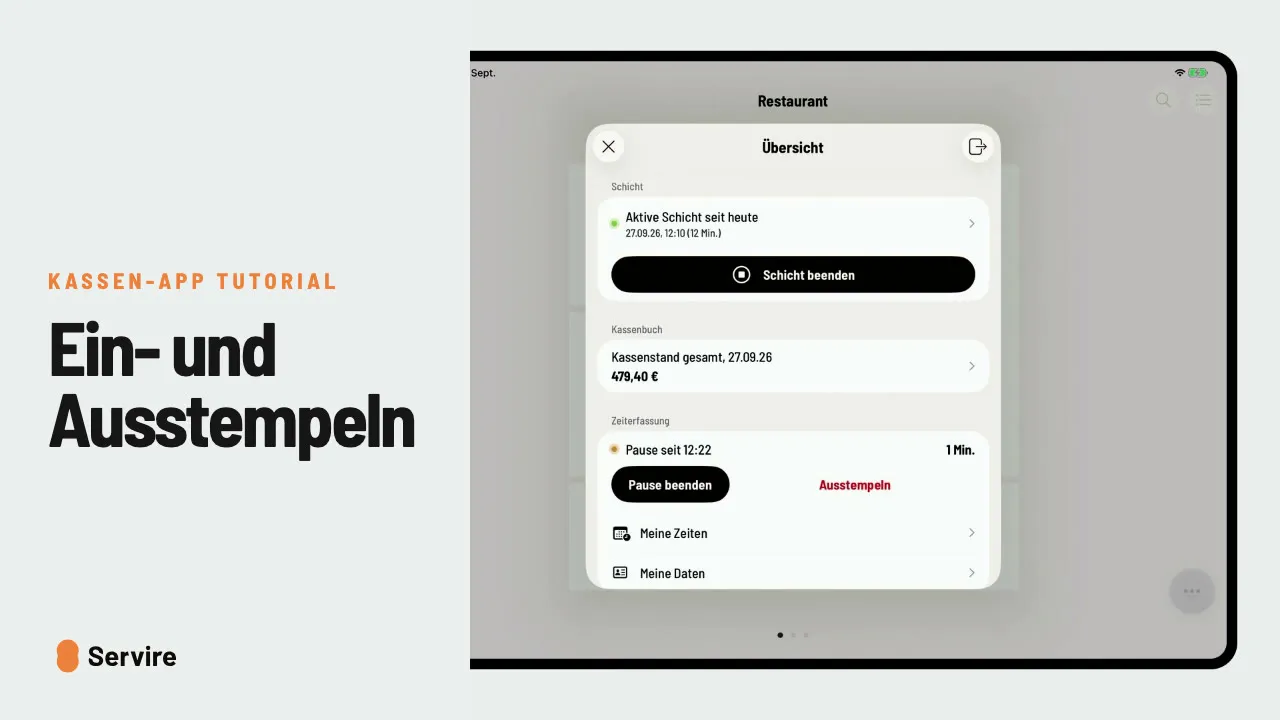
- 01In the overview, tap “End shift” and confirm.
- 02Count the cash, enter it as the “Actual amount (counted)” and continue with the arrow.
- 03Enter what goes into the safe as the “Withdrawal amount” and confirm with the check mark.
- 04The “Shift summary” shows revenue and withdrawals. Confirm, and the Z report is created.
Read along
The detailed guide with screenshots is in the handbook.
Transcript
The video is narrated in German, so the transcript is in German.
Feierabend? So schließt du die Schicht ab: Kasse zählen, Bargeld entnehmen, und den Rest erledigt die Kasse. Öffne die Übersicht und tippe auf „Schicht beenden“. Nach der kurzen Rückfrage öffnet sich der Kassensturz. Oben steht der Soll-Betrag. Zähl dein Bargeld und trag den Ist-Betrag ein. Weicht er ab, bucht die Kasse die Differenz selbst. Jetzt die Abschöpfung: Wie viel nimmst du raus, etwa für den Tresor? Betrag eintragen und mit dem Haken bestätigen. Die Schichtübersicht zeigt Umsatz, Kassenstand und Abschöpfung. Bestätigen, und der Z-Bericht ist erstellt. Das war's auch schon! Noch mehr Anleitungen findest du im Handbuch auf servire.de.