Playing loads the video from YouTube and sends data to Google. Clicking allows external media. Privacy
Cash book: record expenses
Paid for something in cash from the till? It belongs in the cash book. How to record an expense with category, amount and note.
Step by step
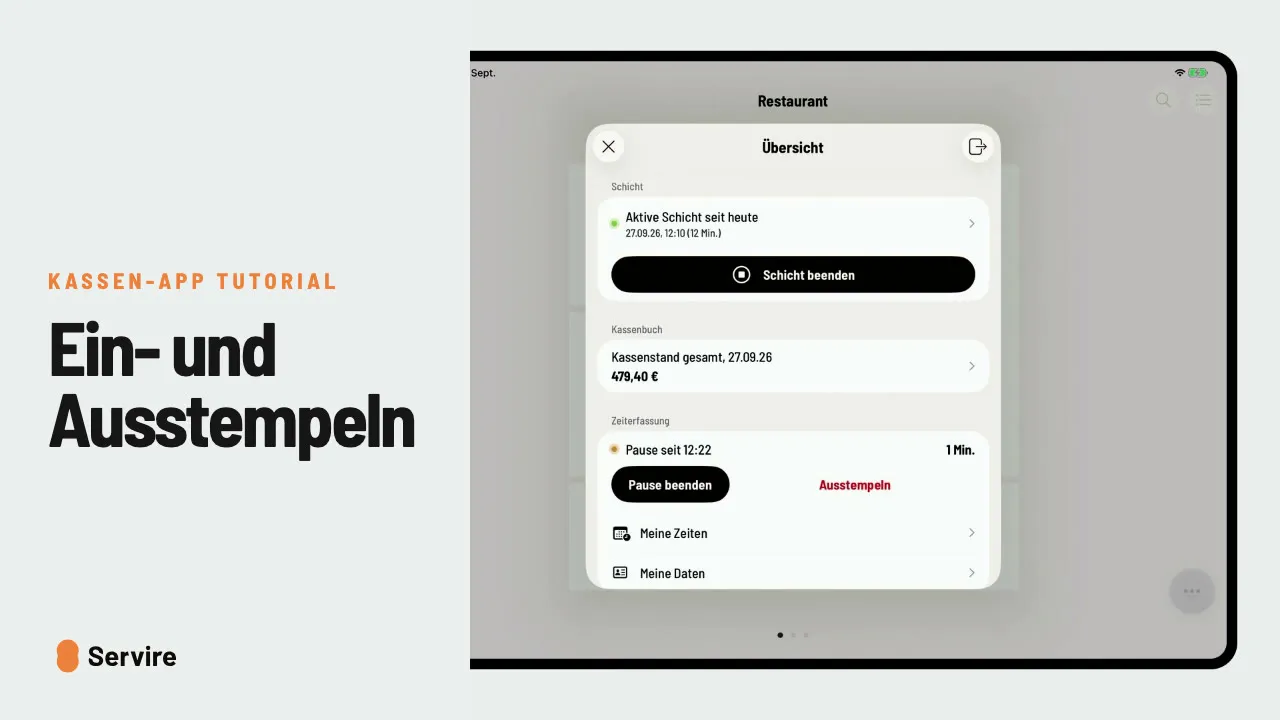
- 01In the overview, open “Cash book”. The daily view shows entries and the cash balance.
- 02Tap “+ Expense” and choose the category, for example “Materials and goods purchased”.
- 03Enter the “Gross amount” and a note and save with the check mark.
Read along
The detailed guide with screenshots is in the handbook.
Transcript
The video is narrated in German, so the transcript is in German.
Du bezahlst den Bäcker aus der Kasse? Dann gehört das ins Kassenbuch, sonst stimmt am Abend der Kassenstand nicht. In der Übersicht tippst du auf „Kassenbuch“. Die Tagesansicht zeigt alle Buchungen und den aktuellen Kassenstand. Tippe auf „Ausgabe“ und wähle die passende Kategorie, hier Wareneinkauf. Betrag eintragen, eine kurze Notiz dazu, und mit dem Haken speichern. Der Kassenstand ist sofort aktuell. Das war's auch schon! Noch mehr Anleitungen findest du im Handbuch auf servire.de.