Playing loads the video from YouTube and sends data to Google. Clicking allows external media. Privacy
Server wallet: opening float and settlement
Each server settles their own cash: start with change as the opening float and enter the counted amount at the end.
Step by step
- 01After “Start shift”, enter the “Opening float”, for example 100 €.
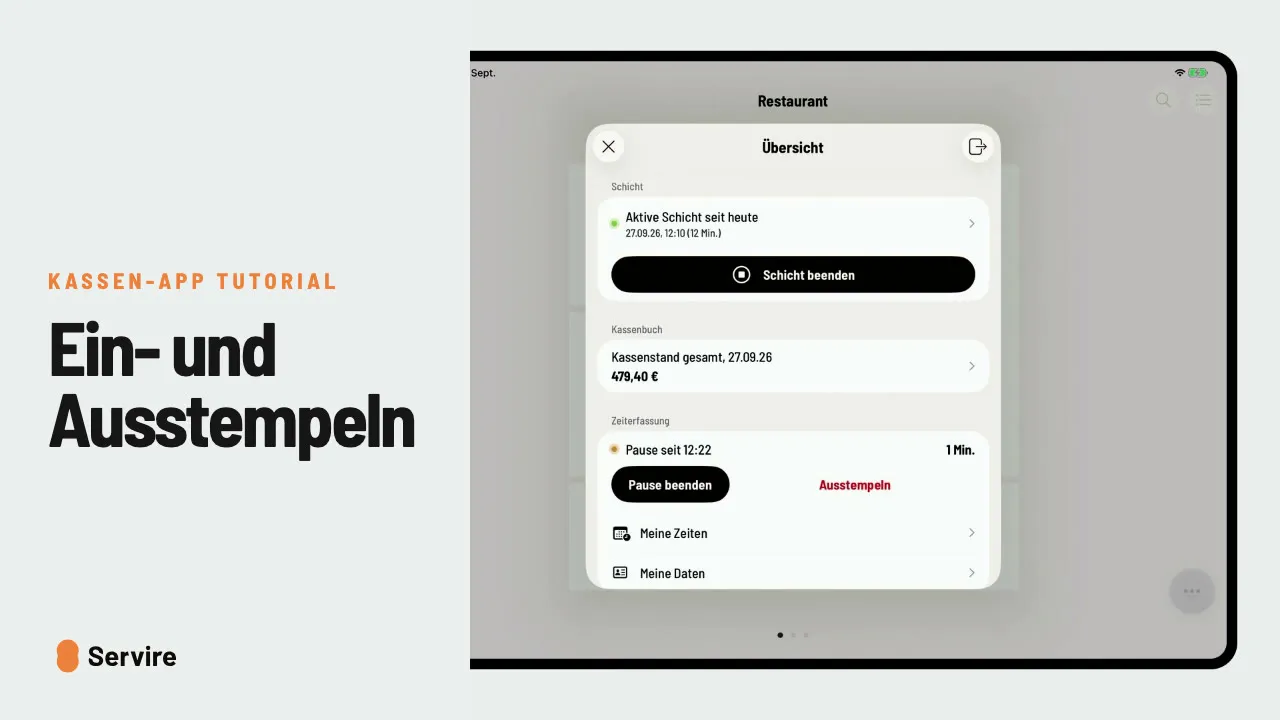
- 02In the overview, the server wallet now shows “Till open”.
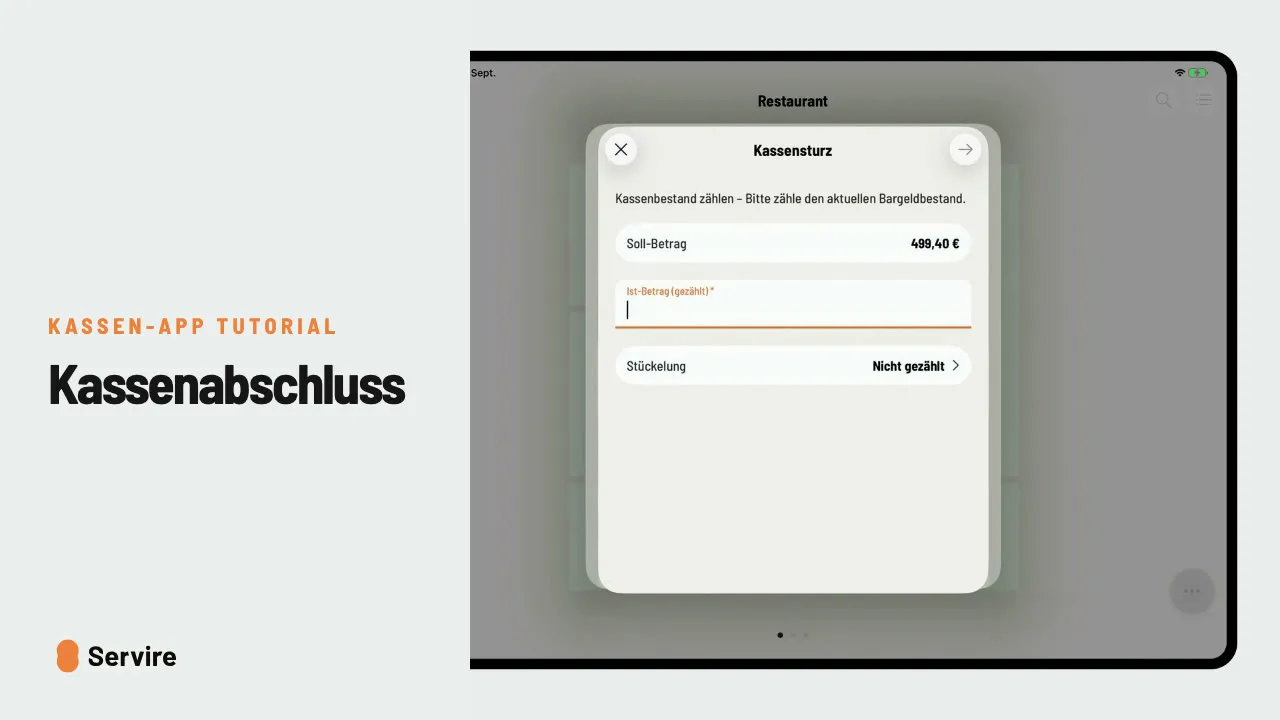
- 03Open the server wallet, tap “€” at the top right and enter the counted amount. The wallet shows “Settled”.
Read along
The detailed guide with screenshots is in the handbook.
Transcript
The video is narrated in German, so the transcript is in German.
Mit der Servicekasse hat jede Servicekraft ihre eigene Geldbörse. So startest du mit Wechselgeld, und rechnest am Ende ab. Tippst du auf „Schicht starten“, fragt die Kasse nach deinem Anfangsbestand. Zähl dein Wechselgeld und trag den Betrag ein. In der Übersicht steht jetzt: Kasse offen, mit Anfangsbestand und Soll. Am Ende tippst du auf deine Servicekasse und oben rechts auf das Euro-Zeichen. Gezählten Betrag eintragen, fertig, die Kasse ist abgerechnet. Das war's auch schon! Noch mehr Anleitungen findest du im Handbuch auf servire.de.