
Create deposit items and assign them to items
This is how you create a deposit and attach it to item so that the cash register calculates it automatically.
In Servire, "deposit" is a separate deposit item with a name, value, and tax rate, for example, Bottle deposit €1.00. You attach it to the item for which a deposit applies; the POS app adds it to every order. New restaurants start with deposits for bottles, cups, bowls, and crates.
Create deposit items
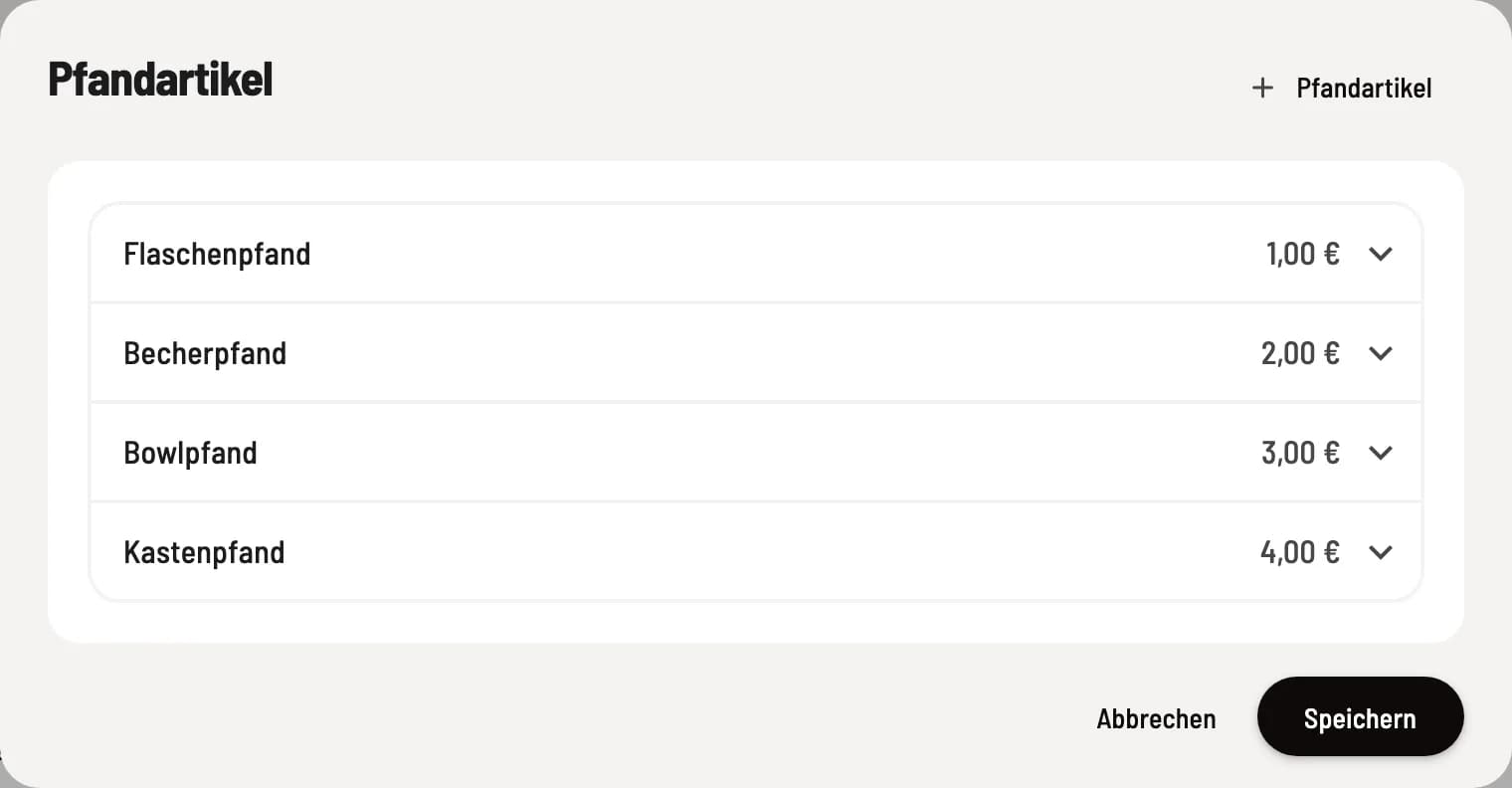
Edit deposit items
Click on ⋯ in the menu header and select Edit Deposit Item. + Deposit Item creates a new one. Enter Name, Value (€), and Tax Rate, and click Save.
Which tax rate?: The deposit is subject to the tax rate of the goods to which it is attached; for beverages, this is usually 19%. The deposit amount itself does not change.
Assign a deposit to an item
Open the item, switch to the Deposit Items tab, and select the appropriate deposit under Select Deposit Items. An item can have multiple deposits, such as bottle and crate deposits. The X removes a deposit.
At the checkout
When the item is ordered, the POS app automatically adds the deposit. It appears as a separate item on the receipt. You can return empty containers via the deposit return system.