Playing loads the video from YouTube and sends data to Google. Clicking allows external media. Privacy
Sell and redeem vouchers
Sell and print a voucher at the POS, then redeem it later at checkout. Any remaining balance is kept for the next visit.
Step by step
- 01Tap the round button at the bottom right, “Sell voucher”, choose the value and payment method, sell.
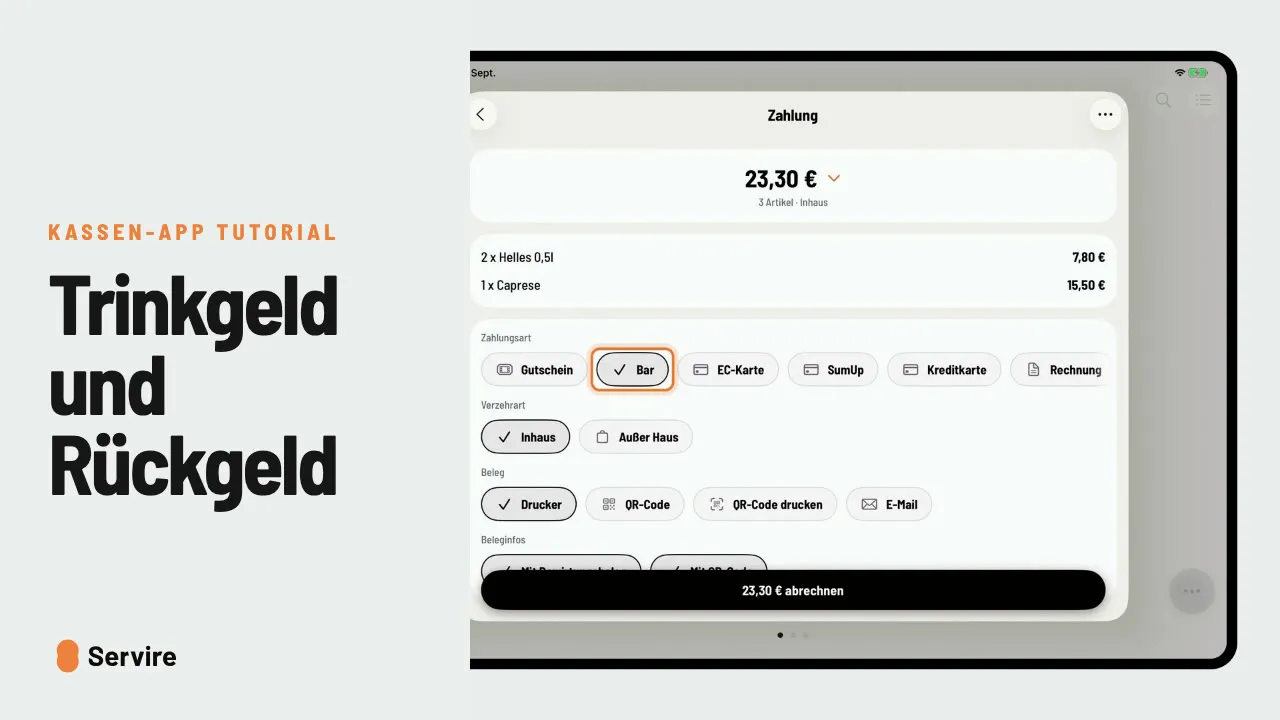
- 02At checkout, choose the payment method “Voucher”, enter the code and tap “Redeem”.
- 03The voucher covers the bill, the remaining balance is kept.
Read along
The detailed guide with screenshots is in the handbook.
Transcript
The video is narrated in German, so the transcript is in German.
Ein Gutschein als Geschenk? So verkaufst du ihn an der Kasse, und so löst ihn dein Gast später ein. Tippe auf den runden Knopf unten rechts, dann auf „Gutschein verkaufen“. Wert wählen, Zahlungsart, und verkaufen. Der Gutschein wird gedruckt. Zum Einlösen öffnest du den Tisch, gehst zur Zahlung und wählst „Gutschein“. Code eingeben, einlösen. Der Gutschein deckt die Rechnung, der Rest bleibt für den nächsten Besuch. Jetzt nur noch abrechnen. Das war's auch schon! Noch mehr Anleitungen findest du im Handbuch auf servire.de.