Playing loads the video from YouTube and sends data to Google. Clicking allows external media. Privacy
Give discounts
Apply a fixed discount or a custom reduction to the whole bill, or both together.
Step by step
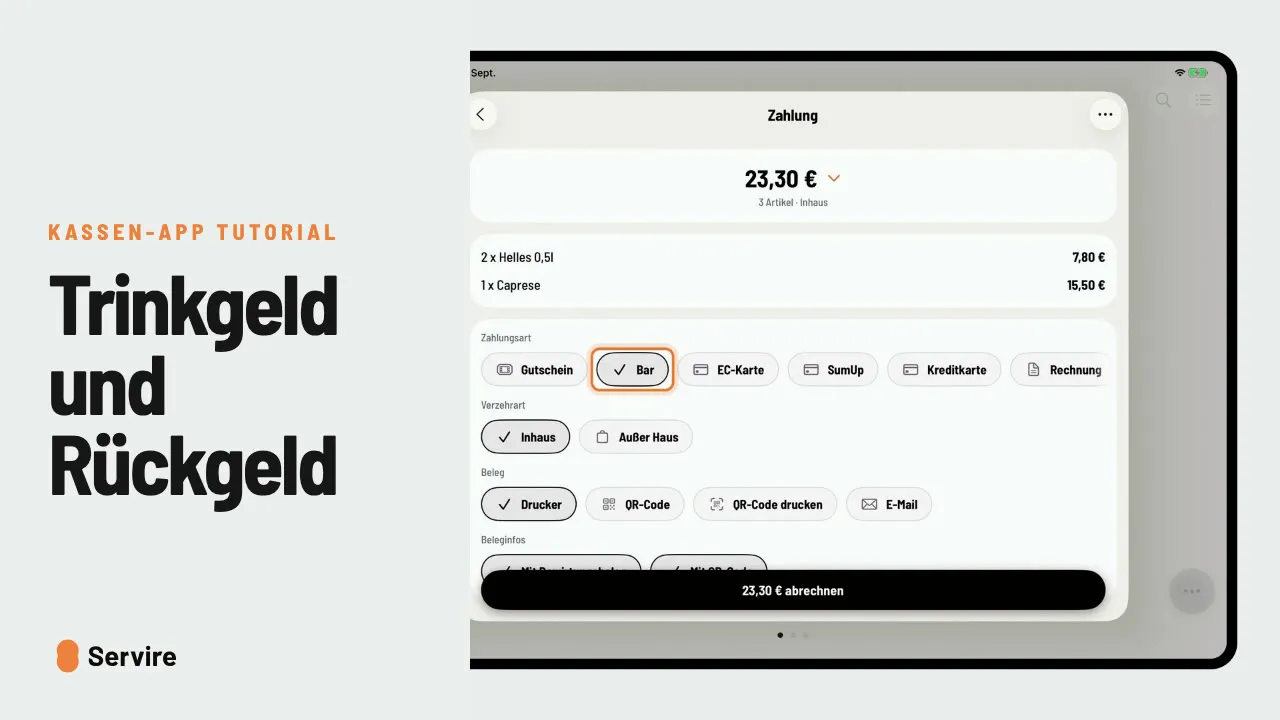
- 01Open the table, select everything and go to “Payment”.
- 02Tap the three dots at the top right, then “Discount” and choose a fixed discount.
- 03“Custom discount”: enter the amount and reason and save with the check mark.
- 04The discounts appear under “Total”. Choose the payment method and check out.
Read along
The detailed guide with screenshots is in the handbook.
Transcript
The video is narrated in German, so the transcript is in German.
Ein fester Rabatt oder ein individueller Nachlass? So gibst du beim Abrechnen Rabatt auf die ganze Rechnung. Öffne den Tisch, wähle alle Artikel und geh zur Zahlung. Oben rechts auf die drei Punkte, dann „Rabatt“. Tipp einen festen Rabatt an, zum Beispiel fünf Prozent. Noch drei Euro für den Stammgast? Wieder die drei Punkte, „Individueller Rabatt“, Betrag und Grund eintragen, Haken. Unter Gesamt siehst du beide Rabatte. Zahlungsart wählen und abrechnen. Das war's auch schon! Noch mehr Anleitungen findest du im Handbuch auf servire.de.