
Connect payment providers (SumUp, Stripe, PayPal)
Connect SumUp, Stripe or PayPal once in the Web desk , and all the restaurant's cash registers will handle the registration.
Card payments at the till and online payments from your guests are processed through a payment provider. You connect this provider once in the Web desk under Settings → Integrations → Payment Providers. All your restaurant's POS systems will automatically register, even newly installed devices. You do not need to log in to the provider in the POS app.
Requirements: A merchant account with the provider and employee rights Allowed to set up payment service providers (SumUp, Stripe, PayPal). As the account holder, you have this automatically. Card payments at checkout are available in all plans; online payments are required for guest orders and the voucher shop, which are included in the Max plan. You manage fees, payouts, and bank details with the provider, not in Servire.
Overview of providers
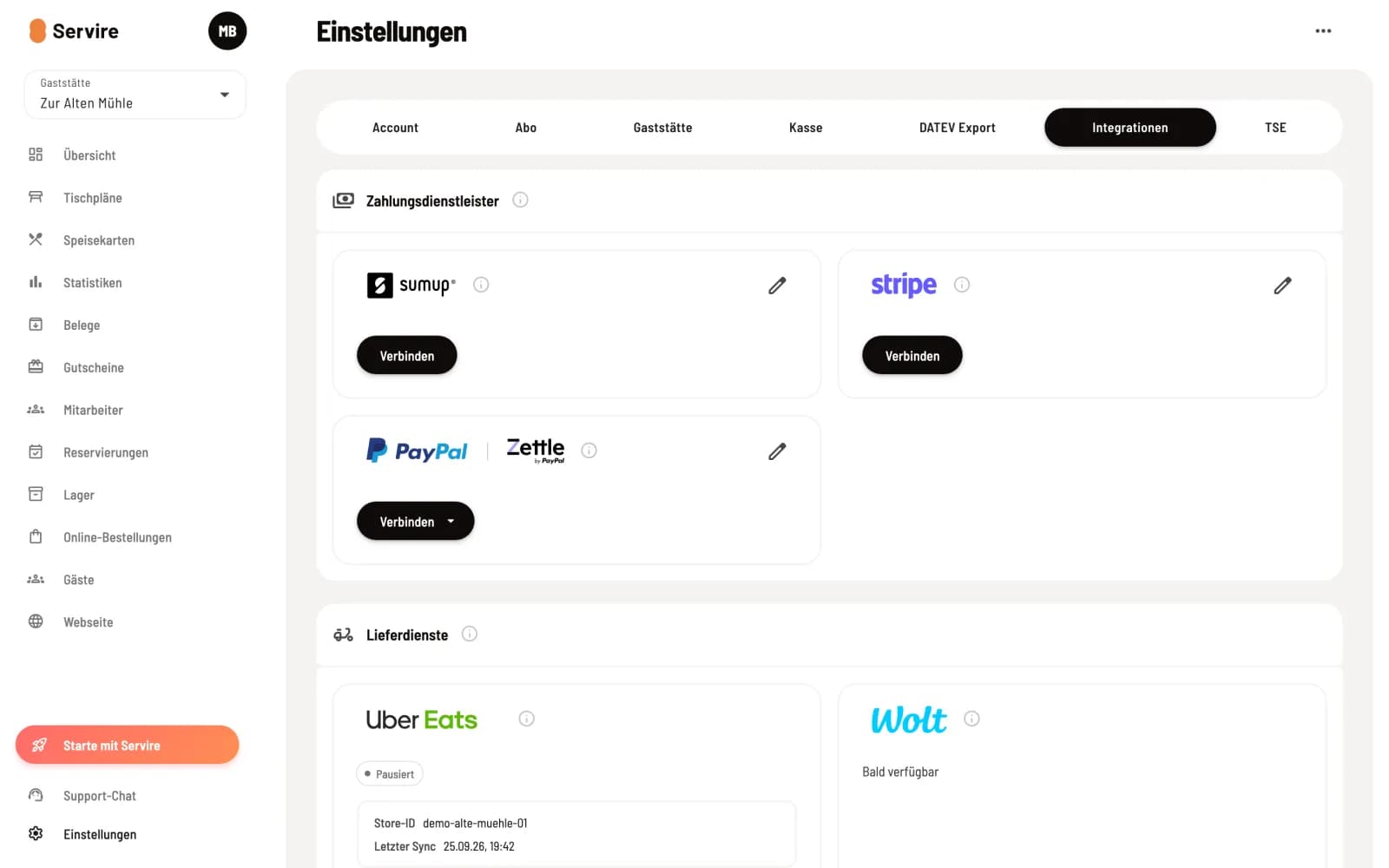
Cards from payment service providers
Each provider has a card. The information symbol next to the logo explains what it can do. As long as a provider is not connected, its card only displays the Connect button.
SumUp: Card payments at the checkout with a SumUp card reader (Air, Solo) or contactless directly on the iPhone (Tap to Pay). Your guests can also pay by card online.
Stripe: Card payments at the Stripe Reader S700 or contactless payments directly on your iPhone or a compatible Android device (Tap to Pay). The same connection covers online payments. Stripe verifies your business once; only then can you process payments.
PayPal: Card payments are accepted via the PayPal Reader (formerly Zettle) in the POS app on iPhone and iPad, and PayPal is also available at guest checkout. You connect both accounts separately. The PayPal Reader does not accept girocard in Germany. The PayPal Reader is not yet available in the POS app for Android.
Establish a connection
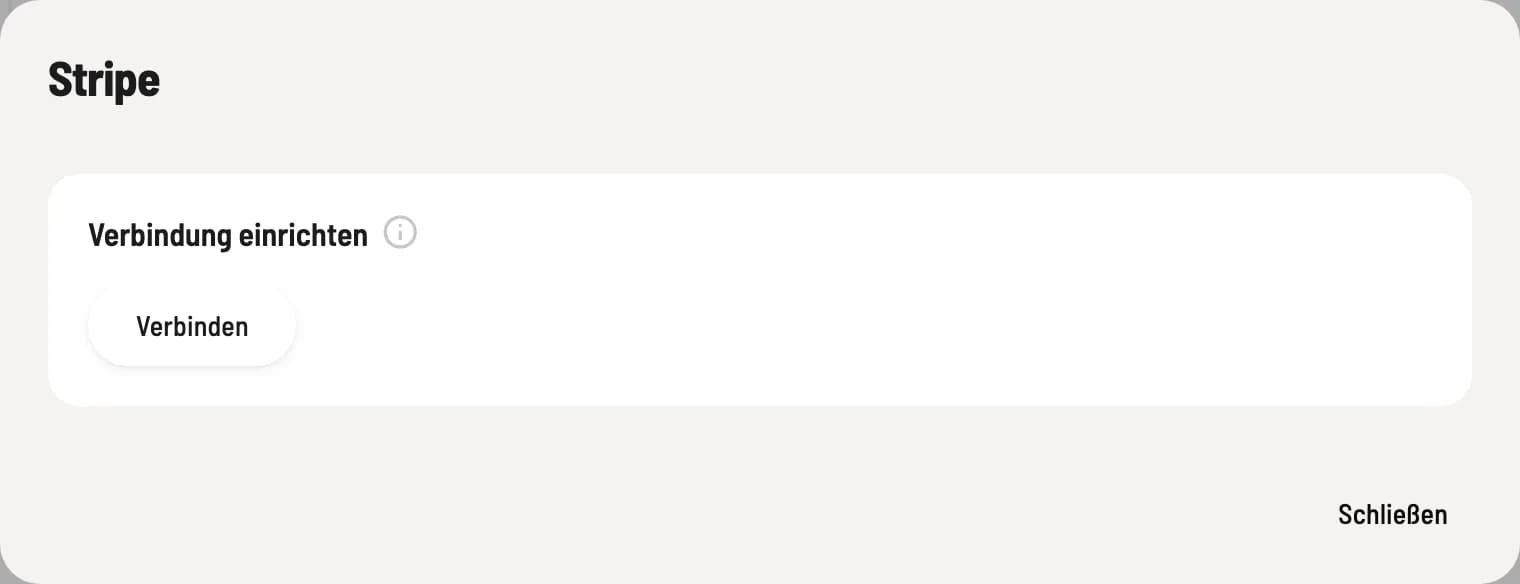
Step 1 of 2
Click Connect
Click Connect on the map or open it with the pencil icon and click Connect there. You will be redirected to the provider, log in with your account, and then return to the Web desk . The Web desk will then display Payment provider successfully connected.
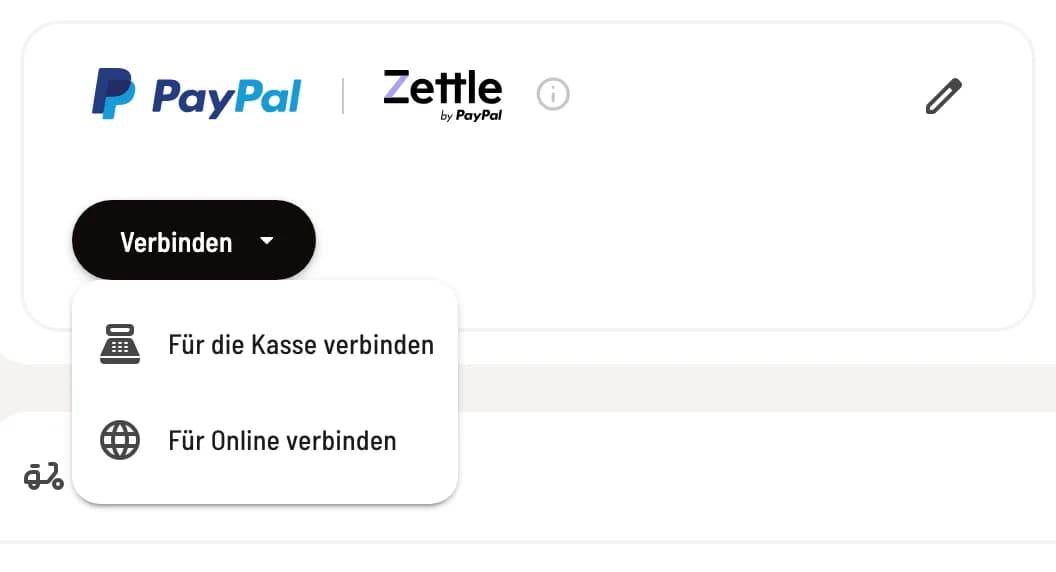
Step 2 of 2
PayPal: Checkout and online separate
When using PayPal, Connect opens a menu: Connect for checkout links the PayPal Reader, Connect for online links the PayPal checkout for your guests. You can also use only one of the two.
Status on the map
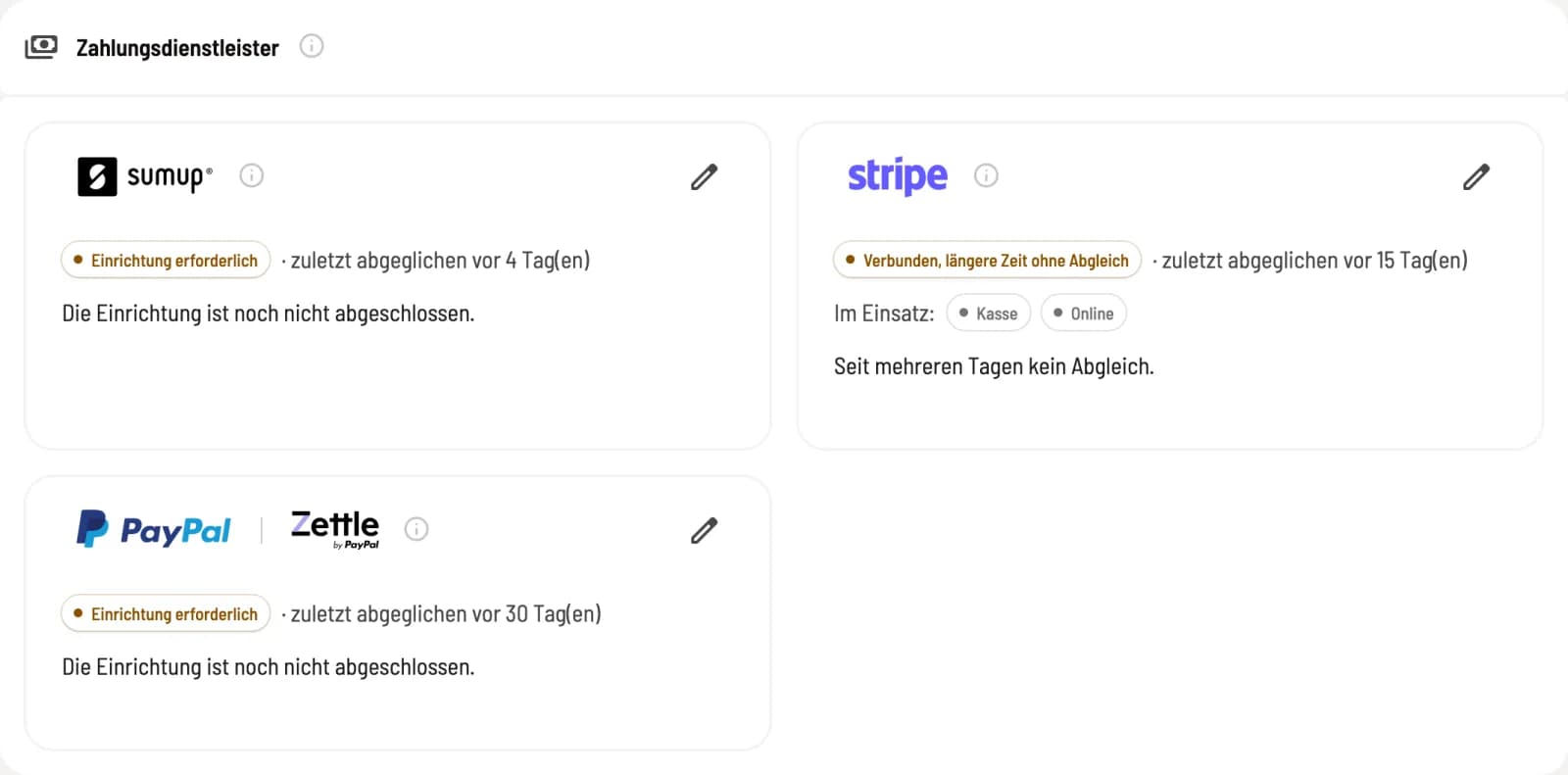
Read the status
If a provider is connected, their card displays its status and the date and time of the last synchronization. Under In Use: it indicates what it's used for: Cash Register and/or Online.
Connected: everything is OK.
Action required: something is missing, for example, a payment method at the checkout. A sentence below explains the reason; clicking on the pill opens the dialog with the solution.
Setup required: The provider still needs some information from you.
Token expired — please log in again or Service provider error: Reconnect the provider in the dialog.
What you configure next is listed under Configure payment provider.
Online payments from your guests (guest orders and voucher shop) are always handled by exactly one provider. You can switch which provider this is in the provider's dialog.