
Set bank details and billing preferences
Bank details, number range, payment terms and footer for your invoices and receipts.
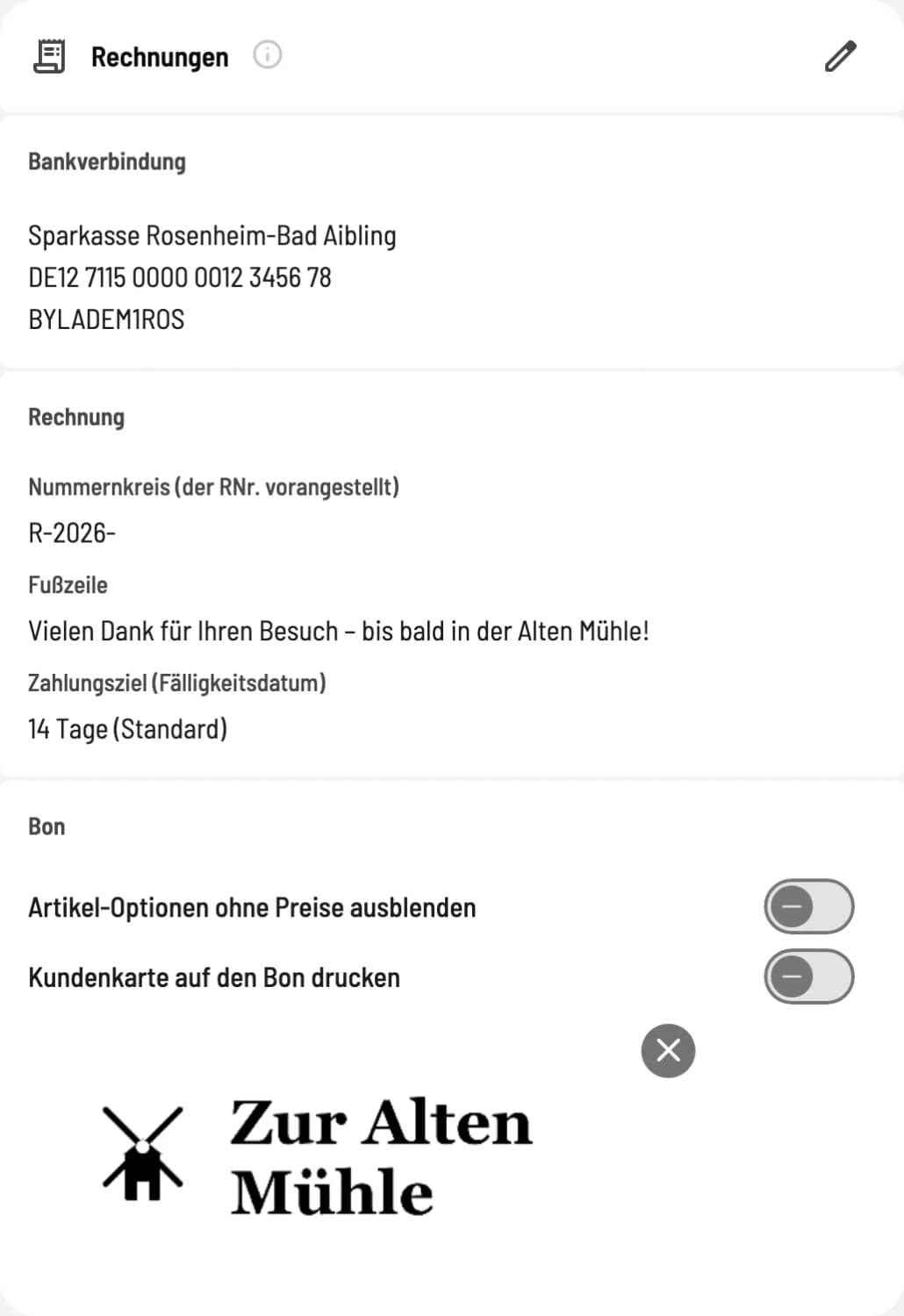
Under Settings → Restaurant, the Invoices section displays bank details, number range, footer, and payment terms, with the Receipt section below. The pencil icon opens the Edit Invoices dialog.
Step 1 of 2
Card invoices
At the top is the bank details, below are the invoicing specifications and the receipt area with counters and receipt logo.
Step 2 of 2
Edit invoices dialog
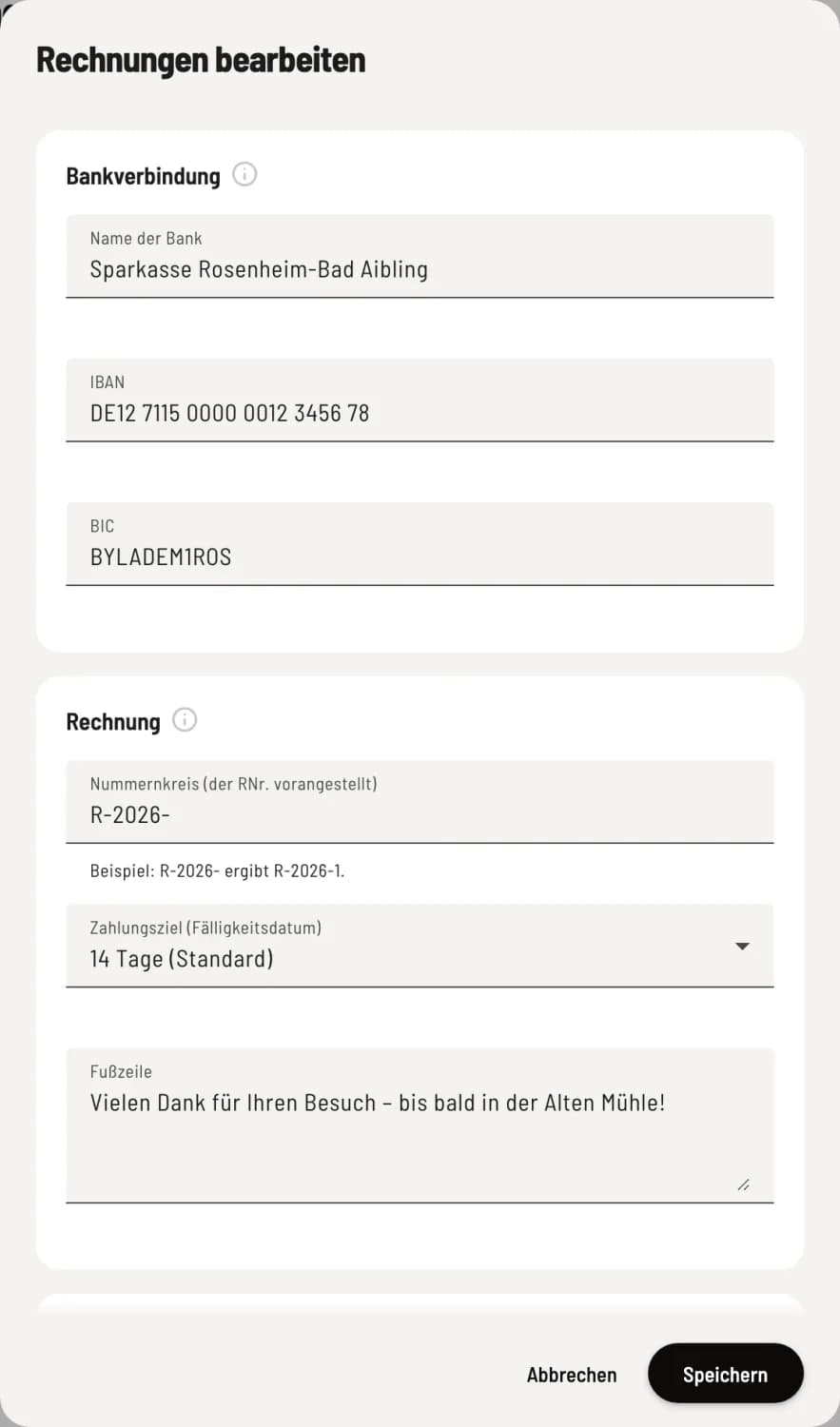
Three sections: Bank details, Invoice, and Receipt. Save takes care of everything.
Bank details
Bank name, IBAN, and BIC are listed on your invoices so your customers can make payments. Blank means: no bank details are included on the invoice.
The invoice
Number range (prefixed to the invoice number): This will be prefixed to your invoice numbers; for example, R-2026- becomes R-2026-1. Maximum 10 characters: letters, numbers, and - / . _ #. "SO-" and "VS-" are reserved for guest orders and the voucher shop.
Payment term (due date): 7, 14, 21, 30, 60 or 90 days, standard 14. Servire uses this to calculate the due date on invoices for attached documents.
Footer: up to 200 characters, e.g., a greeting. It appears on invoices, voucher PDFs, and receipts.
Without a Servire subscription, the receipt will also say "Powered by Servire | servire.de".
The switches in the Receipt section explain the receipt logo and receipt options. You enter your name and address under Information.