
Set up online voucher sales
How to sell vouchers online: requirements, activation, address for your guests and settings.
Guests can purchase vouchers online via a dedicated address, your Servire website, or an embedded element on your website. This is set up in the Web desk under Vouchers → … → Online Sales.
Prerequisites: - Max plan ( Change plan ) - a connected online payment provider under Settings → Integrations → Payment Providers ( Connect payment provider ) - a completed data processing agreement, because the shop stores the buyer's name and email address. Without it, guests will see the shop as unavailable. - employees must have the rights **Use Web desk **, Manage Vouchers, and Manage Online Orders ( Permissions )
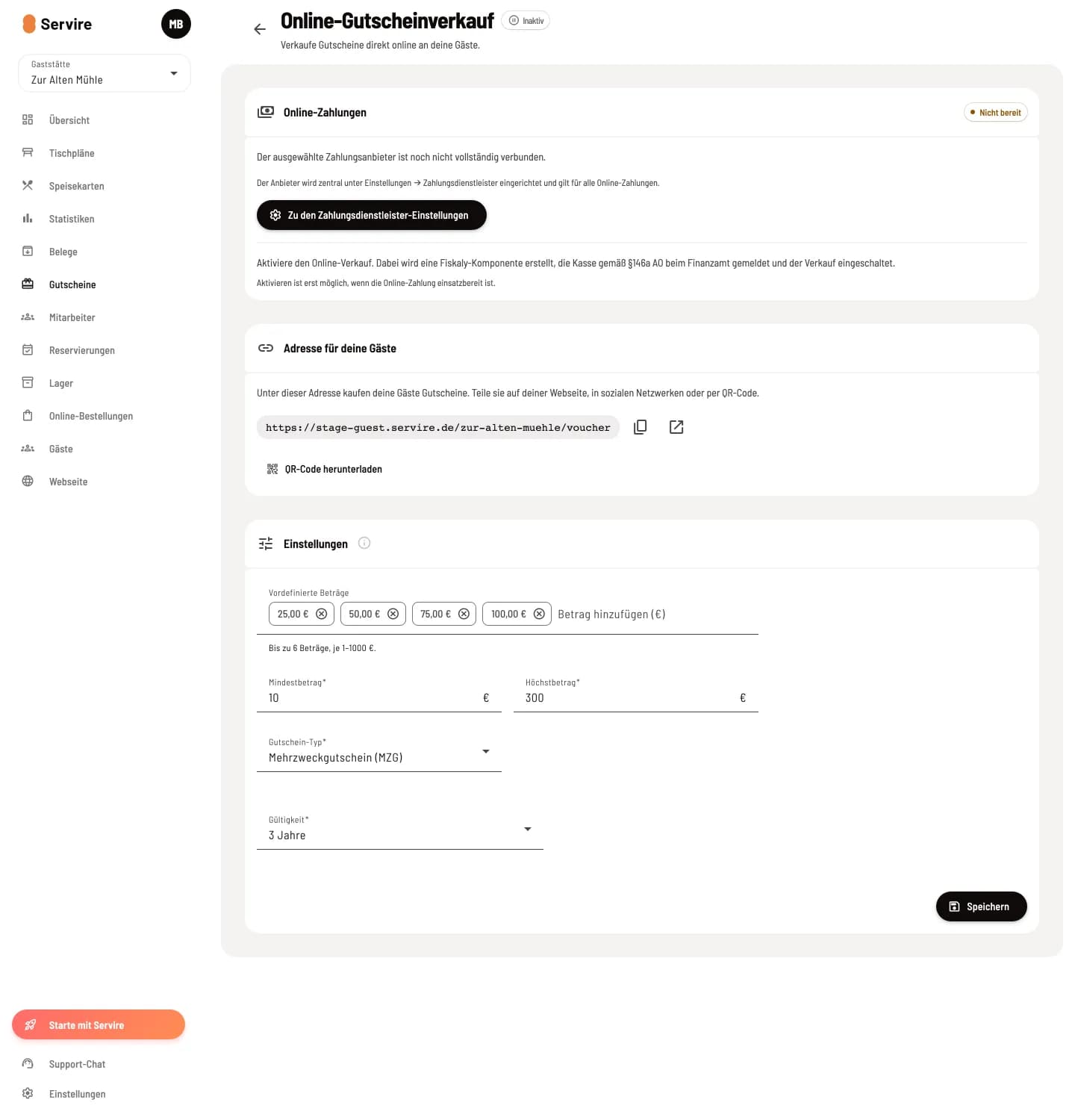
Online voucher sales page
Open Vouchers, click on … in the top right corner and select Online Sales. Next to the title you'll see the status Active or Inactive; use this to turn sales on and off.
Online payments and activation
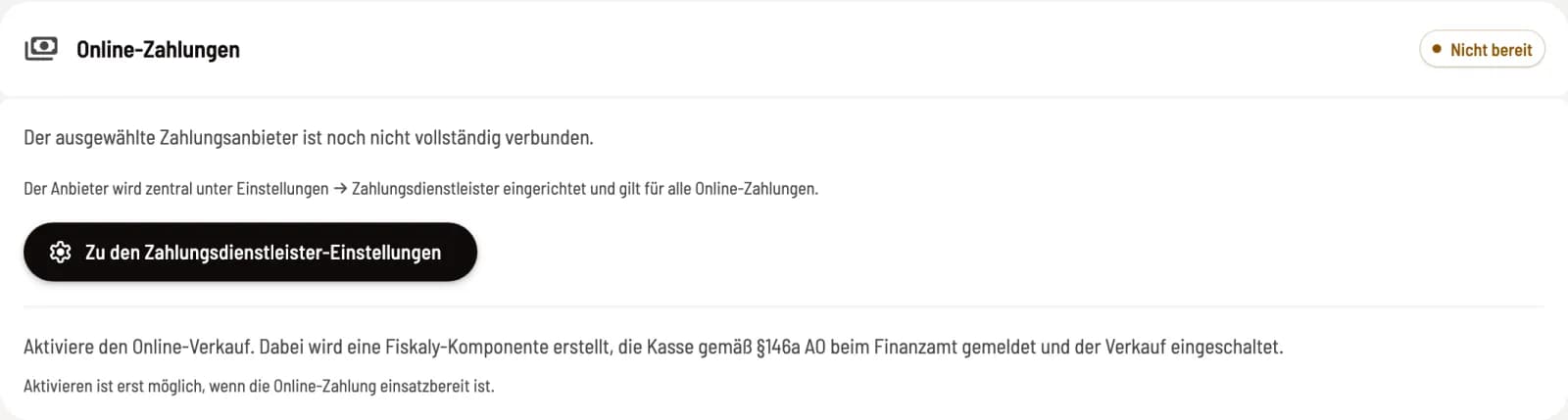
Card Online Payments
The card displays Ready, Not Ready, or No Provider and states the reason. Go to Payment Provider Settings leads directly there; the provider applies to all online payments. If the data processing agreement (DPA) is missing, it says Conclude Contract.
Once everything is ready, click on the Inactive status and confirm. If a TSE ( Technical Security Equipment) is active, Servire will create its own signature component the first time and report it to the tax office in accordance with Section 146a of the German Fiscal Code (AO); this cannot be easily reversed. Without an active TSE , online sales are recorded unsigned. You can then deactivate and reactivate sales at any time via the status; sold vouchers remain valid.
Address for your guests
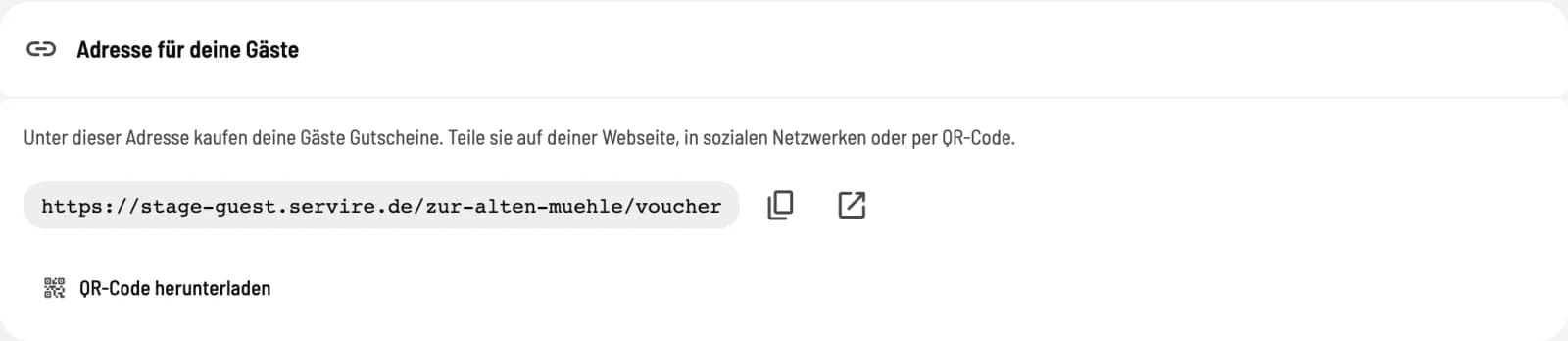
Link and QR code
Guests can purchase vouchers at this address. Copy them, open them to test them, or download the QR code for table tents and flyers. A notification will appear there when sales are over.
Settings
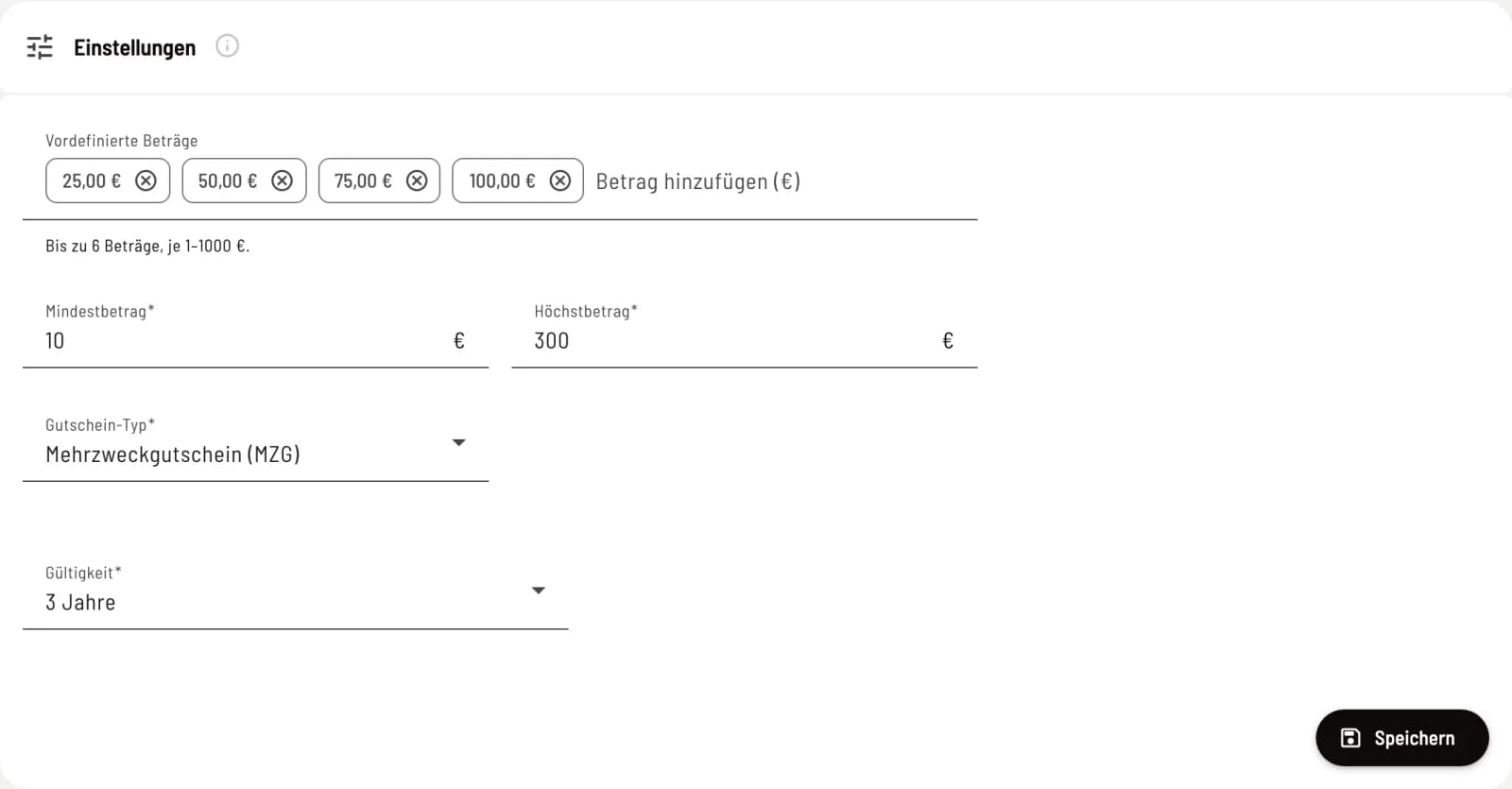
Amounts, type and validity
Predefined Amounts – up to 6 amounts of €1–1,000 each, which guests can select with a single click. Minimum Amount, Maximum Amount – limits for a freely entered amount; all predefined amounts must fall within this range. Voucher Type – Multi-Purpose Voucher (MZG) is almost always suitable. Single-Purpose Voucher (EZG) only with Tax Rate and only if everything the voucher is valid for has the same tax rate. Validity – 1, 2, or 3 years, each expiring on December 31st of the previous year. Apply by clicking Save.
This voucher type is only valid for online sales. You can configure what the checkout offers during sales under Settings → Checkout: Setting vouchers at the checkout.
Vouchers sold online appear in the list with the source Online. You can initiate a refund in the voucher details by selecting Refund ( Manage vouchers in the Web desk ).
On your own website, you integrate voucher sales using a code: Integrating guest functions on your own website.