
Introduction
What Servire consists of, what you need to get started, and how this manual is structured.
Servire is a point-of-sale system for the hospitality. You process payments on your iPhone, iPad, or Android device, manage your business in your browser, and set everything up yourself, without a technician.
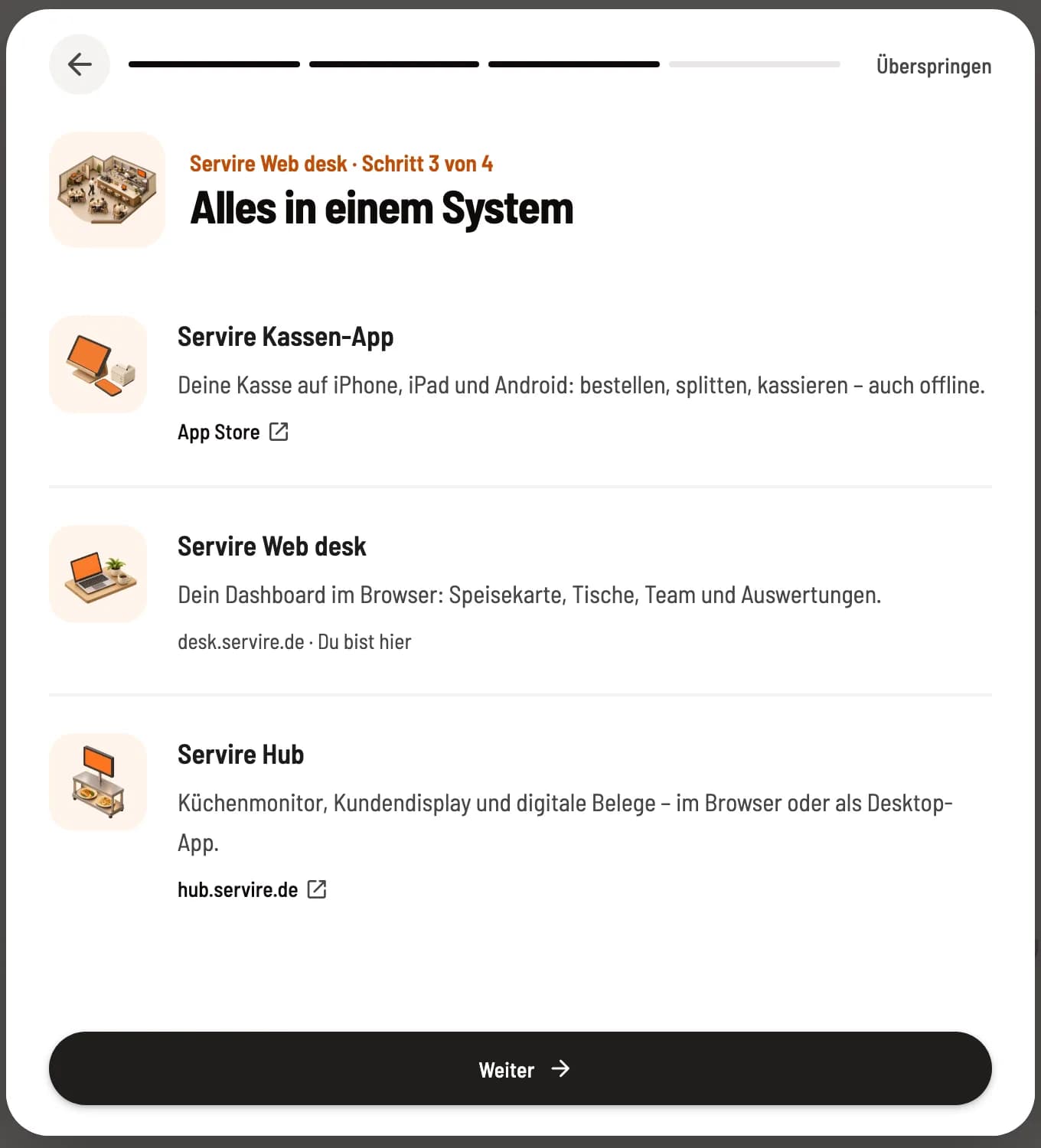
The three building blocks
POS App – for iPhone, iPad and Android: Take orders, print receipts, process payments, and end shifts. ring up and cash payments continue even during brief internet outages.
** Web desk** (desk.servire.de) – in the browser: menu, table plans, staff, settings, statistics and exports for tax office and tax advisors.
** Servire Hub** (hub.servire.de) – Screens in operation: kitchen monitor, customer display, pick-up display, menu display, print center and order terminal.
All three systems use the same data. Any changes you make in the Web desk are immediately reflected at every checkout.
What you need
Internet, preferably Wi-Fi, to which the printers are also connected.
A device for the cash register: iOS 17.6 or Android 9 with Google Play services required, see Download Servire app.
For printed receipts and vouchers, add a receipt printer to the network: Add printer.
For the Web desk , you need an up-to-date browser on your computer or tablet.
This is how the manual is structured
The chapters follow the path from the initial start to the end of the month:
Introduction – first steps, introductory tour, overview in the Web desk, AI chat.
Setup – Prepare the device, download the app, register, use the device wizard.
Account & Subscription – log in, PIN, connect and switch restaurants, tariffs and trial period, subscription.
** menu & item** and ** table plan** – Create item, areas and tables.
Orders, Billing & Payment, Cancellations – everyday life at the checkout, from Taking a new order.
** shift & Cash Closing** and Printing – Start and end shift, Z-report, cash book, printer.
Reservations, Guests & Vouchers, Online Orders & Website – the modules in the Max tariff.
** Servire Hub**, Warehouse & Inventory, Employee & Time Tracking, Statistics & Evaluations.
Tax Office & Accounting and Settings – TSE (Technical Security Device, it signs every receipt), DATEV, cash register notification and all settings.
The quickest way to get started: Install the app, create an account, and run through the initial steps in the POS system. Your restaurant will provide sample items and tables for this purpose.