
Duplicating menus, categories, and items
This is how you copy menus, categories, and item instead of creating them from scratch.
The quickest way to create similar item or a season ticket is as a copy. The copy will have the suffix (Duplicate) in its name; you only need to change what is different afterward.
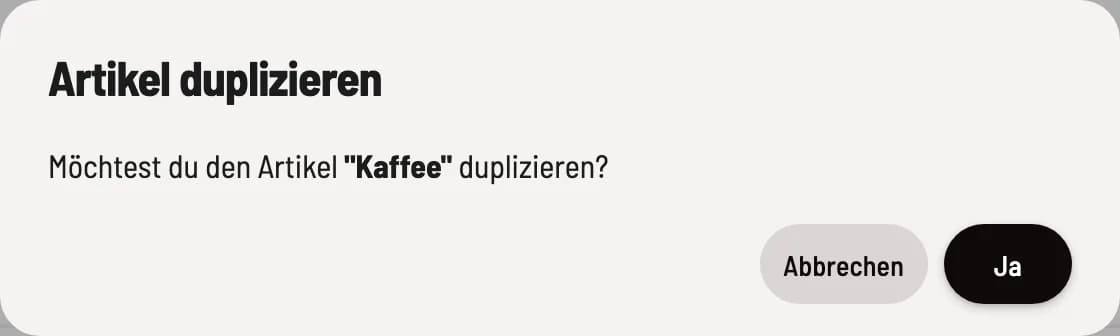
Confirm duplication
Click on ⋯ next to the item, category, or menu header and select **Duplicate item **, Duplicate Category, or **Duplicate menu **. Confirm the prompt.
**Duplicate item ** copies the item with prices, variants, labels, images and recipe into the same category.
Duplicate category copies the category with all its items into the same menu.
**Duplicate menu ** copies the menu with all categories and items.
Quickly create similar item
Create the first pizza completely, including labels, variations, and image. Duplicate it for each additional pizza, changing only the name, price, and description.
You can transfer a menu to another restaurant by backing it up via data export and then importing it there via data import.