
Change log
Check who changed item, menus, tax rates, or employee rights and when.
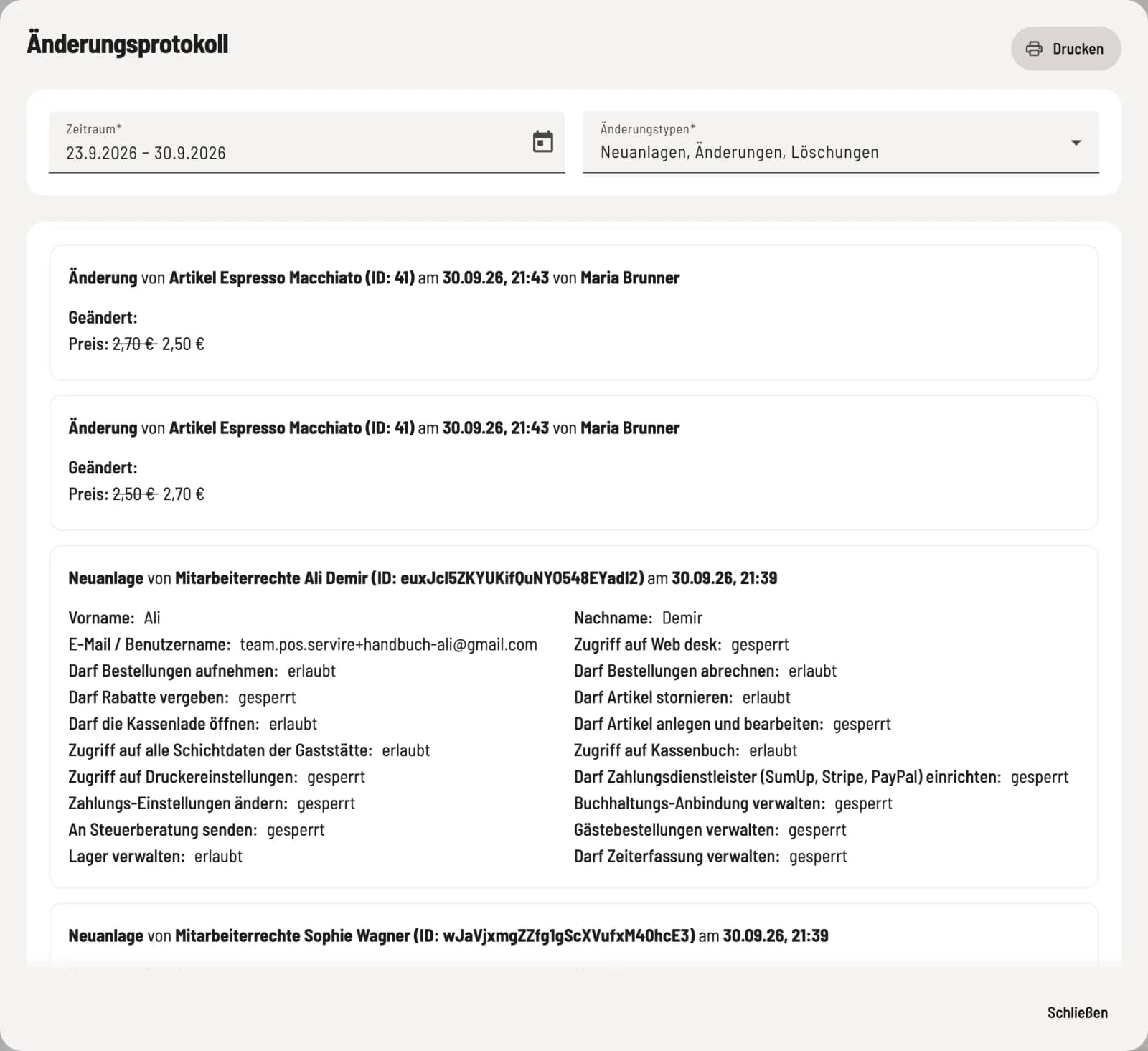
The change log shows who created, changed, or deleted what, and when, including the old and new values. This helps answer questions like, Who increased the price of a cappuccino to €4.80?
Open log
Click on ⋯ → Change Log in the menu header. Each entry lists the type of change, the object, the time, and the person responsible. Under Changed, the old value is shown crossed out next to the new one.
What is logged
Menus, categories, item, variants, labels, and deposit items, as well as tax rates, discounts, payment methods, price categories, item groups, cancellation reasons, and employee rights. Sold-out markings at the checkout and changes via data import also appear here.
Filter and print
Time period: The default setting is the last 7 days.
Change types: New entries, Modifications, Deletions, individually or together.
Print downloads the filtered list as a PDF.