
count and close the service checkout
At the end of your shift , count the cash and close the service till.
Finally, you count the cash in your wallet. The cash register compares it to the target amount and records the difference.
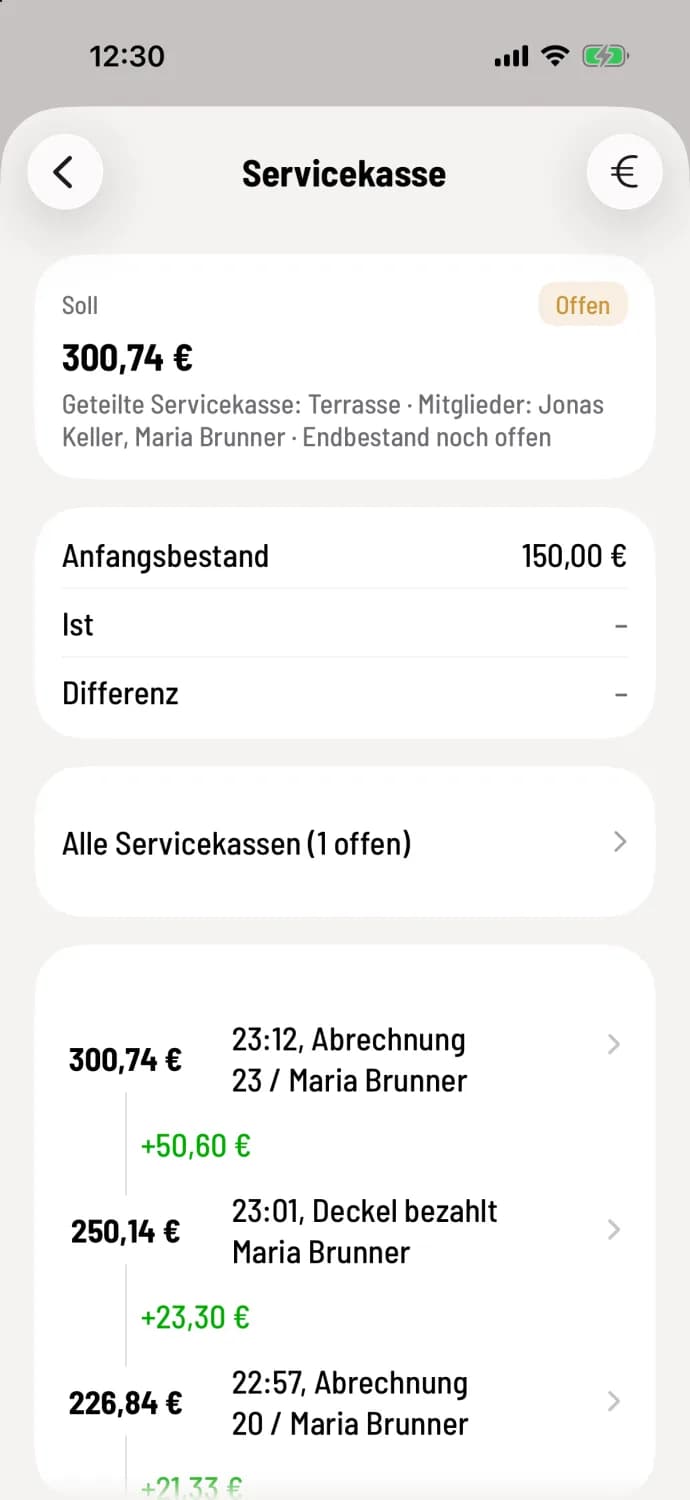
Step 1 of 4
Open service counter
In the overview, tap on your service checkout and then on the counting button in the top right corner (iPhone/iPad: €, Android: banknote).
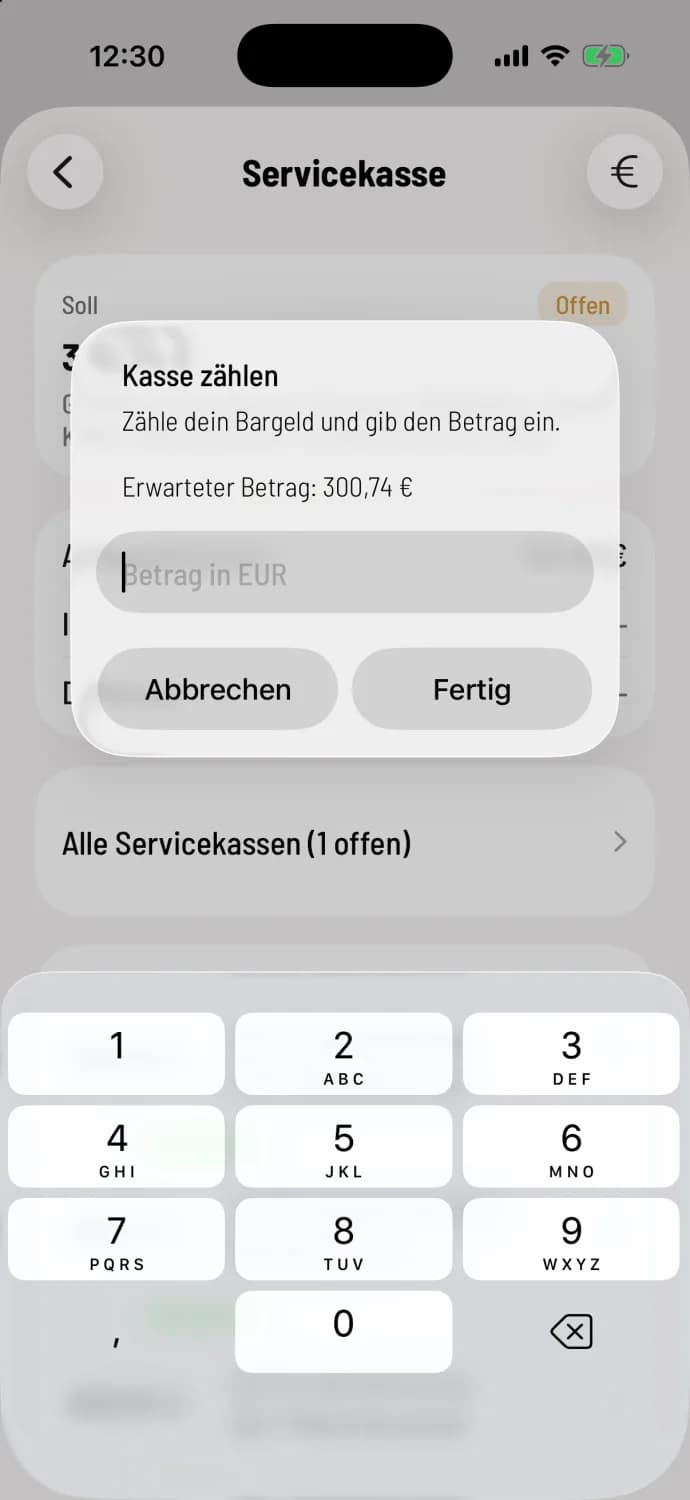
Step 2 of 4
Enter amount
The expected amount is displayed in the Count the Cash dialog box. Enter what you have counted and confirm.
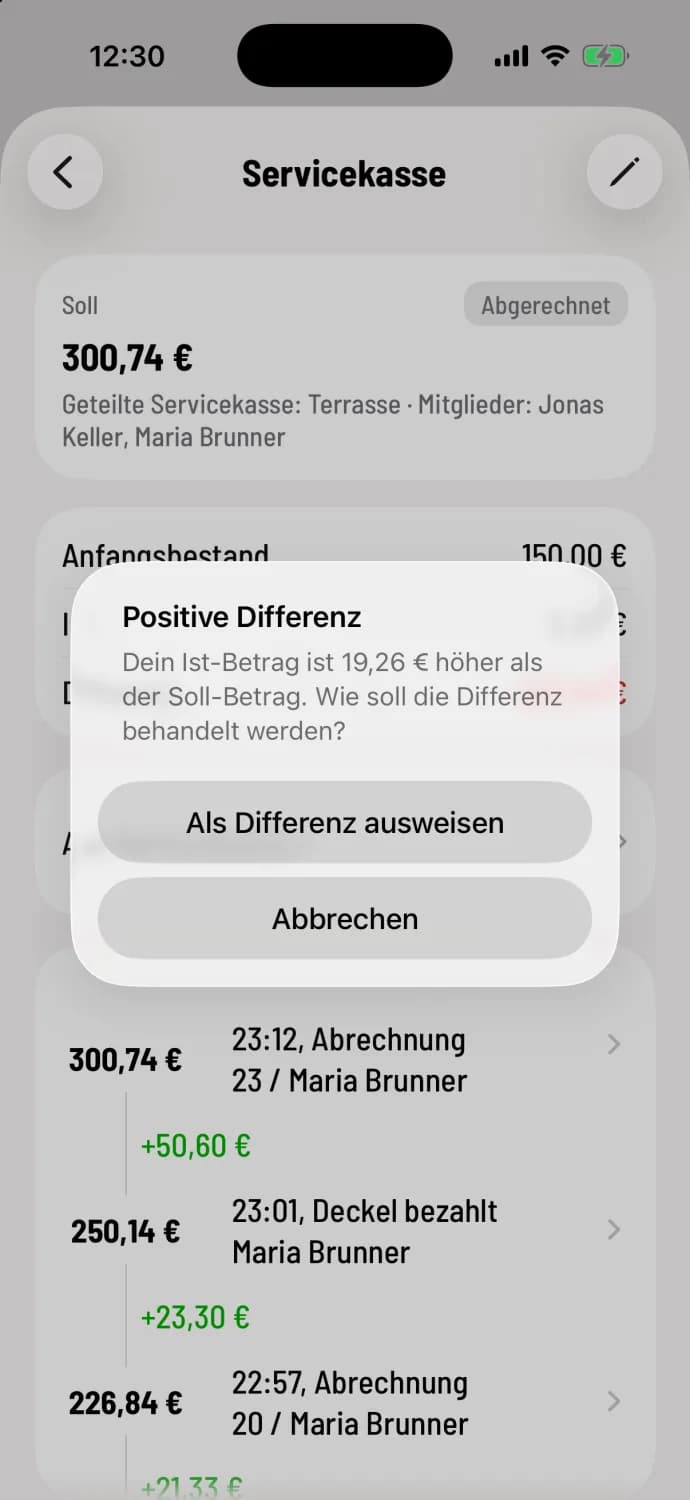
Step 3 of 4
Classify surplus
If you have more than the expected amount, the system will ask for a Positive Difference and display the surplus. Select Show as Difference; if your restaurant pays cash tip , there is also an option to **Add tip **. Cancel will return to the previous screen. A shortfall will be recorded without further confirmation.
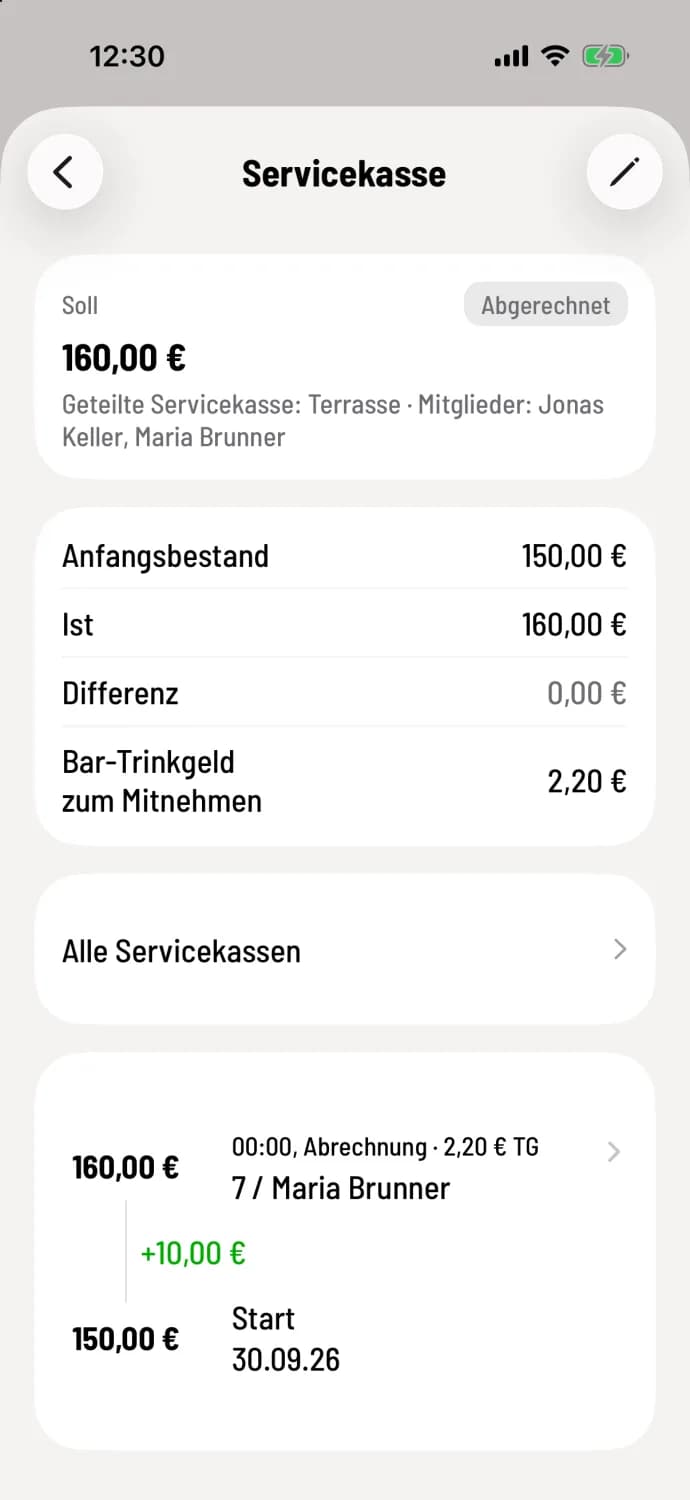
Step 4 of 4
Ready
The cash register shows Closed with Actual and Difference; if your restaurant gives out cash tip , it will say Cash tip to Go below. You can correct the counted amount using the pencil icon in the upper right corner.
The amount included in the balance is shown under "View Service Cash Register ". If tip are paid out, the service cash register will show you how much you can take: tip at Cash Register Closing.
At the end of the shift, the cash register displays Open Service Registers. Enter now counts your own register, End anyway closes the others uncounted. Missing counts are entered by colleagues with the shift supervisor: Service registers of all employees.