
View current shift
Sales, tip, outstanding amounts and all transactions of the current shift at a glance.
The shift details show at any time how the day is going: what has already been billed, what is still open and who has booked what.
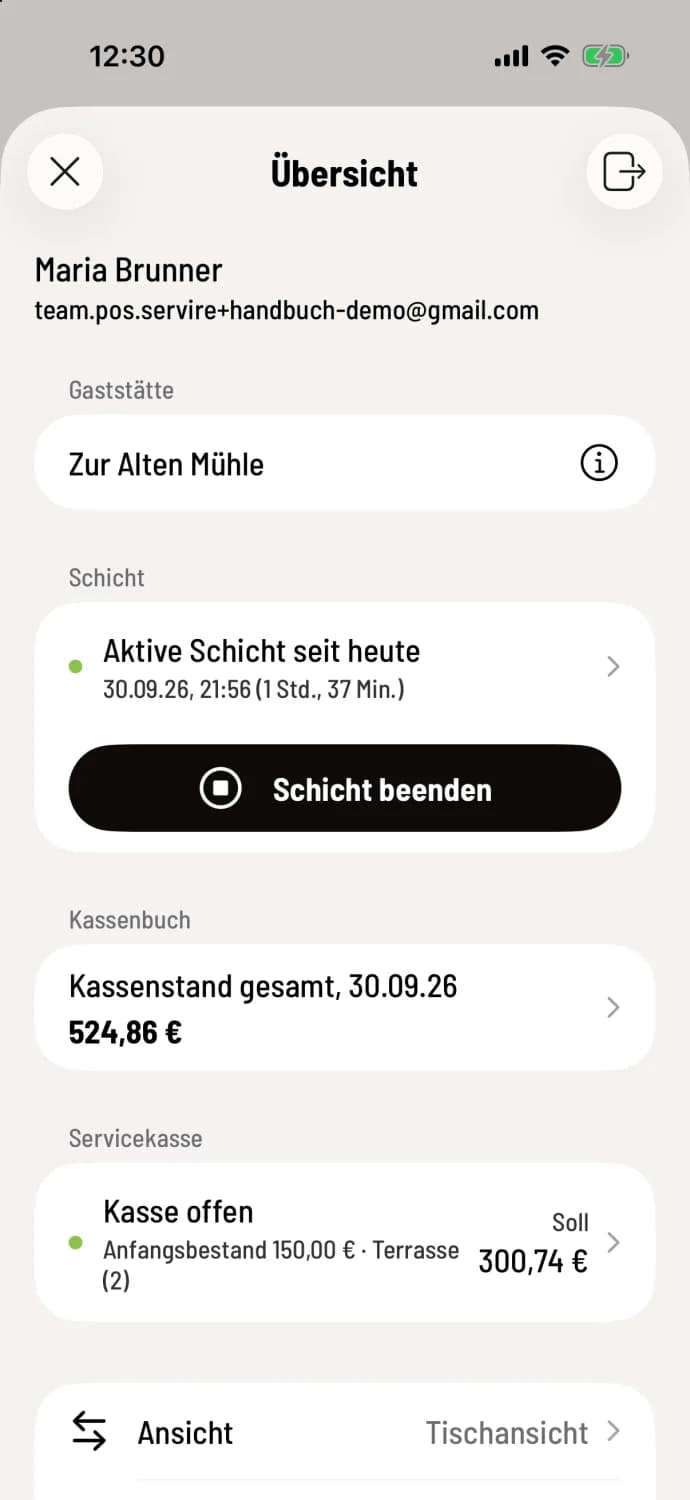
Step 1 of 3
Open shift
In the Overview, tap on the line Active shift since ….
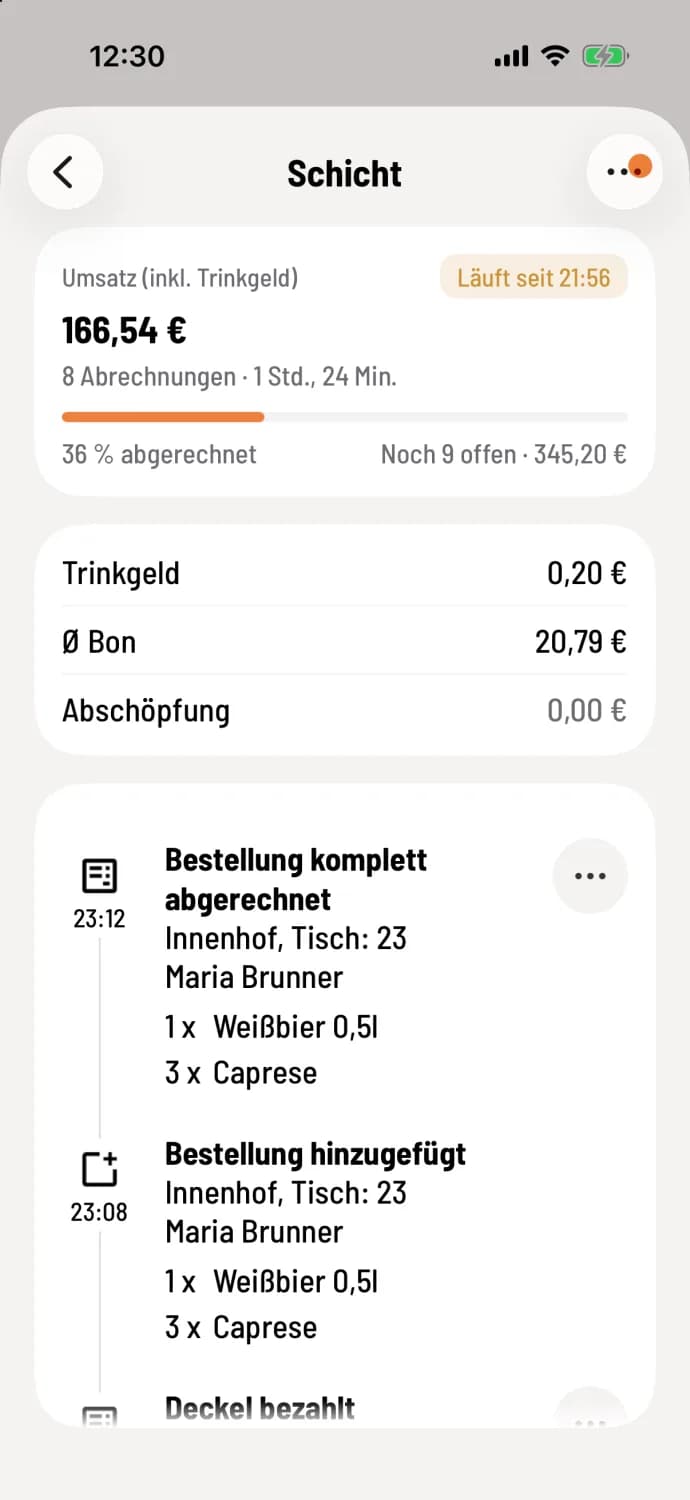
Step 2 of 3
Reading key figures
At the top are Sales (incl. tip), the number of transactions, and "Running since…". The sales figure is the same as in the Z-report: deposits and sold vouchers are not included. The bar shows what percentage has already been settled and what is still outstanding, for example, "2 remaining · €23.40". Below are ** tip**, Average Receipt (sales excluding tip per transaction), and, if recorded, the Skimming.
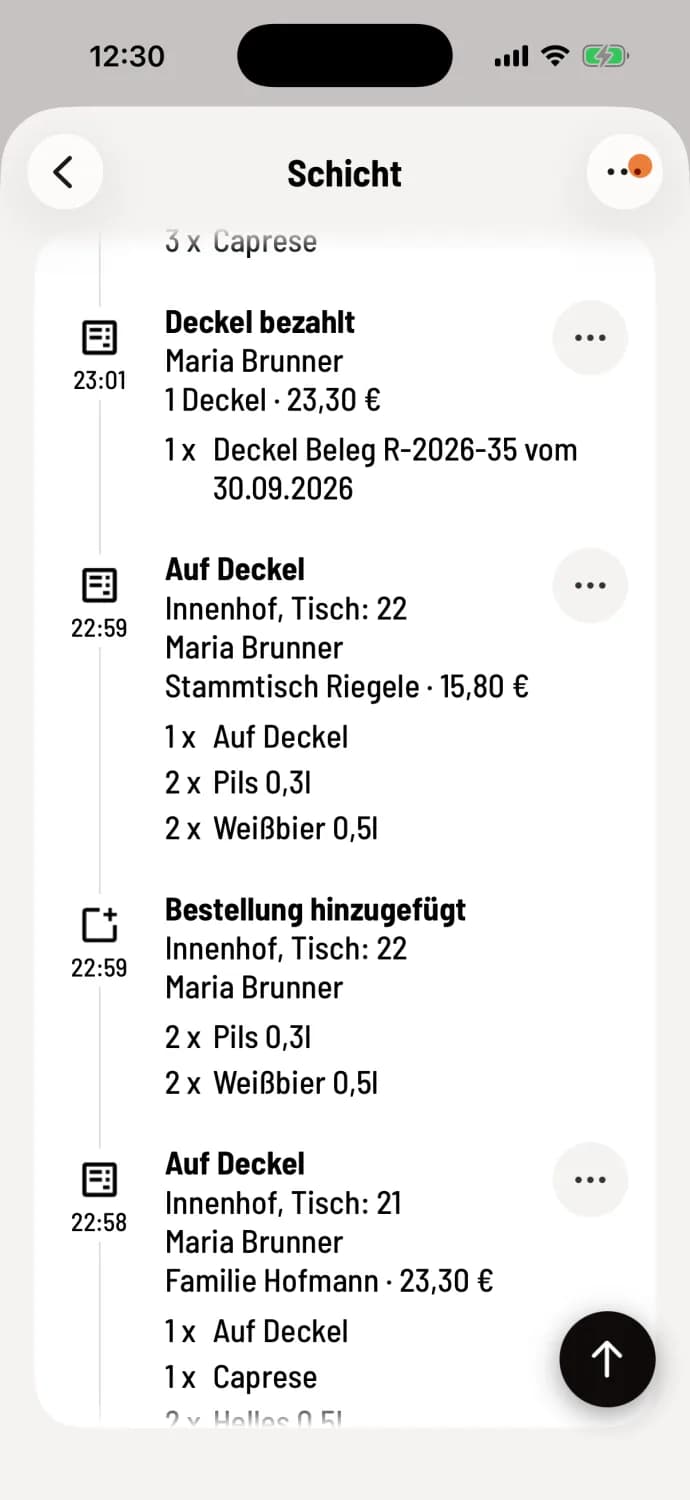
Step 3 of 3
Review processes
The timeline lists each transaction with time, table, employee, and items, with the most recent at the top. You can reprint or share a receipt by clicking …: Reprint or share receipt.
Clicking … in the upper right corner generates an X report or your employee report, and then opens the Service Checkouts list using the Service Checkout option. The number in parentheses indicates the number of open service checkouts; on iPhone and iPad, an orange dot next to … also indicates that checkouts are open.
Permissions: If the owner has not granted you the right "Access to all shift data of the restaurant," the area is called My shift. You will then only see your own shifts and can only generate your employee report.