
New restaurant
As an operator, you can create your first restaurant – in the POS app or in the Web desk, the name is sufficient.
If this is your first time using Servire as a restaurant owner, you'll create your business listing immediately after registration. Servire will set it up with sample items, tables, payment methods, and tax rates so you can start using it right away.
In the cash register app
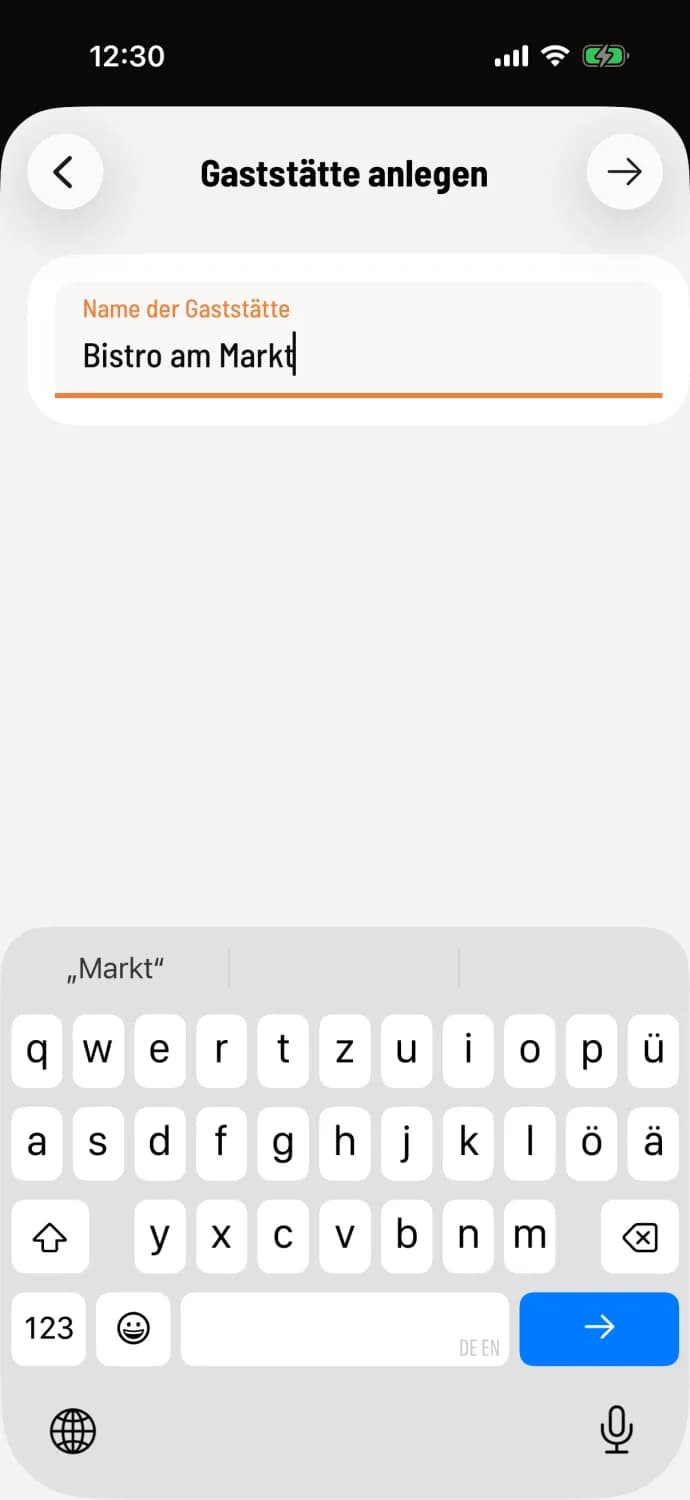
Step 1 of 2
Enter name
Tap Welcome under Operator? Create a new restaurant now. and then tap Create. Enter the restaurant name (at least 2 characters) and tap the arrow.
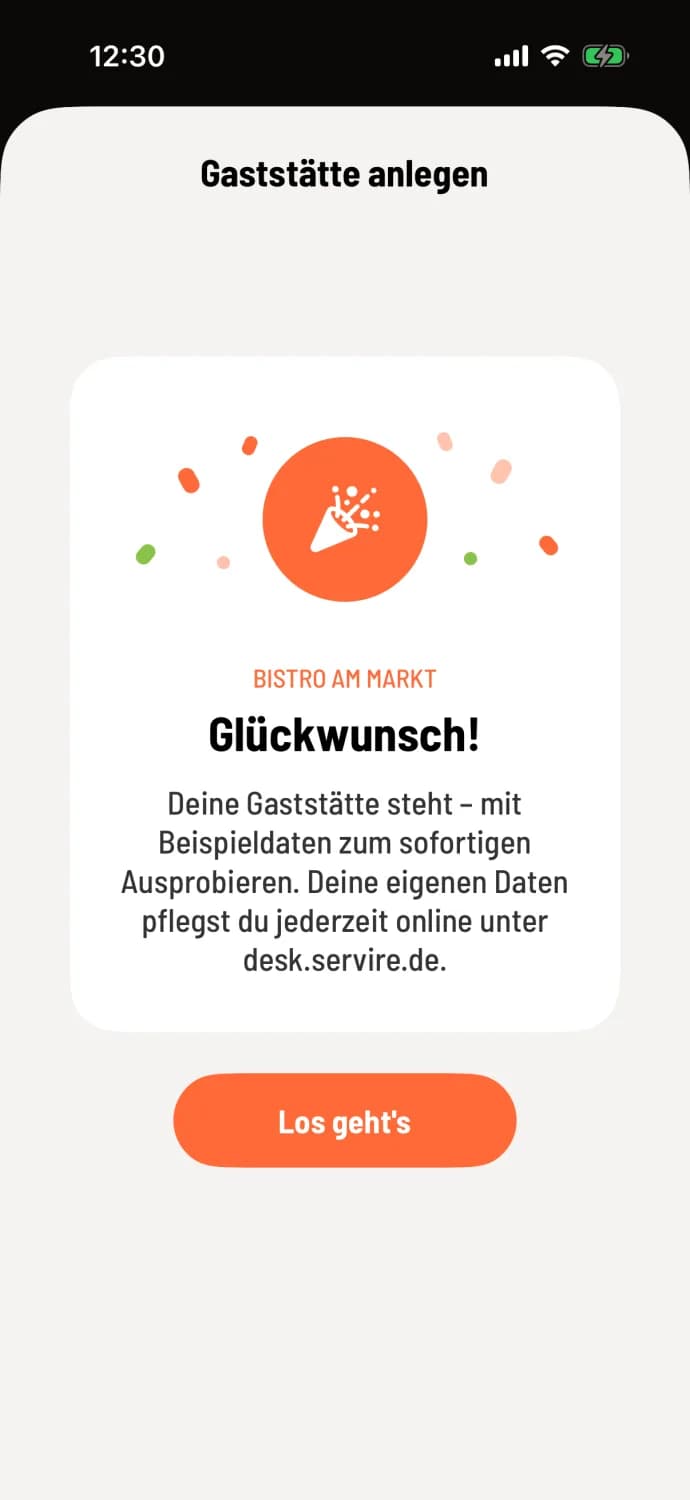
Step 2 of 2
Ready
Congratulations! – your restaurant is up and running. Tap on Let's Go. The introductory tour will follow, then the First Steps with Servire map will guide you through your first day: First steps at the cash register.
In the Web desk
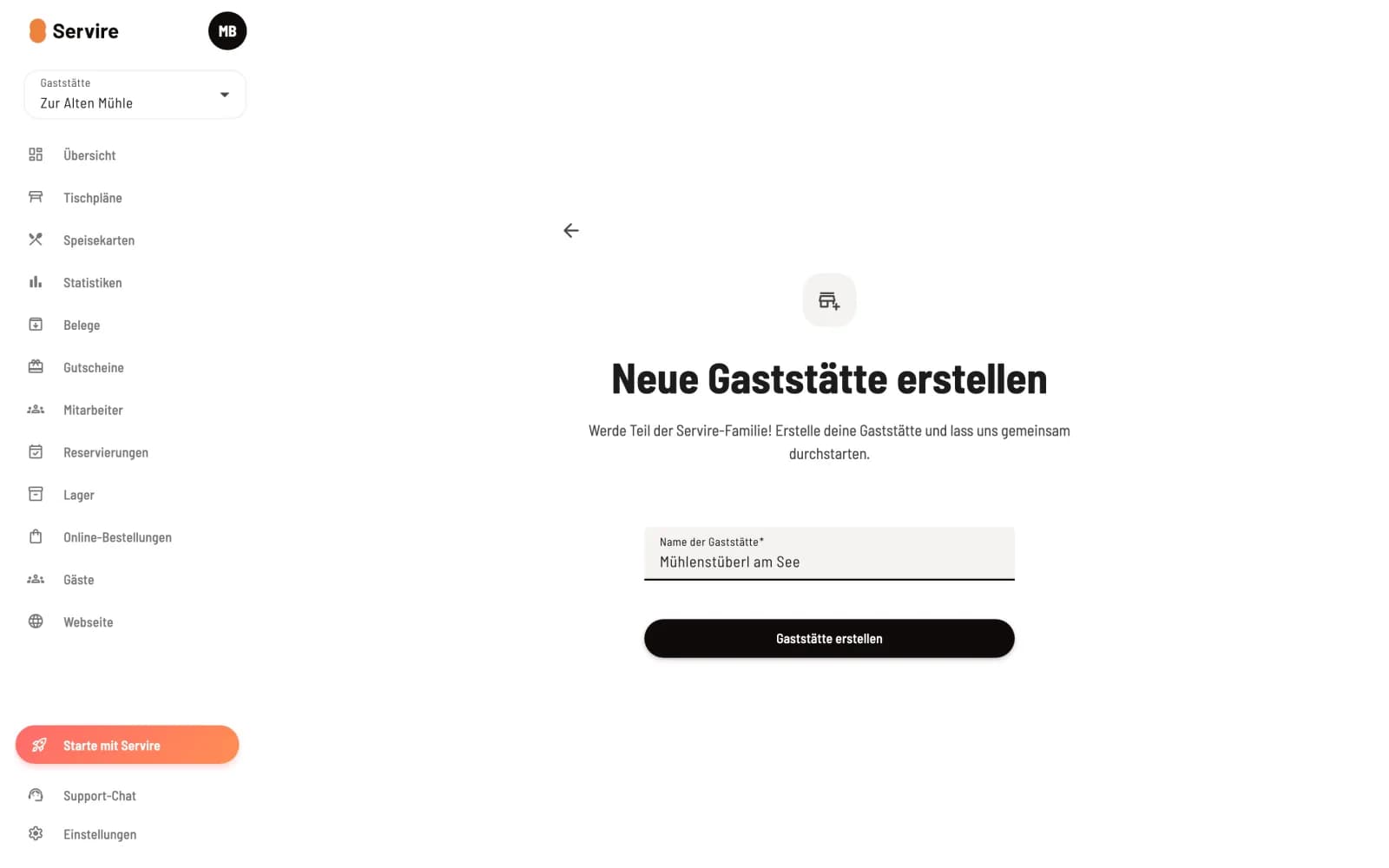
Build a new restaurant
After registering, select Create new restaurant, enter the restaurant name and click on Create restaurant.
14 Days Max: If this is the first restaurant on a new account, it will run for 14 days on the Max plan, without payment data. TSE Security Equipment) and POS reporting are not included in the trial period. If you don't subscribe, it will continue with Free afterward, and your data will be retained: Plans and Trial Period.
You can manage your address, tax ID number, opening hours and your actual menu in the Web desk at desk.servire.de: Find restaurant settings in the Web desk.