
Move item between categories
This is how you move item to a different category or menu without creating a new one.
When moved, the item retains all settings: price, variants, labels, and images. Previous orders and statistics remain linked to it.
Move an item
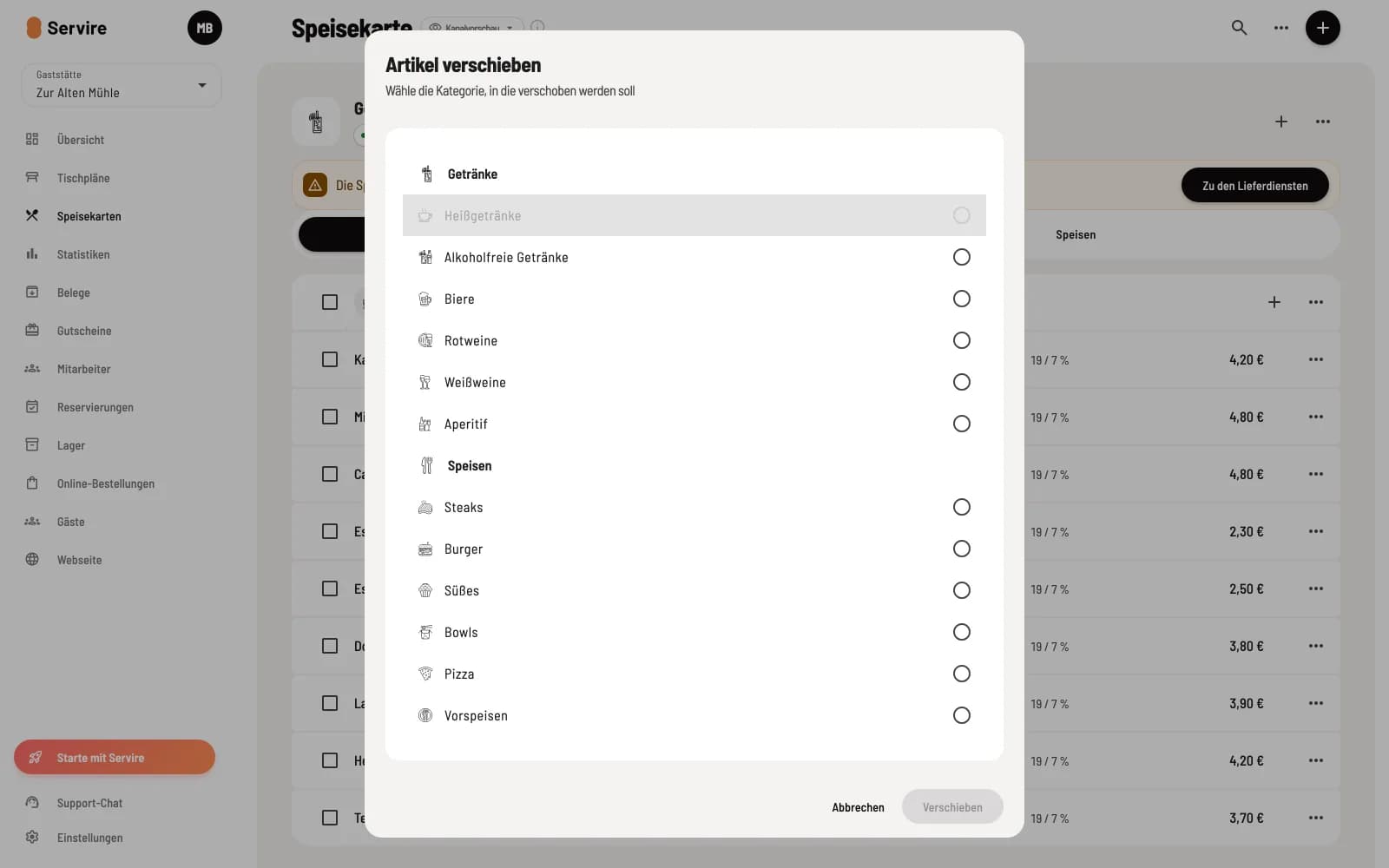
Select target category
Click on **⋯ → Move item ** next to the item. The list shows all categories, grouped by menu; the current one is grayed out. Select the destination and click Move.
Move multiple item
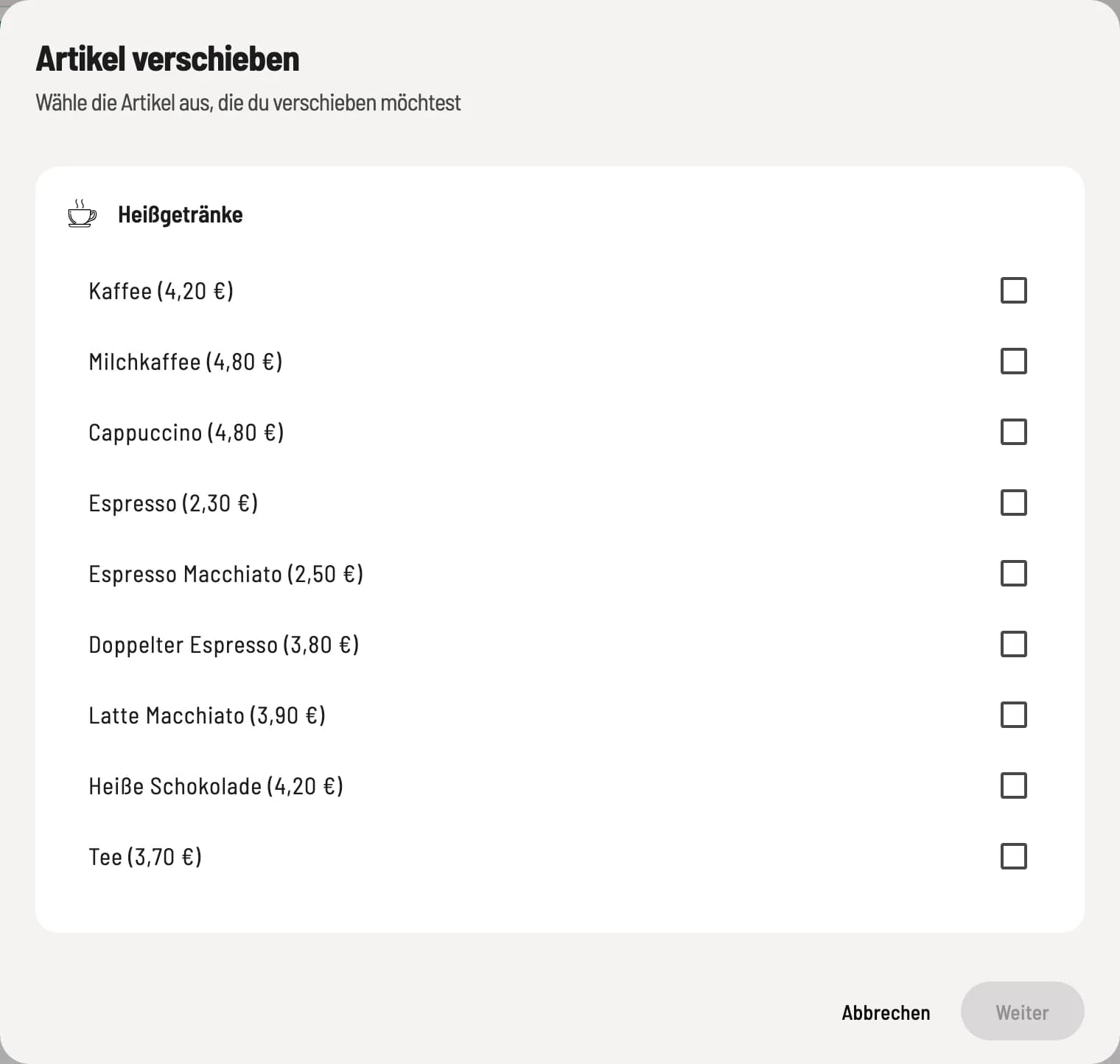
Select item
In the category header, click on **⋯ → Move item **. Select the item , click on Next, choose the target category, and click on Move.