
associate with a restaurant
As an employee, join the correct restaurant using the company PIN.
If you work for an existing business, you link your account to its restaurant. The connection is linked to your account, not the device: you will then see the business on any device and in the Web desk.
Prerequisite: You need the restaurant PIN: 9 lowercase letters, which the owner can find in the Web desk under Employees → Connect Employees or Settings → Restaurant: Copy and renew the restaurant PIN. It is not your personal login PIN.
In the cash register app
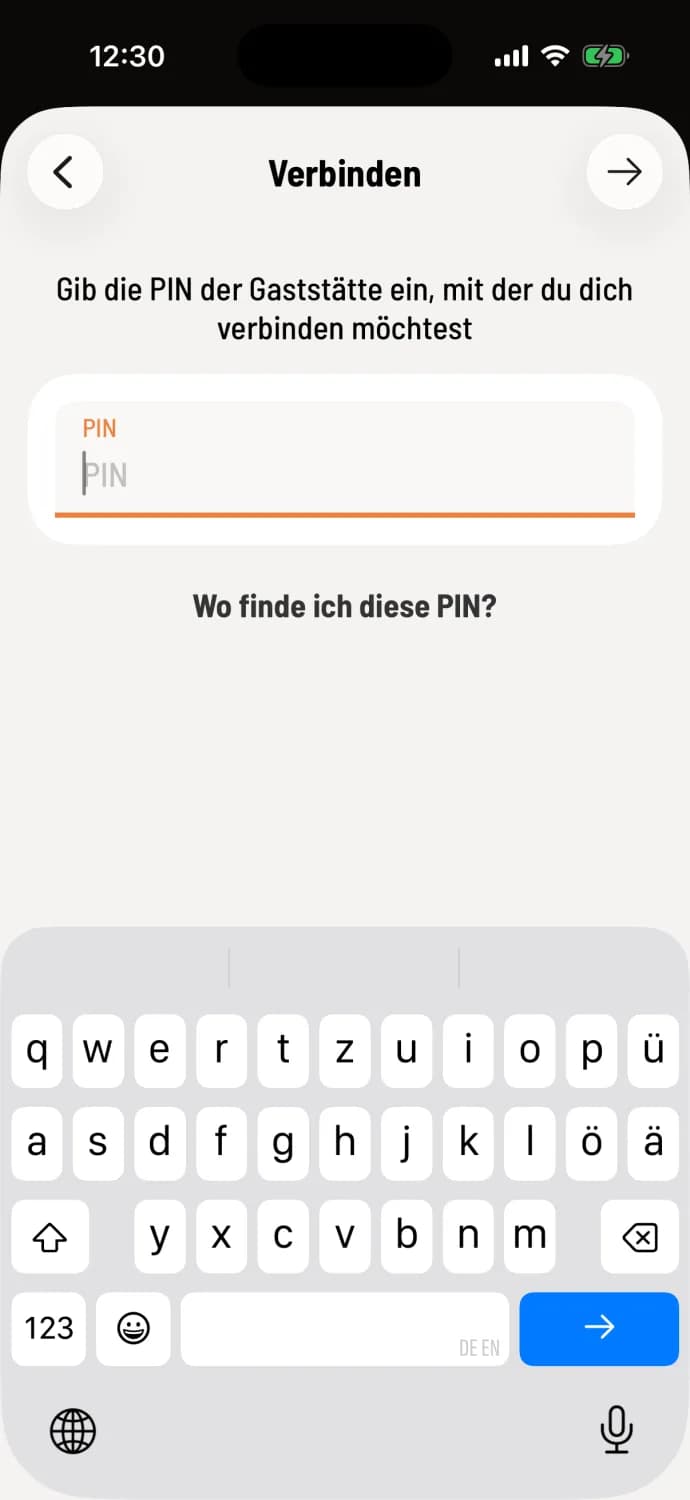
Step 1 of 2
Enter PIN
Immediately after registering, tap Connect. If you are already connected to a business, open the overview, tap the i in the restaurant row, and select Connect to Restaurant. Enter the 9 letters and tap the arrow. Where can I find this PIN? explains where the owner can see it.
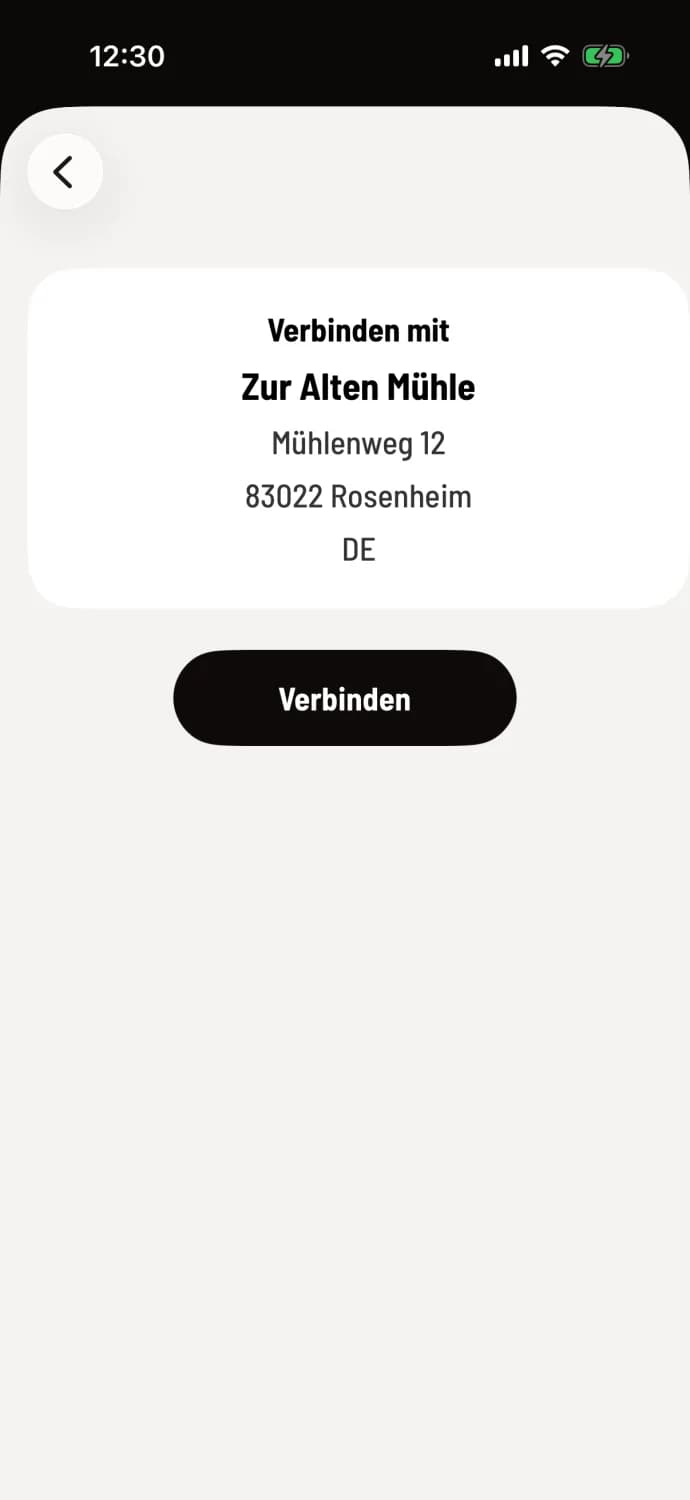
Step 2 of 2
Confirm operation
The cash register displays the name and address of the restaurant. If everything looks good, tap Connect.
In the Web desk
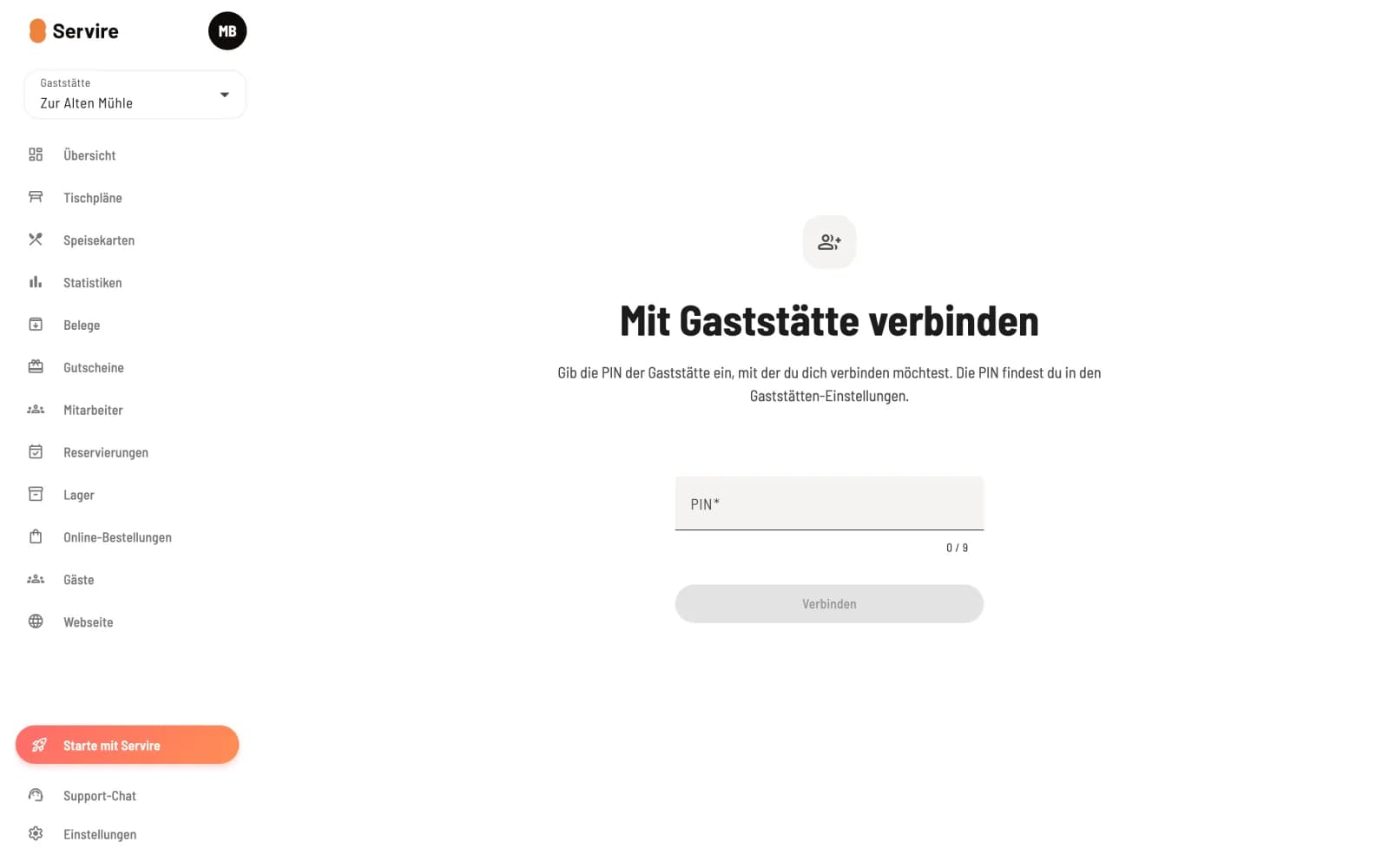
Enter PIN
After registering, select Connect to Restaurant or, in the sidebar, select the Restaurant tile and then the corresponding option. Enter your PIN, click Connect, and confirm with Confirm Connection.
After that, you're officially on the payroll. The owner determines which functions you're allowed to use through your access rights; newly connected employees have all cash register rights, but no access to the Web desk: Employee permissions in detail.
A PIN does not expire; all colleagues use the same one. If the POS system reports that no restaurant was found, the PIN was either mistyped or was regenerated in the Web desk .