
Transferring the order to another table
Move a party or individual item to another table.
If guests move, you move their party or individual item to a different table.
Implement the entire party
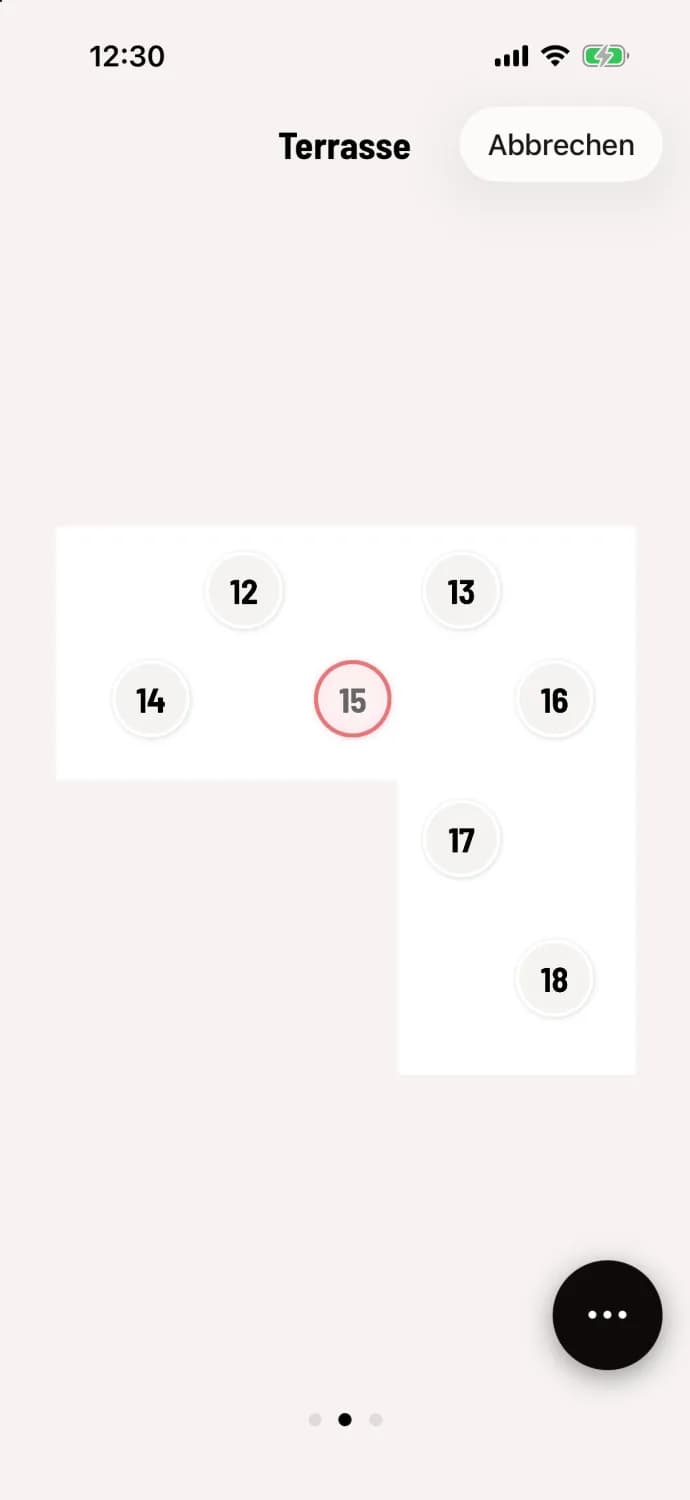
Tap the target table
Tap … at the top of the party list, and then tap Move to another table. The table plan will appear, with the old table outlined in pale red. Swipe to a different area if needed and tap the desired table. Cancel in the upper right corner leaves everything as it was.
The target table opens with the party selected. Only Submit saves the move; an empty old table becomes available. This also works in the table plan : hold down the table and select Move to another table.
Implement individual item
Press and hold the item row or open it and select To another table. This only works with items that have already been sent. If there are multiple parties at the destination table, select one of them or New party; if the party has aisles, the cashier will ask Which aisle?.
At another table is missing from the party menu if you opened the table from the order list. Open it via the table plan.