
Find and cancel a receipt using the invoice number.
The guest brings the receipt? You can find the receipt in every shift using the number.
If a guest brings their receipt, you can find it most quickly using the invoice number. The search works across all shifts.
Requirements: You need the employee rights **Can cancel item ** and Can process orders, a current shift , and an internet connection.
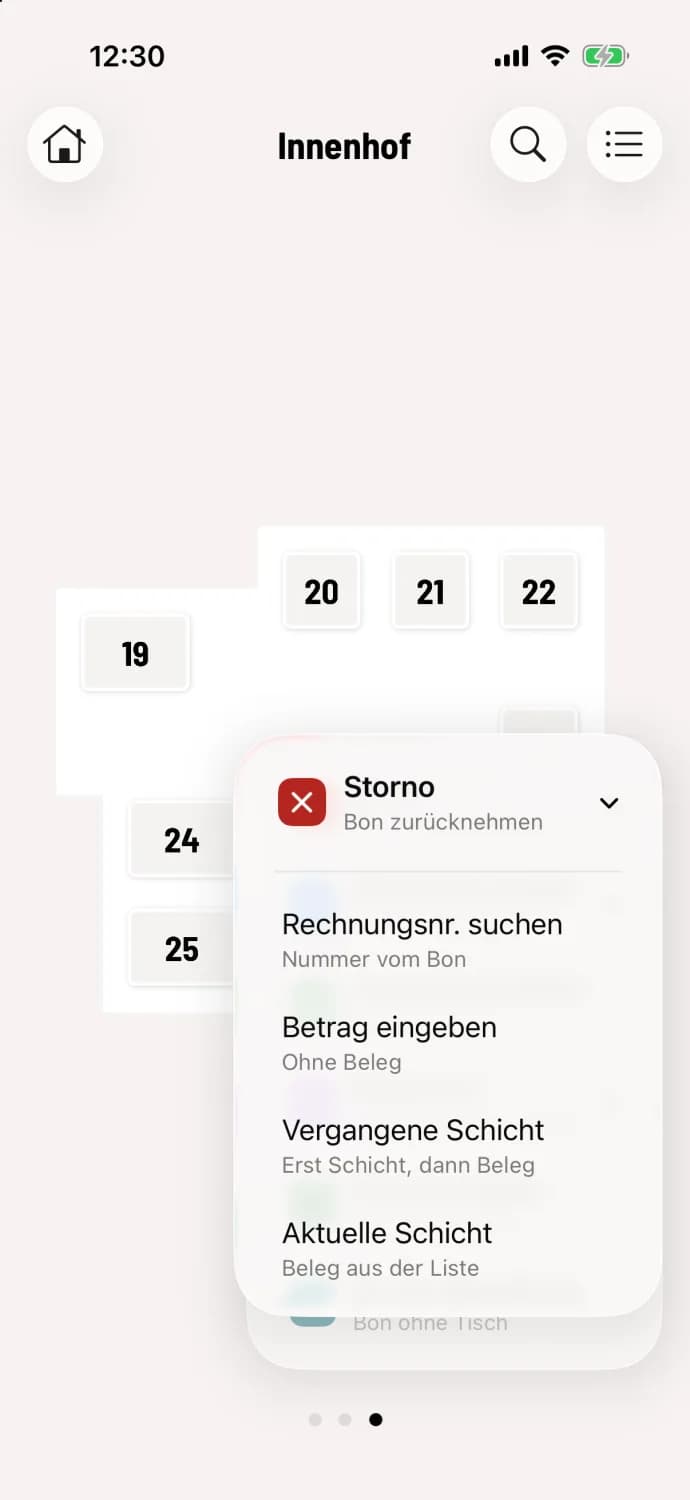
Step 1 of 2
Search for invoice number and select
Tap the round … button, then Cancellation and Find Invoice No..
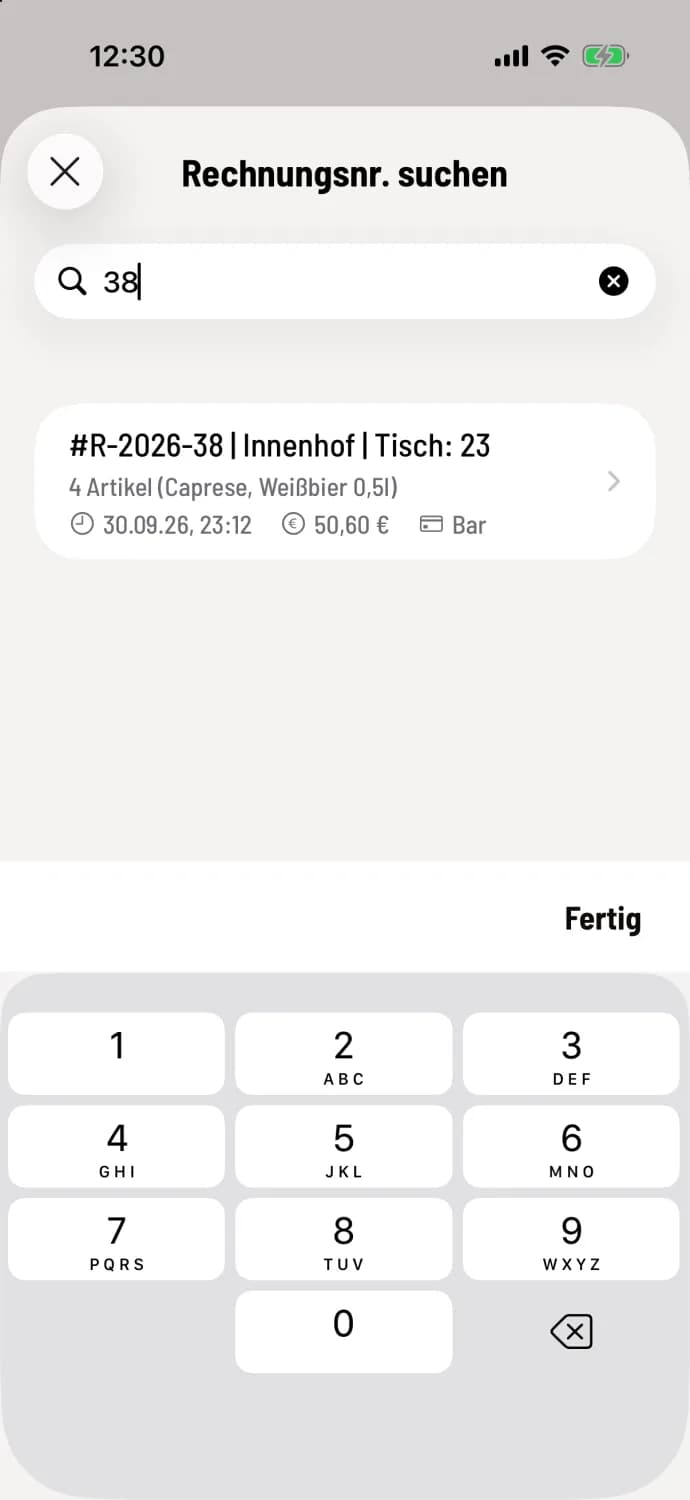
Step 2 of 2
Enter number
Enter the number in the Enter invoice no. field. It's located at the top of the receipt. The cash register will display the receipt with the number, area, and table, for example, #R-2026-38 | Courtyard | Table: 23 for the entry 38. Tap it and cancel as usual.
The search will only find the entire number, as a single digit. Omit any abbreviations or prefixes from the number range. On Android, tap Search afterwards.
What happens next after the hit: Cancel invoiced receipts.