
Add more item
Reordering to an existing party; the kitchen will only receive the new item.
Reorders go to the existing party. The kitchen receives a receipt only for the new items.
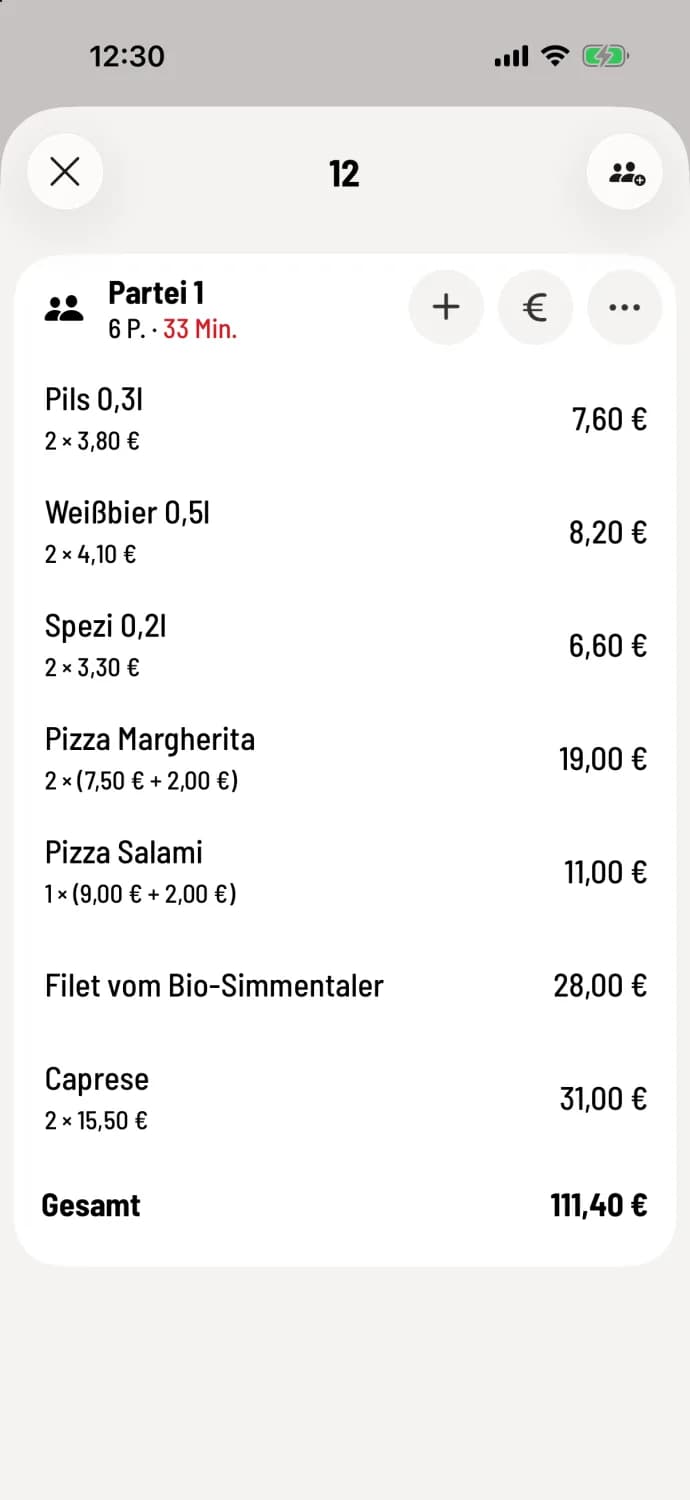
Step 1 of 2
Plus of the party bet
Open the table and tap + at the top of the party list. If the party list has courses, tap the + for the course. Select the item as you would for a new order and tap Done.
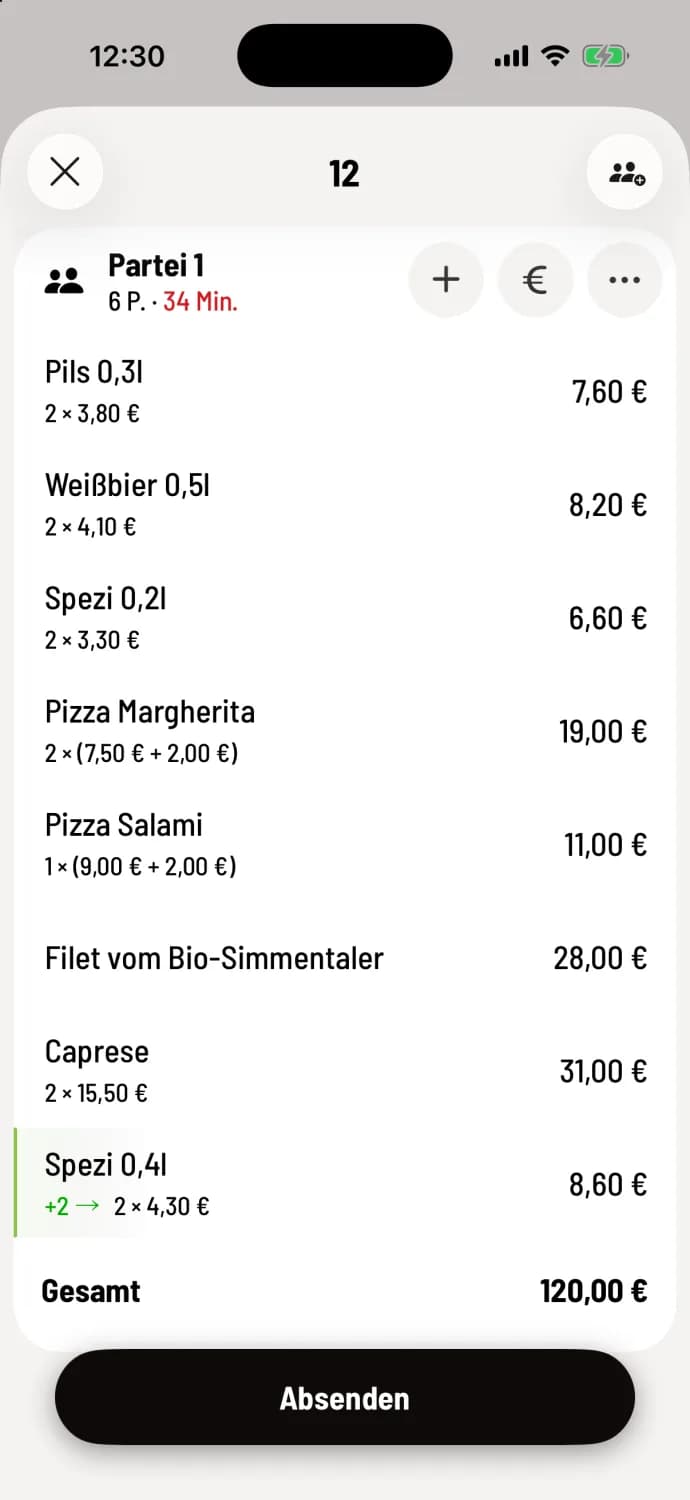
Step 2 of 2
Submit
The new lines are highlighted in green. Tap Submit.
The same thing again
To add another item, swipe the row to the right in the table view. The POS system will create a new item with the same options, notes, and discounts.
Even faster from the table plan: Press and hold the table and select **Add item **. This only works for tables with exactly one party; see the quick menu at the table.