
Change personal data
Adjust the name, address, and phone number of your account in the POS app.
You are responsible for maintaining your own name, address, and phone number. This information is part of your account and applies to all restaurants you are connected to.
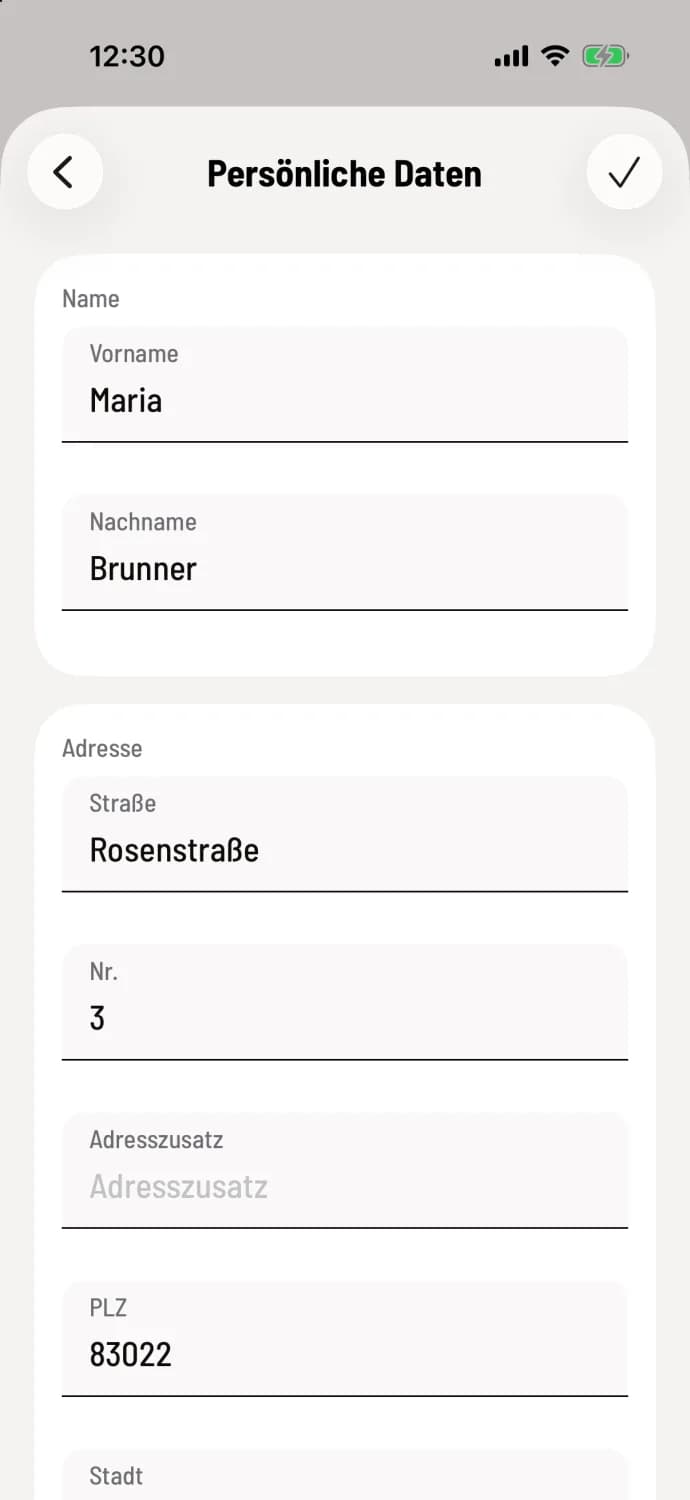
Edit personal data
Tap the house icon in the top left corner, then Settings and Personal Data. Under Name you'll find First Name and Last Name, under Address you'll find Street Address, Number, Address Supplement, Postal Code, City and Country, and at the very bottom, Phone Number. Tap the checkmark icon in the top right corner. The app will then display a message: Personal data has been saved.
First and last name are listed as the server on the receipts and in the staff list of your restaurants.
Address and phone number are optional. The restaurants you work for will see them in their employee list. If you clear a field, the previous entry will be deleted.
Your company's address, tax ID number, and contact details are not personal data. You can change them in the Web desk: Edit address, company details, and contact information.
If the keyboard is covering the lower fields, swipe up. You can enter the same information in the Web desk Web desk under Account Settings.