
Display receipt as QR code
The guest scans their receipt with their own mobile phone instead of receiving a paper receipt.
Guests can use the QR code to download their receipt to their own mobile phone. This saves paper and printing time. Digital receipts are available in all plans.
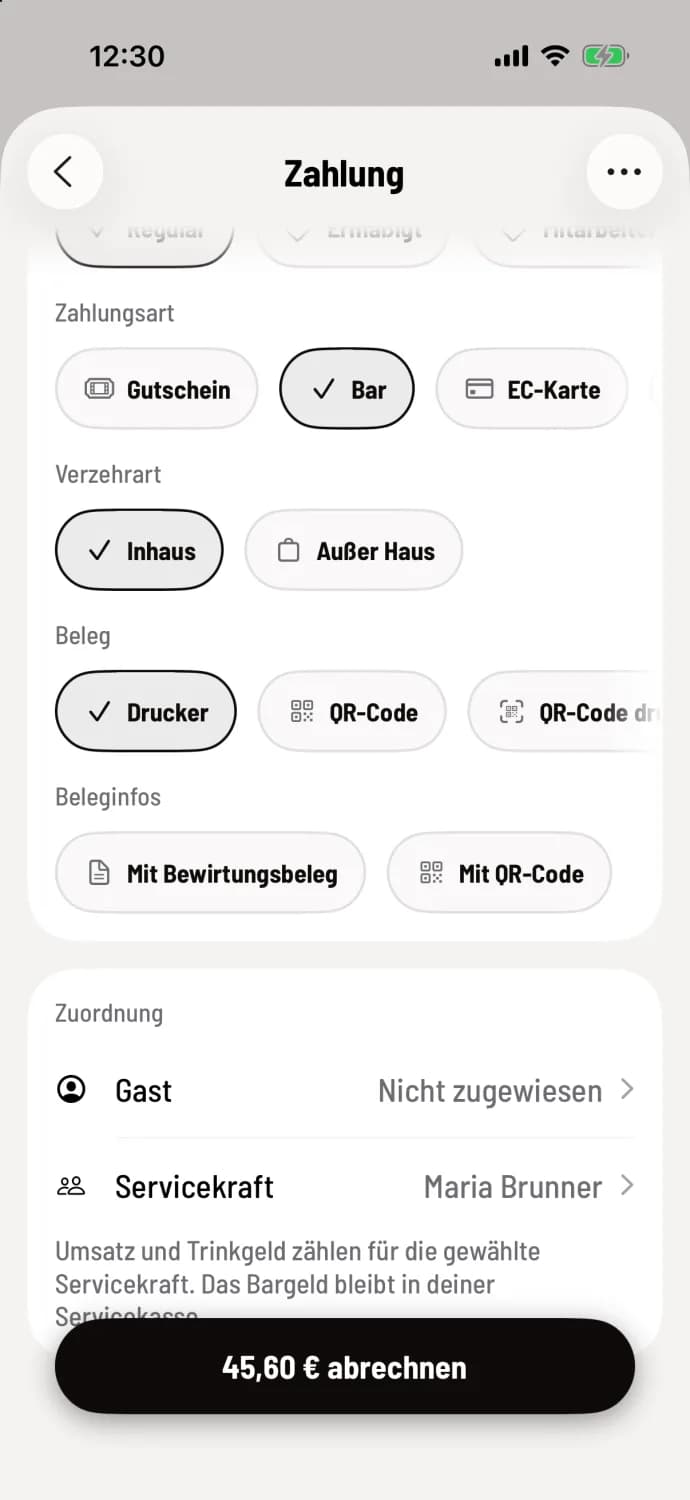
Step 1 of 2
Select QR code
When submitting your invoice, tap on QR code under Receipt and submit your invoice.
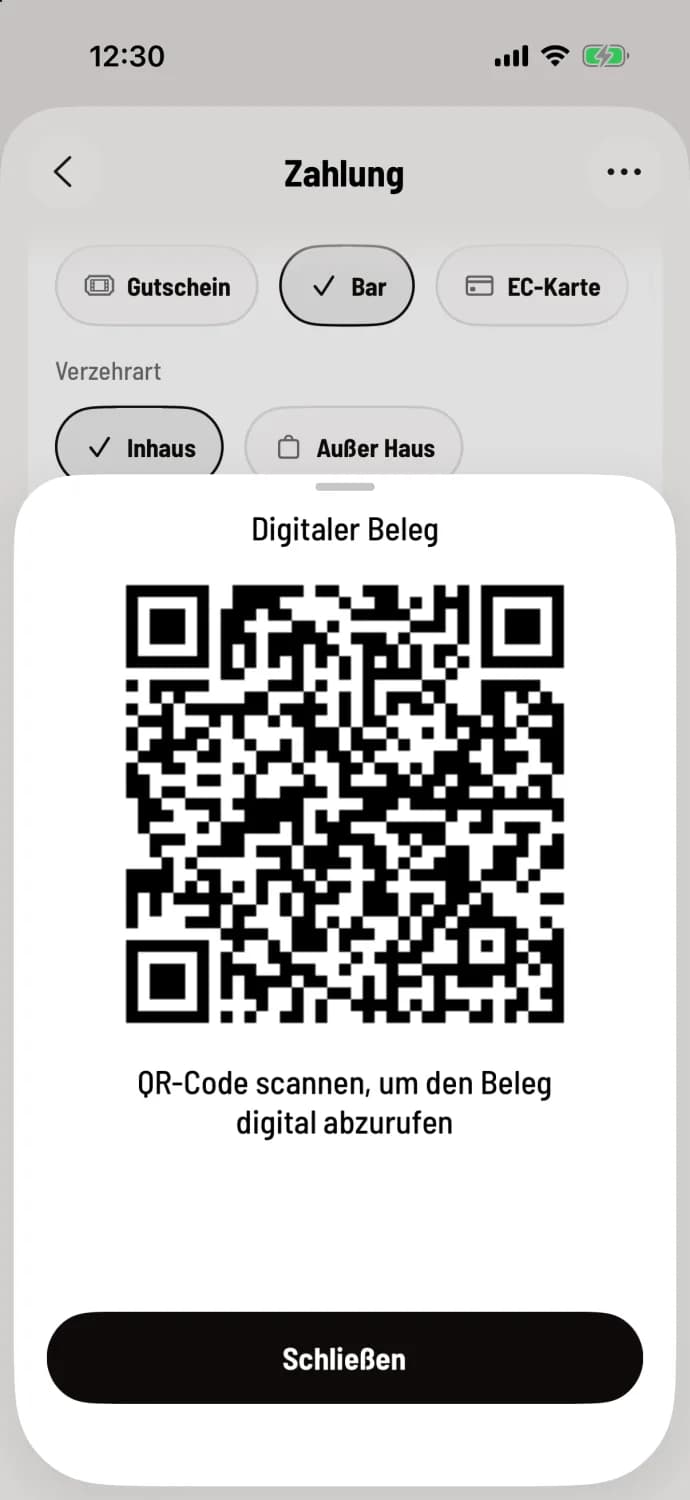
Step 2 of 2
Have it scanned
The cash register displays Digital Receipt with a large QR code. The guest scans it with their camera and opens the receipt in their browser. Then you tap Close.
Other routes
Print QR code: prints a small card with the restaurant name, total amount, date and QR code instead of the entire receipt.
With QR code under Receipt information: prints the complete receipt, but with a QR code for digital retrieval. It is located where the QR code of the TSE (Technical Security Device for the Tax Office) is usually found.
Subsequently: in the shift when submitting the document via … and QR code.
Without a printer configured, the cash register automatically selects QR code. The owner determines what else is pre-selected and whether With QR code is offered (Offer download QR code): Set receipt printing.