
The introductory tour of the POS app
After registration, the checkout process guides you through Servire in a few pages and asks how you work.
Once you've set up your account in the POS app, a short tour starts the first time you open the overview. Next scrolls through the pages, Skip in the top right corner ends it immediately.
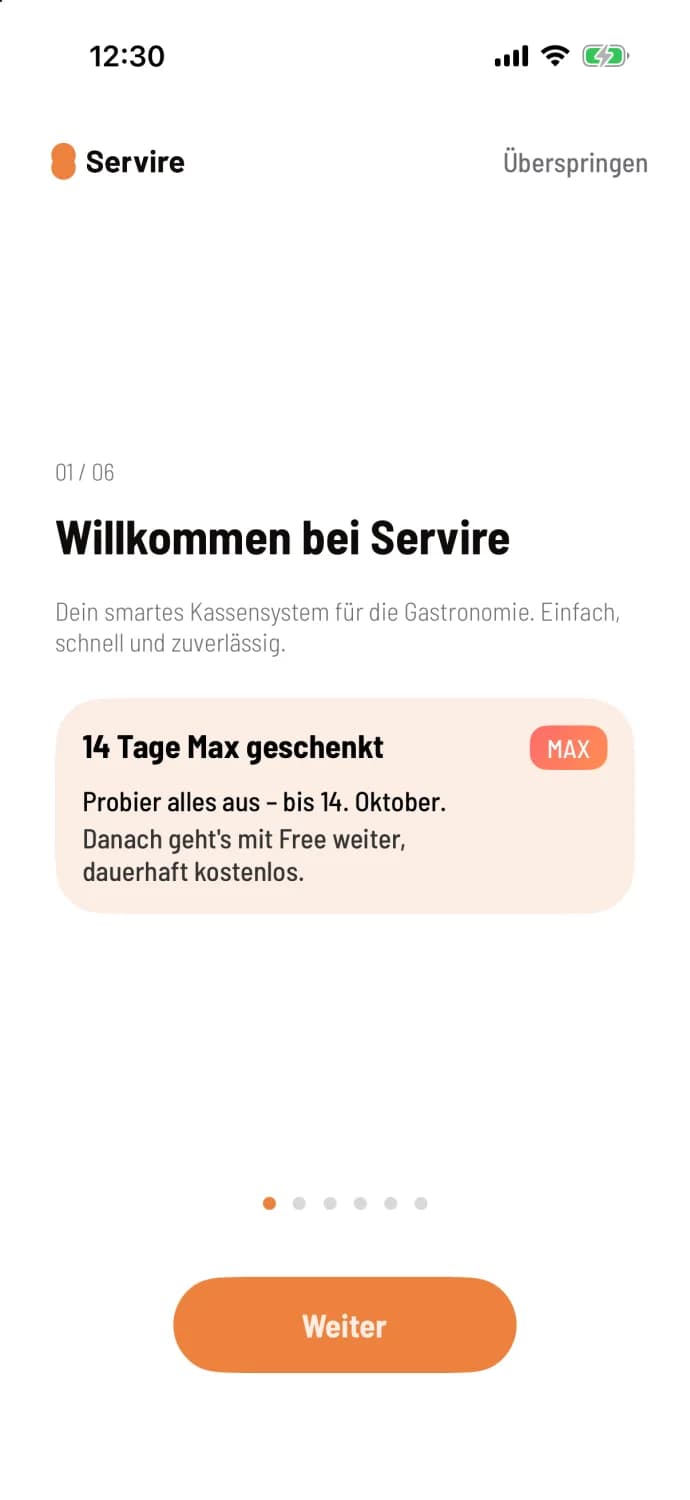
Step 1 of 6
Welcome to Servire
The first page welcomes you. If your restaurant is currently participating in the trial period, you will see the "14 days free" card with the end date: Rates and Trial Period.
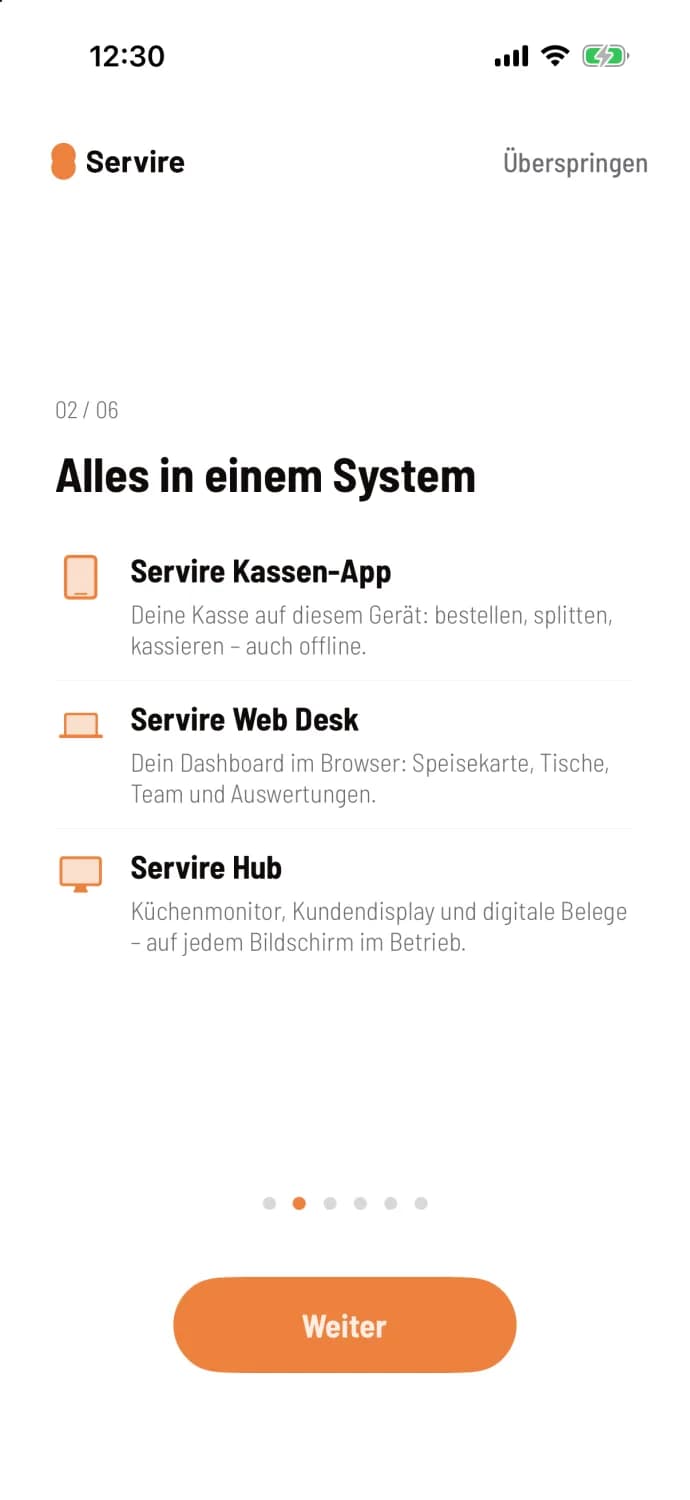
Step 2 of 6
All in one system
POS app, Web desk and hub, each in one sentence.
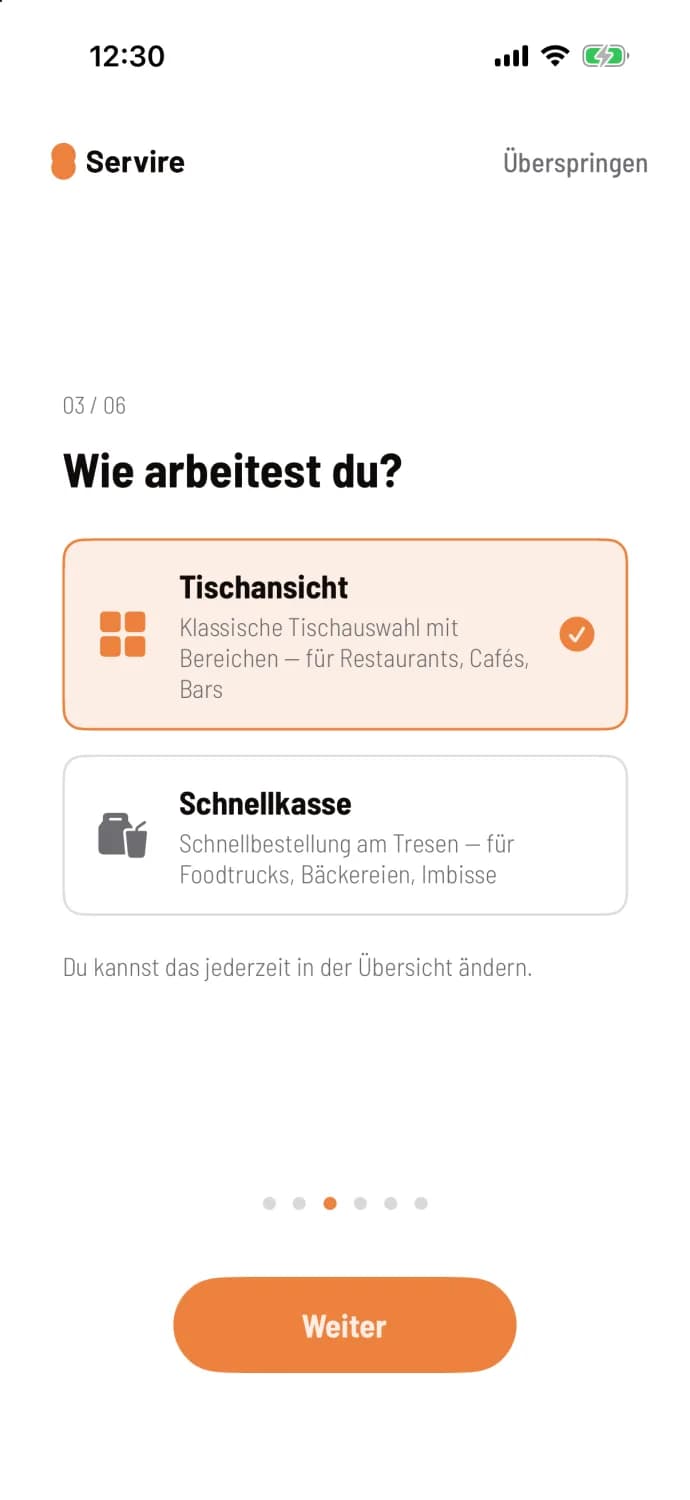
Step 3 of 6
How do you work?
Choose which view this device starts with: Table View or Quick Checkout. If the reservation module is enabled, Reservations will also be available. This page only appears if there is another view besides the table view. You can change this at any time in the overview under View.
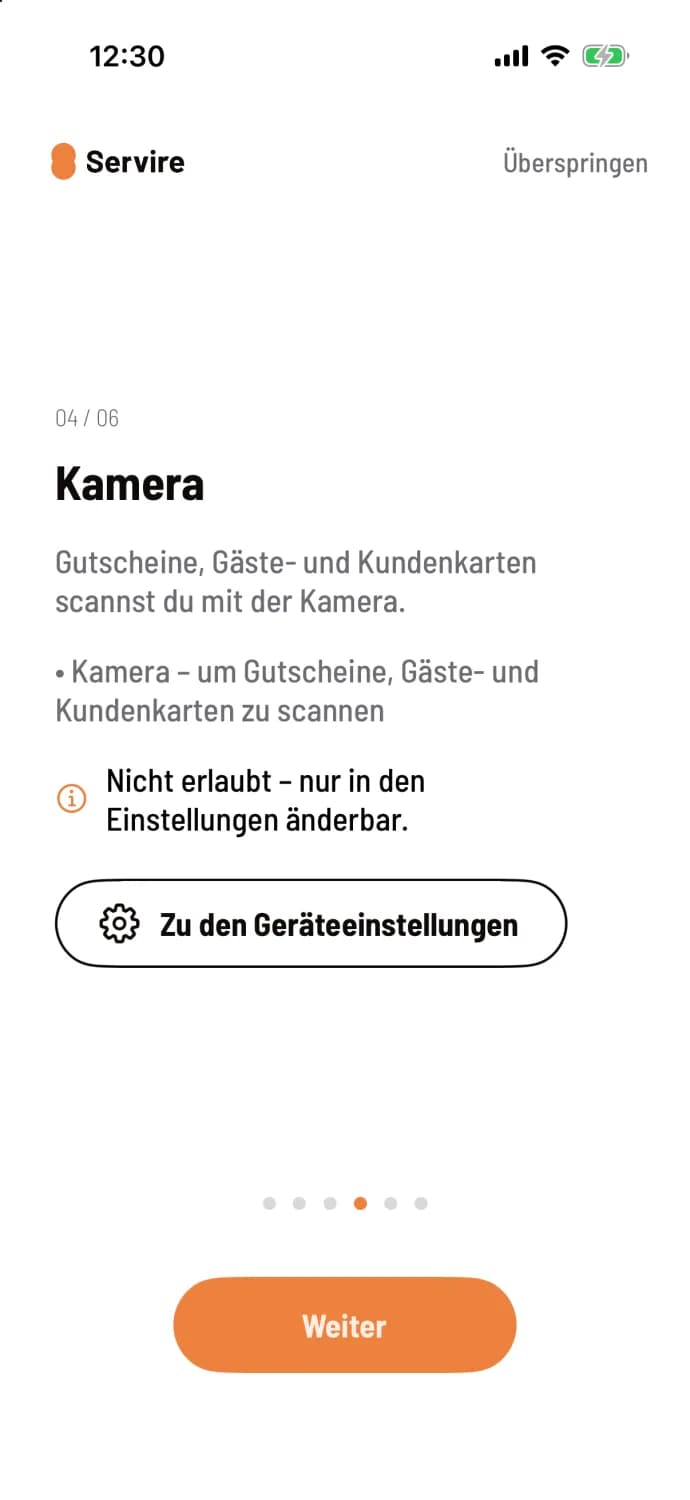
Step 4 of 6
Device rights
If the device lacks permissions, such as for the Wi-Fi printer, the camera, or card payments, the tour will request them here, one page per permission. Only the pages that are still open are displayed. If a permission was previously denied, it will say Not allowed – can only be changed in the settings, and Go to device settings will take you directly there.
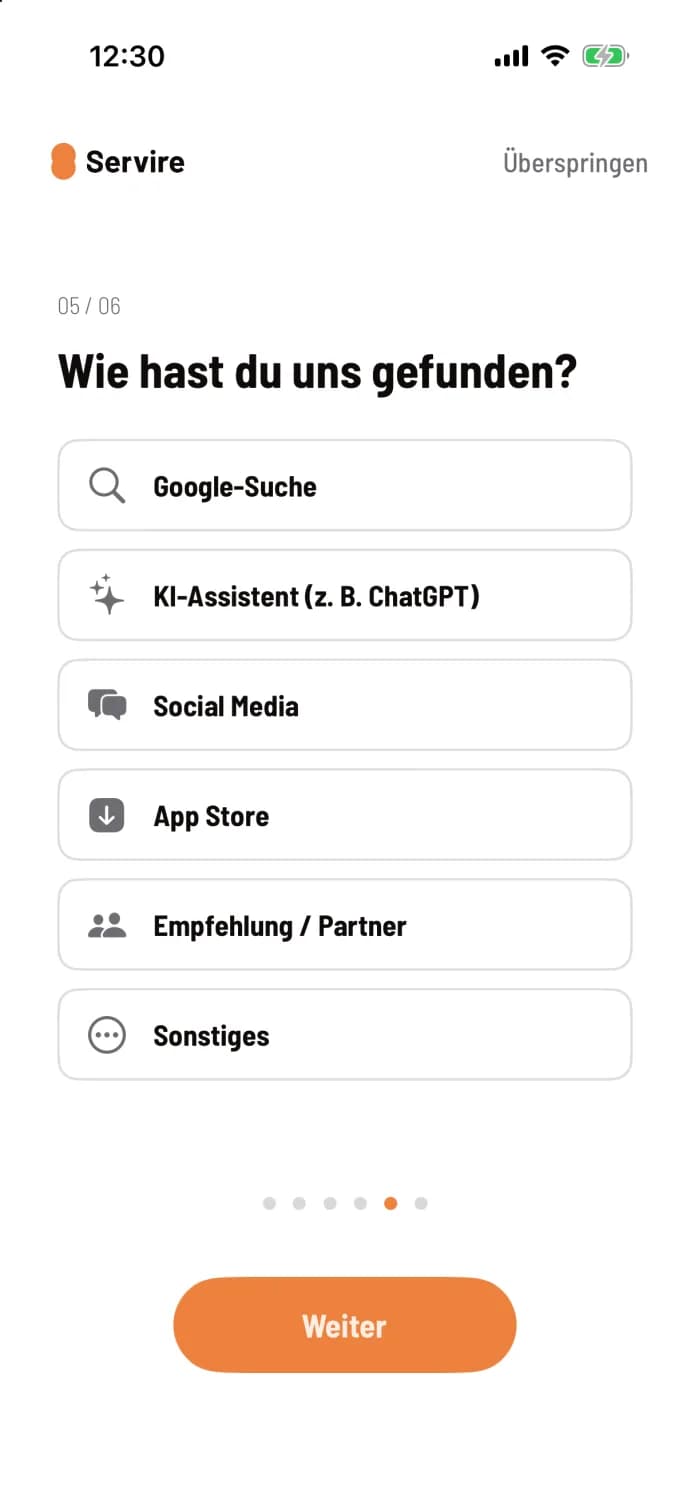
Step 5 of 6
How did you find us?
Optional information that helps us. Under Recommendation / Partner you can enter a partner code. Confirm saves your answer. The page will be missing if you have already answered it, for example, in the Web desk.
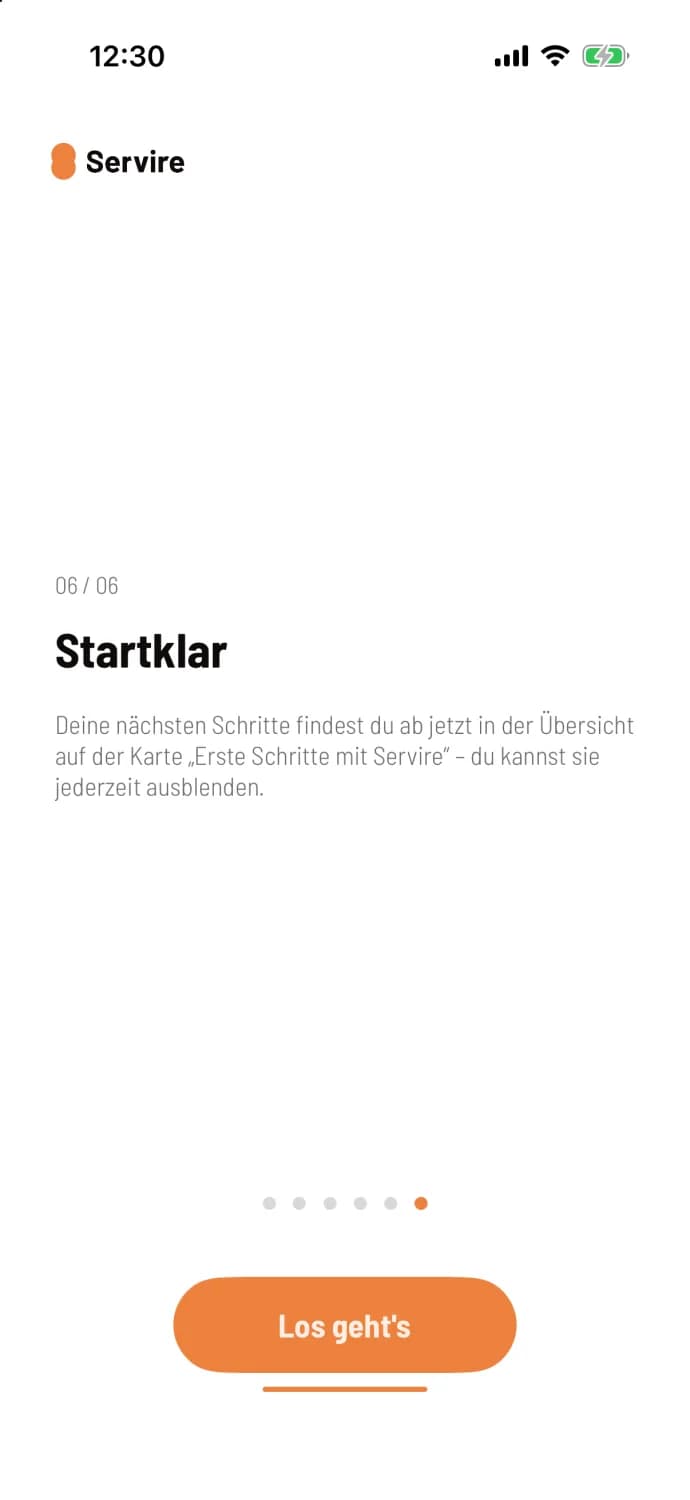
Step 6 of 6
Ready
Let's go concludes the tour. Your next steps are then shown on the map in the overview: First steps at the checkout.
The tour will only appear after registration on this device and only once per account; it will not appear again on a second device. Users who only log in will not see it. You can grant device permissions at any time under Settings → This Device: Set up device with the wizard.
The Web desk has its own welcome message: Welcome and setup wizard in the Web desk.