
Reset password
Forgot your password? Request a link via email and create a new password.
If you have forgotten your password, Servire will send you a link to your login email. The new password will then be valid for the POS app and Web desk.
In the cash register app
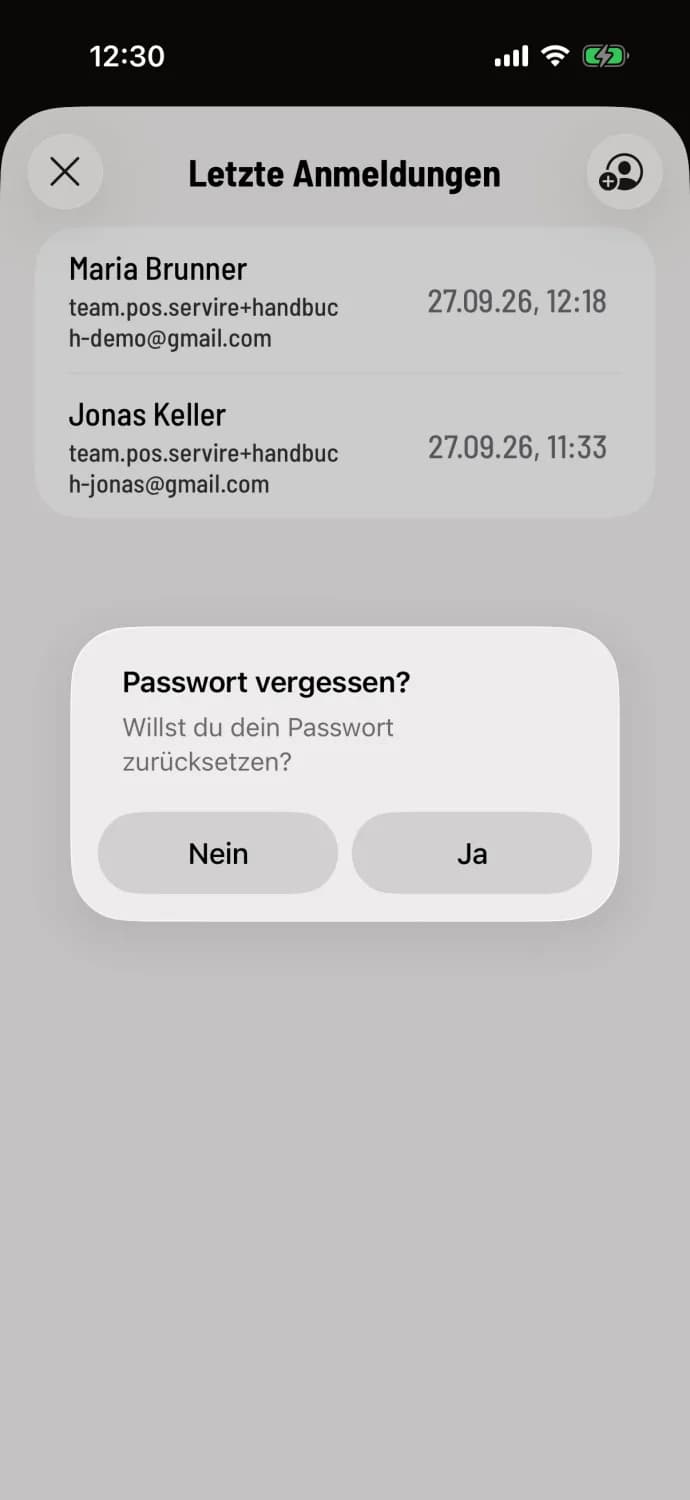
Forgot password? Tap
In the login window, tap Forgot your password?. The link is available in the window after selecting your account and in the Login form; enter your email address there first. Answer the Forgot your password? prompt with Yes. The system will then display: Your password has been reset. Please check your email inbox.
In the Web desk
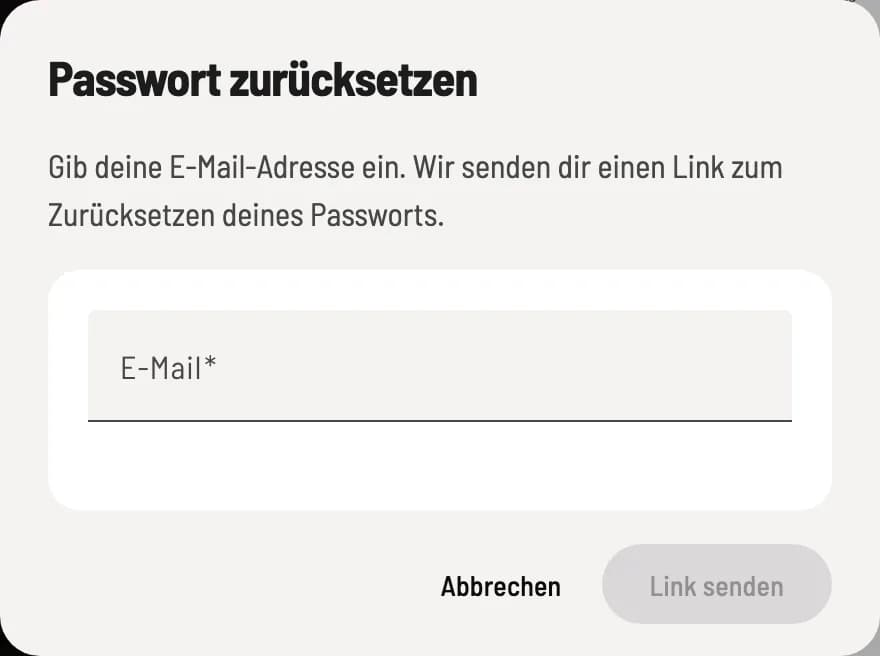
Request link
On the registration page, click on Forgot your password?, enter your email address and click on Send link.
Set a new password
Open the email on any device, tap the link, and create a new password with at least 6 characters. Then log in with the new password.
No email received? Check your spam folder and make sure you used the correct address.
If you still know your password and only want to change it, you can do so in the settings: Change login details.