
Delete account
Check the consequences before you permanently remove your Servire account in the POS app or Web desk .
You can delete your account in the POS app or on the Web desk . Deletion is permanent. If you want to continue using the account, simply log out instead.
Prerequisite: An active subscription prevents deletion; cancel it first and wait for it to end: Cancel subscription. Any outstanding commissions or payouts from the partner program must also be settled. You need internet access.
In the cash register app
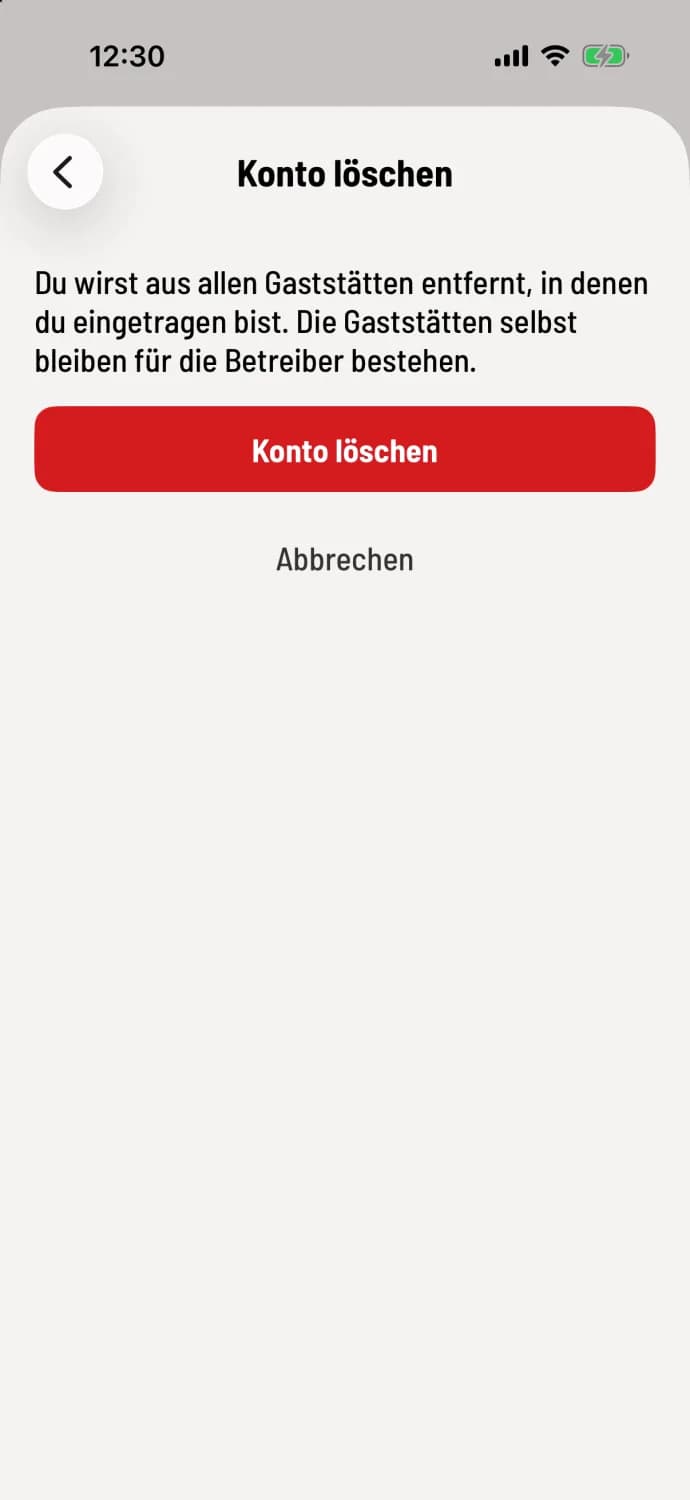
Open and confirm the account deletion process.
Tap the house icon in the top left corner, then Settings; at the very bottom, you'll find Delete Account. The screen explains what will happen to your data; if you are the owner, it will also list the Affected Restaurants. Tap the red Delete Account button and confirm with Permanently Delete. Cancel will revert to your previous settings without any changes.
If a subscription is still active, the screen will display a message and the button will remain locked. After cancellation, the app will log you out, and you will receive a confirmation email.
In the Web desk
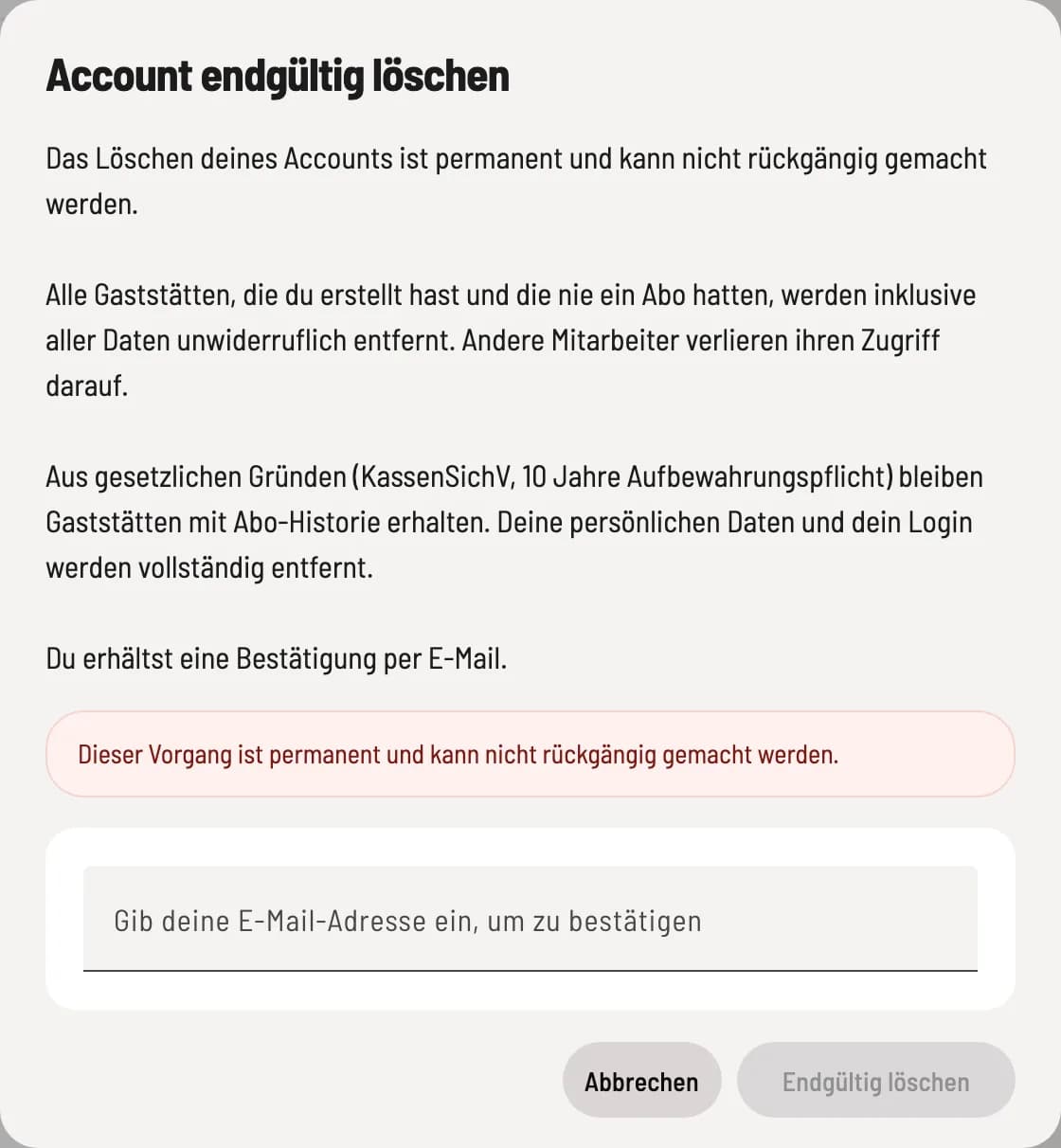
Confirm deletion
Open Settings → Account and click on Delete Account at the very bottom. Read the consequences in the Permanently Delete Account dialog, enter your login email address accurately, and click on Permanently Delete.
What is being removed?
As an employee – you will be removed from all restaurants where you are registered. The restaurants will remain open for their owners.
As an owner without a subscription history – Restaurants you have created that have never had a subscription, a TSE Security Equipment), or signed transactions will be deleted along with all their data. Other employees will lose access.
As an owner with a TSE Security Equipment) or subscription – such restaurants will remain open due to the ten-year retention requirement and will be shut down. Your login and personal data will be completely removed.
Deletion is therefore not a way to remove already recorded business transactions.