
Output cannot be saved
What is behind "The cash balance must not be negative" and how you save the booking.
When saving an entry, the message Note may appear stating "The cash balance must not be negative." The entry is higher than the cash balance shown in the cash register according to the cash book. The entry will not be created.
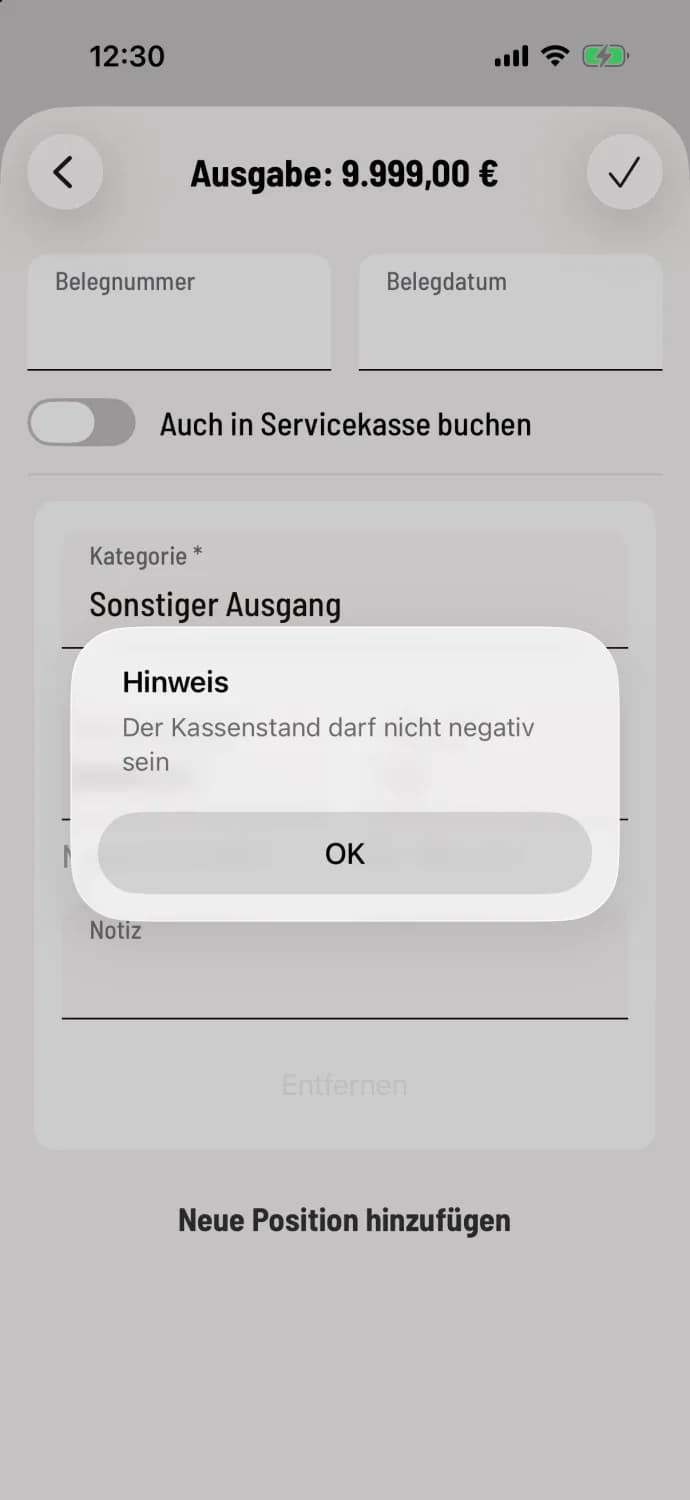
This is how you save the booking
If there is indeed more money in the till, first record the inflow as receipt, for example bank withdrawal (bank → till) or private deposit. Then record the expenditure again.
If the cash balance is actually sufficient
With service cash registers: The money that is initially in the service cash registers is no longer in the main cash register. If Also post to service cash register is disabled, only the remaining balance counts.
If the switch is activated, the cash register will also check your service cash register. If the balance is insufficient, Not enough money will appear: "The amount exceeds the current balance in the service cash register." If the money is coming from the main cash register, deactivate this option.
The cash balance check is only performed when there are expenditures and only when the cash book is activated. Saving requires internet access and a continuously running shift.